

Language:
English |
العربية |
Português (Brasil) |
简体中文 |
繁體中文 |
日本語 |
한국어 |
Türkçe |
Русский |
Tiếng Việt |
ไทย |
Deutsch |
Español |
Українська |
Polski |
বাংলা











Warning
Official sources only. Install ECC only from verified channels: the GitHub repository github.com/affaan-m/ECC, the npm packages ecc-universal and ecc-agentshield, the GitHub App, the plugin slug ecc@ecc, and the project website ecc.tools. Third-party re-uploads and unofficial mirrors are not maintained or reviewed by the project and may contain malware.
Install with Claude Code
Use the guided setup or native plugin commands. Both install the same ecc@ecc plugin. Choose one and do not stack a full manual Claude install on top.

ECC Pro + GitHub App
Install free · Private repos from $19/seat/mo

Sponsor ECC
Fund the open-source project

Community
Discord · Q&A · Show and Tell
OSS stays free. This repo is MIT-licensed forever. ECC Pro is the hosted GitHub App for private repos. Sponsors and Pro subscribers fund the work. That's why a single maintainer ships weekly across 7 harnesses.
Partners & sponsors





Past sponsors: Atlas Cloud · Mike Morgan (inactive)
Community sponsors: @jasonwu513 · @1anter · @massimotodaro · @meadmccabe
Become a Sponsor · Sponsor Tiers · Sponsorship Program
ECC
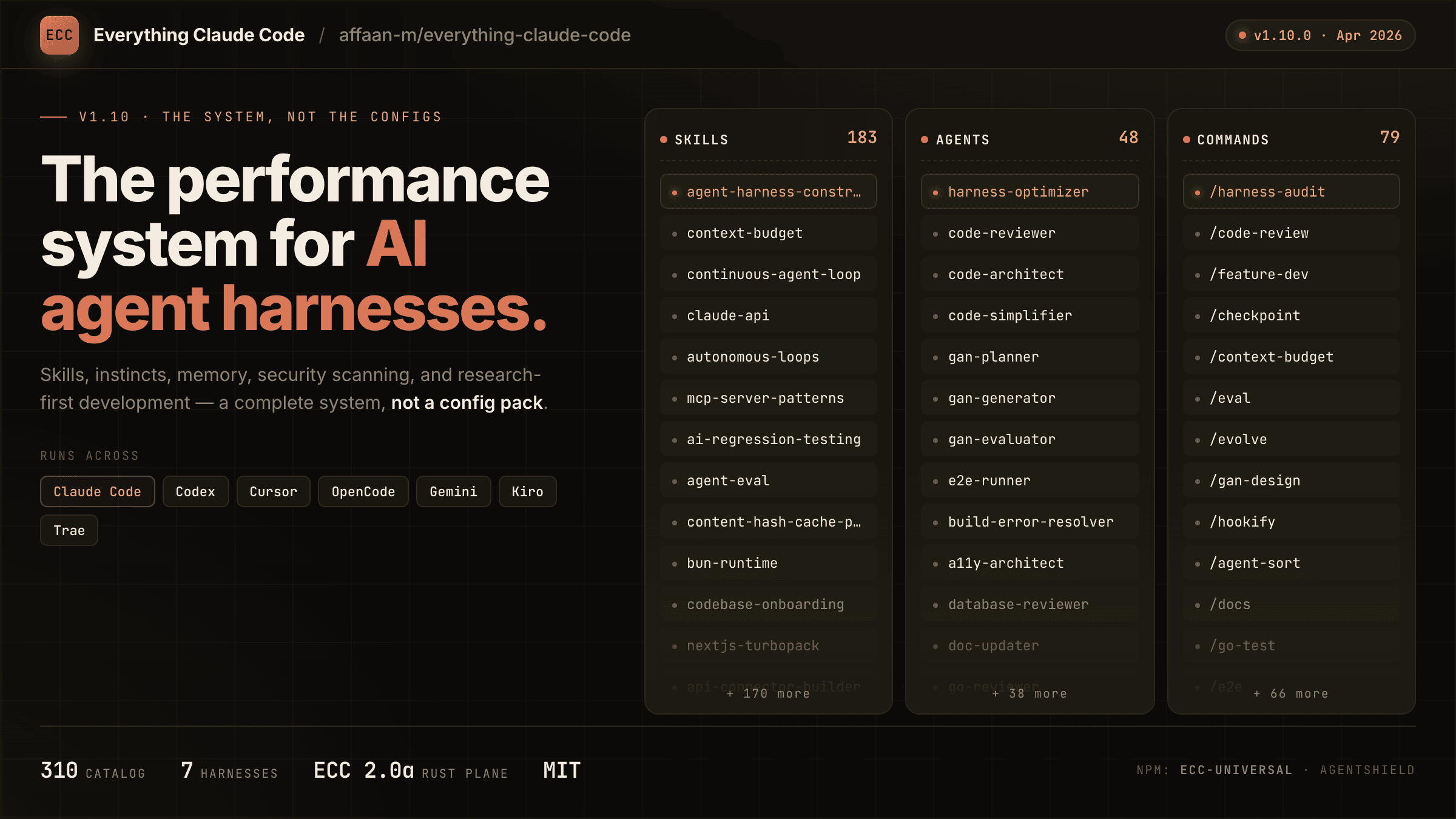
Your agent can write code, but ECC gives it a coordinated engineering system and toolbox: it plans before it builds, verifies changes with tests, reviews its own work from a fresh context, remembers what matters, and turns repeated wins into reusable skills and workflows.
plan -> test -> implement -> review -> verify -> remember -> improve
Instead of rebuilding that process in every prompt, you install it once and make it part of how your agent works.
Optimize the context window. Persist everything else.
ECC is MIT-licensed open source. It works best with Claude Code today, has native Codex and Qoder plugin paths, and provides capability-limited adapters for Cursor, OpenCode, Gemini, Zed, GitHub Copilot, Antigravity, Qwen, and other harnesses. See the support status matrix before assuming feature parity.
Access to 71 agents, 314 skills, and 98 legacy command shims, plus hooks, rules, memory, continuous learning, and AgentShield security scanning. The agents are specialized for planning, review, build repair, security, architecture, and domain work.
| Included | Count | What it gives you |
|---|
| Agents | 71 agents | Planning, review, build repair, security, architecture, and domain work |
| Skills | 314 skills | TDD, research, security, docs, frontend, data, ML, operations, and more |
| Commands | 98 commands | Convenient entry points while ECC moves to a skills-first surface |
| Hooks and memory | Runtime | Enforcement, session summaries, continuous learning, instincts, and context controls |
| Rules | Selective | Always-loaded standards you choose by language or project |
| AgentShield | Included | Scanning for prompts, hooks, MCP config, permissions, secrets, and agent files |

Install ECC
Important
ECC 2.2 includes guided package setup for Claude Code, Codex, and Kimi Code.
The universal package requires Node.js 18 or newer. Claude plugin setup also
requires Git and Claude Code 2.1 or newer on PATH.
Recommended: universal guided setup
For Claude Code plugin setup, updates, scope changes, and hook-profile changes:
npx ecc-universal@2.2.3 setup
Windows first-time walkthrough
If you are new to command-line tools, use this copy-and-paste path:
-
Install Node.js 18 or newer, Git, and Claude Code.
-
Open PowerShell from the Windows Start menu.
-
Confirm that each prerequisite is available:
node --version
git --version
claude --version
-
Run the guided installer:
npx ecc-universal@2.2.3 setup
-
For a typical personal setup, choose Global user, choose Standard hooks, and confirm.
-
Start a new Claude Code session and run /plugin list to verify that ecc@ecc is enabled.
This path does not require cloning the repository. If any prerequisite command is not found, install or repair that prerequisite before rerunning ECC setup.

 @affaan-m



