
chrome-devtools
MCPConnects to Chrome over the DevTools Protocol to inspect the DOM, network requests and console output.
 @nextlevelbuilderInstall MCP
Ships with typeui: TypeUI is an AI-first platform where you can use design skills, UI prompts, and other resources to enhance AI capabilities to generate better user interfaces and design when…
Claude Code
> /plugin marketplace add bergside/typeui> /plugin install typeui@bergside
Codex
$ codex mcp add typeui --url https://mcp.typeui.sh/mcp
Cursor
{
  "mcpServers": {
    "typeui": {
      "url": "https://mcp.typeui.sh/mcp"
    }
  }
}
Add it to mcp.json.
Gemini CLI
$ gemini mcp add --transport http typeui https://mcp.typeui.sh/mcp
GitHub Copilot
$ copilot mcp add --transport http typeui https://mcp.typeui.sh/mcp
OpenCode
{
  "mcp": {
    "typeui": {
      "type": "remote",
      "url": "https://mcp.typeui.sh/mcp"
    }
  }
}
Add it to opencode.json.
Windsurf
{
  "mcpServers": {
    "typeui": {
      "serverUrl": "https://mcp.typeui.sh/mcp"
    }
  }
}
Add it to mcp_config.json.
Security report
Not enough data
Known flaws
Not published
Signed build
Not published
Maintained
Oct 22, 2026
Last push
Licence
Not published
Runs as
Remote
mcp.typeui.sh
Deprecated
Not published
Signals from public registries, not an audit. Checked Nov 11, 2026.
TypeUI is an AI-first platform where you can use design skills, UI prompts, and other resources to enhance AI capabilities to generate better user interfaces and design when building websites and applications. The resources from this repository will work with any AI provider, given they support markdown files or general prompting.
Install TypeUI where you build. Connect your AI coding tool to TypeUI MCP, then ask for UI in plain language while TypeUI supplies design systems, prompts, and layout variation guidance.

Codex
Connect Codex to TypeUI MCP automatically with the TypeUI Codex plugin.
Install in Codex →

Claude
Give Claude access to curated design guidance while it writes or refactors UI.
Install in Claude →

Cursor
Use the TypeUI Cursor plugin while Cursor builds screens, sections, and variations.
Install in Cursor →

Grok
Add the hosted TypeUI MCP server to Grok.
Open Grok guide →

Z.ai
Add the hosted TypeUI MCP server to Z.ai ZCode.
Open Z.ai guide →

Hermes
Install the TypeUI MCP plugin for Hermes Agent.
Open Hermes guide →

OpenClaw
Add the hosted TypeUI MCP server to OpenClaw.
Open OpenClaw guide →

Eve
Add TypeUI design skills to Eve agents.
Open Eve guide →

Mistral
Add the hosted TypeUI MCP server to Mistral.
Open Mistral guide →

OpenCode
Give OpenCode access to TypeUI design systems and prompts.
Install in OpenCode →

VS Code
Connect GitHub Copilot in VS Code to TypeUI MCP.
Install in VS Code →

Antigravity
Connect Antigravity to TypeUI MCP for UI generation workflows.
Open Antigravity guide →

Windsurf
Connect Windsurf Cascade to TypeUI MCP.
Install in Windsurf →

JetBrains
Connect JetBrains AI Assistant or Junie to TypeUI MCP.
Install in JetBrains →

Zed
Add the hosted TypeUI MCP server to Zed.
Open Zed guide →

GitHub Copilot
Add the hosted TypeUI MCP server to GitHub Copilot.
Open GitHub Copilot guide →

Cline
Add the hosted TypeUI MCP server to Cline.
Install in Cline →

Qwen
Add the hosted TypeUI MCP server to Qwen Code.
Open Qwen guide →

Amp
Add the hosted TypeUI MCP server to Amp.
Open Amp guide →

Goose
Add the hosted TypeUI MCP server to Goose.
Open Goose guide →

Lovable
Add the hosted TypeUI MCP server to Lovable.
Open Lovable guide →

Replit
Add the hosted TypeUI MCP server to Replit.
Open Replit guide →

v0
Add the hosted TypeUI MCP server to v0.
Open v0 guide →
Check out all design skills. Available in both DESIGN.md and SKILL.md formats.
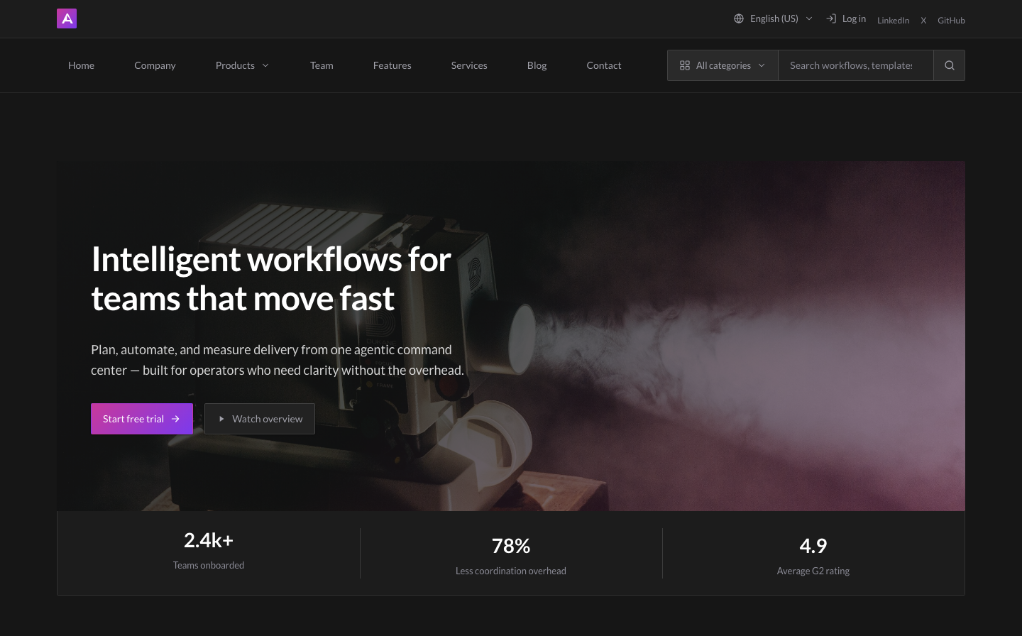
Agentic
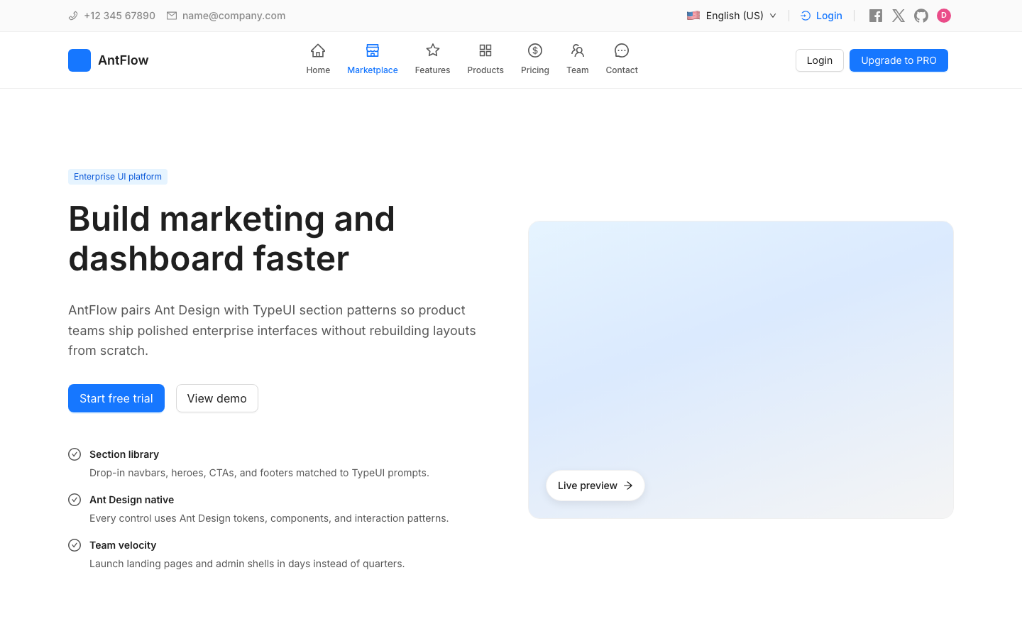
Ant
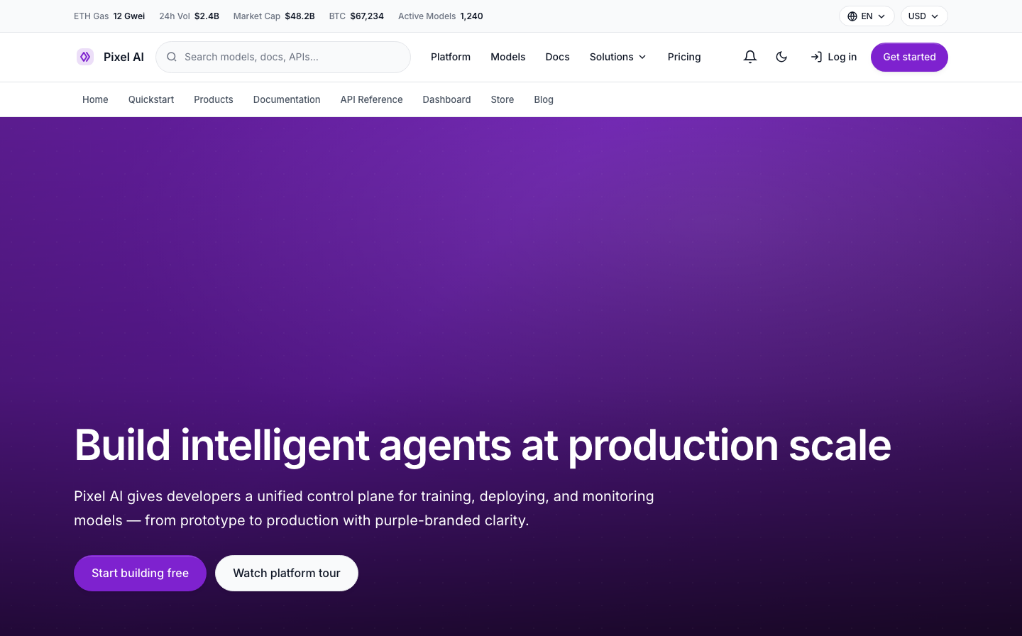
Application

Stars on GitHub
Connects to Chrome over the DevTools Protocol to inspect the DOM, network requests and console output.
@nextlevelbuilderInstall MCPShips with open-design: The 1st Collaborative AI Design Agent Workspace. Local-first and open source. Create motion, prototypes,…
 @nexu-ioInstall MCP
Ships with next-ai-draw-io: Draw and edit draw.io diagrams by chatting with an AI. Describe a diagram in a sentence and the AI…
 @dayuanjiangInstall MCP
Ships with editor: An open-source, local-first 3D building editor built with React Three Fiber and WebGPU. Run it in the browser…
 @pascalorgInstall MCP