
awesome-design-skills
A registry of design system skill files for AI coding tools such as Claude Code, covering styles from editorial print to data-dense enterprise interfaces. Each skill can be added to a project on its own.
67 skills3.4k
 @bergside
Gives your AI assistant design skills, UI prompts and brand kits so the interfaces it builds for websites and apps look more deliberate. It also brings in universal guidance on visual hierarchy, typography and accessibility for design decisions.
Claude Code
> /plugin marketplace add bergside/typeui> /plugin install typeui@bergside
Codex
$ npx skills add bergside/typeui -a codex
Cursor
$ npx skills add bergside/typeui -a cursor
Gemini CLI
$ npx skills add bergside/typeui -a gemini-cli
GitHub Copilot
$ copilot plugin marketplace add bergside/typeui$ copilot plugin install typeui@bergside
OpenCode
$ npx skills add bergside/typeui -a opencode
Windsurf
$ npx skills add bergside/typeui -a windsurf
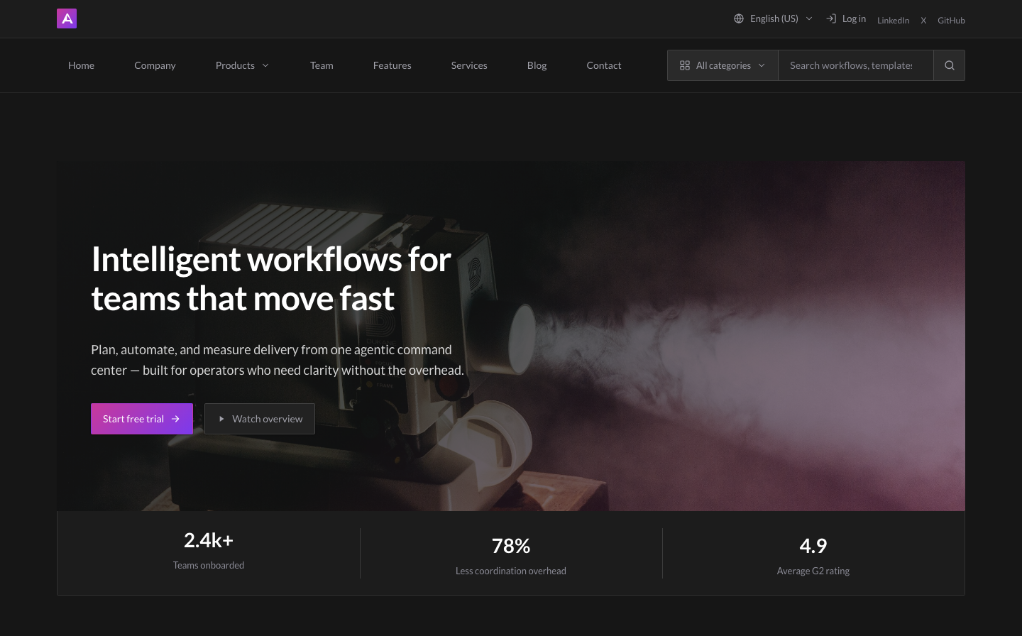
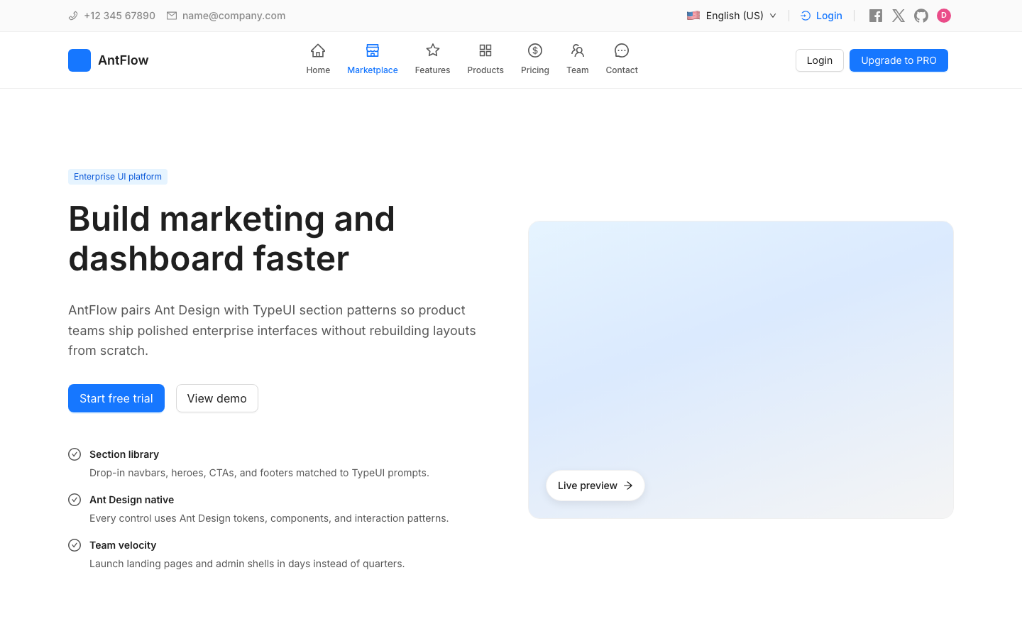
TypeUI is an AI-first platform where you can use design skills, UI prompts, and other resources to enhance AI capabilities to generate better user interfaces and design when building websites and applications. The resources from this repository will work with any AI provider, given they support markdown files or general prompting.
Install TypeUI where you build. Connect your AI coding tool to TypeUI MCP, then ask for UI in plain language while TypeUI supplies design systems, prompts, and layout variation guidance.

Codex
Connect Codex to TypeUI MCP automatically with the TypeUI Codex plugin.
Install in Codex →

Claude
Give Claude access to curated design guidance while it writes or refactors UI.
Install in Claude →

Cursor
Use the TypeUI Cursor plugin while Cursor builds screens, sections, and variations.
Install in Cursor →

Grok
Add the hosted TypeUI MCP server to Grok.
Open Grok guide →

Z.ai
Add the hosted TypeUI MCP server to Z.ai ZCode.
Open Z.ai guide →

Hermes
Install the TypeUI MCP plugin for Hermes Agent.
Open Hermes guide →

OpenClaw
Add the hosted TypeUI MCP server to OpenClaw.
Open OpenClaw guide →

Eve
Add TypeUI design skills to Eve agents.
Open Eve guide →

Mistral
Add the hosted TypeUI MCP server to Mistral.
Open Mistral guide →

OpenCode
Give OpenCode access to TypeUI design systems and prompts.
Install in OpenCode →

VS Code
Connect GitHub Copilot in VS Code to TypeUI MCP.
Install in VS Code →

Antigravity
Connect Antigravity to TypeUI MCP for UI generation workflows.
Open Antigravity guide →

Windsurf
Connect Windsurf Cascade to TypeUI MCP.
Install in Windsurf →

JetBrains
Connect JetBrains AI Assistant or Junie to TypeUI MCP.
Install in JetBrains →

Zed
Add the hosted TypeUI MCP server to Zed.
Open Zed guide →

GitHub Copilot
Add the hosted TypeUI MCP server to GitHub Copilot.
Open GitHub Copilot guide →

Cline
Add the hosted TypeUI MCP server to Cline.
Install in Cline →

Qwen
Add the hosted TypeUI MCP server to Qwen Code.
Open Qwen guide →

Amp
Add the hosted TypeUI MCP server to Amp.
Open Amp guide →

Goose
Add the hosted TypeUI MCP server to Goose.
Open Goose guide →

Lovable
Add the hosted TypeUI MCP server to Lovable.
Open Lovable guide →

Replit
Add the hosted TypeUI MCP server to Replit.
Open Replit guide →

v0
Add the hosted TypeUI MCP server to v0.
Open v0 guide →
Check out all design skills. Available in both DESIGN.md and SKILL.md formats.
Agentic
Ant
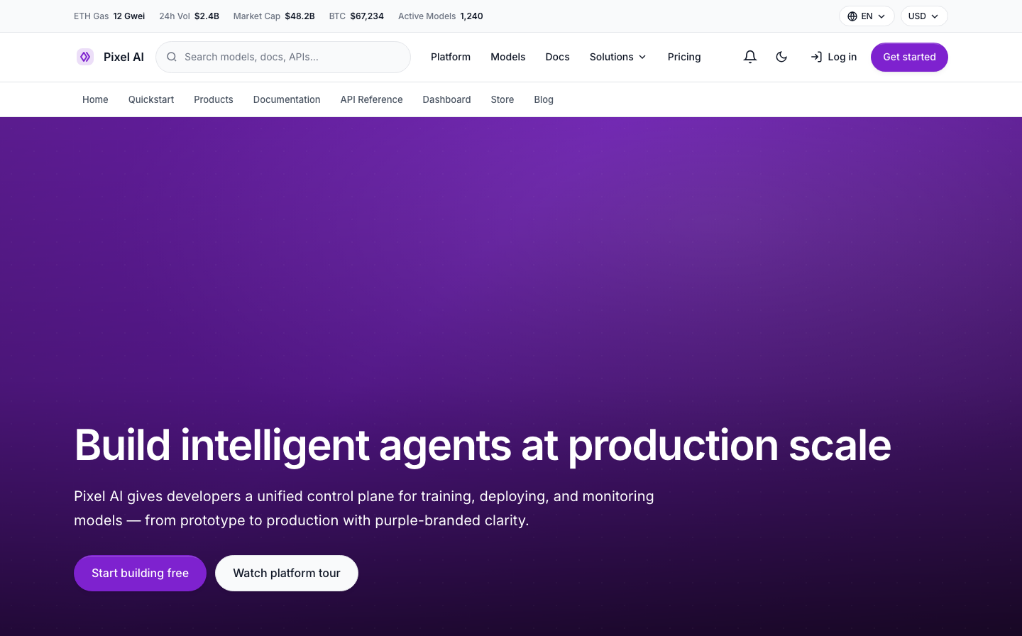
Application
Stars on GitHub
View @bergside’s profileA registry of design system skill files for AI coding tools such as Claude Code, covering styles from editorial print to data-dense enterprise interfaces. Each skill can be added to a project on its own.
@bergsideGives your AI coding assistant ready-made design guidance, covering typography, color, spacing, components and accessibility rules, so the interfaces it builds follow a consistent visual style. Each style comes with a short instruction file and a companion design note.
@bergsideA design toolkit for Claude Code covering UI styling, design tokens and component specs, brand identity and voice, banners, logos, and HTML slide presentations with charts.
 @nextlevelbuilder
Design guidance for AI coding agents that helps shape, critique, polish, and improve frontend interfaces such as websites, landing pages, and dashboards. It includes live browser iteration and rules that catch common issues in AI-generated frontend design.
 @pbakaus
Turns a brief into a design prototype, website, app, deck, or video that follows your design system, then lets your team share it and refine it with an AI agent in the same project.
 @nexu-io
Creates branded editorial diagrams such as architecture charts, flowcharts, sequence diagrams, ER models, timelines and swimlanes as self-contained HTML and SVG files. Suited to writers and designers who want polished visuals for Claude Code.
 @cathrynlavery
Install it with the command on its page. It includes typeui, fundamentals. Its skills do not fire on their own yet. Free and open source.
Is this plugin yours?
Claim it with GitHubSubmit a pluginPromote it