
Development
Plugin
ase
Agentic Software Engineering (ASE)

Install on Claude Code
> /plugin marketplace add rse/ase> /plugin install ase@ase
Stats
54
Stars
6
Forks
Active
Maintenance
TypeScript
Language
Apache-2.0
License
11h ago
Last commit
5mo ago
Created
Repo: rse/ase
In this plugin
- skills
- hello
- ase-arch-analyze
- ase-arch-discover
- ase-code-analyze
- ase-code-craft
- ase-code-dissect
- ase-code-edit
- ase-code-explain
- ase-code-insight
- ase-code-lint
- ase-code-refactor
- ase-code-resolve
- ase-docs-distill
- ase-docs-proofread
- ase-docs-refine
- ase-docs-shorten
- ase-help-intent
- ase-help-skill
- ase-meta-brainstorm
- ase-meta-changelog
- ase-meta-chat
- ase-meta-commit
- ase-meta-compat
- ase-meta-config
- ase-meta-diaboli
- ase-meta-diff
- ase-meta-eli5
- ase-meta-evaluate
- ase-meta-mint
- ase-meta-proximity
- ase-meta-quorum
- ase-meta-quotes
- ase-meta-review
- ase-meta-search
- ase-meta-steelman
- ase-meta-why
- ase-meta-workflow
- ase-spec-activate
- ase-spec-edit
- ase-sync-export
- ase-sync-import
- ase-sync-reconcile
- ase-task-condense
- ase-task-delete
- ase-task-dissect
- ase-task-edit
- ase-task-grill
- ase-task-id
- ase-task-implement
- ase-task-list
- ase-task-preflight
- ase-task-reboot
- ase-task-rename
- ase-task-status
- ase-task-view
- agents
What's inside
Skill(55 skills)
/helloShow a nice greeting message with a timestamp. Use this when the user wants to greet or say hello, optionally to a certain subject <subject> and in a certain language <language>./ase-arch-analyzeReview software architecture, including package cohesion and inter-package coupling/ase-arch-discoverDiscover additional, third-party components (libraries/frameworks) for the technology stack to provide needed functionality.
- /ase-code-analyze
- /ase-code-craft
- /ase-code-dissect
- /ase-code-edit
- /ase-code-explain
- /ase-code-insight
- /ase-code-lint
- /ase-code-refactor
- /ase-code-resolve
- /ase-docs-distill
- /ase-docs-proofread
- /ase-docs-refine
- /ase-docs-shorten
- /ase-help-intent
- /ase-help-skill
- /ase-meta-brainstorm
- /ase-meta-changelog
- /ase-meta-chat
- /ase-meta-commit
- /ase-meta-compat
- /ase-meta-config
- /ase-meta-diaboli
- /ase-meta-diff
- /ase-meta-eli5
- /ase-meta-evaluate
- /ase-meta-mint
- /ase-meta-proximity
- /ase-meta-quorum
- /ase-meta-quotes
- /ase-meta-review
- /ase-meta-search
- /ase-meta-steelman
- /ase-meta-why
- /ase-meta-workflow
- /ase-spec-activate
- /ase-spec-edit
- /ase-sync-export
- /ase-sync-import
- /ase-sync-reconcile
- /ase-task-condense
- /ase-task-delete
- /ase-task-dissect
- /ase-task-edit
- /ase-task-grill
- /ase-task-id
- /ase-task-implement
- /ase-task-list
- /ase-task-preflight
- /ase-task-reboot
- /ase-task-rename
- /ase-task-status
- /ase-task-view
Badges





README

About
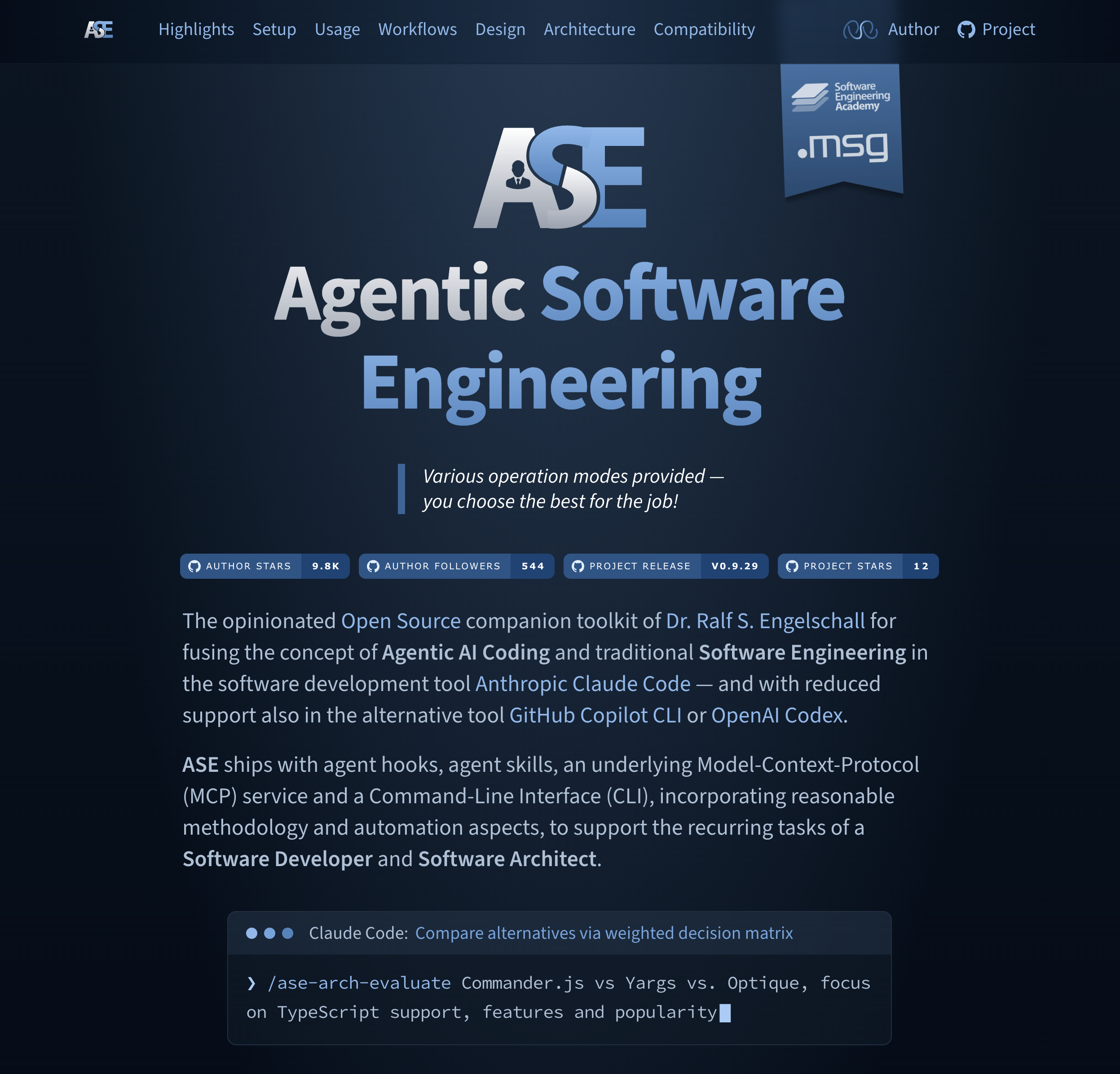
Agentic Software Engineering (ASE) is the opinionated Open Source companion toolkit of Dr. Ralf S. Engelschall for fusing the concept of Agentic AI Coding and traditional Software Engineering in the software development tool Anthropic Claude Code — and with reduced support also in the alternative tool GitHub Copilot CLI or OpenAI Codex CLI.
ASE ships with 49 agent skills, agent hooks, agent sub-agents, an underlying Model-Context-Protocol (MCP) service and a Command-Line Interface (CLI), incorporating reasonable methodology and automation aspects, to support the recurring tasks of a Software Developer and Software Architect.
ASE is primarily motivated by the following statement of its primary author, Dr. Ralf S. Engelschall:
"Software developers in the industrial Software Engineering context, in their recurring tasks, should leverage pre-manufactured agentic AI skills to boost their daily productivity. Those skills incorporate reasonable methodology and automation aspects while keeping the developers in the driver's seat to ensure stable result quality."
Notices
[!NOTE] TERMINOLOGY: The discipline of Agentic Software Engineering in general is Software Engineering, supported by autonomous AI Agents to perform tasks across the software development lifecycle. This ASE product in particular is also agentic, but not strictly based on autonomous agents. Instead, ASE focuses on supporting the role of a Software Engineer with Agentic AI Coding Tools towards multi-step operations and a plan/task-driven approach, but still strongly focuses on Human-in-the-Loop.
[!NOTE] TOOL SUPPORT FOCUS: The primary focus of ASE is on the Agentic AI Coding tool Claude Code. The secondary focus is on the support for GitHub Copilot CLI (just set environment variable
ASE_TOOL=copilot) and OpenAI Codex CLI (just set environment variableASE_TOOL=codex). In the future, additional support could be provided also for alternative tools — if their agent harness features (especially hooks, interactive user dialog tool, etc.) realistically allow it.
Highlights
Check out the following scenarios and corresponding ASE examples to see whether ASE is right for you:
-
Boosted Sessions: You want to speed up your interactive sessions and at the same time reduce costs by reducing the number of produced LLM output tokens? →
/ase-meta-configset agent.persona engineeror even/ase-meta-configset agent.persona caveman -
Alternative Approach Funnel: You prefer a plan-driven approach, but the agent harness's Plan Mode is too unstructured and too direct because you want to leverage a funnel of alternative approaches first? →
/ase-code-crafthello: "ase hello" CLI command which prints a nice "Hello World" in red -
Named and Persisted Plans: You prefer a plan-driven approach, but the agent harness's Plan Mode is regularly too weak, because you want named, persisted, cross-session reachable, and strictly structured plans? →
/ase-task-edithello -
Plan Stress-Testing: You have a task plan, but want to be relentlessly grilled about every essential aspect of it until you and the agent reach a shared understanding and no open decisions remain? →
/ase-task-grillhello -
Implementation Preflights: You prefer a plan-driven approach, but want to pre-flight the implementation without later having to rewind artifacts via the version control system or the agent harness's session history? →
/ase-task-preflighthello -
Project Insights: You want to get a quick insight into a project by determining the author, the source files with the most churn, and the module structure? →
/ase-code-insight@tool -
Code Comprehension: You want to better comprehend code by finding focused information on What, Why, Analogy, Diagram, Cruxes, and Gotchas? →
/ase-code-explain@tool/src/*.ts -
Lexical Code Analysis: You want to analyze code for potential problems related to a standard set of code quality aspects? →
/ase-code-lint@tool/src/*.ts -
Document Shortening: You want a document cut down to a hard length budget -- sentences tightened first, low-value content dropped next, the rest compressed last -- with every cut reviewed as a whole block before it is applied? →
/ase-docs-shorten--chars 4000 @README.md -
Document Refinement: You want the wording of a document refined -- long sentences shortened, nominal constructions turned into verbs, enumerations made parallel, filler words struck -- while content, numbers, and technical terms stay exactly as they are? →
/ase-docs-refine@README.md -
Document Proofreading: You want your text documents checked and corrected for spelling, punctuation, and grammar errors? →
/ase-docs-proofread@README.md -
Research Quorum: You want to research a fact by asking multiple (potentially available) foreign LLMs and methodologically derive a quorum answer? →
/ase-meta-quorumWhat is Agentic Software Engineering? -
Logical Code Analysis: You want to analyze code for potential problems in its logic, semantics, and control flow? →
/ase-code-analyze@tool/src/*.ts -
Automated Change Logs: You want to get your
CHANGELOG.mdentries automatically derived from your recent Git commits? →/ase-meta-changelog -
Plan Implementation: You have a named, persisted task plan and now want it implemented as a single, complete change set across your project artifacts? →
/ase-task-implementhello -
Epic Plan Dissection: You have one large task plan, but want it split domain-wise and logically into cohesive parts, each materialized as its own sub-task plan you can implement separately? →
/ase-task-dissecthello -
Specification Activation: You want the SpecBook know-how -- format contract, schema, and artifact set -- activated in your session, so you can query and ad-hoc edit your specification in plain conversation? →
/ase-spec-activatewhich personas does the specification define? -
Specification Editing: You want your SpecBook-based specification changed straight from a plain description, in one shot and kept conformant to its format contract? →
/ase-spec-edit-g -v add a Reviewer persona -
Artifact Reconciliation: You want one set of artifacts (e.g. CODE, DOCS) automatically aligned to reflect the current state of another set (e.g. SPEC), one-way or bidirectionally? →
/ase-sync-reconcile-s SPEC -t DOCS -
Foreign Source Import: You want external files, URLs, or pasted text ingested and turned into structured SPEC, CODE, DOCS, or TASK artifacts? →
/ase-sync-import-t SPEC @requirements.txt -
Specification Export: You want your SpecBook-based specification rendered into ready-to-consume files, like a self-contained HTML document or a paginated PDF document? →
/ase-sync-export-o docs/spec.html,docs/spec.pdf -
Task Plan Life-Cycle: You want your named, persisted task plans switched, listed, viewed, status-changed, renamed, condensed, rebooted, or deleted right from within the session? →
/ase-task-id,/ase-task-list,/ase-task-view,/ase-task-status,/ase-task-rename,/ase-task-condense,/ase-task-reboot,/ase-task-delete -
Direct Skill Usage Help: You want usage help for skills directly within your agent tool sessions? →
/ase-xxx-xxx--helpor/ase-help-skillroot cause -
Intent-Based Skill Matching: You know what you want, but not which skill and which options realize it, and want the fitting
/ase-xxx-xxxcommands generated for you? →/ase-help-intentsplit my huge change set into separate commits
-
Diff Summary: You want a raw Git diff turned into a concise, human-readable narrative of what changed and why, grouped by intent, and with optional intent-coherence check, risk grading and blast radius? →
/ase-meta-diff-c -r -b -
Change Review: You want the staged Git changes reviewed the way a human reviewer would on a pull request, with an approve/reject verdict and prioritized, severity-tagged, line-cited findings? →
/ase-meta-review -
Change Set Dissection: You have one large, mixed change set, but want it split into cohesive parts, each landing in its own Git WorkTree so it can be reviewed and committed atomically? →
/ase-code-dissect-m 4 -
Guided Bug Fixing: You want a problem or bug resolved through a structured, plan-driven funnel of candidate root causes and fix approaches instead of a direct, unstructured patch? →
/ase-code-resolvethe CLI crashes on an empty config file -
Guided Refactoring:
File tree
FAQ
ase is a Claude Code plugin with 55 hand-picked skills for development work, indexed on Flowy. Install it with the command on its page. It includes hello, ase-arch-analyze, ase-arch-discover. Its skills do not fire on their own yet. Request auto-invocation to have Flowy route them as you prompt. Free and open source.
- What is ase?
- Agentic Software Engineering (ASE)
- How do I install ase?
- Run these in Claude Code: /plugin marketplace add rse/ase then /plugin install ase@ase. Then prompt normally.
- Does ase auto-invoke its skills?
- Not yet. It is indexed on Flowy as a plain plugin. Request auto-invocation on its page and Flowy will route its skills for you as you prompt.
- Is ase free?
- Yes. Flowy is free and open source, with nothing gated. You can read every skill in full before you install.
Is this plugin yours?
Claim it with GitHubSubmit a pluginPromote it