

Auto-invoked
Development
MCP
solana-dev
Ships with ai-kit: Claude Code, set up to ship on Solana. Not programs alone — the whole lifecycle: validating the idea, building the program and the app around it, shipping it, and the launch and…
Claude Code
> /plugin marketplace add solanabr/ai-kit> /plugin install solana-ai-kit@stbr
Codex
$ codex mcp add solana-dev --url https://mcp.solana.com/mcp
Cursor
{
  "mcpServers": {
    "solana-dev": {
      "url": "https://mcp.solana.com/mcp"
    }
  }
}
Add it to mcp.json.
Gemini CLI
$ gemini mcp add --transport http solana-dev https://mcp.solana.com/mcp
GitHub Copilot
$ copilot mcp add --transport http solana-dev https://mcp.solana.com/mcp
OpenCode
{
  "mcp": {
    "solana-dev": {
      "type": "remote",
      "url": "https://mcp.solana.com/mcp"
    }
  }
}
Add it to opencode.json.
Windsurf
{
  "mcpServers": {
    "solana-dev": {
      "serverUrl": "https://mcp.solana.com/mcp"
    }
  }
}
Add it to mcp_config.json.
Security report
Found
Low risk
Known flaws
Not published
Signed build
Not published
Maintained
Oct 27, 2026
Last push
Licence
MIT
Runs as
Remote
mcp.solana.com
Deprecated
Not published
Signals from public registries, not an audit. Checked Nov 12, 2026.
ai-kit README
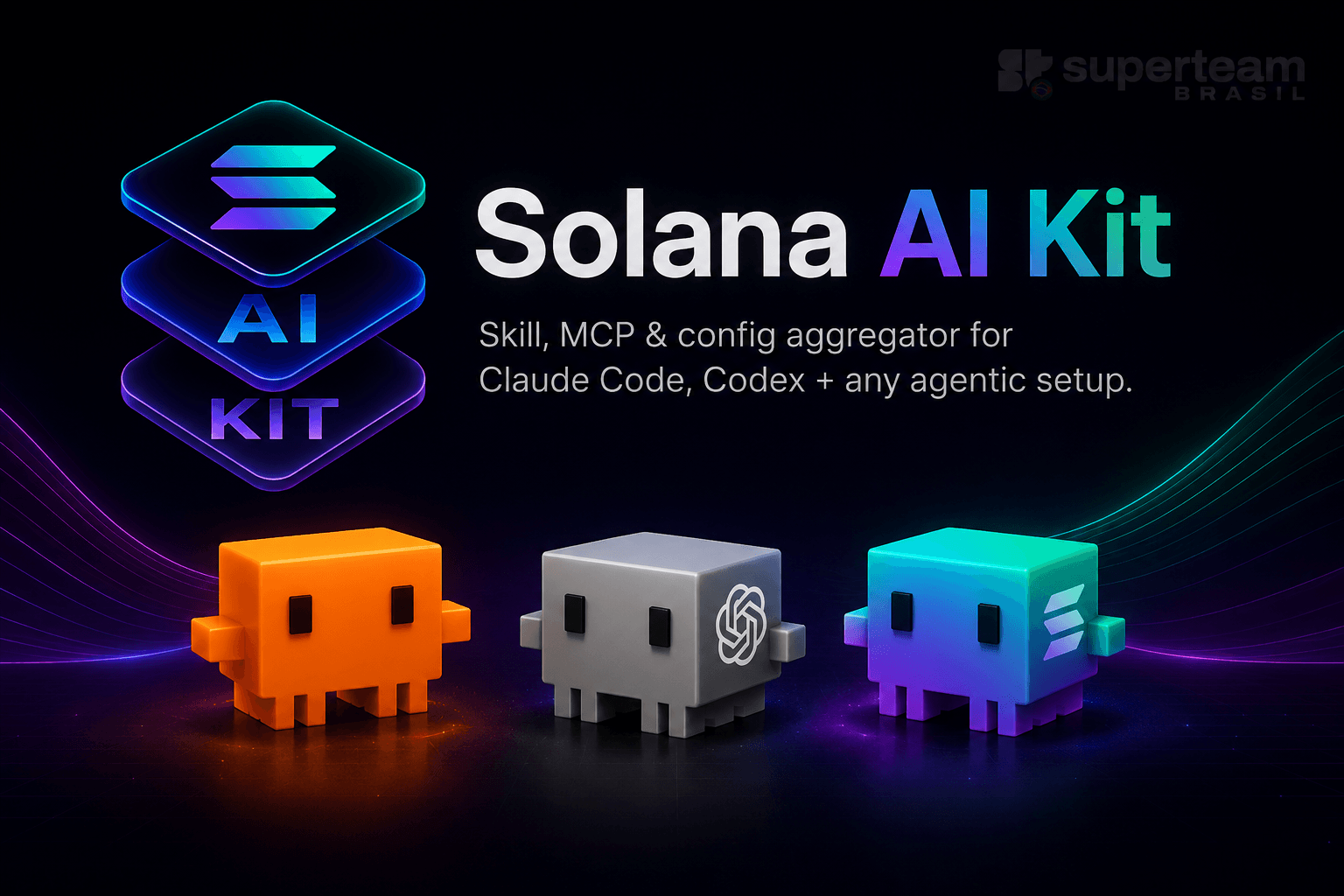
Solana AI Kit


Claude Code, set up to ship on Solana. Not programs alone — the whole lifecycle: validating the idea, building the program and the app around it, shipping it, and the launch and growth work that follows. One command installs 15 specialized agents, 54 workflow commands, skill packs pinned — and scanned — at a commit from the ecosystem's own repositories, 4 MCP servers for on-chain data, live docs and context compression, and a firewall that gates mainnet deploys, secret reads and destructive commands. Almost none of it loads until a task needs it.
curl -fsSL https://aikit.superteam.codes | bash
Run it from your project's root — it installs into the current directory. Everything this README links out to lives in docs/, which stays in this repository and is never copied into yours.
Browse every agent, command and skill pack at ai.superteam.codes. Each page is also plain Markdown at the same path plus .md, for agents, indexed at /llms.txt.
What This Is
A complete .claude/ configuration that turns Claude into a Solana building partner across that whole lifecycle, not program code alone:
- 15 specialized agents for different tasks (architecture, Anchor, Pinocchio, DeFi, tokens, frontend, mobile, backend, DevOps, QA, docs, games, Unity, learning, research) — full table
- 54 workflow commands for building, testing, deploying, profiling, migrating, committing, and writing the PR, plus an agent workflow with a command per step from intake to merge:
/crewchains the steps and stops at your gates,/parallelfans any task out to agents in file-owned lanes, and/adversarialputs a task's key claims to an adversary — full table, how it chains - 4 MCP servers on by default for on-chain data (Helius), Solana docs (solana-dev), library docs (Context7) and context optimization (context-mode), plus opt-in browser automation (Playwright) and local-validator / mainnet-fork control (Surfpool)
- Four firewall tiers (Off / Relaxed / Medium / High, default Relaxed) gating file access, destructive commands, egress and
context-mode's code executor — pick one with/firewall, see Firewall tiers - The safe-ai-skill security firewall (core, installed with the kit): hooks that gate mainnet, value-moving and authority actions, in Bash and in MCP tools, hold transfers to spend caps, block secret reads, and pin installed skills and MCPs at session start — details
- Four standard plugins, two steps at the end of the install: memsearch for memory that outlives a session, and
rust-analyzer-lsp,typescript-lsp,csharp-lspso the agent reads your code through a compiler - Pinned skill packs from Solana Foundation, Colosseum, Jupiter, Metaplex, MagicBlock, Helius, Alchemy, SendAI, Solana Mobile and more — four installed by default (three into
ext/, plus Anthropic's ownfrontend-designandwebapp-testingtop-level), the rest on demand (skill-packs.md). One extension reports usage:solana-new's SKILL.md files open with a telemetry block that appends each skill run to~/.superstack/telemetry.jsonland, once its own setup script has written a Convex endpoint into~/.superstack/config.json, POSTs the skill name, version, OS and timestamp there. The kit reads that pack's references and does not run those blocks;{"telemetryTier":"off"}in that config file turns both off - Agent teams (opt-in, experimental) for multi-step workflows (architect → engineer → QA)
- Progressive skill loading that only loads context when needed (saves tokens)
- A small always-on CLAUDE.md carrying only the house rules and workflow a strong model would not infer; everything else is on demand
Installer (recommended)
The installer copies the kit into a project: .claude/ (agents, commands, skills, a settings.json with the permissions, sandbox and hooks, and a security.json naming the firewall tier those rules came from), CLAUDE.md, .mcp.json and .env, then installs the kit's security plugin, safe-ai-skill, with the claude CLI. It downloads the kit's latest release tag from GitHub into a temporary directory, which it deletes when done. It installs into the current directory, so go to your project's root first (replace your-project with its path):
cd your-project
curl -fsSL https://aikit.superteam.codes | bash
aikit.superteam.codes and aikit.superteam.codes/install.sh both redirect to install.sh on main.
Verify before you run it. Same installer, with a review step: download it, read it, then run the copy you read. To check it against a release's published SHA-256 instead, see verify a release installer.
curl -fsSL https://aikit.superteam.codes/install.sh -o /tmp/solana-ai-kit-install.sh
less /tmp/solana-ai-kit-install.sh
bash /tmp/solana-ai-kit-install.sh
When the installer finishes, start Claude Code in the project:
claude
Two things finish the install from inside Claude Code, and both are part of a standard setup rather than extras: memsearch, so the project's decisions survive the end of a session, and the language server plugins, so the agent reads your code through a compiler instead of grep.
/plugin marketplace add zilliztech/memsearch
/plugin install memsearch
/plugin install rust-analyzer-lsp@claude-plugins-official
/plugin install typescript-lsp@claude-plugins-official
/plugin install csharp-lsp@claude-plugins-official
Take the LSP lines for the languages you actually write — Rust for programs, TypeScript for the client, C# for the Unity/PSG1 track — and install each language server first, since Claude Code offers the plugin once the binary is on your PATH. memsearch needs a restart.
Then /setup-mcp for the Helius API key. Everything past that point is genuinely optional: the opt-in MCP servers and the optional plugins.
Other ways to install
Codex, opencode and anything else that reads AGENTS.md and .agents/skills/ instead of Claude Code's files:
curl -fsSL https://aikit.superteam.codes | bash -s -- --agents
| Route | Use it when |
|---|---|
| From a clone | You want to pin a release, or read every file before it reaches your project |
--agents | Your tool reads AGENTS.md and .agents/skills/ — see what each harness enforces |
| No install | You want the skills in any agent without adding files to your project |
| Claude Code plugin | Not recommended — read that page before you use it |
| GitHub template | You are starting a new repository from the kit rather than adding it to one |
Already installed? /update inside Claude Code pulls the latest release (details, and the shell form). Working in a fork or clone of this repo? Its top-level CLAUDE.md is for maintaining the kit itself; /cleanup swaps in CLAUDE-solana.md.
Config is gitignored by default
To keep your project clean, the installer adds .claude/, .mcp.json, .gitmodules and .safe-ai-skill/ to .gitignore — the kit reads as ignorable infrastructure, not your app code (the ext/ skill packs are ignored too; bash .claude/bin/update.sh re-fetches the core packs and the project's extensions). An --agents install ignores .agents/, .mcp.json and .gitmodules the same way. Neither ignores the instruction file, CLAUDE.md or AGENTS.md, because Grok Build skips an instruction file that .gitignore lists, and /update takes it out of the block an older install wrote. CLAUDE.local.md, for private notes, stays ignored.
Want the config tracked in git (team setup, reproducible config)? Run /commit-claude-config — it un-ignores those files and commits them with the instruction file (or edit .gitignore by hand). If your project already commits .claude/ or its own .gitmodules, the new ignore lines are a no-op — git keeps tracking files it already tracks.
MCP setup
After installation, configure the MCP servers from inside Claude Code in your project:
/setup-mcp
This guides you through the Helius API key and offers the optional MCP servers — including the ones that sign transactions or reach a production database, with what each exposes before you attach it. Beyond the standard plugins above, Anthropic's marketplace has more worth adding and some that collide with the firewall: which ones, and what each costs per session.
We recommend varlock for the keys themselves. The install also writes .env.schema, a varlock schema with every key's name, type, purpose and whether it is secret, but no values, so it is safe to commit and safe for the agent to read. varlock load validates .env against it, and varlock run --inject vars -- claude starts Claude Code with the values, which can come from 1Password or another secret manager instead of a plaintext .env. Nothing changes if you skip it: .env.example, .env and /setup-mcp work as before. Setup, what it does not hide from the agent, the preview credential proxy, and the safe-ai-skill policy line older installs need.
Persistent memory: memsearch
Of everything in the standard install, this is the one that changes how the kit feels day to day. A Solana project accumulates context that is expensive to rediscover: which program ID is live on which cluster, the account layout you settled on and the reason you rejected the other one, the approach that failed, the protocol quirk that cost you an afternoon. Without persistent memory every session starts cold — the agent re-derives it, re-asks you, or quietly re-makes a decision you already threw out.
memsearch gives it semantic recall over markdown you own, so the store can grow without the always-on context budget growing with it. That is the opposite trade from putting more in CLAUDE.md, which every session and every subagent pays for whether it is relevant or not. Markdown stays the source of truth, so your memory stays diffable, reviewable and portable.
Stats
111
Stars
59
Forks
Active
Maintenance
Shell
Language
MIT
License
Last commit
Created

Ships withai-kit
1113 skills15 agents4 MCP
Stars on GitHub
Momentum
- stars in total
- 111
More MCP servers from other plugins.




Questions about solana-dev.
- Which coding agents can use solana-dev?
- solana-dev works in any agent that reads an MCP config file: Claude Code, Codex, Cursor, Gemini CLI, GitHub Copilot, OpenCode and Windsurf. Each agent reads it from its own file; this page names the file for each one.
- How do I add solana-dev to Claude Code?
- Run these in order, one at a time. 1. In Claude Code: /plugin marketplace add solanabr/ai-kit 2. In Claude Code: /plugin install solana-ai-kit@stbr
- Is solana-dev safe to install?
- Low risk. Signals from public registries, not an audit.