
A desktop AI assistant that hands off across your devices and gets to know you better the more you use it — also runs headless, on a NAS or in the cloud.
Remembers you · Grows over time · Pursues goals autonomously · Orchestrates work dynamically · Reachable from every chat app you use








English · 简体中文 · Website
Watch Hope Agent in 3 minutes
English narration and captions. Explore goals, tools, memory, knowledge, and design in one desktop workflow.
Hope Agent is a local-first, desktop-first personal AI agent that can also run continuously as a service. It opens like mature desktop software while offering real agentic capability: understanding long-term context, using tools to complete work, and reliably pursuing goals even after you step away.
Hope Agent did not begin after “desktop AI agents” became a popular category. We started building it when desktop agents were still uncommon and Codex itself was in an earlier form. We have always focused on the product itself, not on manufacturing attention. As more products have moved in the same direction, they have reinforced our original conviction: AI assistants will move beyond the chat box and become personal software people can trust with long-running work.
Contents
- Who is it for?
- One task, across devices
- Core Capabilities
- Capability Overview
- Quick Start
- Install Locally
- Self-hosting (Docker)
- For developers
- Run Modes
- Ecosystem
- Project Structure
- Documentation
- Contributing
- Community
- Acknowledgements
- Star History
- License
Who is it for?
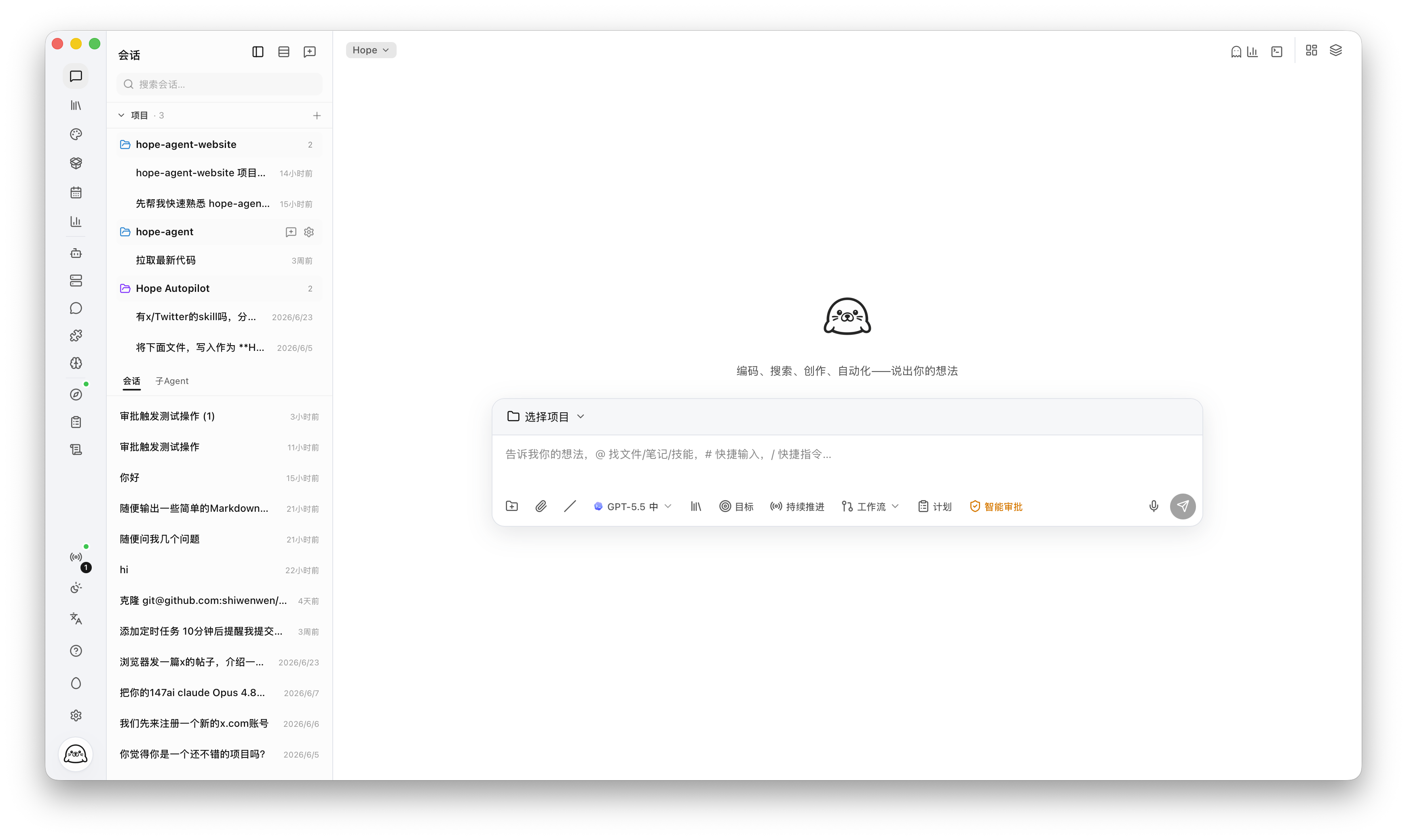
- Independent developers who want to discuss a change, inspect a repository, edit files, and run checks in one desktop workspace, with tool permissions and approvals controlling execution.
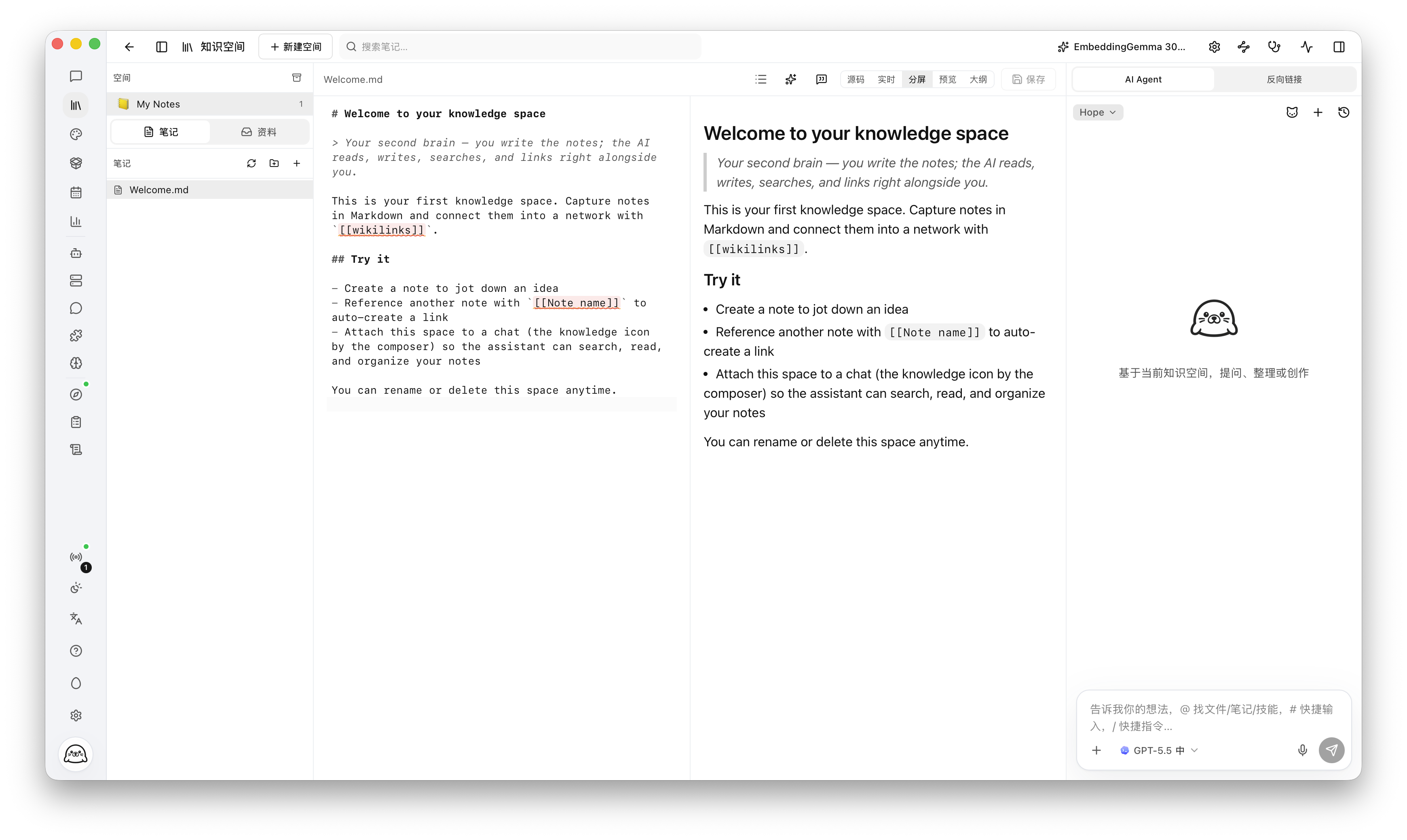
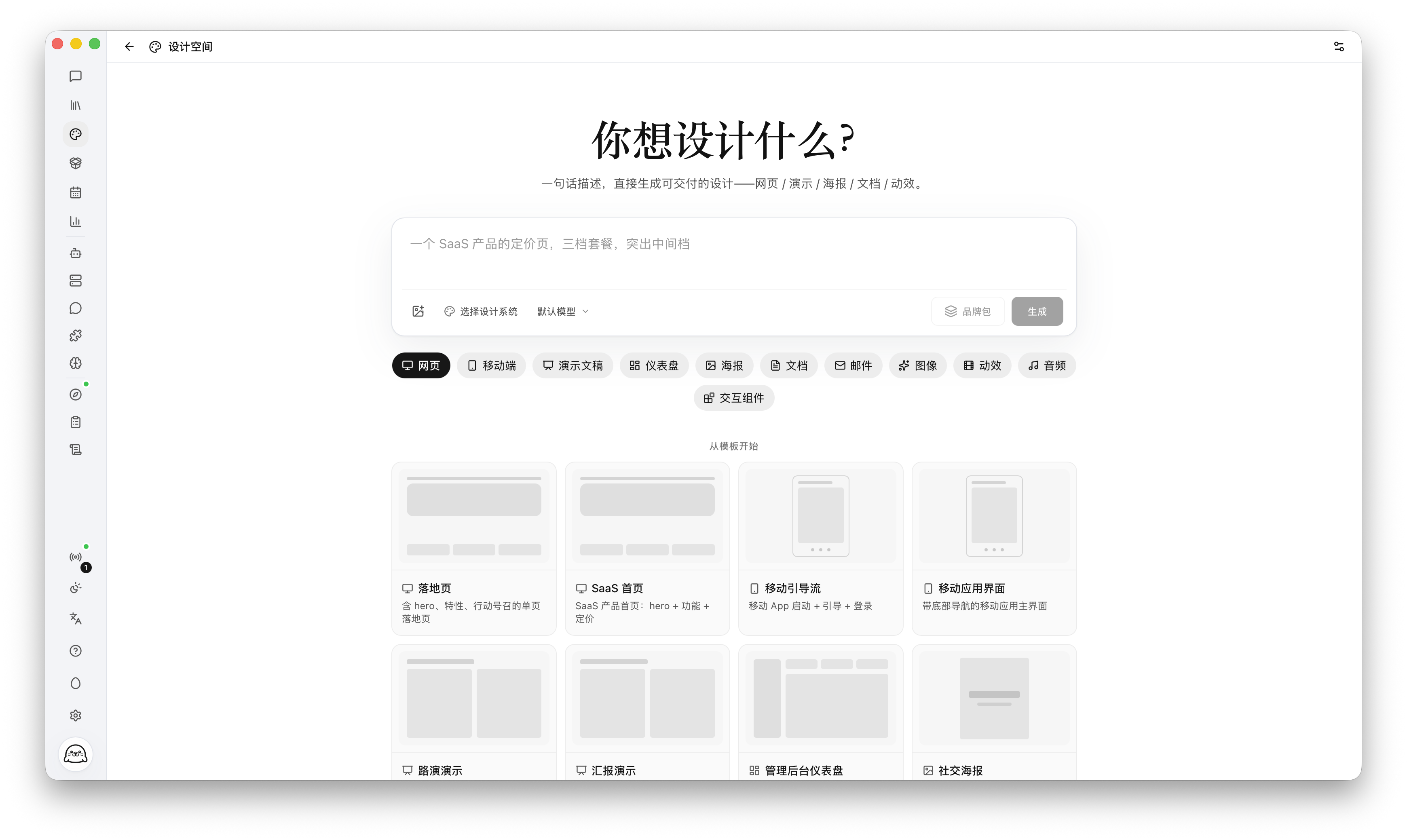
- People working with research and documents who want to organize sources in Knowledge Space, recall useful context across conversations, and turn a brief into a draft or design to review.
- NAS and self-hosting users who want one always-on instance they can reach through a browser or a configured IM channel, with scheduled tasks and conversation history kept on that host.
One task, across devices
For example, start a research brief at your desk, add a requirement from your phone, then review the draft when you return:
- Start on desktop. Open a conversation and ask Hope Agent to prepare a brief from sources you provide. Configure an IM channel on this same instance and hand the conversation over to your chat there.
- Continue through IM. In that chat on your phone, add a requirement or ask for progress. The attached conversation keeps its history; tool actions still follow the instance's permissions and approvals.
- Return to desktop. Open the same conversation to review the reply and any generated files, then ask for revisions.
Keep the host running and connected. This example uses one instance and its session store; separate installations do not automatically synchronize. A browser can also access the same instance when remote access is configured with authentication (and HTTPS for public access). See session handover and remote deployment.
Core Capabilities
Capability Overview
🎨 Design & knowledge
🧭 Long-running work & autonomy



 @n8n-io


