
VerifiedPlugin
letta-code
Letta Code is a stateful agent harness for creating agents that are more like people than tools. Letta Code agents have memory, identity, and a sense of experience over time.
23 skills8 hooks+13.4k
 @letta-ai
A background agent that whispers to Claude Code. A subconscious agent that watches your sessions, reads your files, builds up memory over time, and whispers guidance back.
> /plugin marketplace add letta-ai/claude-subconscious> /plugin install claude-subconscious@claude-subconscious
Repo: letta-ai/claude-subconscious
What's inside
[!IMPORTANT] Claude Subconscious is demo app built using the Letta Code SDK, and is not intended to be used in production.
If you want to use a coding agent that runs background subconscious agents, use Letta Code, which is also fully open source.
Install the Letta Code CLI with
npm install -g @letta-ai/letta-code, then uselettato launch.
A background agent that whispers to Claude Code. A subconscious agent that watches your sessions, reads your files, builds up memory over time, and whispers guidance back.
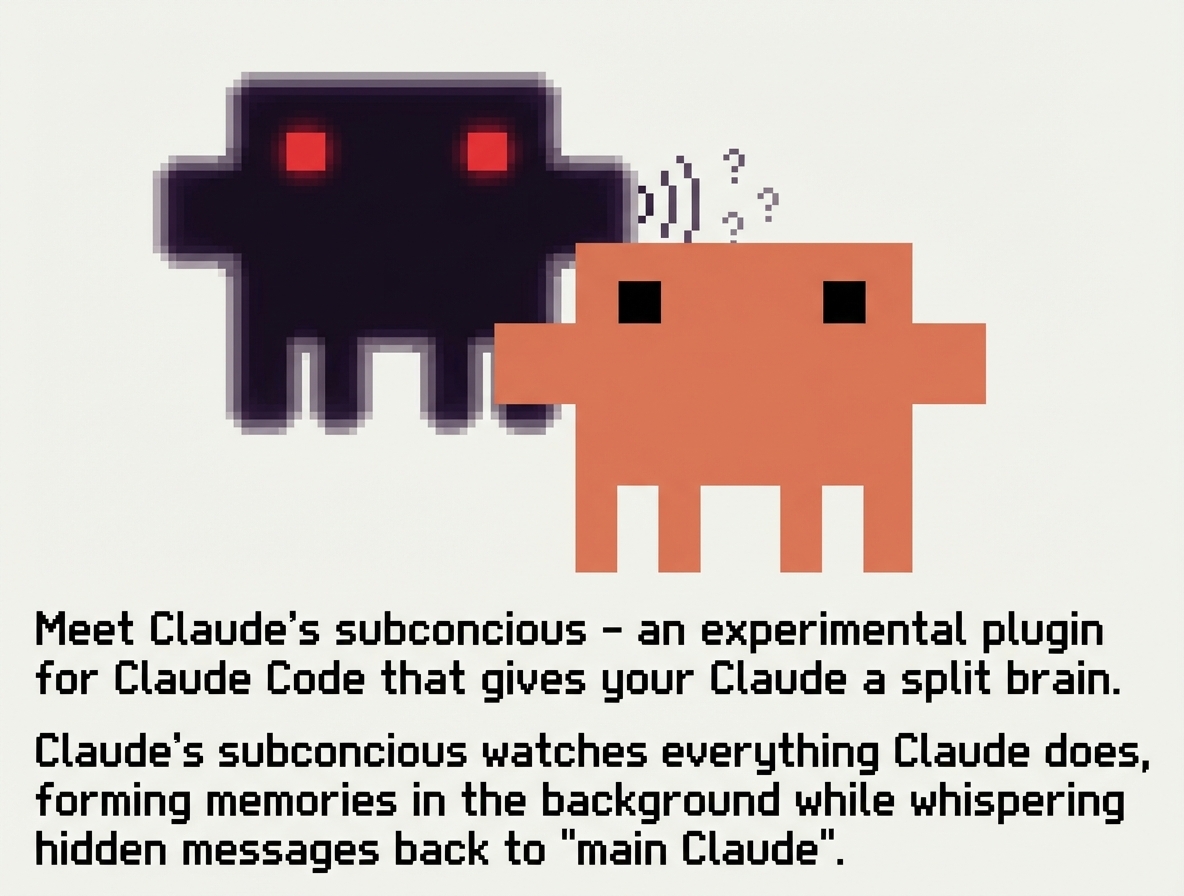
Claude Code forgets everything between sessions. Claude Subconscious is a second agent running underneath — watching, learning, and whispering back:
Not just a memory layer — a background agent with real tool access that gets smarter the more you use it.
Using Letta's Conversations feature, a single agent can serve multiple Claude Code sessions in parallel with shared memory across all of them.
After each response, the transcript is sent to a Letta agent via the Letta Code SDK. The agent reads files, searches the web, updates its memory — then whispers back before the next prompt. Nothing is written to CLAUDE.md.
┌─────────────┐          ┌──────────────────────────┐
│ Claude Code │◄────────►│ Letta Agent (background)  │
└─────────────┘          │                          │
       │                 │  Tools: Read, Grep, Glob │
       │                 │  Memory: persistent       │
       │                 │  Web: search, fetch       │
       │                 └──────────────────────────┘
       │                        │
       │   Session Start        │
       ├───────────────────────►│ New session notification
       │                        │
       │   Before each prompt   │
       │◄───────────────────────┤ Whispers guidance → stdout
       │                        │
       │   Before each tool use │
       │◄───────────────────────┤ Mid-workflow updates → stdout
       │                        │
       │   After each response  │
       ├───────────────────────►│ Transcript → SDK session (async)
       │                        │  ↳ Reads files, updates memory
Install from GitHub:
/plugin marketplace add letta-ai/claude-subconscious
/plugin install claude-subconscious@claude-subconscious
/plugin marketplace update
/plugin update claude-subconscious@claude-subconscious
Clone the repository:
git clone https://github.com/letta-ai/claude-subconscious.git
cd claude-subconscious
npm install
Enable the plugin (from inside the cloned directory):
/plugin enable .
Or enable globally for all projects:
/plugin enable --global .
If running from a different directory, use the full path to the cloned repo.
If plugin installation fails with EXDEV: cross-device link not permitted, your /tmp is likely on a different filesystem (common on Ubuntu, Fedora, Arch). Set TMPDIR to work around this Claude Code bug:
mkdir -p ~/.claude/tmp
export TMPDIR="$HOME/.claude/tmp"
Add to your shell profile (~/.bashrc or ~/.zshrc) to make permanent.
export LETTA_API_KEY="your-api-key"
Get your API key from app.letta.com.
export LETTA_MODE="whisper"    # Default. Or "full" for blocks + messages, "off" to disable
export LETTA_AGENT_ID="agent-xxxxxxxx-xxxx-xxxx-xxxx-xxxxxxxxxxxx"
export LETTA_BASE_URL="http://localhost:8283"  # For self-hosted Letta
export LETTA_MODEL="anthropic/claude-sonnet-4-5"  # Model override
export LETTA_CONTEXT_WINDOW="1048576"             # Context window size (e.g. 1M tokens)
export LETTA_HOME="$HOME"      # Consolidate .letta state to ~/.letta/
export LETTA_SDK_TOOLS="read-only"       # Or "full", "off"
LETTA_MODE - Controls what gets injected. whisper (default, messages only), full (blocks + messages), off (disable). See Modes.LETTA_AGENT_ID - If not set, the plugin automatically imports a default "Subconscious" agent on first use.LETTA_BASE_URL - For self-hosted Letta servers. Defaults to https://api.letta.com.LETTA_MODEL - Override the agent's model. Optional - the plugin auto-detects and selects from available models. See Model Configuration below.LETTA_CONTEXT_WINDOW - Override the agent's context window size (in tokens). Useful when LETTA_MODEL is set to a model with a large context window that differs from the server default. Example: 1048576 for 1M tokens.LETTA_HOME - Base directory for plugin state files. Creates {LETTA_HOME}/.letta/claude/ for session data and conversation mappings. Defaults to current working directory. Set to $HOME to consolidate all state in one location.LETTA_SDK_TOOLS - Controls client-side tool access for the Subconscious agent. read-only (default), full, or off. See SDK Tools.The LETTA_MODE environment variable controls what gets injected into Claude's context:
| Mode | What Claude sees | Use case |
|---|---|---|
whisper (default) | Only messages from Sub | Lightweight — Sub speaks when it has something to say |
full | Memory blocks + messages | Full context — blocks on first prompt, diffs after |
off | Nothing | Disable hooks temporarily |
Subconscious never writes to CLAUDE.md in any mode. All content is injected via stdout into the prompt context. If you have an existing CLAUDE.md with <letta> content from an older version, it will be cleaned up automatically.
LETTA_AGENT_ID if set~/.letta/claude-subconscious/config.json if existsSubconscious.af agent, saves ID for future useThis means zero-config setup: just set LETTA_API_KEY and the plugin handles the rest.
One agent, many projects. The Subconscious agent is stored globally at ~/.letta/claude-subconscious/config.json. When you use the plugin in different repos, they all share the same agent brain.
~/.letta/claude-subconscious/config.json  →  ONE agent ID (shared brain)
                                               ↓
project-a/.letta/claude/                  →  Project A's conversation threads
project-b/.letta/claude/                  →  Project B's conversation threads
project-c/.letta/claude/                  →  Project C's conversation threads
The .letta/claude/ directories in each project are conversation bookkeeping (mapping Claude Code sessions to Letta conversations), not separate agents. Memory blocks are shared across all projects.
To use a different agent per project, set LETTA_AGENT_ID in your shell or via direnv:
# .envrc in project directory
export LETTA_AGENT_ID="agent-xxx-for-this-project"
The plugin automatically detects available models on your Letta server and configures the agent appropriately:
GET /v1/models/)When the agent's model isn't available, the plugin selects from available models in this order:
letta/auto (Letta Cloud auto-routing)anthropic/claude-sonnet-4-5 (recommended - best for agents)openai/gpt-4.1-mini (good balance, 1M context, cheap)anthropic/claude-haiku-4-5 (fast Claude option)openai/gpt-5.2 (flagship fallback)google_ai/gemini-3-flash (Google's balanced option)google_ai/gemini-2.5-flash (fallback)minimax/MiniMax-M2.7 (MiniMax flagship, 1M context)To specify a particular model, set LETTA_MODEL:
export LETTA_MODEL="anthropic/claude-sonnet-4-5"
The model handle format is provider/model. Common options:
| Provider | Example Models |
|---|---|
letta | auto (Letta Cloud auto-routing) |
openai | gpt-5.2, gpt-5-nano, gpt-4.1-mini |
anthropic | claude-sonnet-4-5, claude-opus-4-5, claude-haiku-4-5 |
google_ai | gemini-3-flash, gemini-2.5-flash, gemini-2.5-pro |
minimax | MiniMax-M2.7 (1M context) |
zai | glm-5 (Letta Cloud default, free) |
If LETTA_MODEL is set but not available on the server, the plugin will warn you and fall back to auto-selection.
The default bundled agent uses zai/glm-5 (free on Letta Cloud). For better tool usage and reasoning, consider switching to a stronger model. You can change the model at any time via the Agent Development Environment (ADE) or by setting LETTA_MODEL.
Note: Ensure your Letta server has the appropriate API key configured for your chosen provider (e.g., OPENAI_API_KEY for OpenAI models).
When no agent is configured, the plugin auto-imports a bundled "Subconscious" agent designed specifically for this use case.
The default agent is a background agent that:
<letta_message> block when it has something usefulThe default agent Subconscious maintains 8 memory blocks:
| Block | Purpose |
|---|---|
core_directives | Role definition and behavioral guidelines |
guidance | Active guidance for the next session (syncs to Claude Code before each prompt) |
user_preferences | Learned coding style, tool preferences, communication style |
project_context | Codebase knowledge, architecture decisions, known gotchas |
session_patterns | Recurring behaviors, time-based patterns, common struggles |
pending_items | Unfinished work, explicit TODOs, follow-up items |
self_improvement | Guidelines for evolving memory architecture over time |
tool_guidelines | How to use available tools (memory, filesystem, web search) |
If you set an alternative agent using LETTA_AGENT_ID, your agent will use its existing memory architecture.
Subconscious is configured to be:
Claude Code can address the Subconscious agent directly in responses. The agent sees everything in the transcript and may respond on the next sync. It's designed for ongoing dialogue, not just one-way observation.
The plugin uses four Claude Code hooks:
| Hook | Script | Timeout | Purpose |
|---|---|---|---|
SessionStart | session_start.ts | 5s | Notifies agent, cleans up legacy CLAUDE.md |
View @letta-ai’s profileLetta Code is a stateful agent harness for creating agents that are more like people than tools. Letta Code agents have memory, identity, and a sense of experience over time.
@letta-aiFAQ
claude-subconscious is a Claude Code plugin with hand-picked skills for development work, indexed on Flowy. Install it with the command on its page. Its skills do not fire on their own yet. Request auto-invocation to have Flowy route them as you prompt. Free and open source.
Is this plugin yours?
Claim it with GitHubSubmit a pluginPromote it