
Development
Plugin
preline
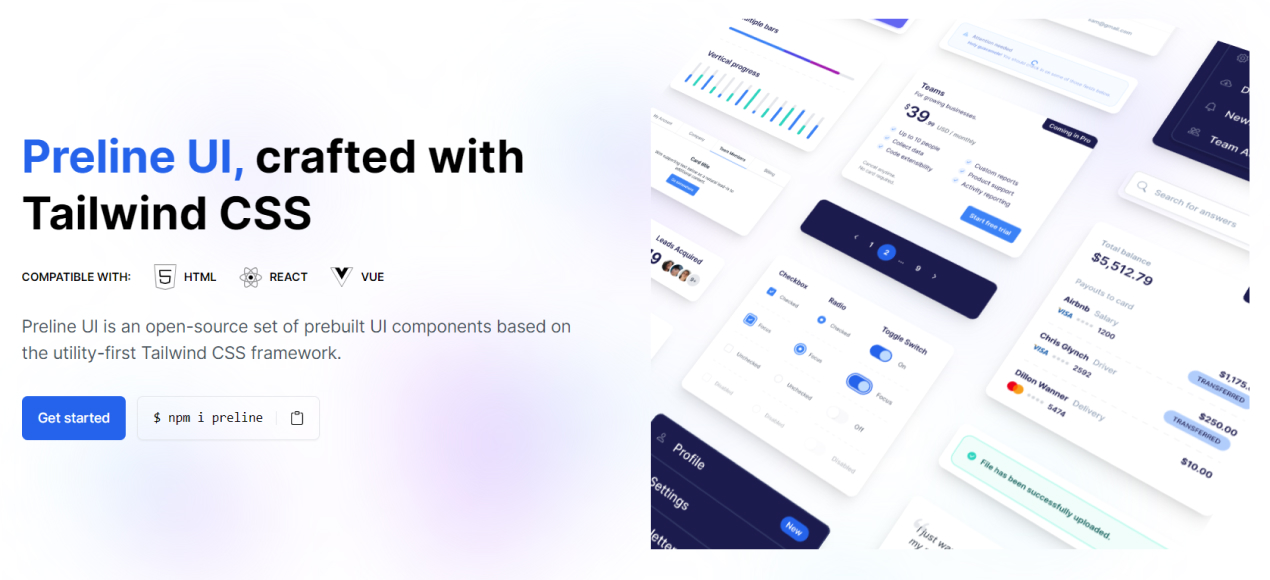
Preline UI is an open-source set of prebuilt UI components based on the utility-first Tailwind CSS framework.

Plugin Signal71/100Solid
maintained90
capable23
documented100
adopted81
Install
$ npx -y skills add htmlstreamofficial/preline --agent claude-code
Stats
6,429
Stars
413
Forks
Active
Maintenance
TypeScript
Language
21d ago
Last commit
4y ago
Created
Repo: htmlstreamofficial/preline
What's inside
Skill(2 skills)
/preline-mcpAdd, integrate, or build Preline UI components and blocks into HTML files via the Preline MCP server. Use when the user mentions "preline", says "/preline", asks to add a UI component, or requests a Preline block (a ready-made page section) using Preline UI./theme-generatorGenerate, preview, save, or validate Preline theme CSS using the bundled local generator in this skill. Use when the user asks to create a new Preline theme, match a brand color, translate a mood into a theme, generate light and dark theme CSS, preview theme output without
Badges

README
Preline UI is an open-source Tailwind CSS UI component library for building modern websites and apps. It includes UI blocks, templates, plugins, a Figma design system, and more.

✨ About Preline
Preline helps teams build modern websites and web apps faster with reusable Tailwind CSS components, interactive headless Tailwind CSS plugins, Tailwind CSS templates, and production-ready Tailwind CSS examples. It is designed for developers who want flexible markup, scalable design systems, and polished UI patterns without rebuilding everything from scratch.
- 204 free Tailwind CSS blocks and sections
- 5 free Tailwind CSS templates
- 27 headless Tailwind CSS plugins
- Full documentation, Figma, themes, and agent skills
⚡ Getting Started
Start with any working Tailwind CSS project and make sure Node.js and npm are installed.
Install via npm
- Install
preline:
npm i preline
- Import the Preline CSS variants file into your Tailwind CSS file after the
tailwindcssimport:
@import "tailwindcss";

/* Preline UI */
@source "./node_modules/preline/dist/*.js";
@import "./node_modules/preline/variants.css";

/* Preline Themes */
@import "./themes/theme.css";
- Add the Preline JavaScript file near the end of your
<body>tag:
<script src="./node_modules/preline/dist/preline.js"></script>
For setup details, framework integration, and configuration guides, visit the Preline documentation.
🤖 Agent Skills
Preline UI includes Agent Skills for agentic coding tools such as Cursor, Claude Code, and Gemini CLI, making it easier to automate theme generation and UI workflows.
Install via CLI:
npx skills add htmlstreamofficial/preline
♿ Accessibility
Preline UI includes enterprise-grade accessibility built into its components, helping teams create more inclusive interfaces with accessible Tailwind CSS components, keyboard-friendly interactions, proper focus management, and stronger support for assistive technologies. Learn more in the dedicated Accessibility documentation.
🧩 Headless Tailwind CSS Plugins
Explore headless Tailwind CSS plugins for accessible UI behavior, interactions, forms, navigation, overlays, and productivity workflows.
| Category | Plugin Pages |
|---|---|
| Disclosure | Accordion, Collapse, Tree View |
| Navigations | Tabs, Scrollspy, Scroll Nav, Stepper |
| Overlays | Dropdown, Overlay, Tooltip |
| Forms | Select, ComboBox, Datepicker, Range Slider, Input Number, File Upload, Strong Password, Toggle Password, Toggle Count, Copy Markup, PIN Input, Textarea Auto Height |
| Miscellaneous | DataTable, Carousel, Layout Splitter, Remove Element, Theme Switch |
🧱 Tailwind CSS Components
Browse Tailwind CSS component docs across layout, base UI, forms, navigation, overlays, tables, and advanced integrations.
🎨 Templates and Examples
Explore free and premium layouts for landing pages, dashboards, SaaS apps, ecommerce stores, CMS products, portfolios, and more.
Free Tailwind CSS Templates
| Template | Template | Template | Template | Template |
|---|---|---|---|---|
| Agency | AI Chat | CMS | Coffee Shop | Personal |
Explore More
🚀 Preline Pro
Preline Pro extends the free library with premium UI for serious product teams and commercial apps. It includes 740 premium Tailwind CSS blocks and sections, 21 premium Tailwind CSS templates, and 207 pages for admin dashboards, SaaS products, ecommerce, CMS, CRM, analytics, finance, chat, startup, and marketing use cases.
File tree
FAQ
preline is a Claude Code plugin with 2 hand-picked skills for development work, indexed on Flowy. Install it with the command on its page. It includes preline-mcp, theme-generator. Its skills do not fire on their own yet. Request auto-invocation to have Flowy route them as you prompt. Free and open source.
- What is preline?
- Preline UI is an open-source set of prebuilt UI components based on the utility-first Tailwind CSS framework.
- How do I install preline?
- Run these in Claude Code: npx -y skills add htmlstreamofficial/preline --agent claude-code. Then prompt normally.
- Does preline auto-invoke its skills?
- Not yet. It is indexed on Flowy as a plain plugin. Request auto-invocation on its page and Flowy will route its skills for you as you prompt.
- Is preline free?
- Yes. Flowy is free and open source, with nothing gated. You can read every skill in full before you install.
Is this plugin yours?
Claim it with GitHubSubmit a pluginPromote it