




colorsandfonts
MCPShips with collab-public: Collaborator is a place to build with agents. Collaborator is an end-to-end environment for agentic…
 @collabs-incInstall MCP
Fetches current, version specific documentation and code examples for a library, so the agent stops working from stale training data.
Claude Code
$ git clone https://github.com/happier-dev/happier
Clone the repository
Codex
Cursor
Gemini CLI
$ git clone https://github.com/happier-dev/happier
Clone the repository
GitHub Copilot
$ git clone https://github.com/happier-dev/happier
Clone the repository
OpenCode
Windsurf
Security report
Not enough data
Known flaws
Not published
Signed build
Not published
Maintained
Nov 9, 2026
Last push
Licence
MIT
Runs as
Local process
On your machine
Deprecated
Not published
Signals from public registries, not an audit. Checked Nov 11, 2026.

From your phone, desktop and browser.
Claude Code, Codex, OpenCode, Pi and more, working together and in parallel on your own machines.
Sessions can spawn subagents across agents: e.g. Claude asking Codex for a review, or Codex delegating work to Claude subagents. Switch agents mid-session. Approve, steer, review and commit from wherever you are.
Open source · Self-hostable · End-to-end encrypted
Get started · Downloads · Docs · Self-host · Discord
Latest Happier project update
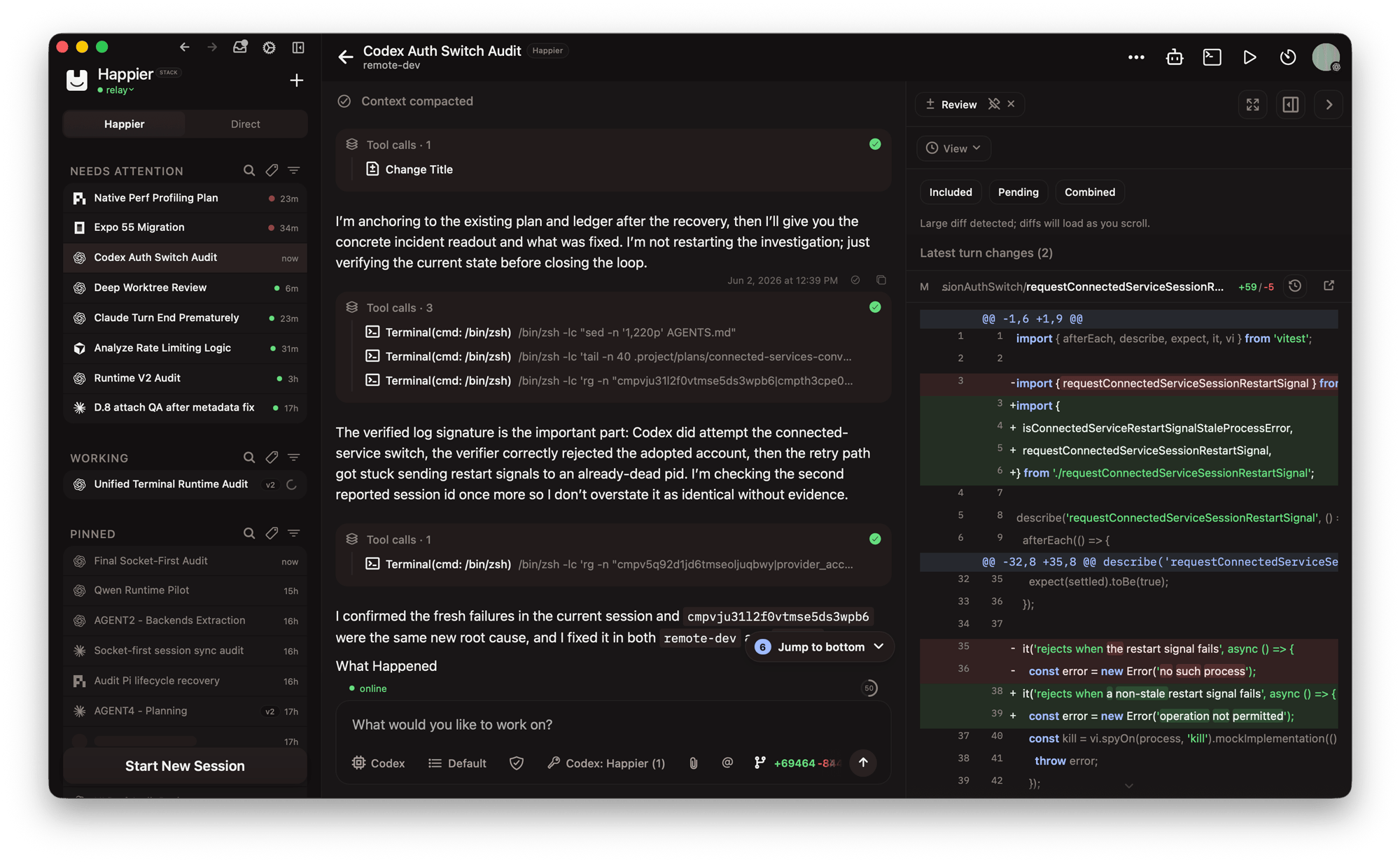
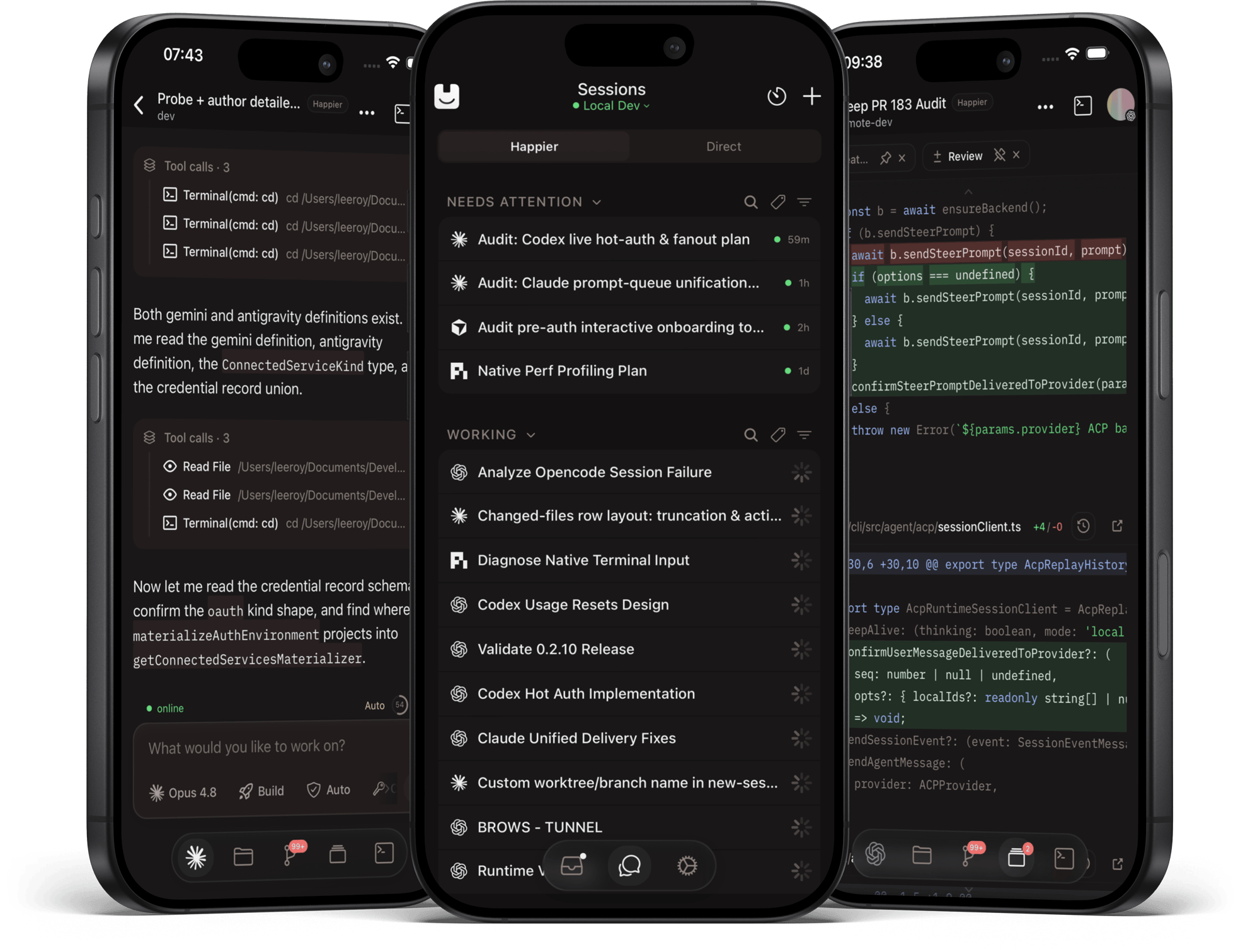

The desktop app is the recommended way in: it sets up the CLI and the daemon for you.

Prefer the terminal? Install the CLI and daemon without the desktop app
macOS/Linux:
curl -fsSL https://happier.dev/install | bash
Windows:
iwr https://happier.dev/install.ps1 -useb | iex
If you specifically want the npm package instead: npm install -g @happier-dev/cli (CLI docs).
Already use Claude Code, Codex or another coding agent? Let it set Happier up with you
Paste this into your agent:
Set up Happier on this computer by following https://docs.happier.dev/getting-started/agent-setup.mdx
Fetch that file raw (for example with curl) and follow it step by step with me.
It asks what it needs to know, confirms each change, and leaves the sign-in approval and your agent's own login to you. Set up with your coding agent
Use Grok Bot? Install and manage Happier through Grok on X
Install the Happier session control Grok Bot on X. On first run it installs the Happier CLI on its own computer, pairs with your Happier Cloud account or self-hosted relay, and starts the daemon. You control how hands-on it is: watch only, assist, or drive sessions. Grok Bot integration
Installing on a remote computer or devbox? Set it up over SSH, from your machine
One command installs the CLI and the daemon on the remote host (release-signature verified) and registers it as one of your machines:
happier machine setup --ssh user@host
To sign the remote machine in without a browser on its side, run this from a machine where you are already signed in:
happier auth pair-remote --ssh user@host
Headless alternative on the remote host itself: happier auth login --no-open --method web prints an authorization URL you approve from any browser. Machines and the daemon
You sign in from the app, or on first run.
Sign in with the same account and your sessions, machines and settings are already there.
In the app → Press New session, pick the machine, the folder and the agent. No terminal needed.
Or in the terminal, from any project folder:
happier            # Claude Code
happier codex      # Codex
happier opencode   # OpenCode
Either way, the session shows up everywhere at once: keep typing in the terminal, follow along and approve from your phone, review in the browser. happier --help lists the other agents and commands.
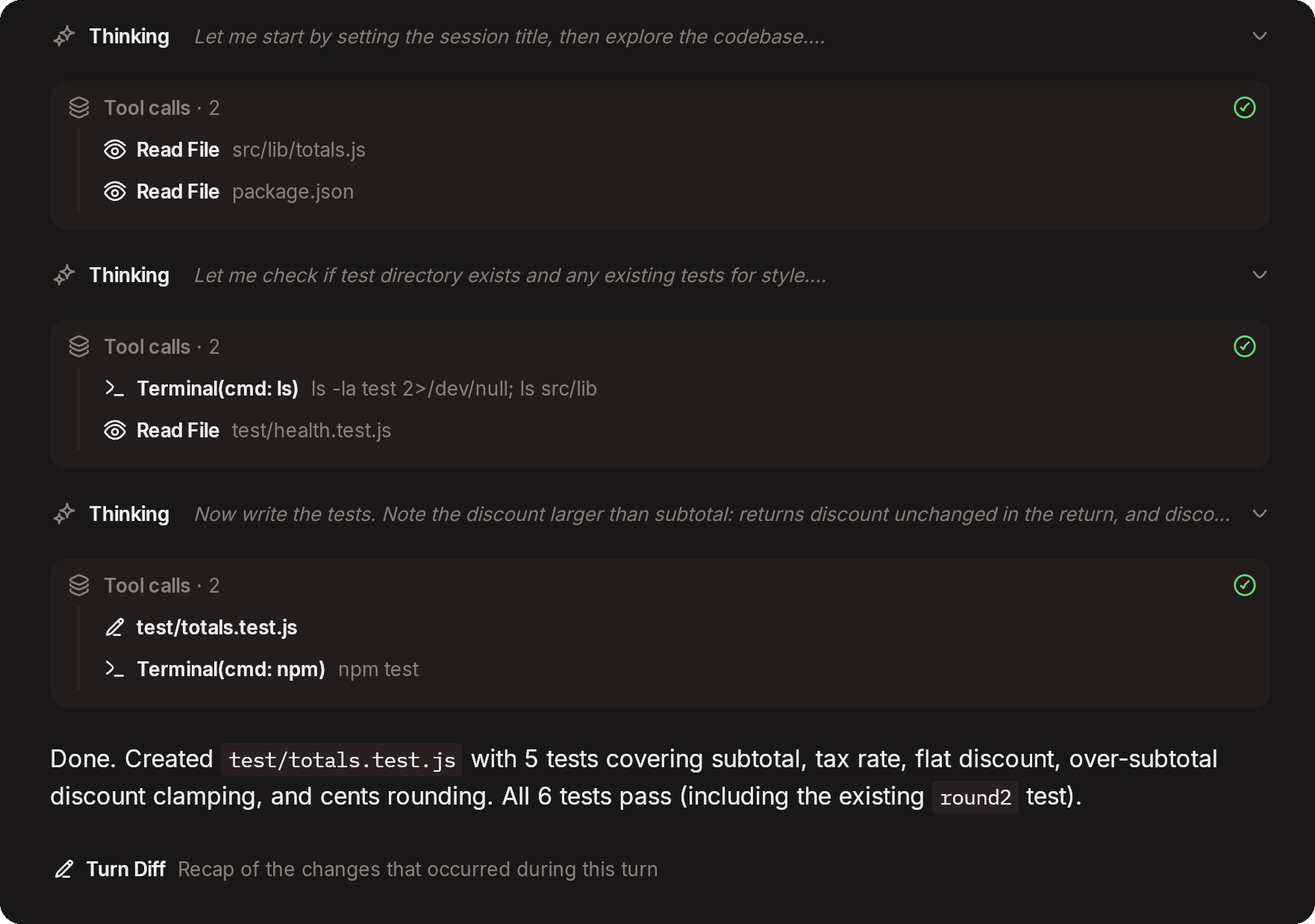
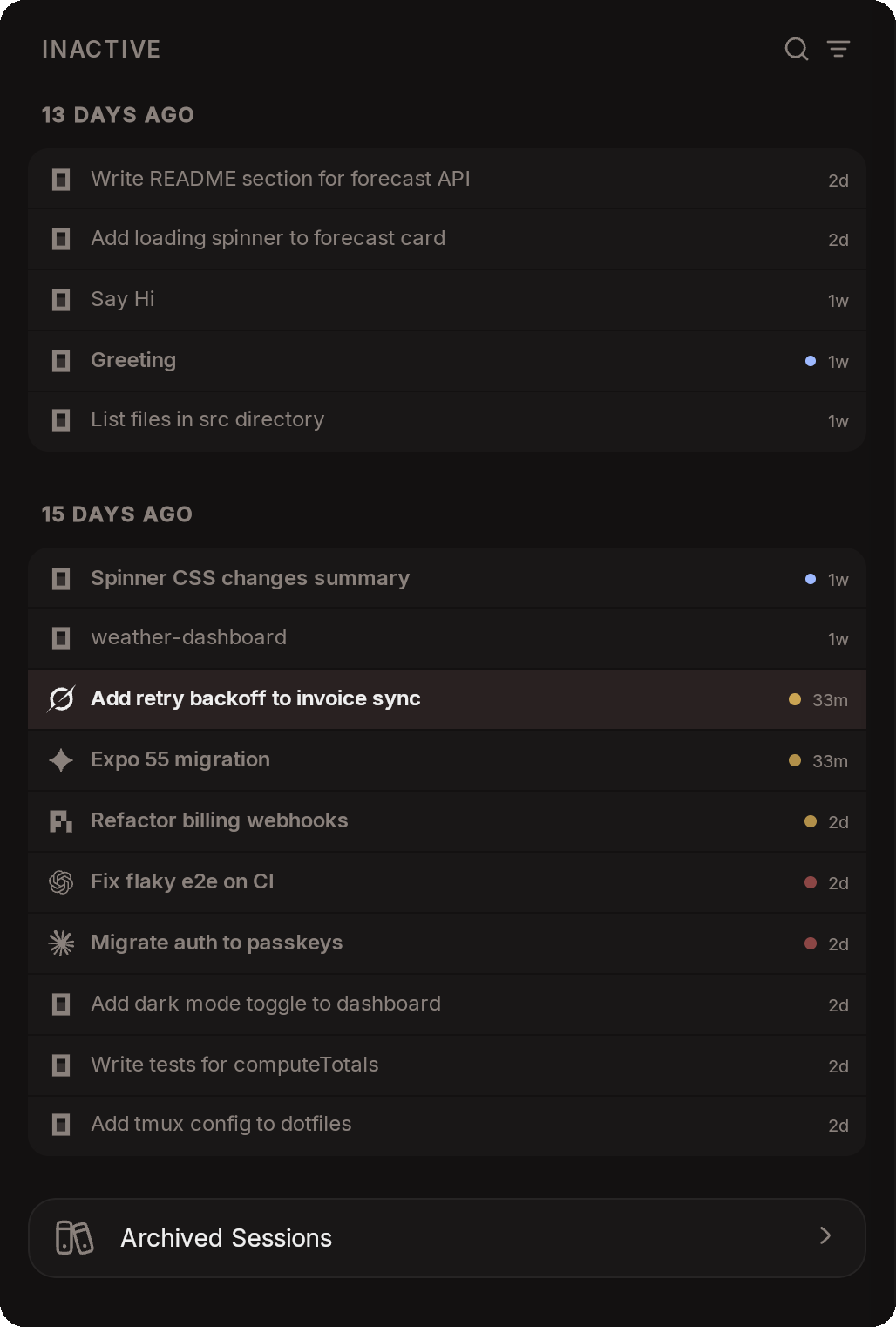
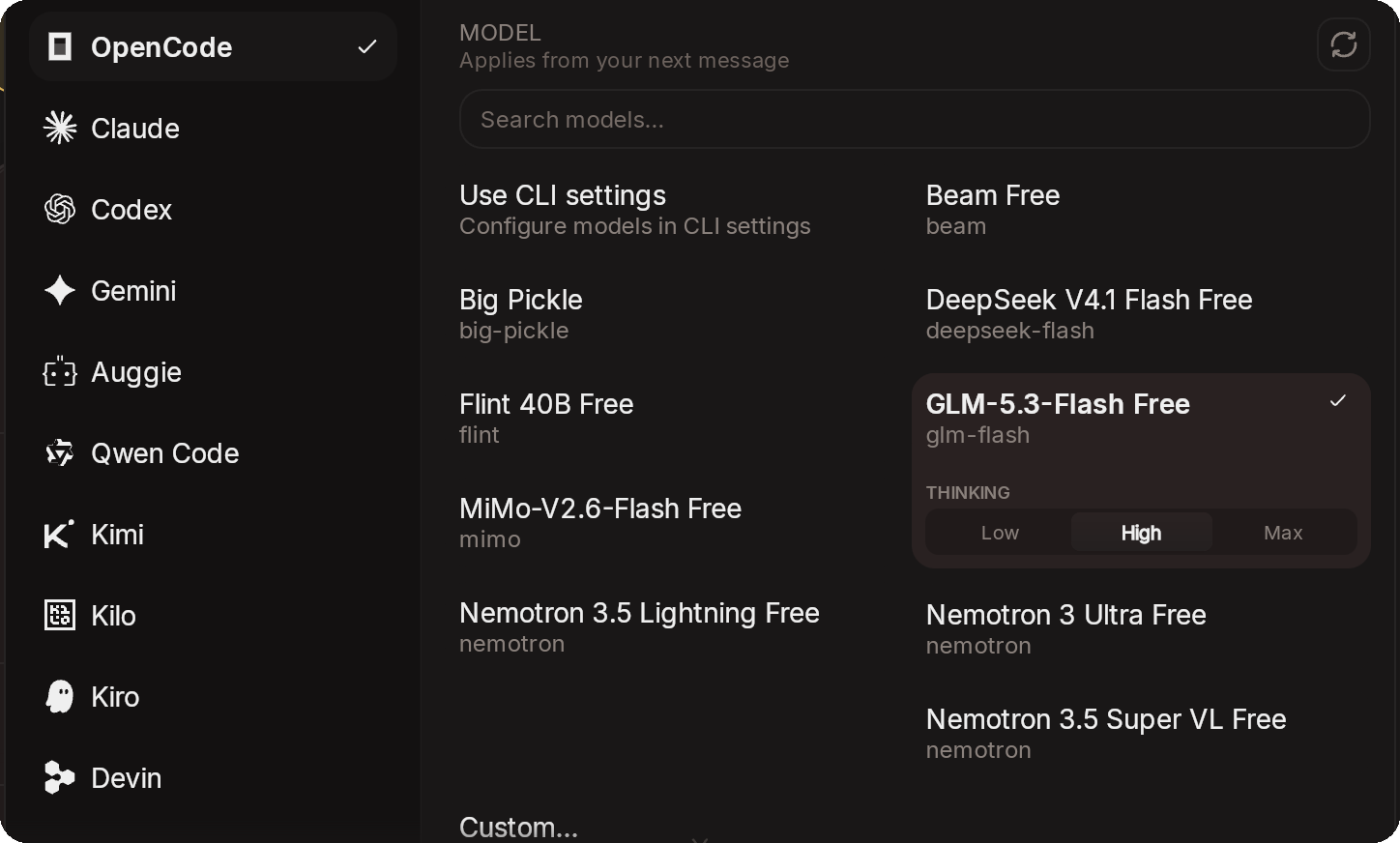
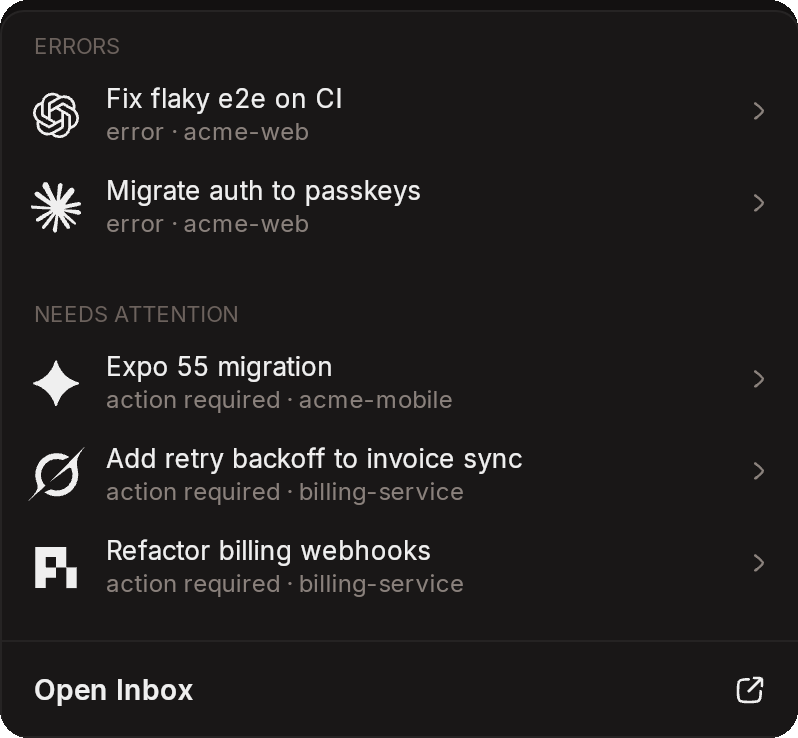
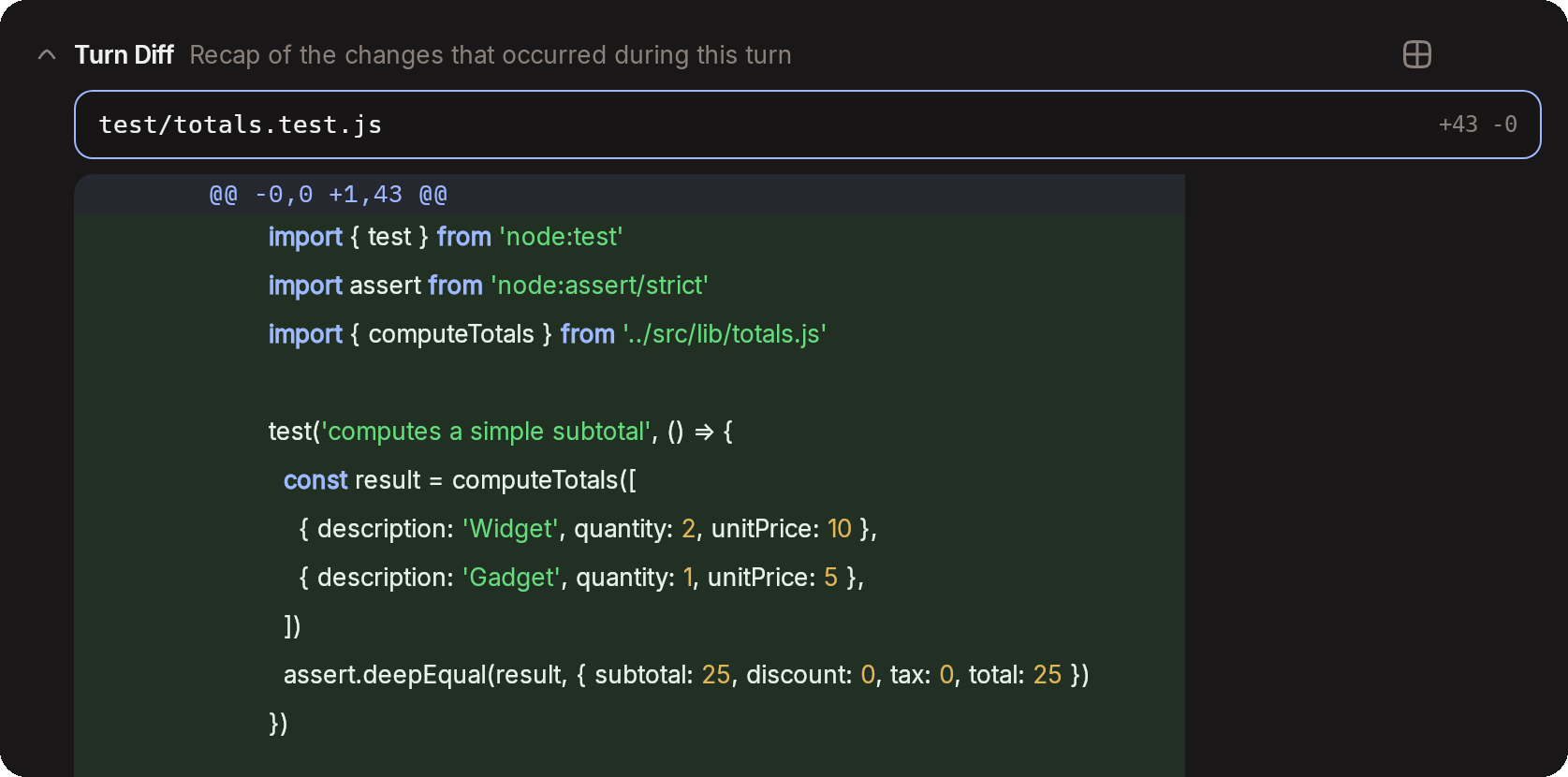
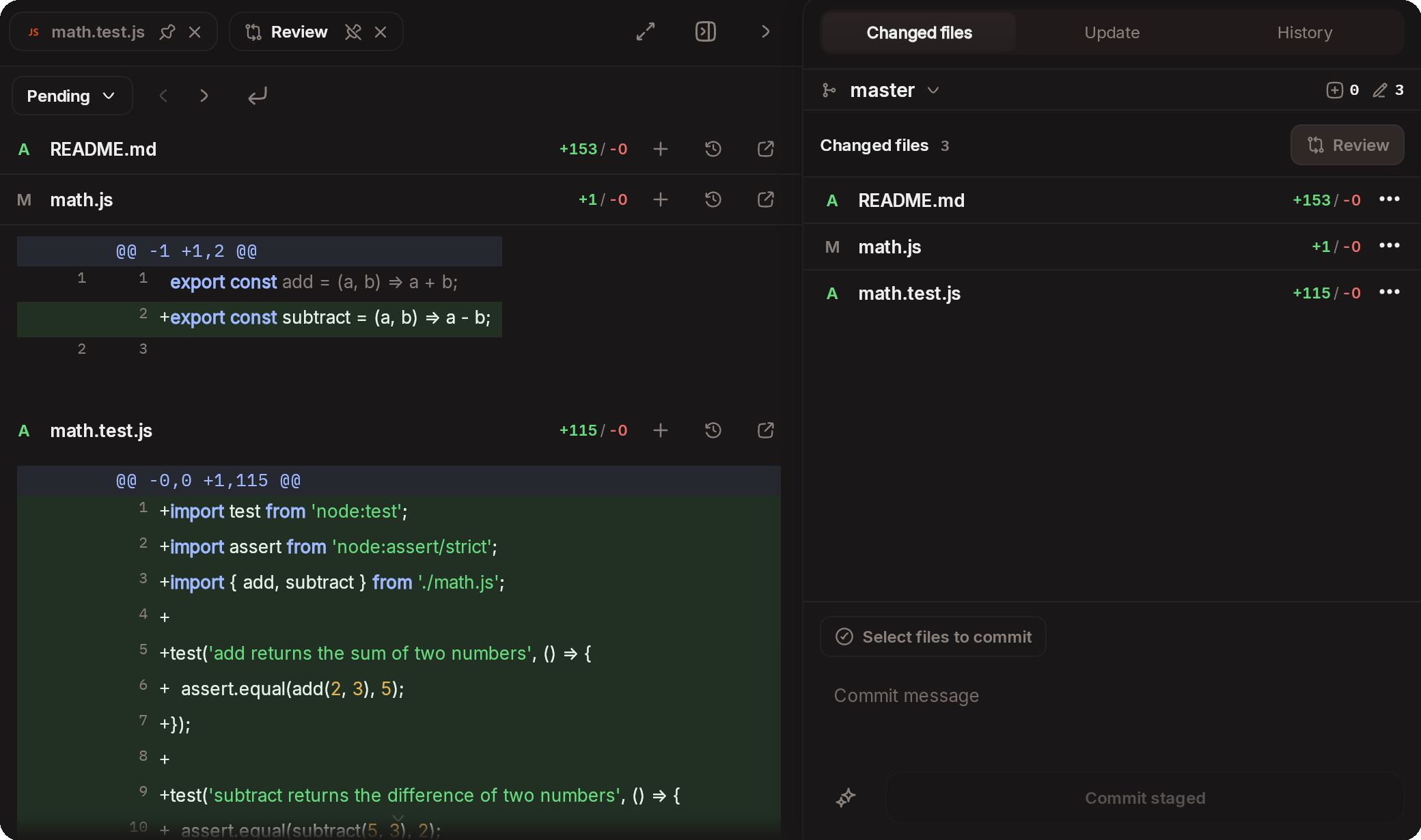

Web, Desktop & Mobile client and orchestrator for Codex, Claude Code, OpenCode, Pi, Cursor, Grok, Antigravity, Kimi, Augment Code, Qwen, fully end-to-end encrypted
Stars on GitHub
Ships with collab-public: Collaborator is a place to build with agents. Collaborator is an end-to-end environment for agentic…
@collabs-incInstall MCPShips with claude-code-agent-monitor: 🚀 A real-time monitoring dashboard for Claude Code & Codex, built with SQLite3, Node.js,…
 @hoangsonwwInstall MCP

