
Warning
Postiz has been removed from Mortiflix. On October 21, 2026, Railway had a security breach that affects
sensitive applications like Postiz, the free, open-source publishing service Mortiflix offered. If you set up
Postiz, revoke its API key in Postiz and check the social accounts you connected to it.
From now on, Mortiflix publishes through Upload-Post only. You make an account with
them, and it has a free plan ($0/mo, 10 uploads a month), so you can start without paying. See
Publishing.
Important
This is v0.0.1 of Mortiflix UI, the desktop app, and it is expected to have bugs. Work over the coming month will
solve those. Please open an issue when you hit one.
Download Mortiflix UI for Windows or Linux. macOS comes later.
▶ Watch: How to use Mortiflix (3:07). This video was made with Mortiflix.
Most "AI video" tools are one prompt and a slot machine. Mortiflix works like a real motion design studio:
a brief, a script, style frames, a transition board, an animatic, a final, and you review each stage before the next one starts.
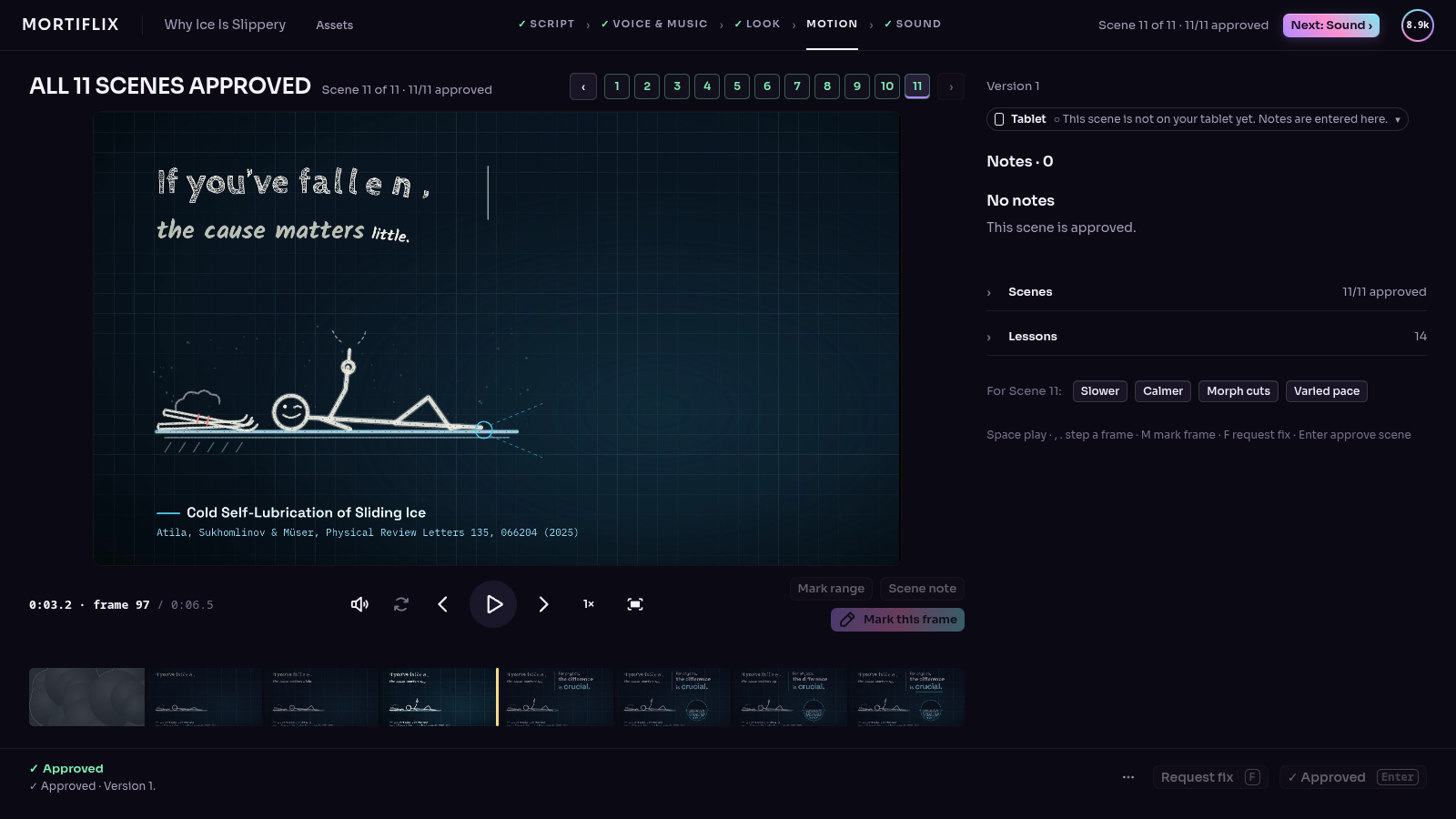
You pin a note on the exact spot of a frame or the exact moment of a video. The next version answers every note,
one by one, and shows you what changed.
It's built for one person: you write the briefs, you review every stage, and the studio runs on your machine.
The work is done by Claude through your own Claude Code login or your own Anthropic API key. Mortiflix is
the harness around it: the pipelines, the gates, the review room, and the memory that carries a project across
sessions and days.
 brief ──▶ script ──▶ style frames ──▶ animatic ──▶ build ──▶ final ──▶ delivered
   ▲          ▲            ▲              ▲                     ▲
   └── you ───┴──── you ───┴───── you ────┴──────── you ────────┘
       approve, pin notes, answer questions (the session stops at every gate)
Mortiflix UI
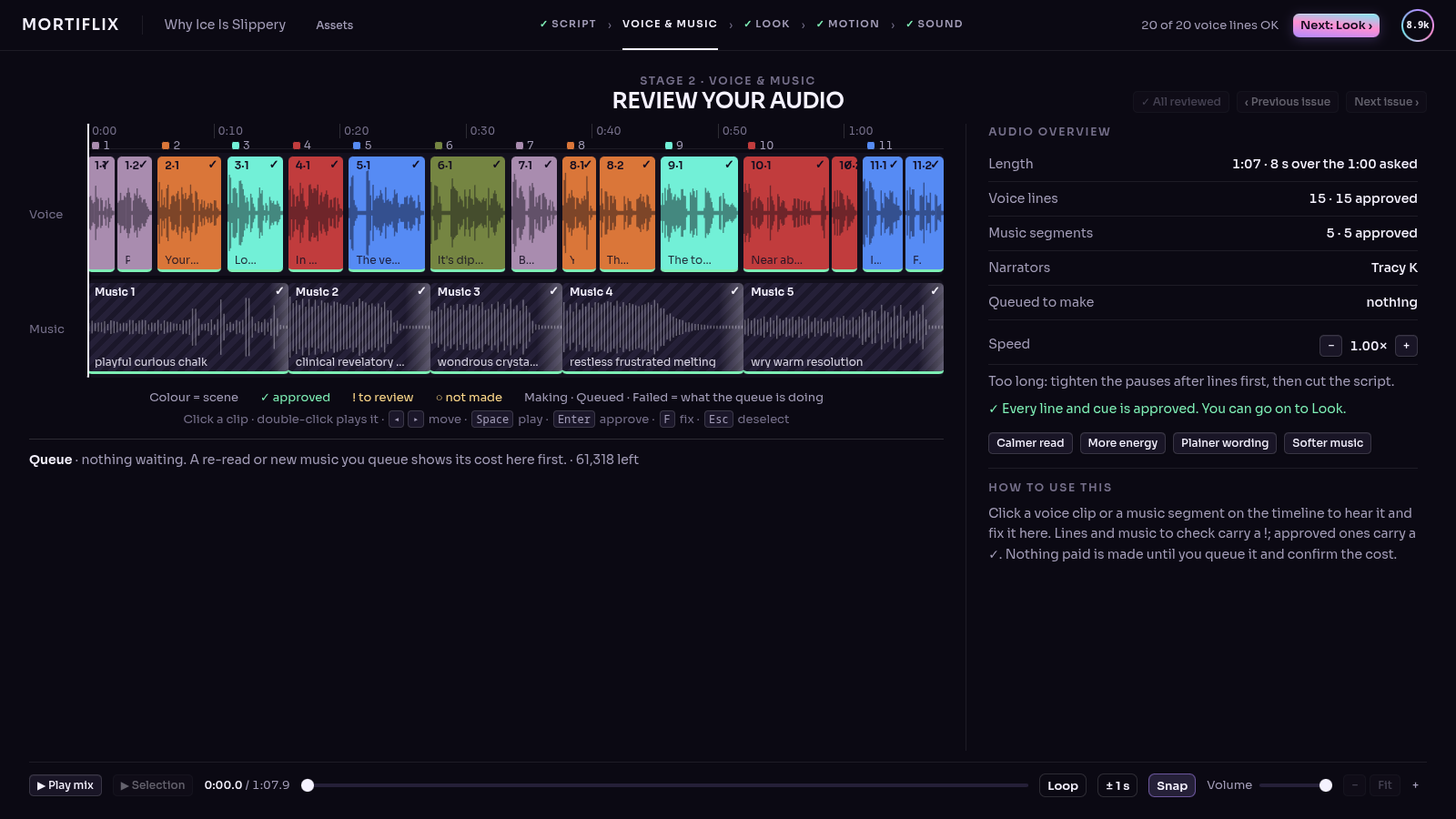
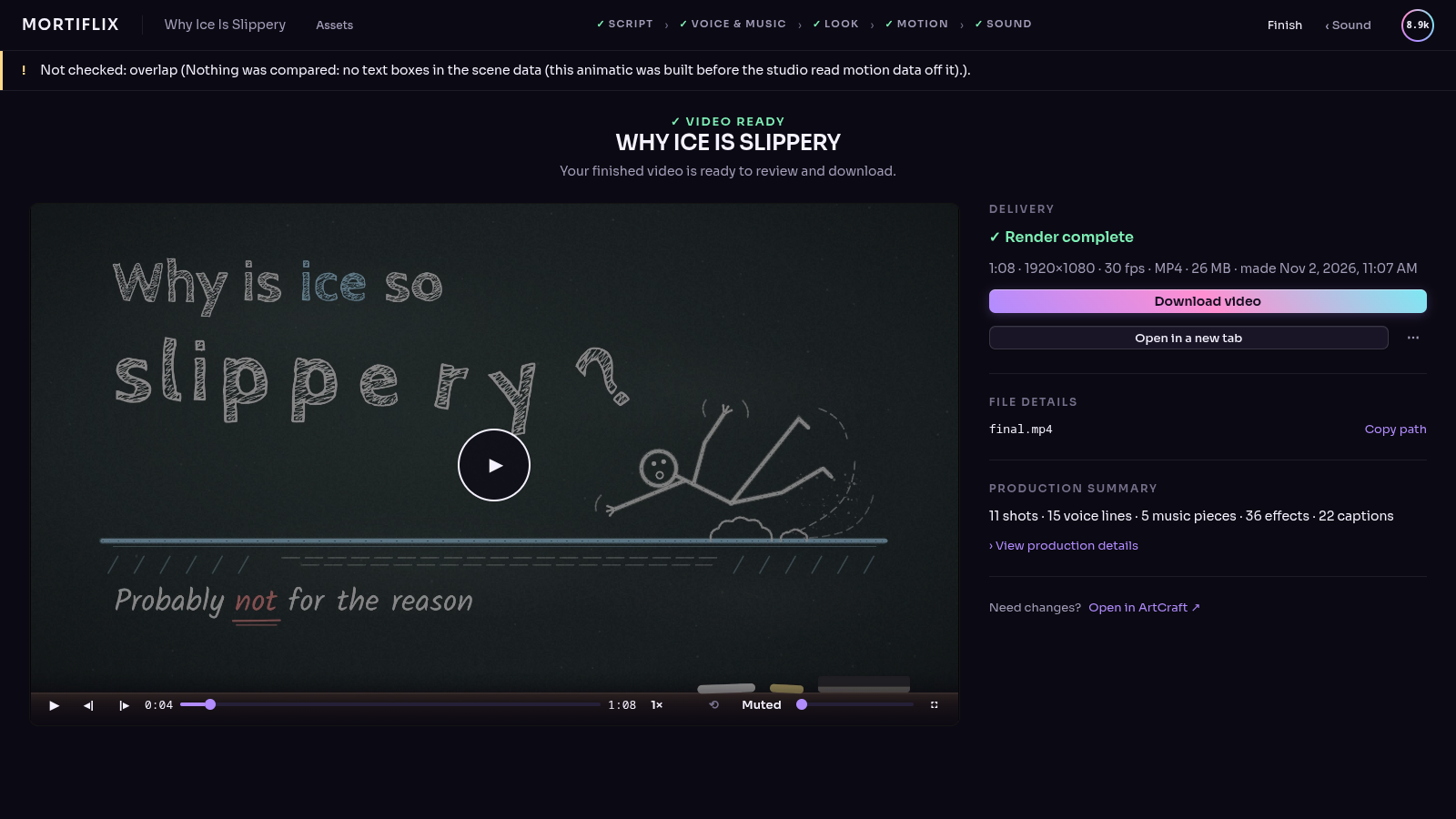
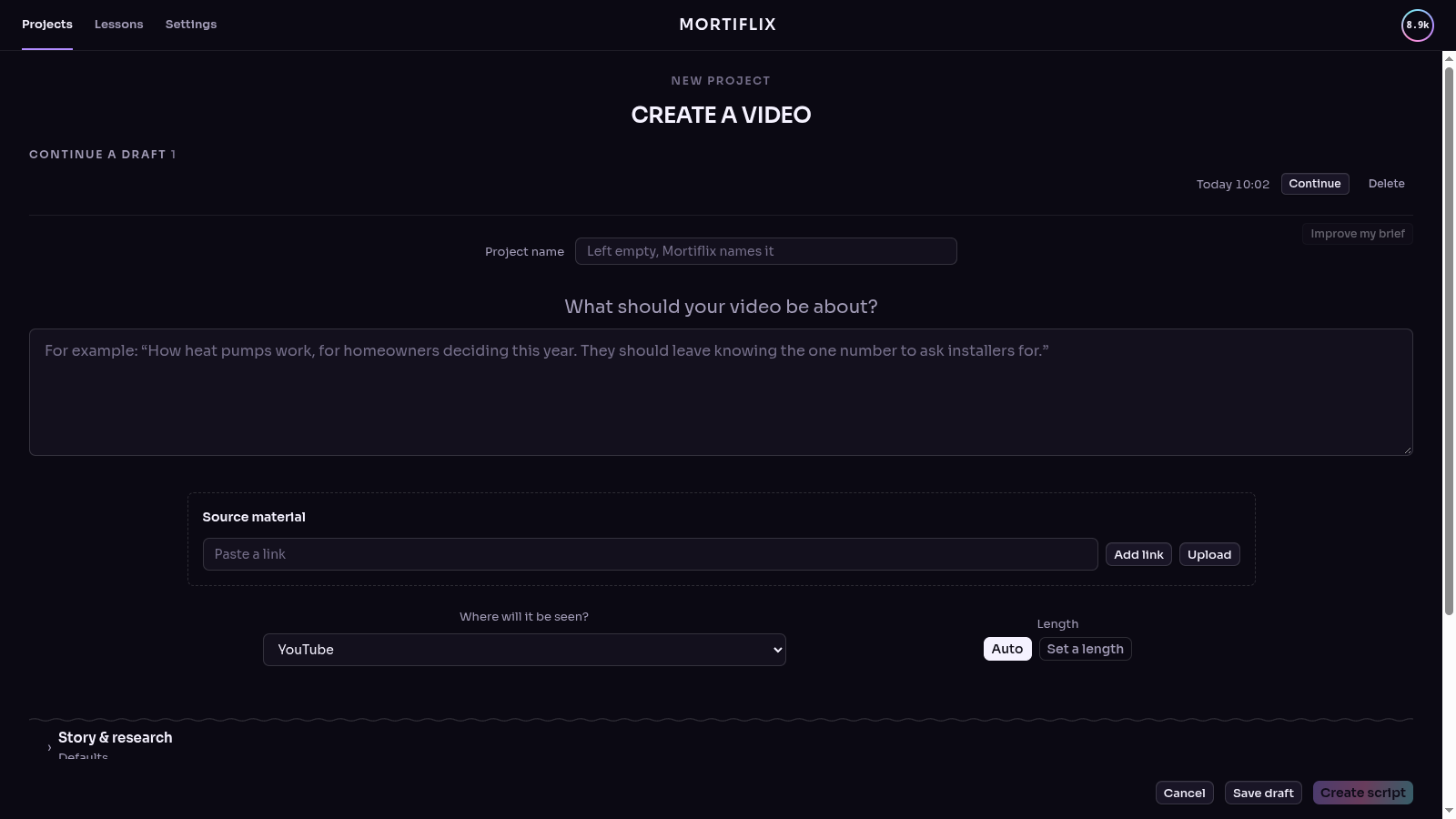
The desktop app (source in app/) takes one project through six stages: Script, Voice & music, Look, Motion,
Sound and Finish. Assets shows every file a project made, what each AI call was sent and answered, and how far each
of your settings reaches.
| |
|---|
| Create a video | 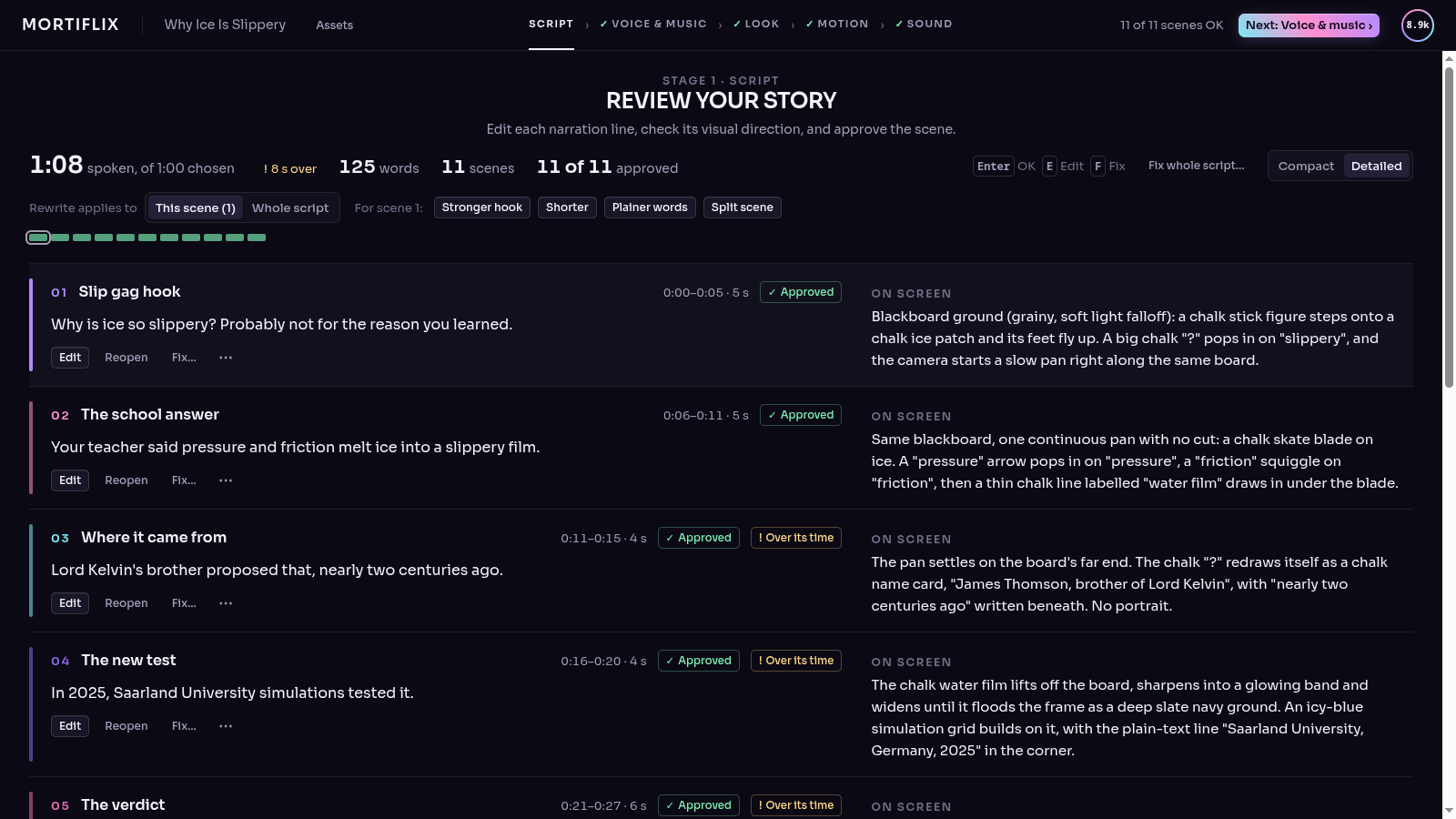 Script |
 Voice & music | 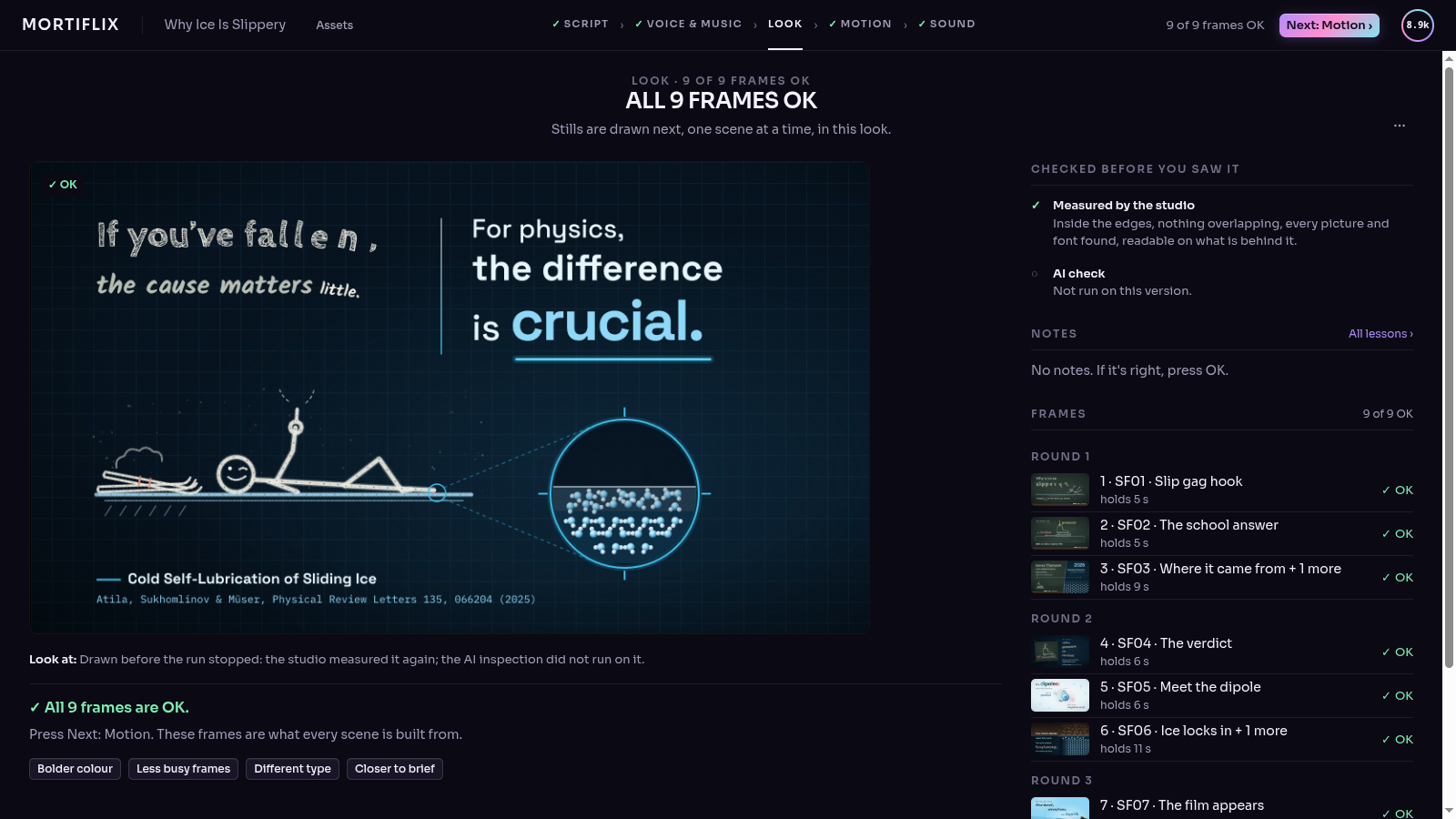 Look |
| Motion | 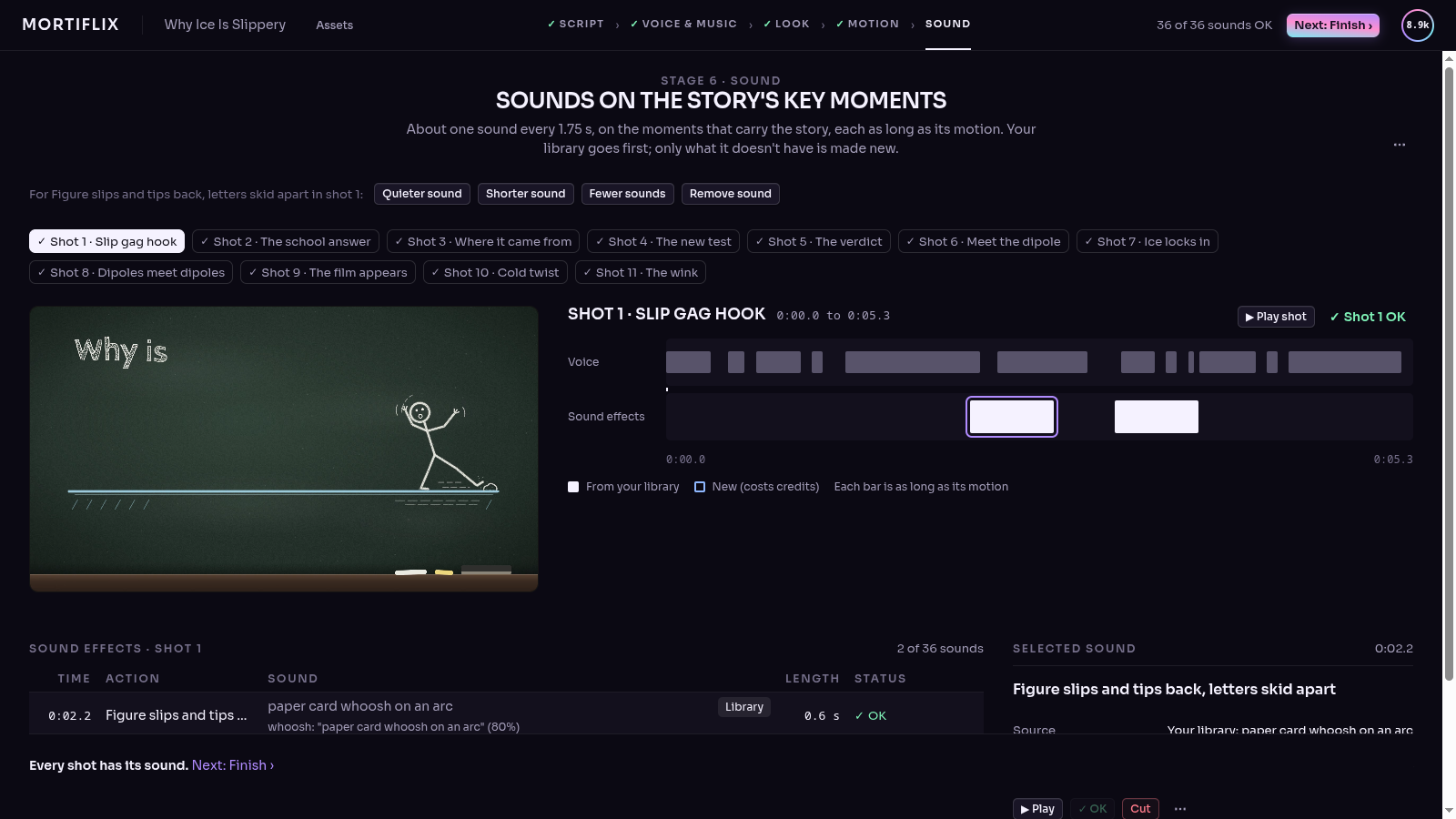 Sound |
 Finish | 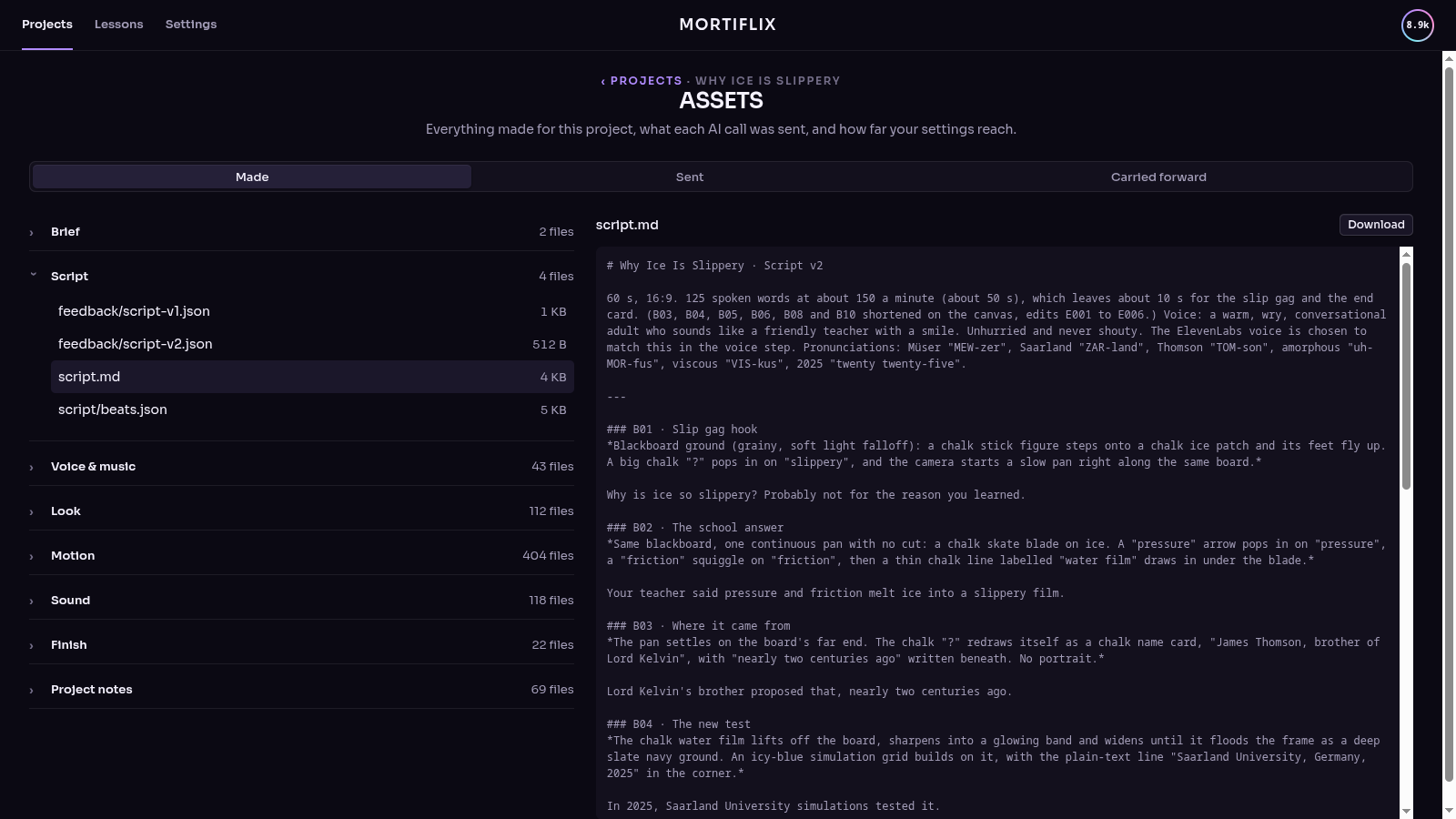 Assets |
Why it's built this way
- Sessions end at gates. A Claude session works until it has something for you to review, submits it, writes a
handoff and stops. When you respond, a fresh session picks up from the journal. Waiting on you costs nothing,
for hours or for days.
- The rules live in code, not in the prompt. Only you can approve a step you review. A submission is refused if
it doesn't report every error check for its kind of work, or if it doesn't answer each note you left on the last
version. What you reviewed is copied out of the session's reach, so it can't change afterwards.
- It learns your studio. When you point out a real mistake, the session proposes a new check ("text never
touches the frame edge"). Approve it once and every future video runs it. Your taste carries across projects in
TASTE.md.
- Pipelines are folders. A pipeline is a
pipeline.json (steps, how each is reviewed, the error checks), a
PIPELINE.md (the craft), and skills. Anyone can write one: that's the point of open-sourcing it.
Quick start
Tested mostly on Linux so far. A Windows version is coming in the next two weeks (by October 20, 2026): the
installer is ready, sessions are next (docs/WINDOWS.md). macOS should mostly work but hasn't
been tested yet.
You need Node 20+ and ffmpeg. For real videos you also need one of:
git clone https://github.com/GTKottman/mortiflix-oss.git && cd mortiflix-oss
npm install
npm link                 # puts `mortiflix` on your PATH (or use: node bin/mortiflix)

mortiflix init           # makes the studio folder (~/Mortiflix) and picks a backend it finds
mortiflix setup          # the walkthrough: Claude, narration, music, assets, 3D (asks before installing anything)
mortiflix demo           # a full walk-through with placeholder work: free, no Claude needed
Then either:
A. In the terminal
mortiflix new explainer          # asks the brief's questions
mortiflix run                    # sessions run until something waits on you
mortiflix review                 # read the note, answer questions, pin notes, approve or ask for changes
mortiflix run                    # ...and so on until it's delivered
B. In the browser
mortiflix serve # http://127.0.0.1:4646
The web studio shows what's waiting on you, a live log of what Claude is doing, and the review room: click a frame
to pin a note, pause a video to note a moment, comment on a paragraph of the script, answer the session's questions,
and approve. Sessions start by themselves while serve runs. To use it from another device, run
mortiflix serve --host 0.0.0.0: you then get a private link with an access token (put it behind HTTPS if it leaves
your network).
C. In Claude Code
/plugin marketplace add GTKottman/mortiflix-oss
/plugin install mortiflix@mortiflix
/mortiflix
/mortiflix walks you through all of it in the conversation. It installs the CLI if you don't have it, then
covers setup, the demo, a new video's brief, and running the studio. At each gate it shows you what the session
sent, opens the frames and videos, and turns what you say into pinned notes. It reads them back to you before
sending. Jump straight to a part with /mortiflix demo, /mortiflix new explainer, /mortiflix review,
/mortiflix status or /mortiflix setup. If another plugin also has a /mortiflix, this one is
/mortiflix:mortiflix.
Your Claude Code conversation is the guide, not the studio. The video is still made by the studio's own sessions,
behind the same gates. The guide asks you at every gate and is told never to decide one for you. Keys
never go into the chat: you add them with mortiflix keys in a terminal, or in Settings › Keys. The guide asks
before it installs anything, opens a port or starts paid work. Only read commands are pre-allowed, so your Claude
Code permission settings apply to everything else. From a clone, claude --plugin-dir ./plugin loads it
without installing.
Backends
| Backend | What runs | Who pays |
|---|
claude-code | claude -p in the project folder, with your login | your Claude plan |
anthropic-api | Mortiflix's own agent loop on the Claude API: a persistent shell, a file editor that can show Claude the frames it renders, web search, prompt caching, compaction for long sessions | your API key, per token |
demo | a scripted stand-in that walks every gate with placeholder frames and a test-pattern video | nobody |
Pick one with mortiflix init --backend …, mortiflix config backend …, or Settings in the web studio.
Each project shows what its Claude work cost: on a Claude plan, what it would have cost at API prices (you didn't
pay that); with an API key through Claude Code, about what you spent.
Your keys
Mortiflix runs on your own accounts: there's nothing to sign up for. mortiflix init asks for your keys, and
mortiflix keys changes them any time (Settings › Keys in the web studio does the same):
Anthropic API key   only for the anthropic-api backend (Claude Code uses your own login)
ElevenLabs API key  only for ElevenLabs narration, sound effects and music
Upload-Post API key only for `mortiflix publish` through Upload-Post (optional; sessions never get it)
Other keys          anything a pipeline's tools read from the environment, e.g. GEMINI_API_KEY
Typing is hidden, each key is checked with a free API call before it's saved, and they're written to the studio
folder only (secrets.json and session.env, mode 600). If a project needs a key you haven't added, it asks
before it starts (mortiflix new, or the web studio's Start button) instead of failing halfway through.
For scripts: echo "$KEY" | mortiflix keys set elevenlabs.
What it can make today
| Pipeline | Steps you review | Good for |
|---|
explainer | brief → script → style frames → transitions → animatic → music → final | 30 s to 2 min explainers, narrated or not, with an original score |
social-short | brief → hook frames → transitions → final | 45 s to 3 min vertical shorts: hook first, works with sound off |
logo-sting | directions → final | a 3–8 s logo animation; the quickest real run |
song | blueprint → final | an instrumental song from a genre and a topic: researched genre, checked score, MIDI, an instrument per channel, a mastered track |
They write the video with Remotion's React API and render it with Kinetograph
(native, no Chrome; renders queued through mfx render), then check every render with ffmpeg (qc.mjs: format, black
or frozen frames, loudness, a frame sheet Claude has to look at). Kinetograph has its own license (PolyForm Small
Business 1.0.0: free for individuals and small businesses, a commercial license above that). Check it for your case.
Narration
Pick a voice in Settings › Narration (or mortiflix voice):
- ElevenLabs: connect your key and choose from your voices, the default voices or the Voice Library, with
Eleven v4 by default and every option the API offers (models, stability and similarity, language, text
normalization, pronunciation dictionaries, audio format, data-residency servers), plus sound effects and music
beds. Settings shows your plan, credits, and whether you may use the audio commercially (the free plan doesn't).
- Your own voice: you read the script yourself, one short line at a time, in the recording booth: in the web
studio (hold Space to record, listen back, keep the best take), in a terminal (
mortiflix record <project>), or by
importing files you recorded elsewhere (mortiflix record <project> --import <folder>). The studio asks for you when
the script is ready and carries on once every line has a kept take.
- None: on-screen text and music.
Generated lines are checked by speech to text and retaken if words go missing; word timings drive the animation.
Details: docs/VOICE.md.
Transitions
Before the animatic, every project gets a transition board: for each change from one style frame to the next,
the object or idea on screen that carries it, why the cut happens there, the word it lands on, and real in-between
frames rendered from the two style frames and the chosen transition. Transitions come from the



 @heygen-com


