
mempalace
MCPShips with mempalace: Local-first AI memory. Verbatim storage, pluggable backend, 96.6% R@5 raw on LongMemEval — zero API calls.
 @mempalaceInstall MCP
Ships with claude-mem: Persistent Context Across Sessions for Every Agent – Captures everything your agent does during sessions, compresses it with AI, and injects relevant context back into future…
Claude Code
> /plugin marketplace add thedotmack/claude-mem> /plugin install claude-mem@thedotmack
Codex
$ npx claude-mem install
Cursor
$ npx claude-mem install
Gemini CLI
$ npx claude-mem install
GitHub Copilot
$ npx claude-mem install
OpenCode
$ npx claude-mem install
Windsurf
$ npx claude-mem install
Security report
Not enough data
Known flaws
Not published
Signed build
Not published
Maintained
Nov 10, 2026
Last push
Licence
Apache-2.0
Runs as
Local process
On your machine
Deprecated
Not published
Signals from public registries, not an audit. Checked Nov 11, 2026.




🇨🇳 中文 • 🇹🇼 繁體中文 • 🇯🇵 日本語 • 🇵🇹 Português • 🇧🇷 Português • 🇰🇷 한국어 • 🇪🇸 Español • 🇩🇪 Deutsch • 🇫🇷 Français • 🇮🇱 עברית • 🇸🇦 العربية • 🇷🇺 Русский • 🇵🇱 Polski • 🇨🇿 Čeština • 🇳🇱 Nederlands • 🇹🇷 Türkçe • 🇺🇦 Українська • 🇻🇳 Tiếng Việt • 🇵🇭 Tagalog • 🇮🇩 Indonesia • 🇹🇭 ไทย • 🇮🇳 हिन्दी • 🇧🇩 বাংলা • 🇵🇰 اردو • 🇷🇴 Română • 🇸🇪 Svenska • 🇮🇹 Italiano • 🇬🇷 Ελληνικά • 🇭🇺 Magyar • 🇫🇮 Suomi • 🇩🇰 Dansk • 🇳🇴 Norsk




Quick Start • How It Works • Search Tools • Documentation • Configuration • Troubleshooting • License
Every new session, your agent starts from zero. It re-reads the same files, re-asks the same questions, and walks back into mistakes you already fixed together.
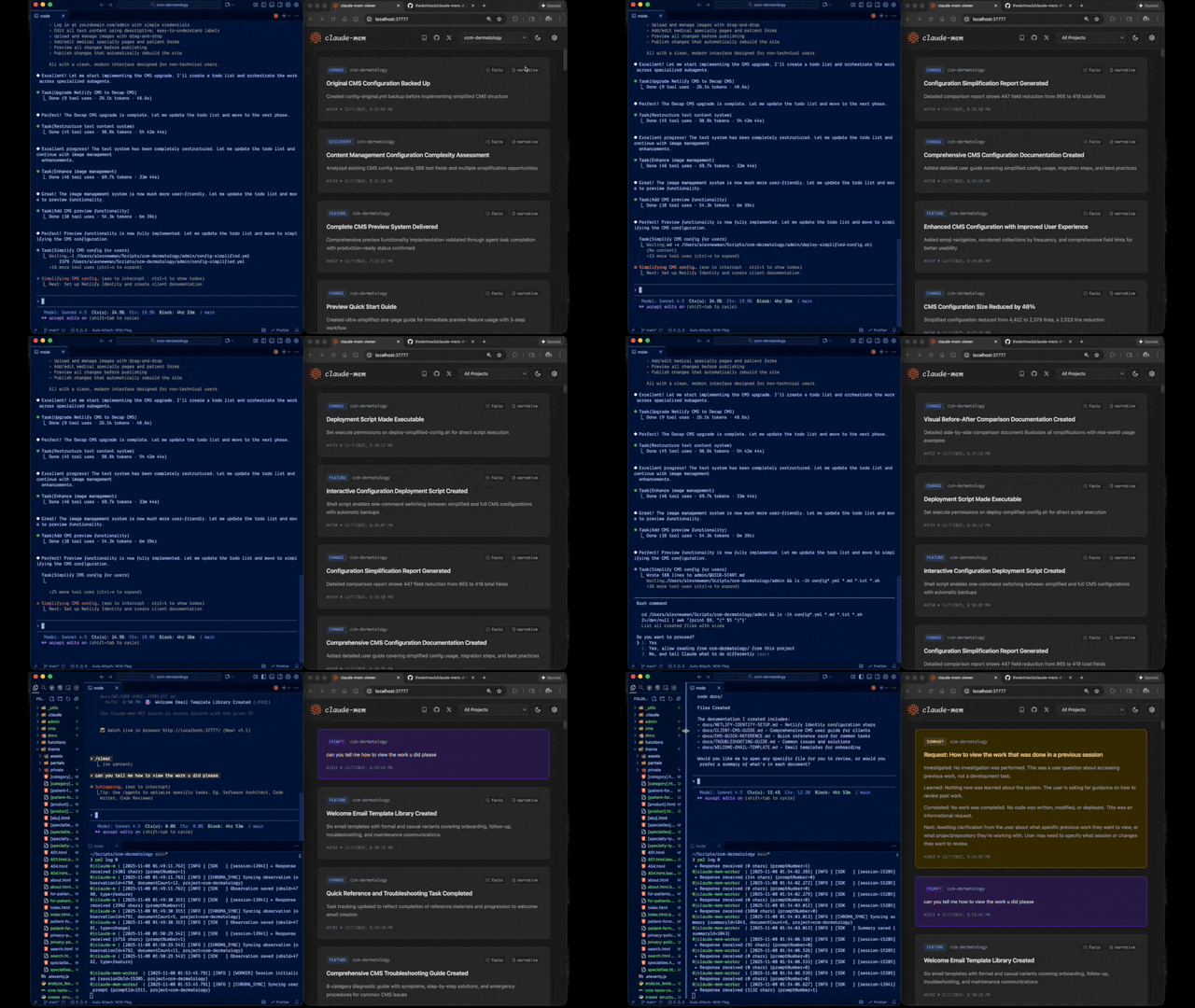
Claude-Mem runs a second agent beside it that takes notes while it works. The next session starts with a short index of what matters, and pulls in the details only when it needs them. Works with Claude Code, Codex, Cursor, OpenCode and 11 more agents. Copilot CLI, Goose, Roo Code and Warp can search your memory, but their sessions aren't recorded.
Installing for someone as an AI agent? Run npx claude-mem install --runtime worker on their computer in an interactive terminal (enable PTY in your shell tool). It first asks in the terminal which agents to set up and, for Claude Code, whether to disable native auto-memory (and whether to overwrite an existing install). Relay each question to the user and type their answer, or pass --ide <id> to skip the first one. Keep the installer running. When it prints Continue setup in your browser, open that URL in the user's browser if the installer hasn't already opened it. Let the user go through setup and make their own choices, including the usage-analytics question the installer may ask at the end. If you can't run an interactive terminal on their computer, give them the command to run locally.
npx claude-mem install
The installer finds the agents on your machine and asks which ones to set up. Then just start working: observations stream in from your first prompt, and your second session in a project opens with memory from the first. (Copilot CLI, Goose, Roo Code and Warp get memory search only, so their sessions don't add to it.)
The installer sets everything up first, then asks you to sign in to claude-mem in your browser (email magic link, no card required to sign in). Choosing the claude-mem observer then starts its 30 Day Free Trial on a checkout page that asks for a payment method; once it completes, the installer saves your memory key. With the observer, memory runs off-plan, so you get up to 100% more usage from your plan. When the free trial ends, memory automatically falls back to your Anthropic plan unless you subscribe. After sign-in you pick your memory provider: the claude-mem observer, your own OpenRouter or Gemini key, or your Anthropic plan.
Prefer to skip the sign-in? Pass an explicit --provider flag, set CLAUDE_MEM_ONLINE_OPTIN=false, or run in CI/non-interactive shells — the installer completes without any account interaction.
Your memory lives in ~/.claude-mem on your machine. Cloud sync is opt-in. Anonymous usage analytics are on by default; npx claude-mem telemetry disable turns them off (what's collected).
Or install from the plugin marketplace inside Claude Code:
/plugin marketplace add thedotmack/claude-mem

/plugin install claude-mem
Restart Claude Code. Context from previous sessions will automatically appear in new sessions.
Note: Claude-Mem is also published on npm, but
npm install -g claude-meminstalls the SDK/library only — it does not register the plugin hooks or set up the worker service. Always install vianpx claude-mem installor the/plugincommands above.
npx claude-mem install covers every supported agent. To set up one agent directly, pass --ide.
OpenCode (1.3.4 or later, including OpenCode 2). Restart OpenCode after installing.
npx claude-mem install --ide opencode
T3 Code (Codex and Claude Code providers). The installer discovers T3 Code's enabled providers, registers native Claude-Mem plugins in their configured homes, and supports T3-managed Codex. Restart T3 Code, trust the provider's hooks when prompted, and start a new thread. See the T3 Code integration guide for custom server settings, status, and removal.
npx claude-mem install --ide t3code
Antigravity CLI (setup guide):
npx claude-mem install --ide antigravity
OMP (Oh My Pi):
npx claude-mem install --ide omp
Pi and DeepSeek Harness use the worker runtime. See native harness setup for capture, recall, and troubleshooting.
npx claude-mem install --ide pi
npx claude-mem install --ide dsh --dsh-profile tui
Grok Bot: see Grok Bot below.
npx claude-mem install --ide grok-bot
The full list of --ide values is in npx claude-mem --help.
Grok Bot has no host hooks, so we watch the chat log files. Default is CMEM Pro, the hosted memory. Local observer is opt-in: --provider host. Installing this plugin does not install Cursor.
Opt-in awareness push: needle observations (decision, bugfix, security_alert, sensitive) are appended as dated - YYYY-MM-DD [awareness] … lines into that bot's memory/log/YYYY-MM.md. Grok Bot already re-reads the log from disk. This does not write profile.md, user-memory, or project memory. Enable with CLAUDE_MEM_GROK_BOT_AWARENESS_ENABLED=true and set CLAUDE_MEM_GROK_BOT_AWARENESS_AGENT_IDS to your agent UUIDs (empty by default).
Install claude-mem as a persistent memory plugin on OpenClaw gateways with a single command:
curl -fsSL https://install.cmem.ai/openclaw.sh | bash
The installer handles dependencies, plugin setup, AI provider configuration, worker startup, and optional real-time observation feeds to Telegram, Discord, Slack, and more. See the OpenClaw Integration Guide for details.

Stars on GitHub
Ships with mempalace: Local-first AI memory. Verbatim storage, pluggable backend, 96.6% R@5 raw on LongMemEval — zero API calls.
@mempalaceInstall MCPShips with mempalace: Local-first AI memory. Verbatim storage, pluggable backend, 96.6% R@5 raw on LongMemEval — zero API calls.
 @milla-jovovichInstall MCP
Ships with mksglu-context-mode: The other half of the context problem. Used across teams at
 @mksgluInstall MCP
Ships with context-mode: The other half of the context problem. Used across teams at
@mksgluInstall MCP