

promptschat
Gives Claude Code access to the prompts.chat library, letting you search, retrieve and improve AI prompt templates, and find and install Agent Skills from its registry.
2 skills2 agents2 commands1 MCP+3+2+2+2+1+1+1+1177k
 @gh-f
Generates animated, hand-drawn style architecture and flow diagrams as one self-contained HTML file, with flowing dots on connectors and a one-click export to a looping GIF.
Claude Code
> /plugin marketplace add OLDyade/animated-sketch-diagram> /plugin install animated-sketch-diagram@animated-sketch-diagram
Codex
$ npx skills add OLDyade/animated-sketch-diagram -a codex
Cursor
$ npx skills add OLDyade/animated-sketch-diagram -a cursor
Gemini CLI
$ npx skills add OLDyade/animated-sketch-diagram -a gemini-cli
GitHub Copilot
$ copilot plugin marketplace add OLDyade/animated-sketch-diagram$ copilot plugin install animated-sketch-diagram@animated-sketch-diagram
OpenCode
$ npx skills add OLDyade/animated-sketch-diagram -a opencode
Windsurf
$ npx skills add OLDyade/animated-sketch-diagram -a windsurf
English · 简体中文
Ask for a diagram. Get a hand-drawn animation — one HTML file, one seamless-loop GIF.
A Claude Code skill that draws technical diagrams the way a senior engineer sketches on paper — ink lines, beige paper, doodle icons — then sets the flow in motion so the system explains itself.
@keyframes + offset-path).
Double-click to play, works offline, nothing to serve.Via the plugin marketplace, inside Claude Code:
/plugin marketplace add OLDyade/animated-sketch-diagram
/plugin install animated-sketch-diagram@animated-sketch-diagram
Via skills.sh (also works for Codex / Cursor):
npx skills add OLDyade/animated-sketch-diagram
Or clone straight into your skills directory:
git clone https://github.com/OLDyade/animated-sketch-diagram.git ~/.claude/skills/animated-sketch-diagram
cd ~/.claude/skills/animated-sketch-diagram/scripts && npm ci   # once, enables GIF export
Then ask, in any project:
Draw me an animated sketch diagram of how a RAG pipeline works.
Real, unretouched exports — each with its one-file .html source next to it.
| Diagram | Preview |
|---|---|
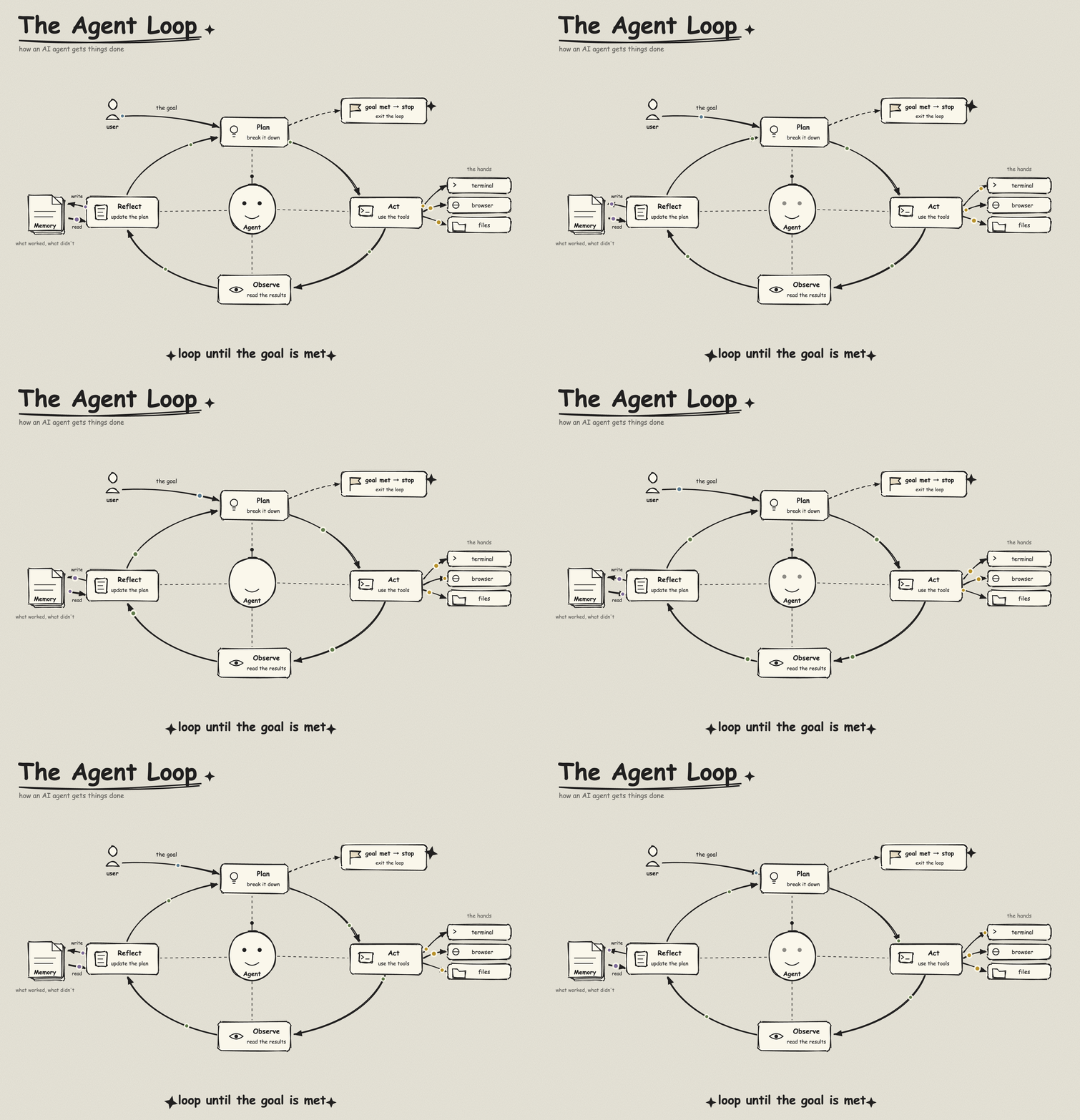
| The Agent Loop — plan, act, observe, until the goal is met | |
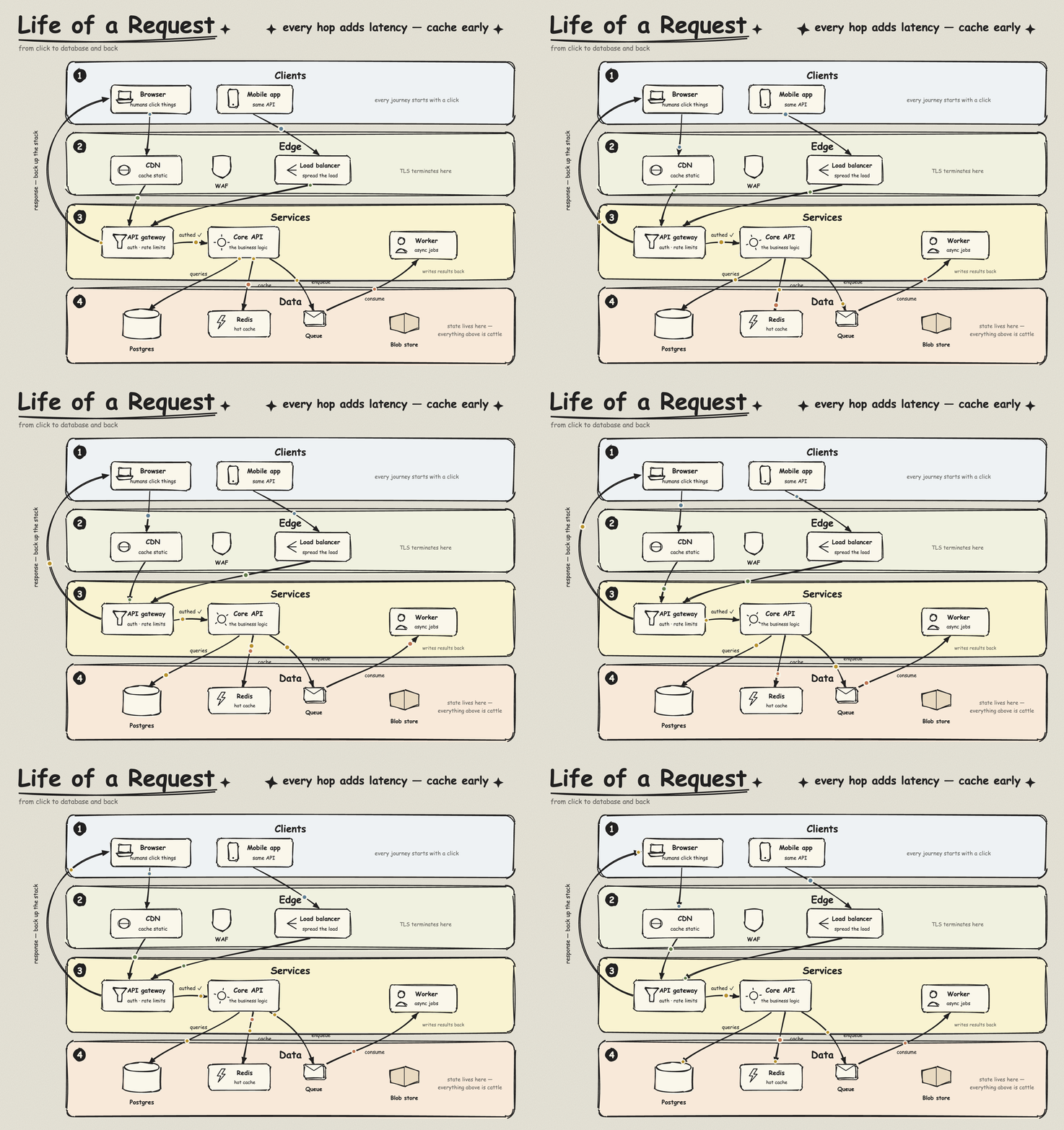
| Life of a Request — a click's round trip through the stack | |
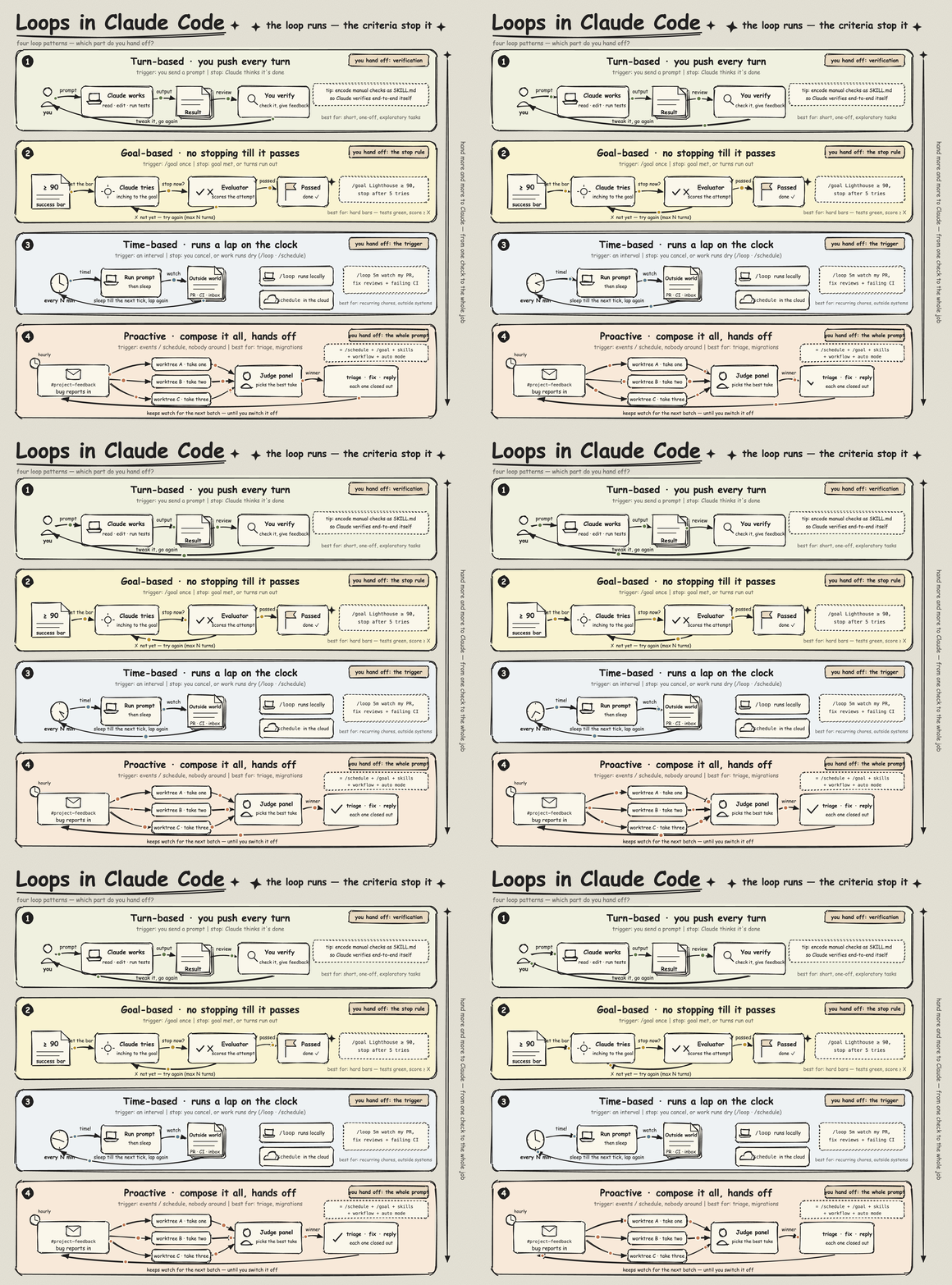
| Loops in Claude Code — four loop patterns, ranked by hand-off | |
| Monolith vs Microservices — one app, two shapes | 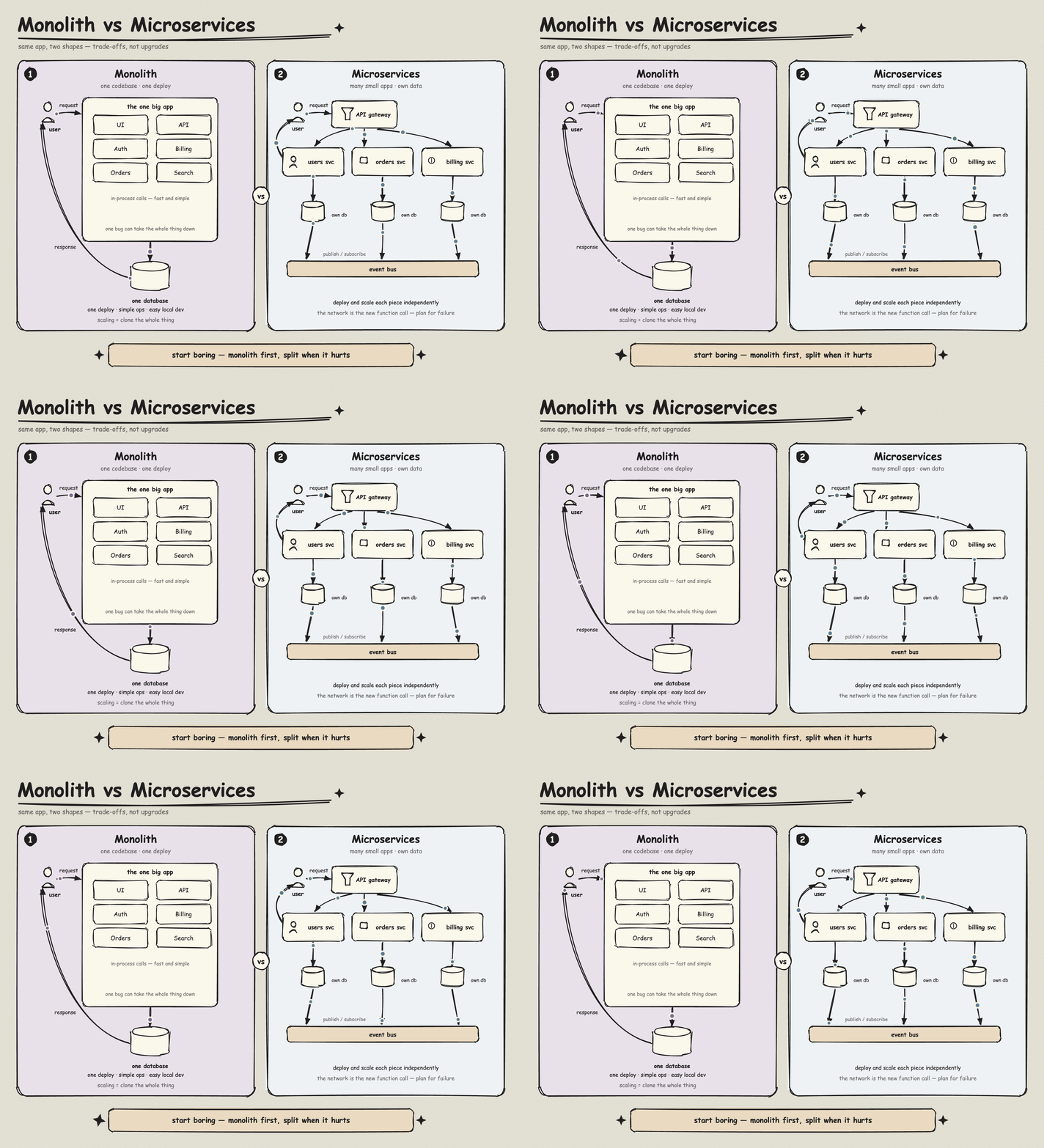 |
| RAG Pipeline — index offline, retrieve online | 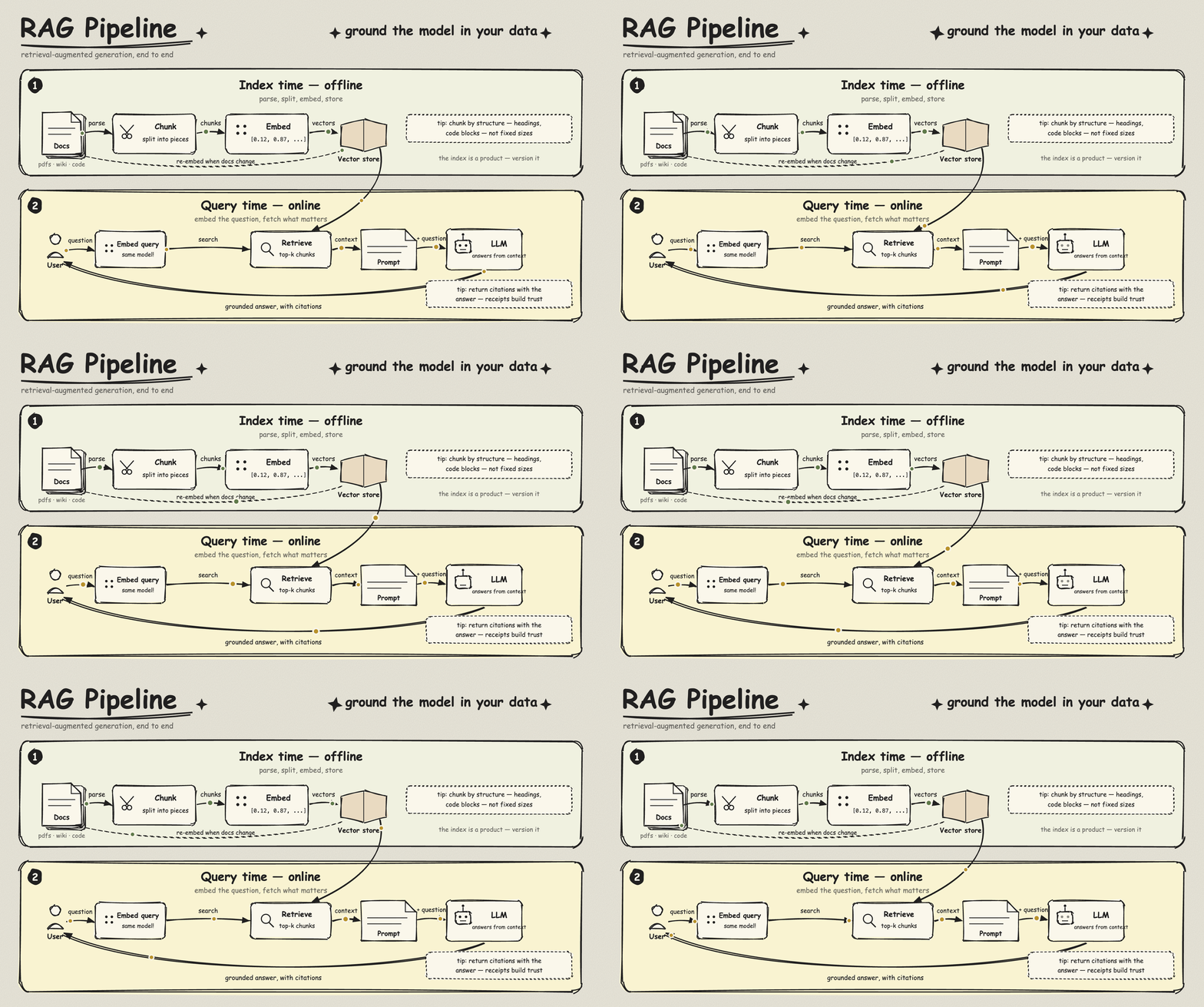 |
Drawing needs only Claude Code. GIF export: Node.js, Chrome/Chromium (or
CHROME_PATH), ffmpeg. CJK labels: pip3 install fonttools brotli.
MIT. Bundled fonts (LXGW WenKai Screen, Kalam, Patrick Hand, Caveat, Excalifont) are OFL; rough.js is MIT.
Stars on GitHub
Gives Claude Code access to the prompts.chat library, letting you search, retrieve and improve AI prompt templates, and find and install Agent Skills from its registry.
@gh-fA Claude Code skill for generating editable PPTX presentations and slides from a workflow, with reusable brand, style, layout, and deck workspaces, native charts, speaker notes, and template filling.
 @hugohe3
Gives AI agents control over Word, Excel and PowerPoint files, with skills for building .docx reports, academic papers, Excel dashboards and Morph-style animated slides.
 @iofficeai
A skill that builds animation-rich HTML presentations from scratch or converts PowerPoint files to web slides. Useful for anyone turning a deck into a web presentation.
 @zarazhangrui
Generates animated, hand-drawn style architecture and flow diagrams as one self-contained HTML file, with flowing dots on connectors and a one-click export to a looping GIF. Install it with the command on its page. It includes animated-sketch-diagram. Its skills do not fire on their own yet. Free and open source.
Is this plugin yours?
Claim it with GitHubSubmit a pluginPromote it