



promptschat
Gives Claude Code access to the prompts.chat library, letting you search, retrieve and improve AI prompt templates, and find and install Agent Skills from its registry.
2 skills2 agents2 commands1 MCP+3+2+2+2+1+1+1+1175k
 @gh-f
Creates, compiles, and converts documents such as resumes, reports, cover letters, invoices, and academic papers into professional PDFs with PNG previews. Built as a Claude Code skill.
Claude Code
$ npx -y skills add ndpvt-web/latex-document-skill --agent claude-code
Codex
$ npx skills add ndpvt-web/latex-document-skill -a codex
Cursor
$ npx skills add ndpvt-web/latex-document-skill -a cursor
Gemini CLI
$ npx skills add ndpvt-web/latex-document-skill -a gemini-cli
GitHub Copilot
$ npx skills add ndpvt-web/latex-document-skill -a github-copilot
OpenCode
$ npx skills add ndpvt-web/latex-document-skill -a opencode
Windsurf
$ npx skills add ndpvt-web/latex-document-skill -a windsurf
The capybara sat down at the typewriter. When it stood up, there was a thesis.
Turn handwritten notes, scanned textbooks, and raw data into publication-ready LaTeX -- without knowing a single LaTeX command.
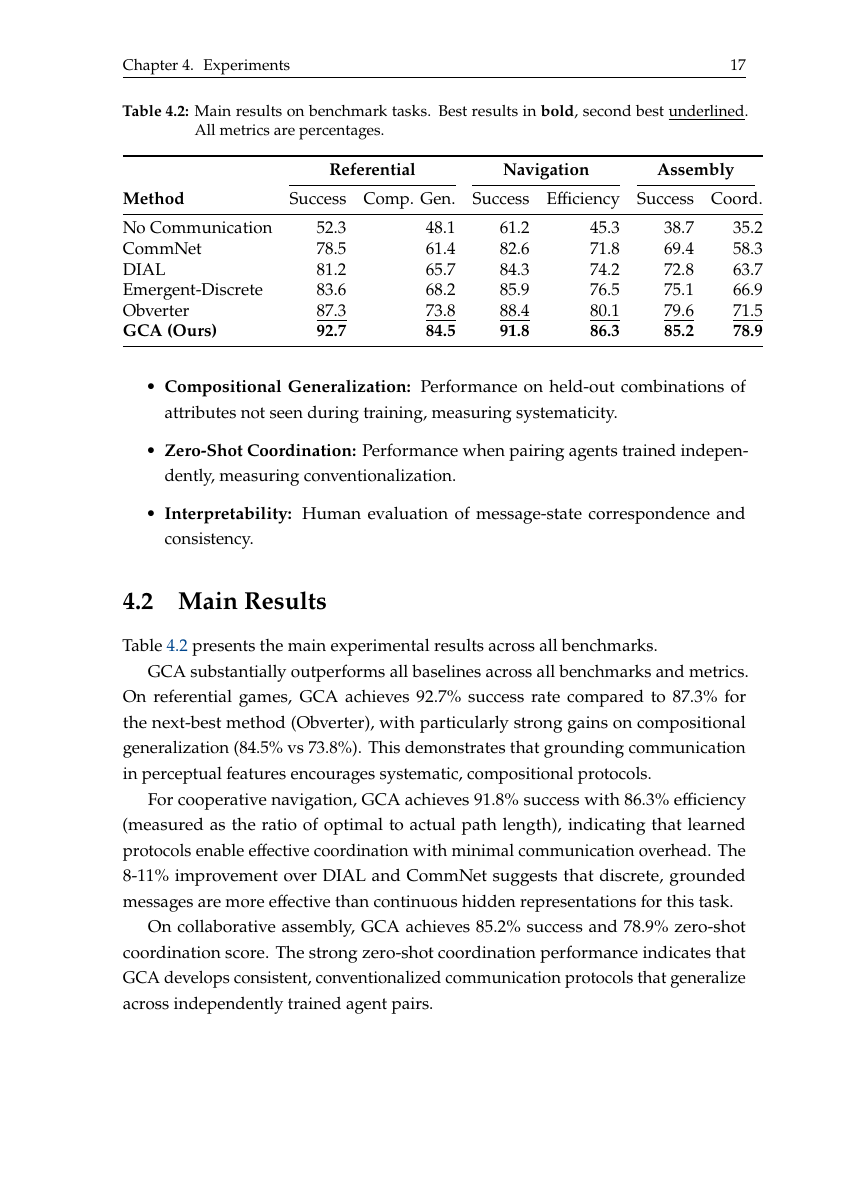
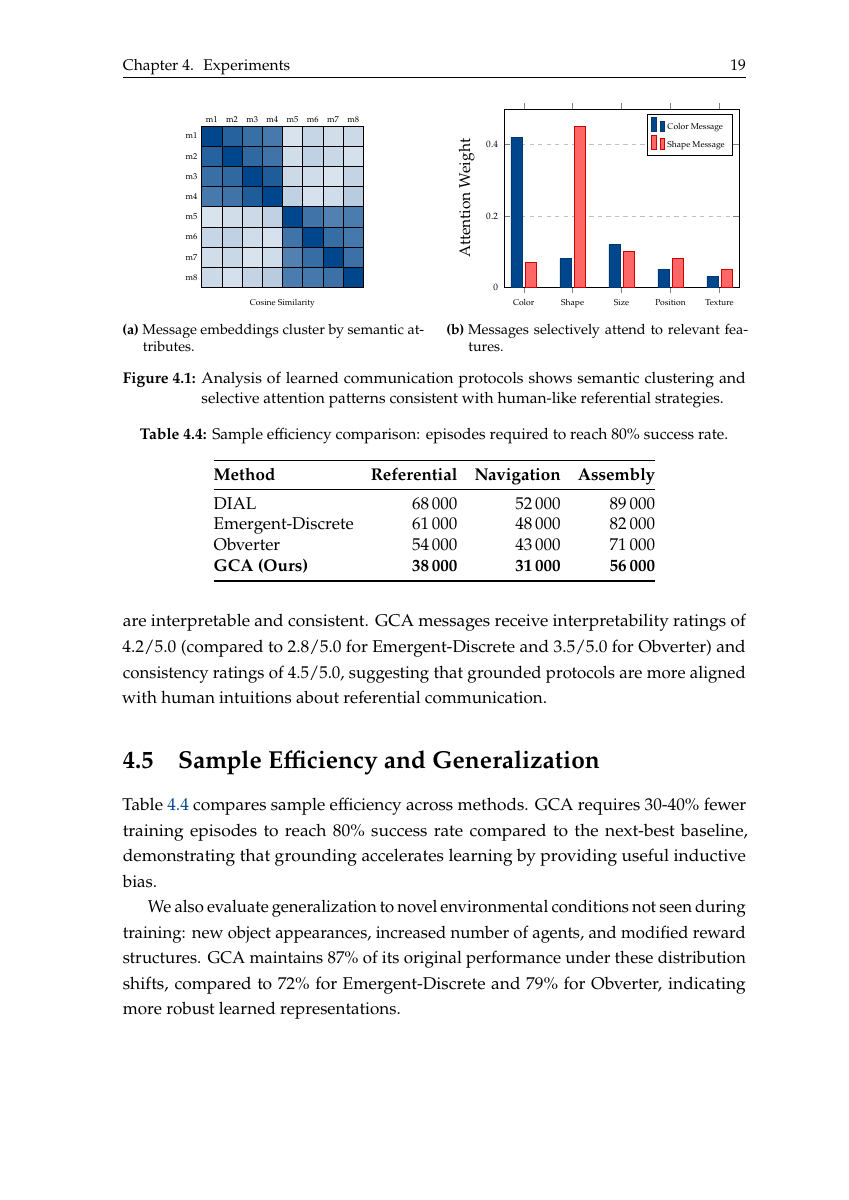
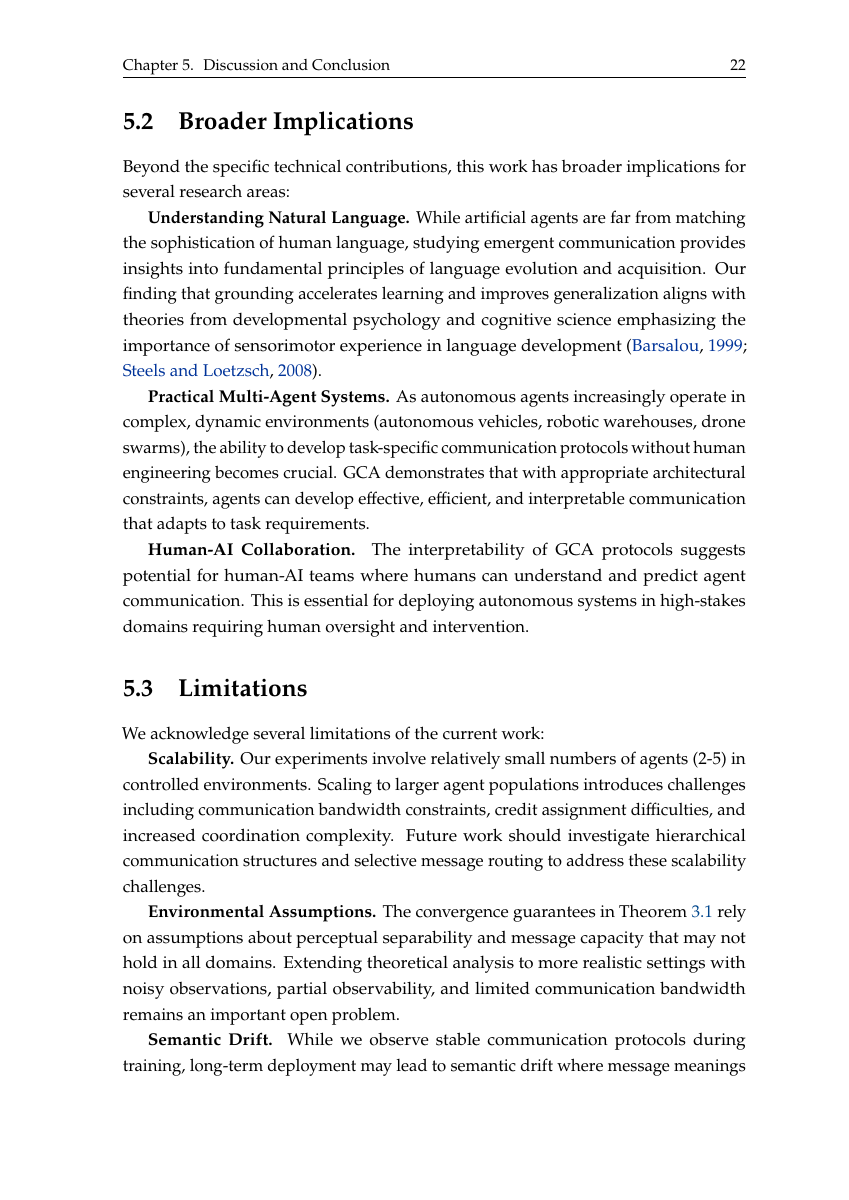
27 templates · 27 automation scripts · 26 reference guides · 4 OCR profiles · 217 tests · 0 LaTeX commands required
You describe a document in plain English. This skill produces a compiled PDF.
No LaTeX knowledge required. The capybara handles the semicolons.
(Spoiler: more than most humans with a PhD in LaTeX.)
| You say... | What happens under the hood |
|---|---|
| "Create my resume" | Selects from 5 ATS-optimized templates, compiles with pdflatex, generates PDF + PNG preview |
| "Convert my 80-page handwritten math notes into beautiful LaTeX" | pdf_to_images.sh renders at 200 DPI -> batch-7 parallel OCR agents -> math-notes.md profile generates colored tcolorbox theorems (blue), definitions (green), examples (orange) -> compile_latex.sh runs multi-pass pdflatex -> polished PDF with proper equations, proofs, and TikZ diagrams |
| "Turn this 162-page scan into a 2-page cheat sheet" | pdf_to_images.sh splits PDF -> vision OCR per page -> extracts key content -> symbol substitution -> telegram-style compression -> fits into cheatsheet.tex with 3-column landscape 7pt layout |
| "Build a quarterly report with charts" | generate_chart.py creates bar/line/pie charts from JSON/CSV -> csv_to_latex.py converts data into booktabs tables -> Mermaid/TikZ flowcharts compiled inline -> all embedded in report.tex with TOC |
| "Generate 9 charts from my sales CSV" | generate_chart.py reads CSV -> outputs bar, line, scatter, pie, heatmap, box, histogram, area, radar charts -> multi-series, legends, colorblind-safe Tol palette |
| "Convert my old PDF to LaTeX" | Pages split at 200 DPI -> parallel OCR agents -> clean .tex with profile-tuned formatting -> 0 errors per 7-page batch (validated on 115-page PDF) |
| "Send personalized letters to 500 candidates" | mail_merge.py loads template + CSV -> Jinja2 rendering -> 4 parallel pdflatex workers -> qpdf --pages merge into single PDF |
| "What changed between v1 and v2 of my thesis?" | latex_diff.sh runs latexdiff -> highlighted change-tracked PDF with additions in blue, deletions in red |
| "Make a NeurIPS poster" | Interactive: asks orientation -> layout -> color scheme -> generates A0 tikzposter with correct dimensions and QR codes |
| "Create a calculus final exam with answer key" | exam class with \printanswers toggle, grading table, 6 question types (MCQ, T/F, fill-blank, matching, short, essay) |
| "Fetch BibTeX for these DOIs" | fetch_bibtex.sh hits doi.org with Accept: application/x-bibtex header -> appends to .bib -> cross-refs every \cite{} key |
| "Password-protect this report" | pdf_encrypt.sh applies AES-256 with print/modify restrictions |
| "Fill this PDF form with my data" | Detects fillable fields -> validates -> fills text, checkbox, radio, choice fields -> completed PDF |
| "Fill this non-fillable PDF application" | Renders pages -> visual analysis to identify fields -> bounding box validation -> FreeText annotations at precise positions |
| "Check if my paper is ready to submit" | Verifies packages -> cross-refs citations -> counts figures/tables/equations -> runs chktex for style issues |
Every template has been compiled, tested, and verified to produce zero errors. The capybara is a perfectionist.
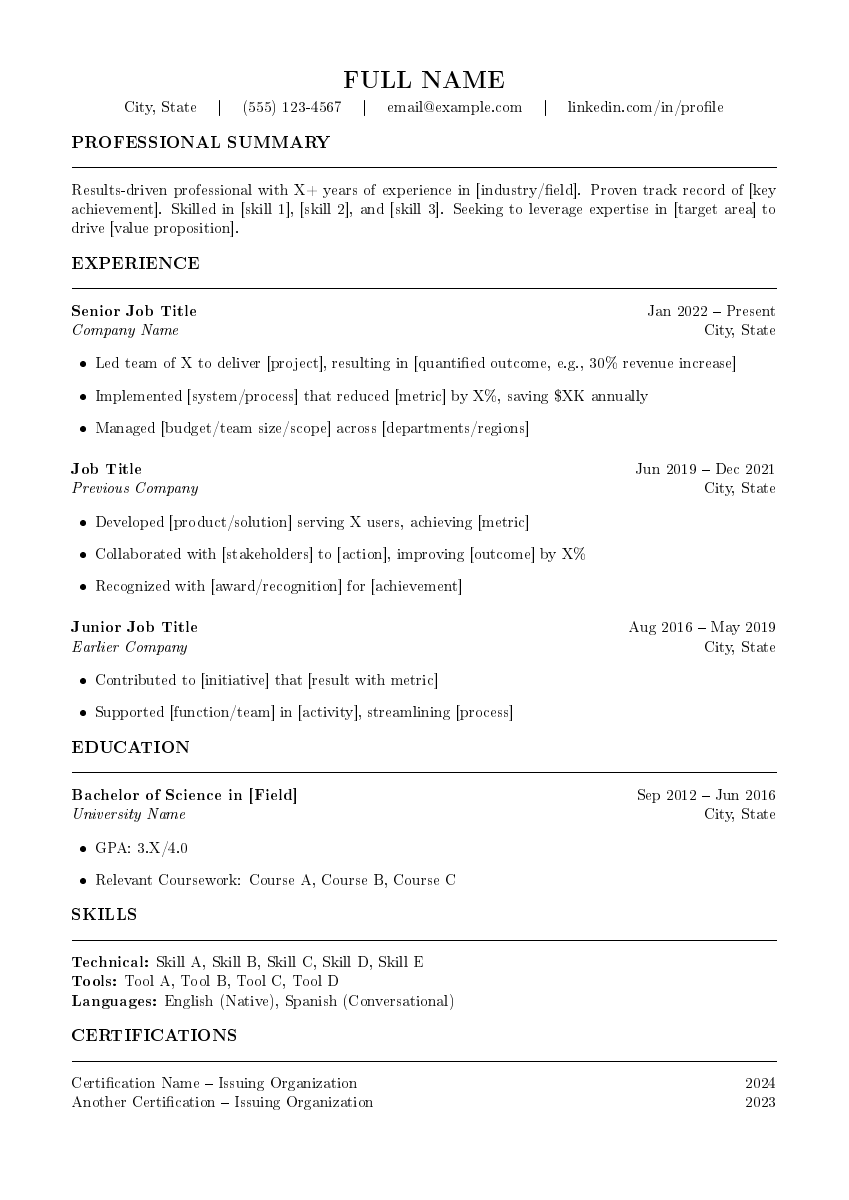
All 5 modern templates designed to pass Applicant Tracking Systems (no columns, no tables for layout, no graphics in header, machine-readable text):
| Template | Target Role | Key Design Choices |
|---|---|---|
resume-classic-ats.tex | Finance, law, government | Single-column, minimal styling, maximum parsability |
resume-modern-professional.tex | Tech, corporate | Clean sections, subtle color accents |
resume-executive.tex | VP / Director / C-suite | Multi-page, executive summary section |
resume-technical.tex | Software, data, engineering | Skills matrix, project highlights |
resume-entry-level.tex | New graduates | Education-first, coursework, activities |
resume.tex (legacy) | Regions requiring photos | Photo area -- not ATS-compatible |
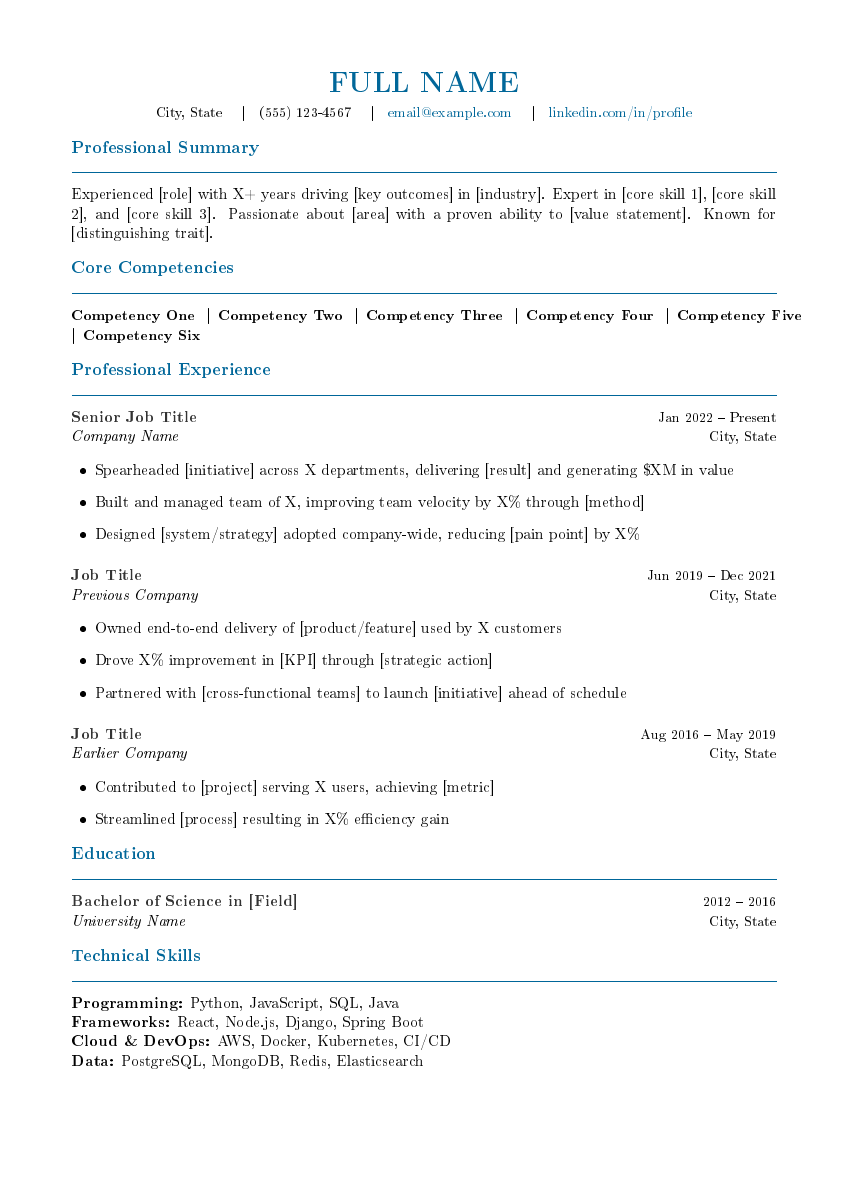 | 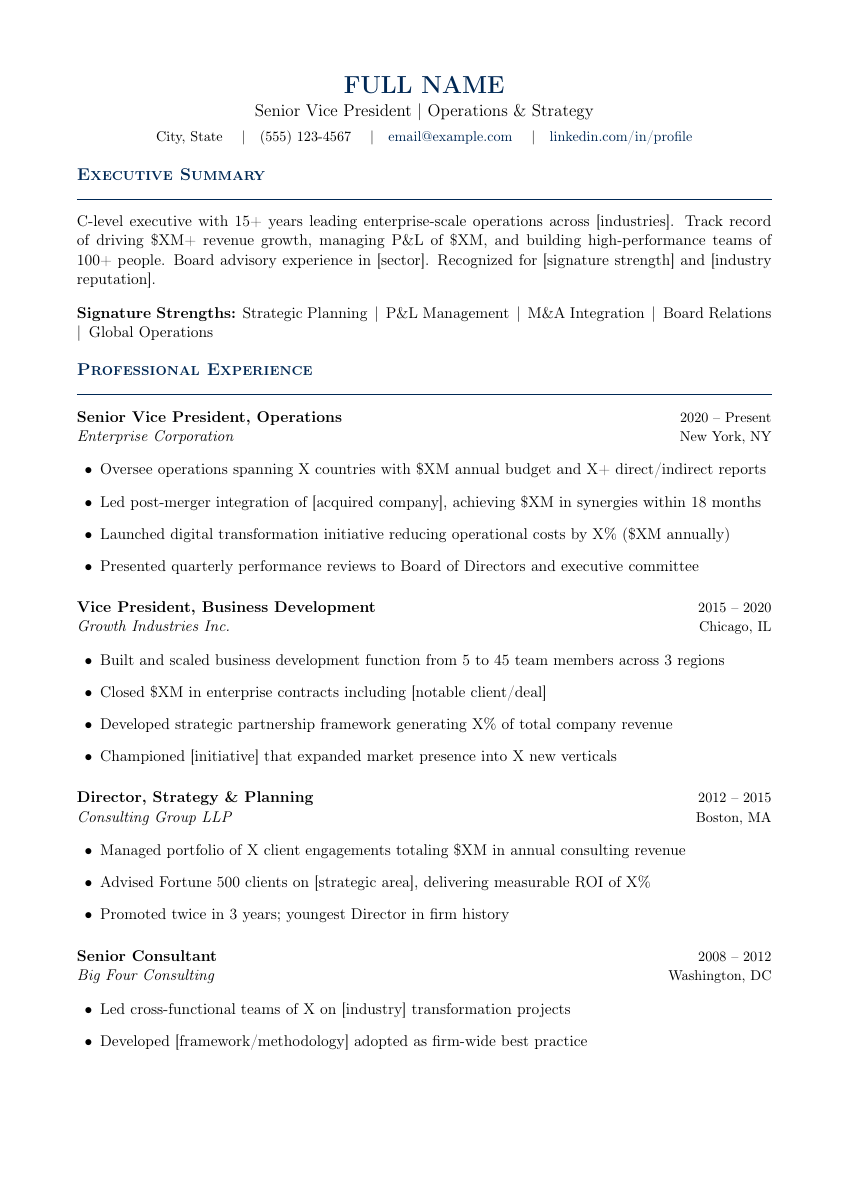 | 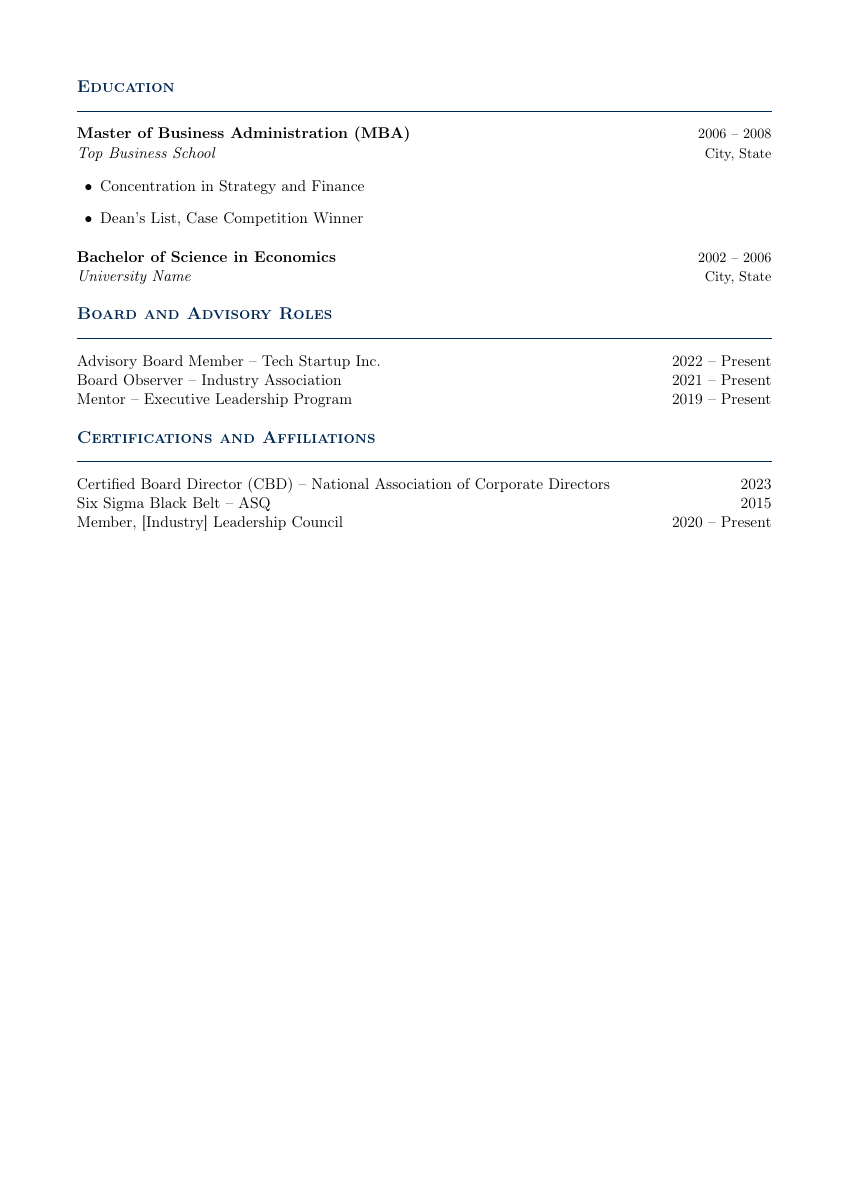 | |
| Classic ATS | Modern Professional | Executive (p1) | Executive (p2) |
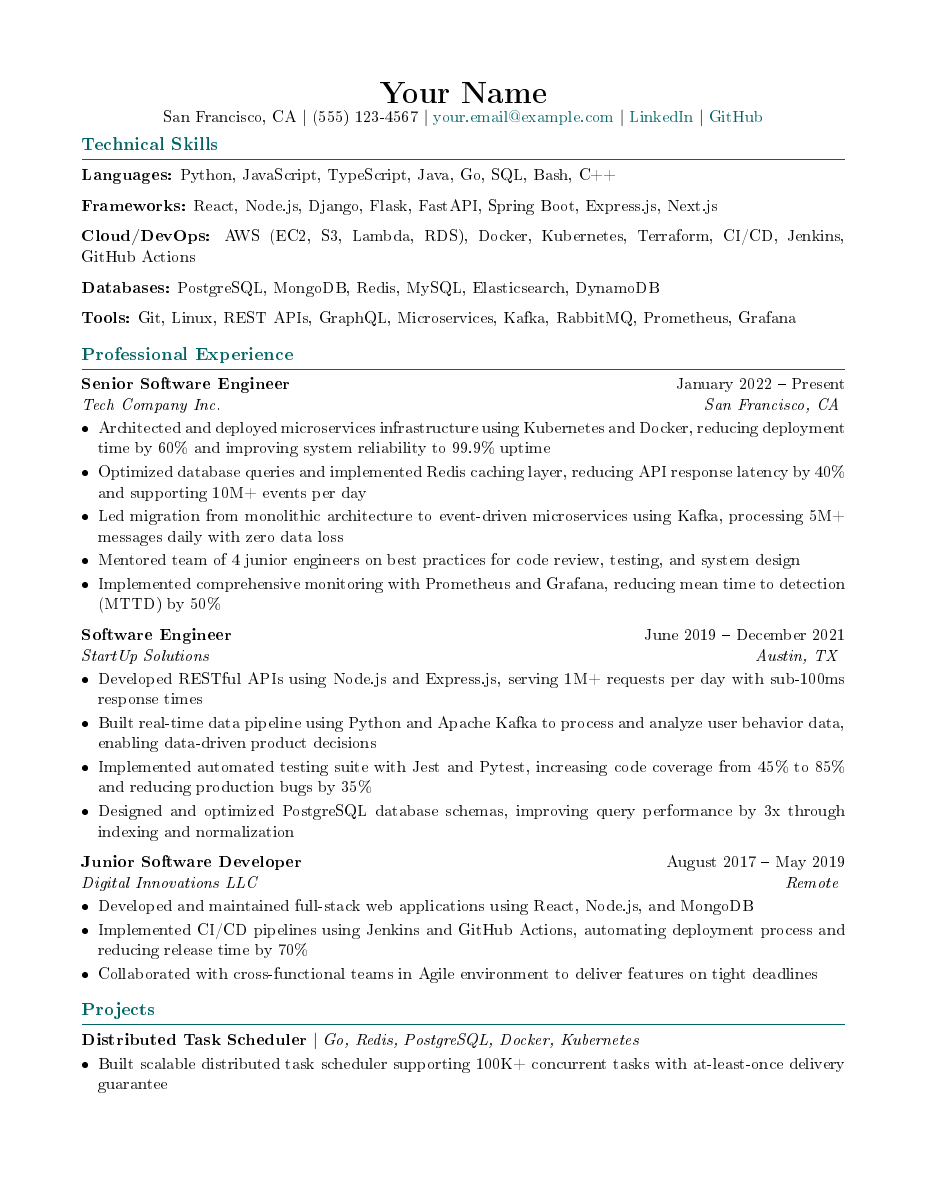 | 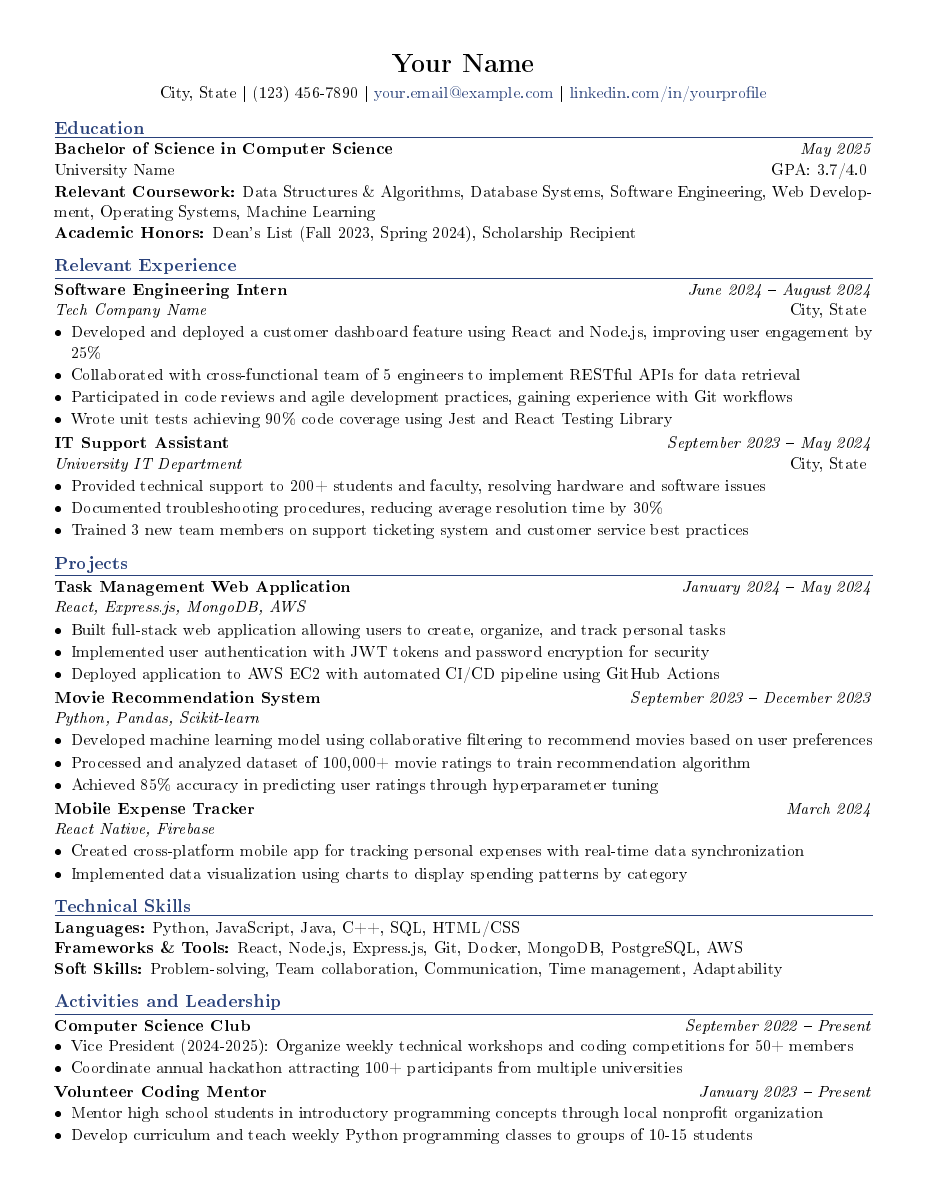 | ||
| Technical | Entry-Level |
Palatino fonts, microtype, mathtools, cleveref. Front matter (title, declaration, abstract, acknowledgments, TOC), multiple chapters, appendices, bibliography with biblatex/biber. \geometry{bindingoffset=1.5cm} for professional printing.
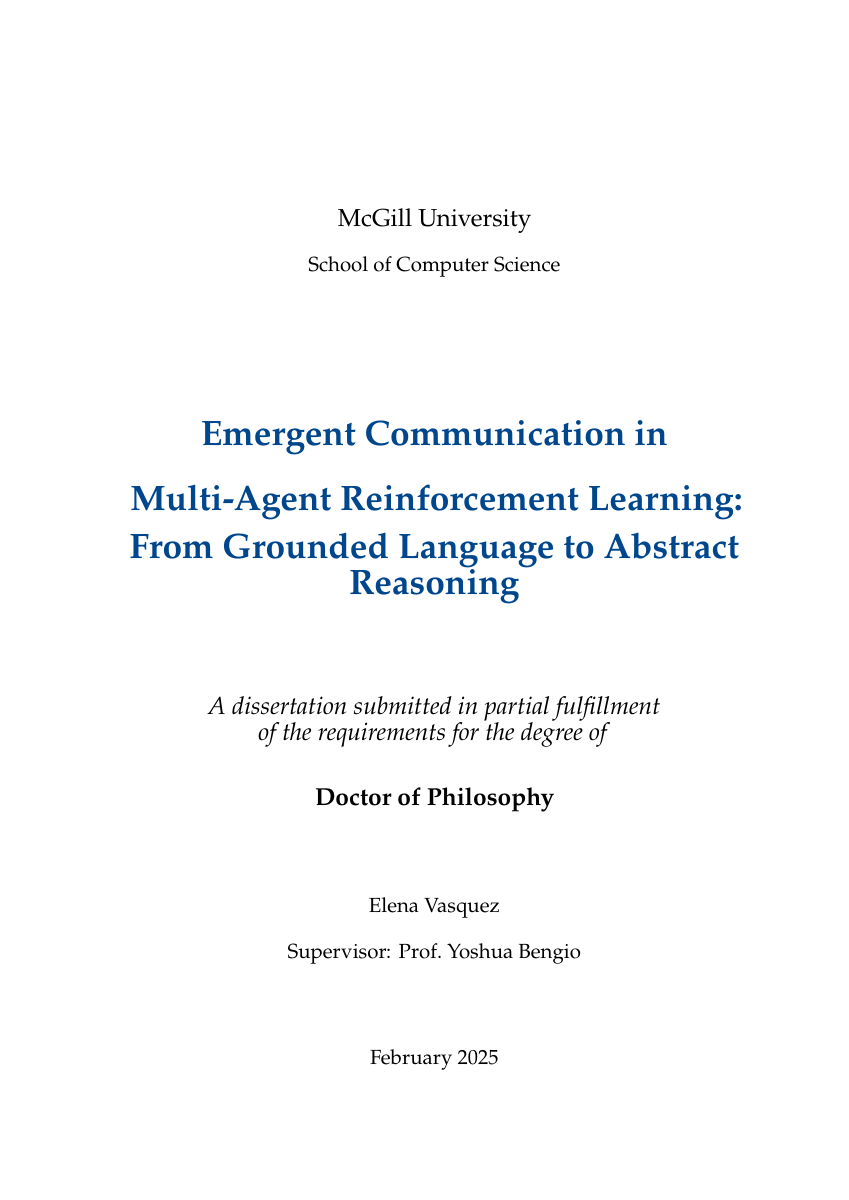 | 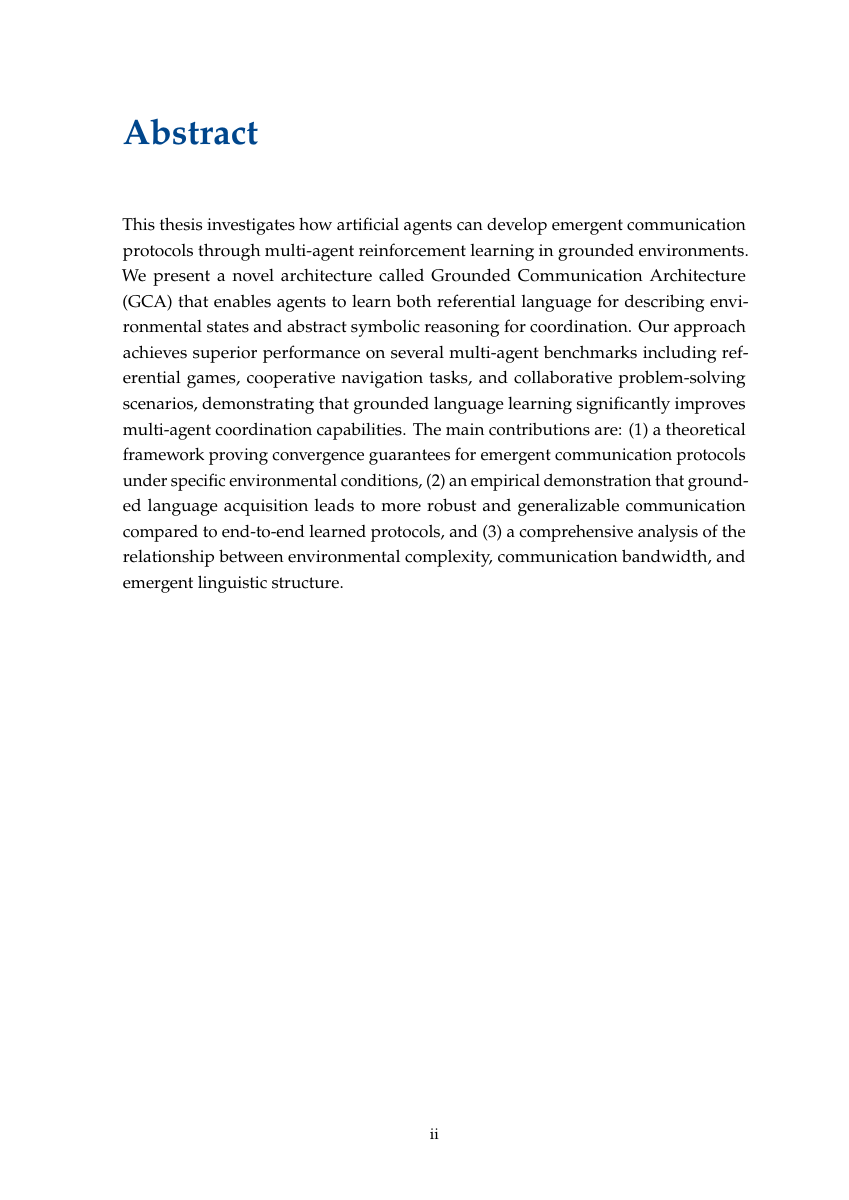 | 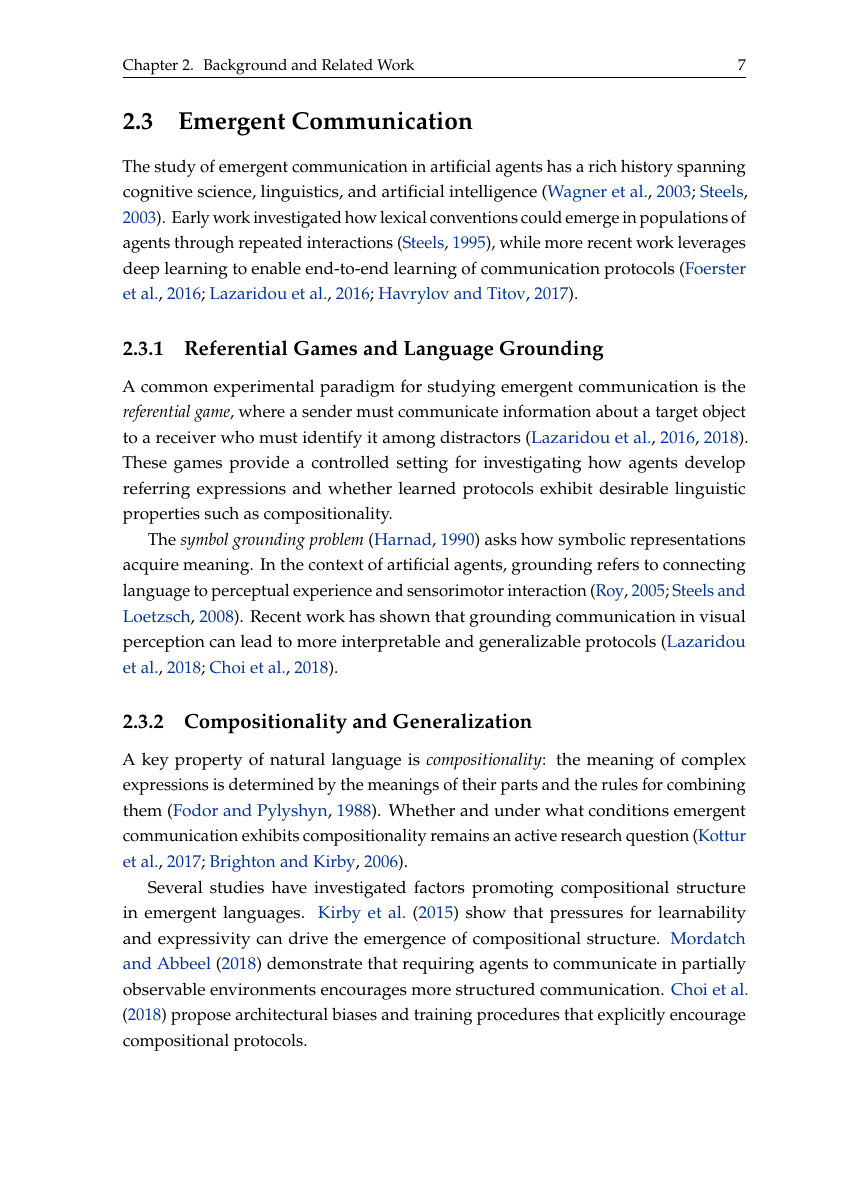 | 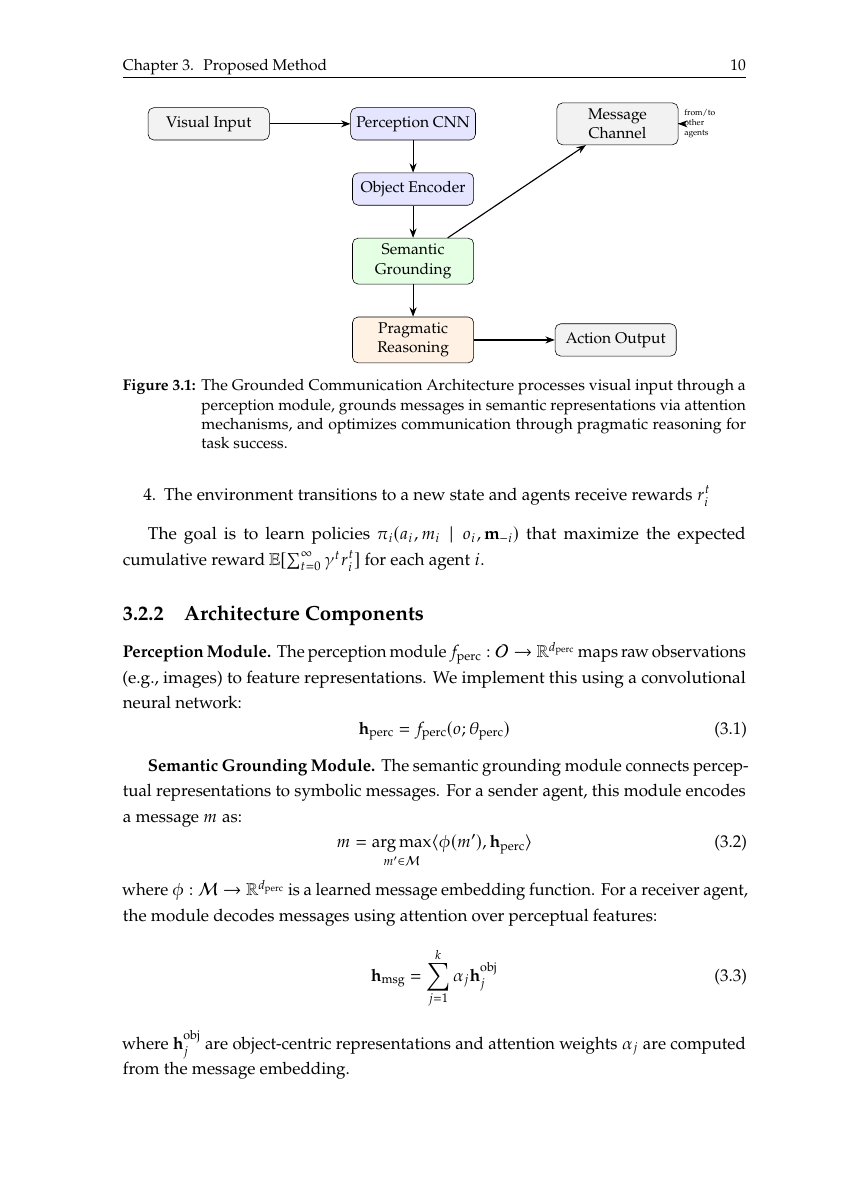 |
| Title Page | Table of Contents | Literature Review | TikZ Diagram |
 |  |  |  |
| Results | Charts | Chapter Content | Bibliography |
Times fonts, colorblind-safe Tol palette, multi-author affiliations via authblk, siunitx for consistent units, algorithm environments, theorem/proof. \pdfoutput=1 for arXiv submission.
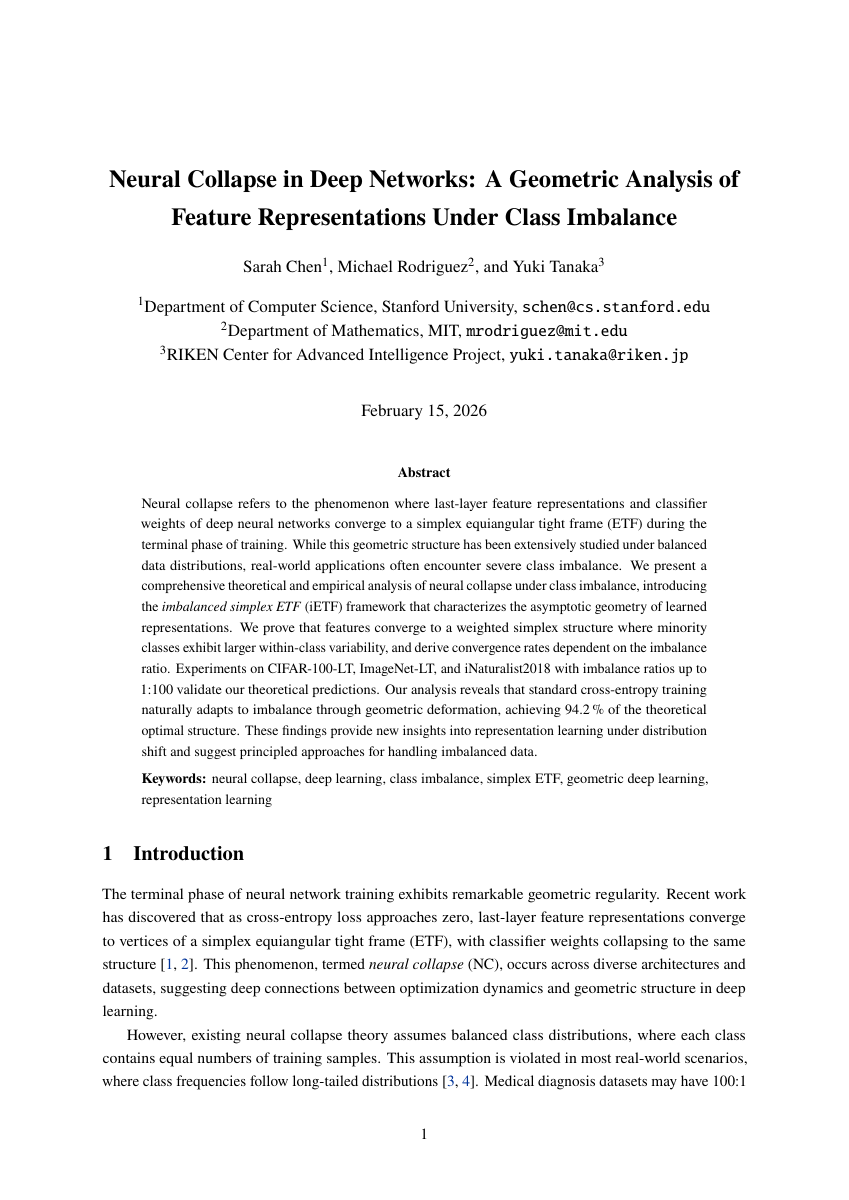 | 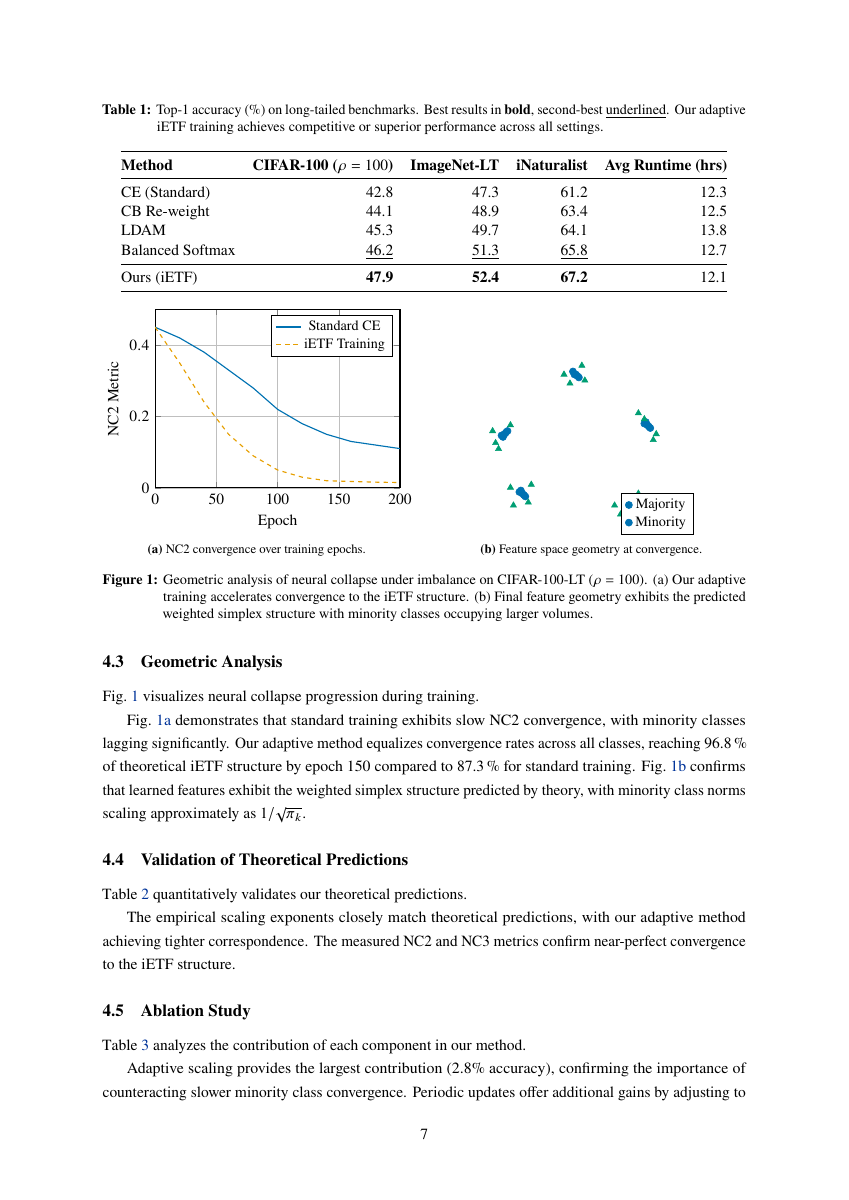 | 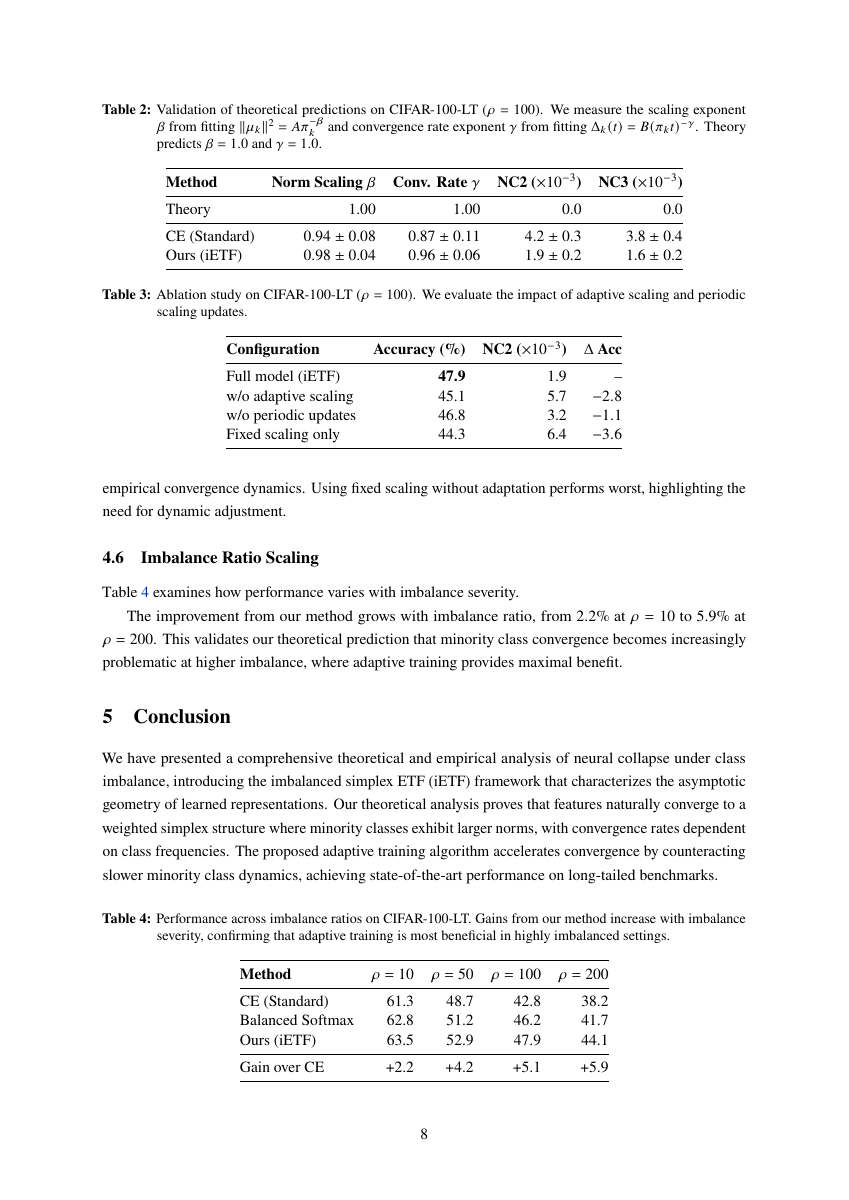 | 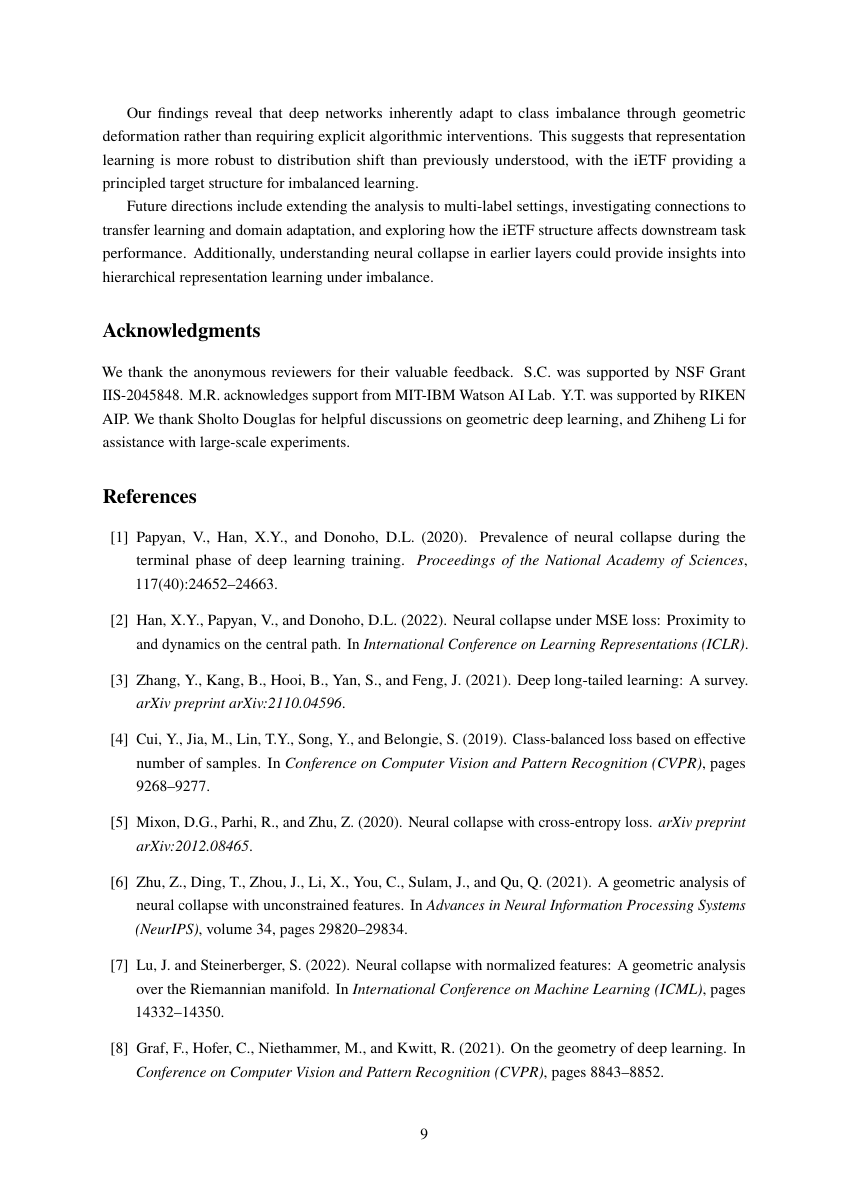 |
| Title & Abstract | Tables + Charts | Ablation Study | References |
lecture-notes.tex: Palatino fonts, tcolorbox with semantic colors -- blue theorems, green definitions, orange examples, purple remarks. TikZ graph theory macros, custom math operators (\E, \Var, \Cov).
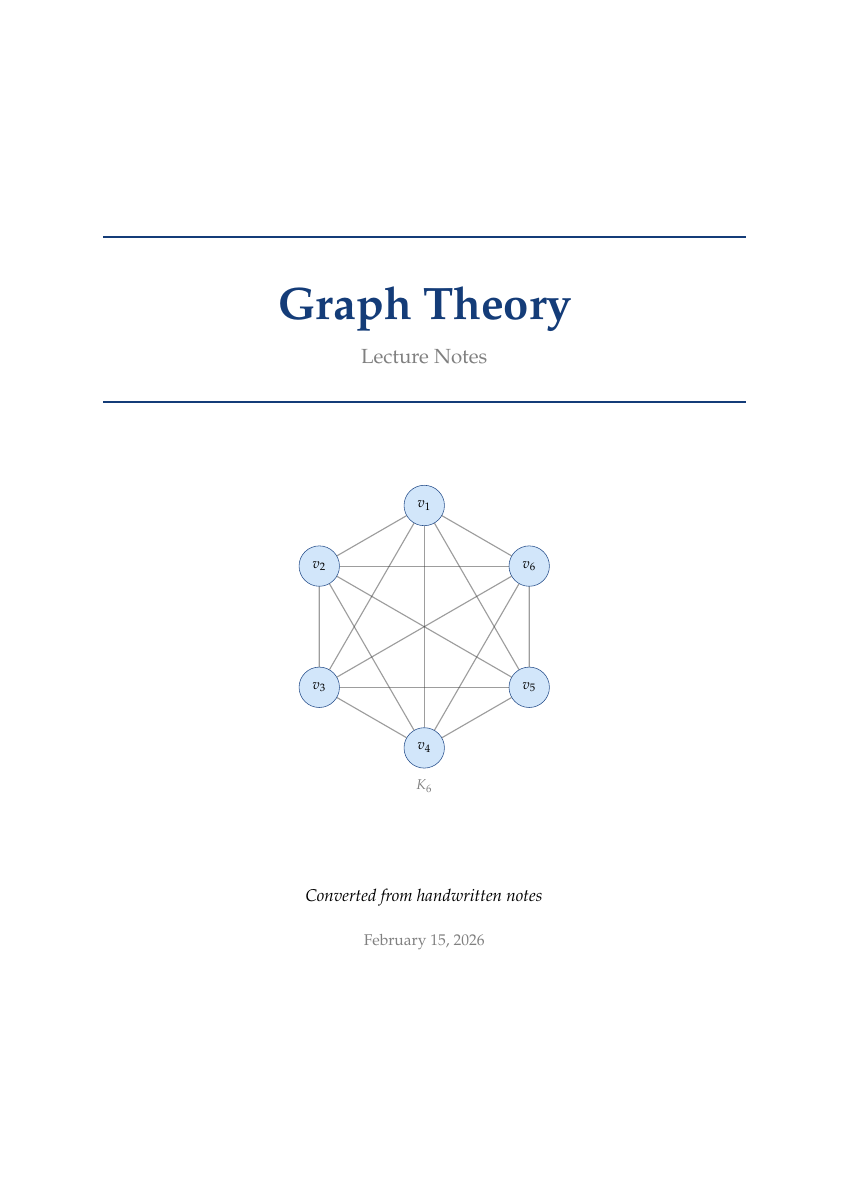 | 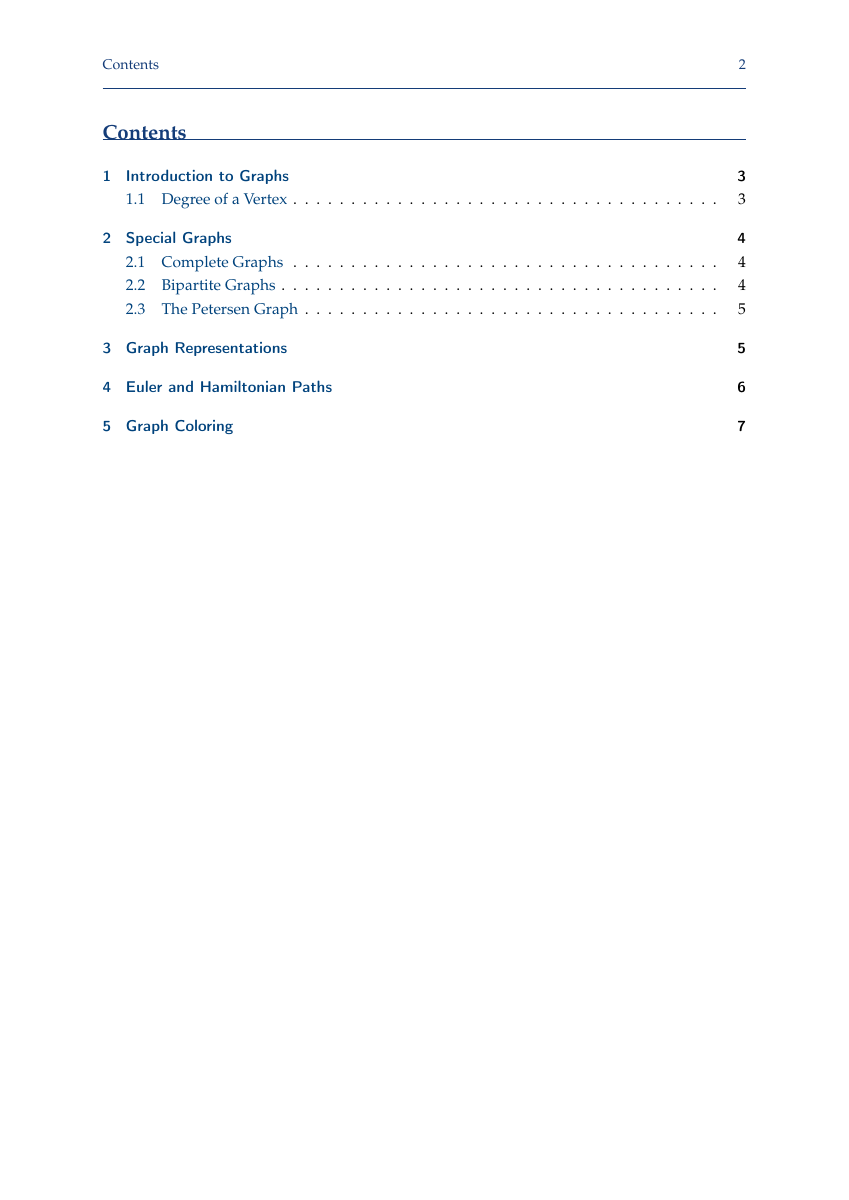 | 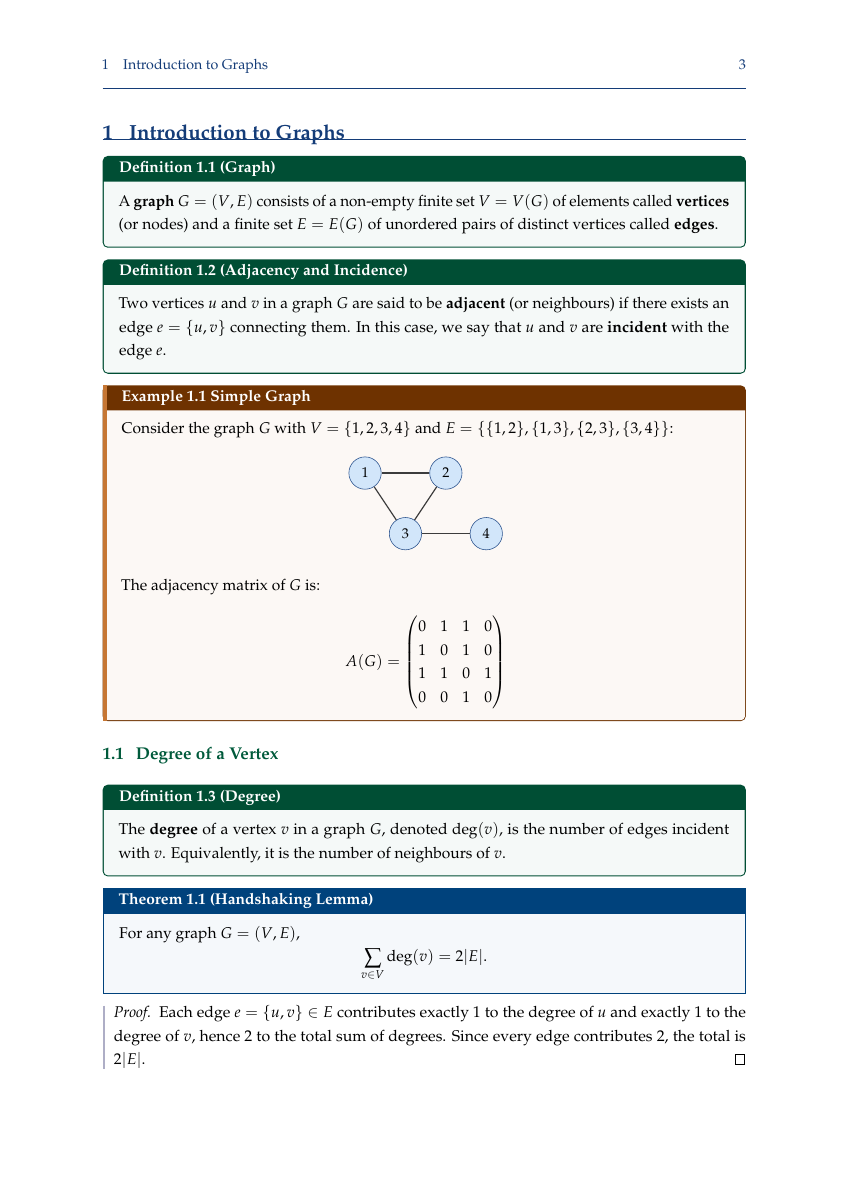 | 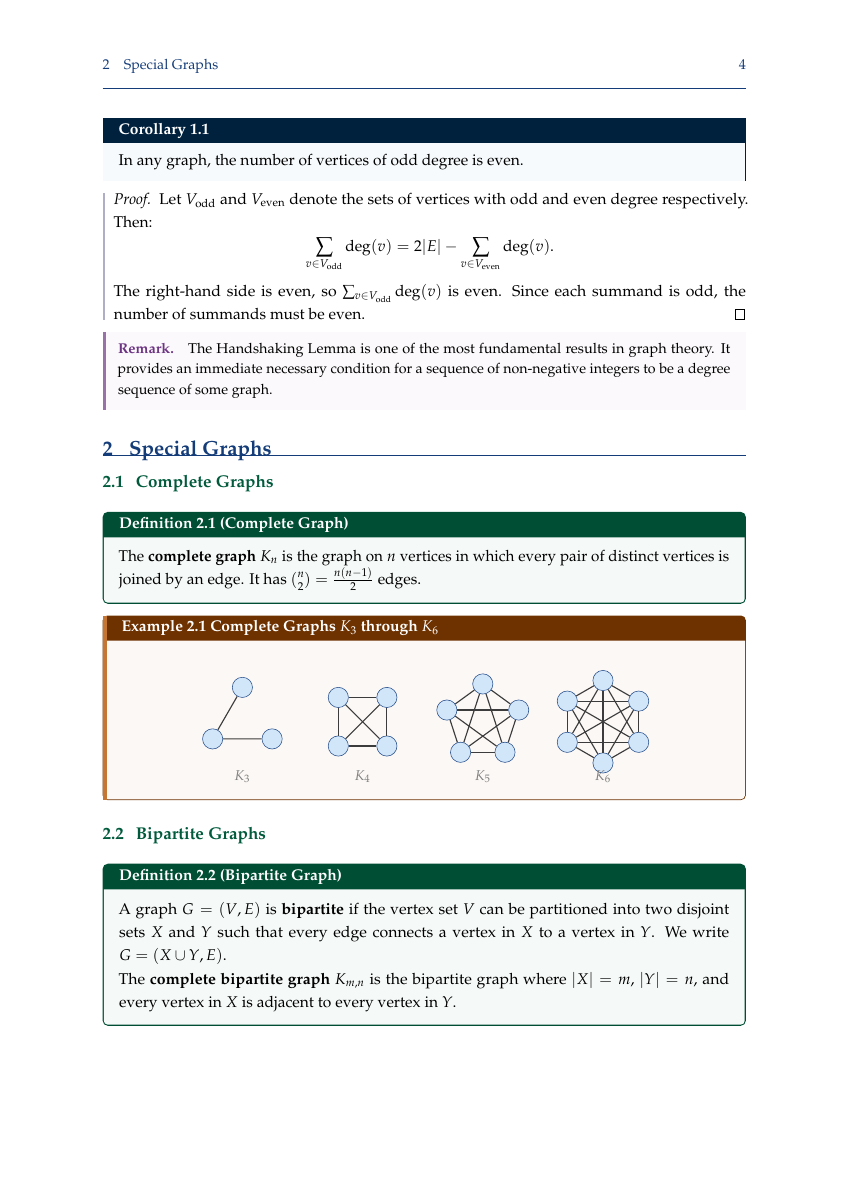 |
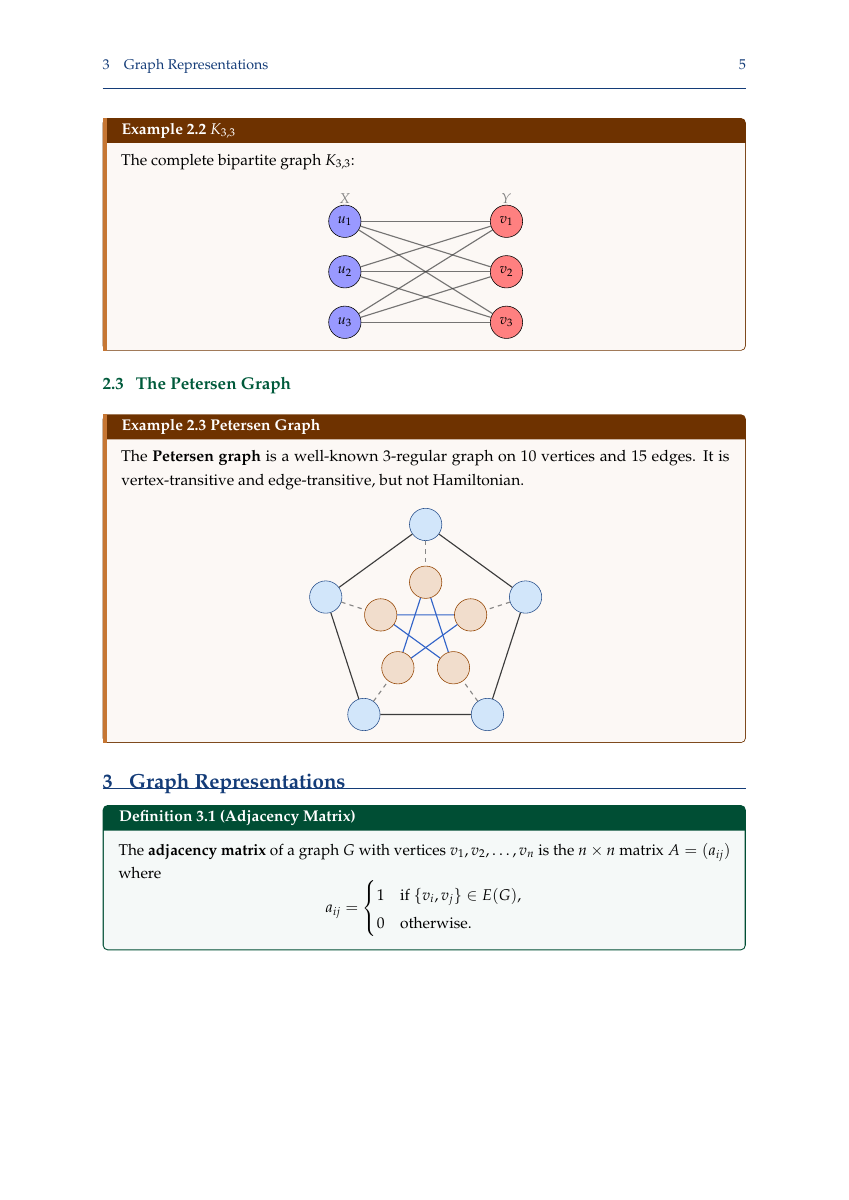 | 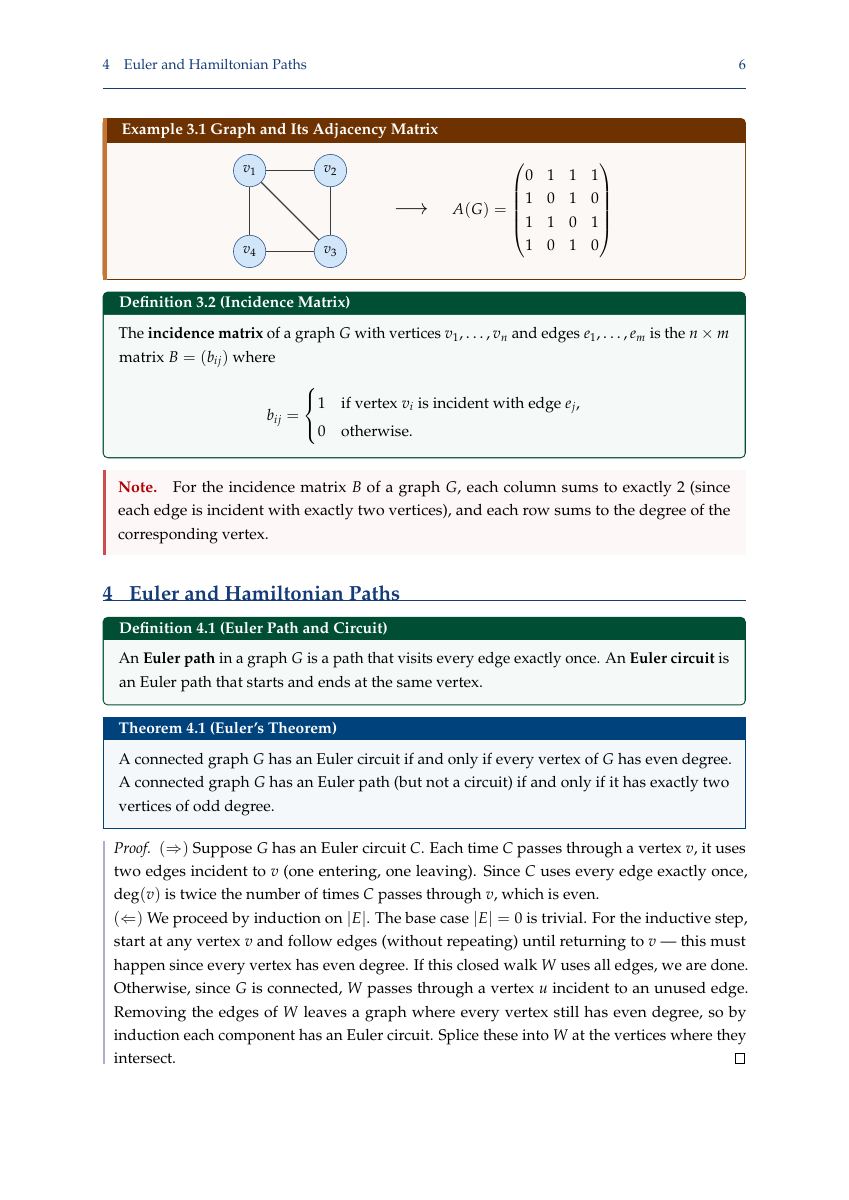 | 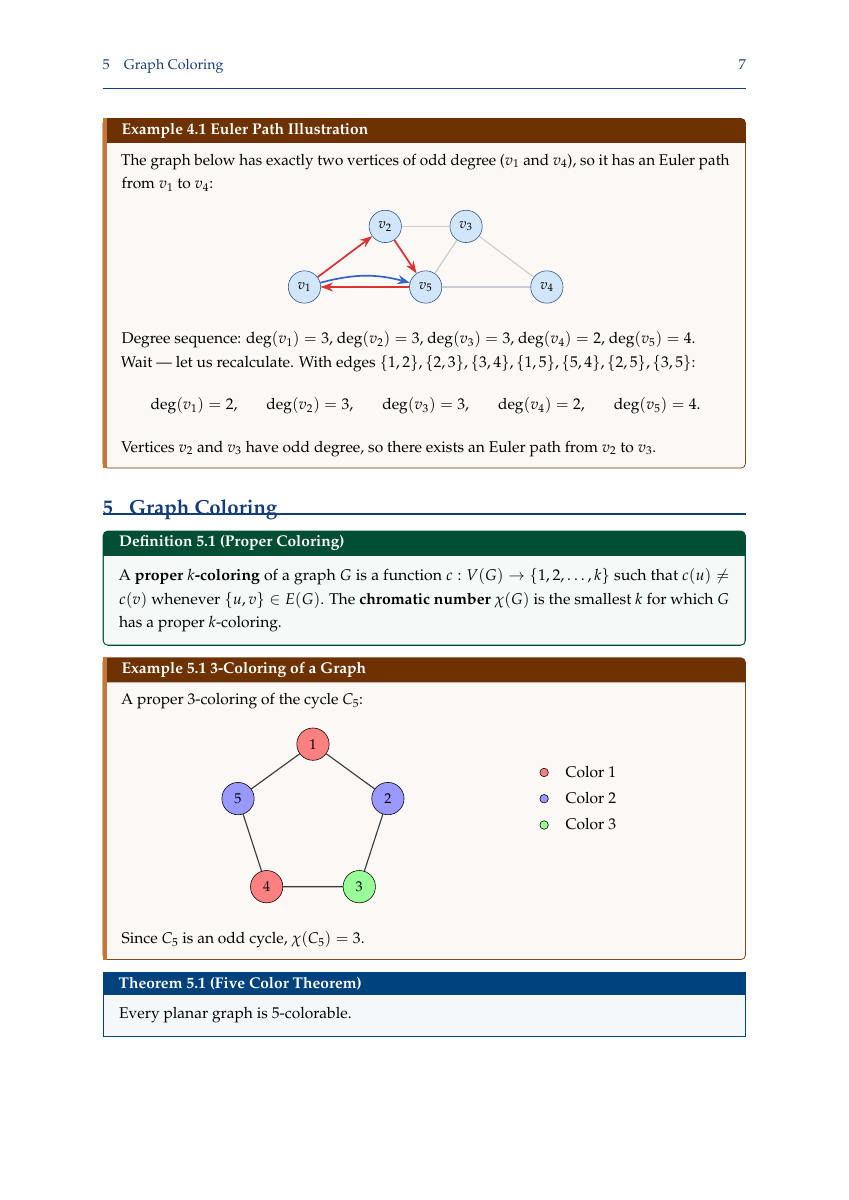 | 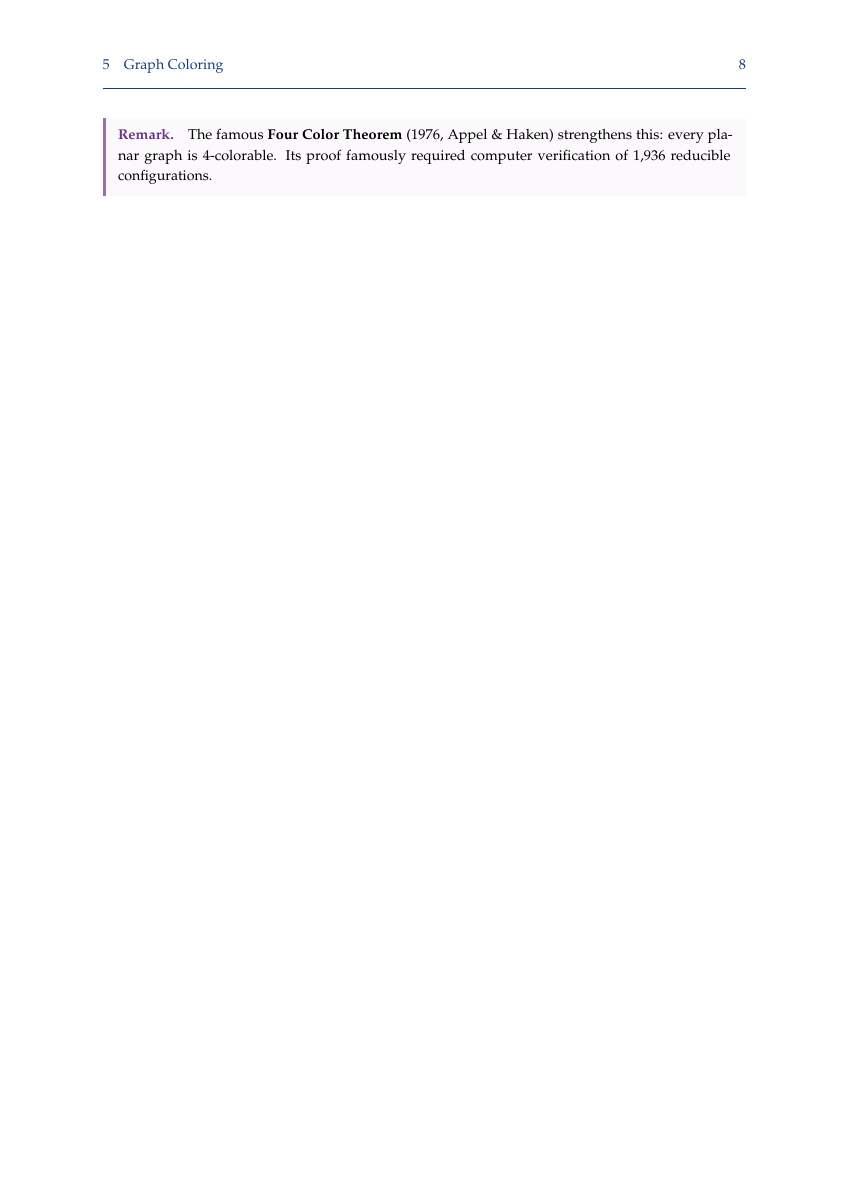 |
Numbered publications ([J1], [C1], [W1]), grants with dollar amounts, student advising (current + graduated), professional service, invited talks. ORCID and Google Scholar links.
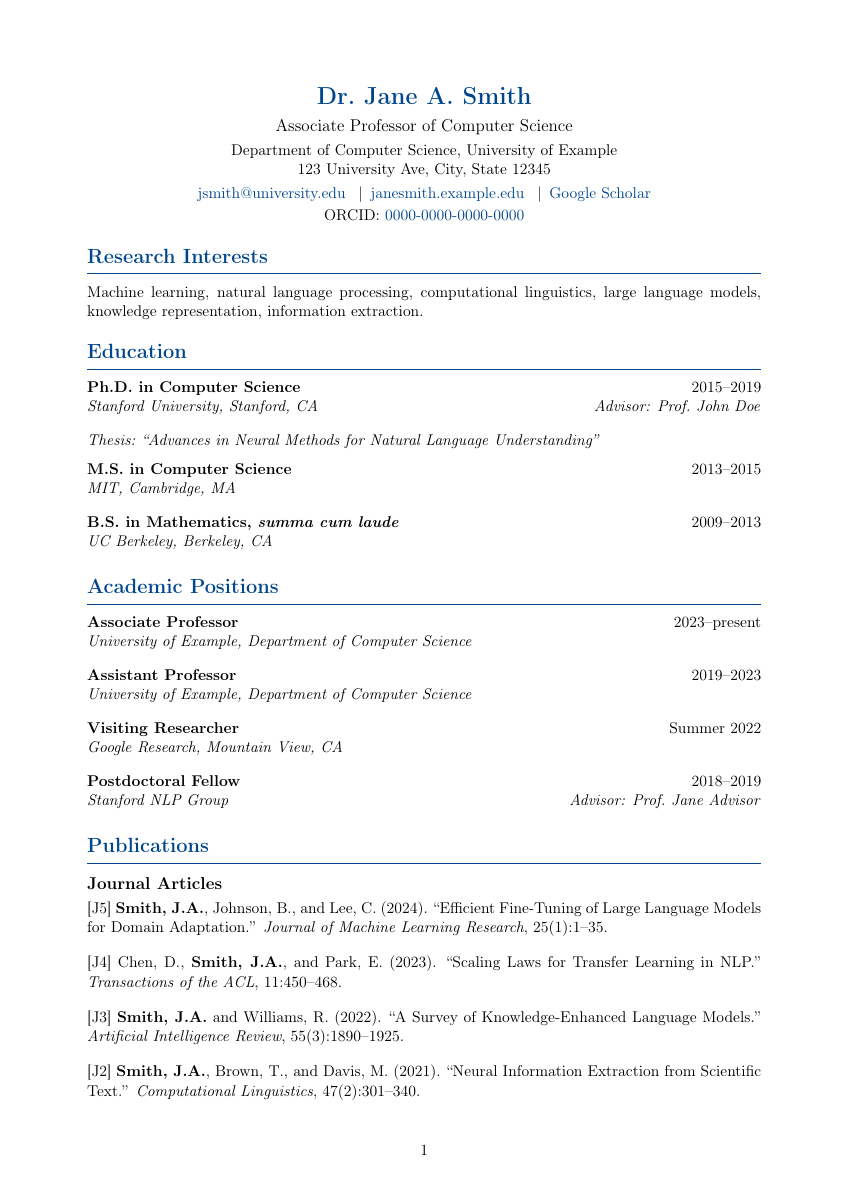 | 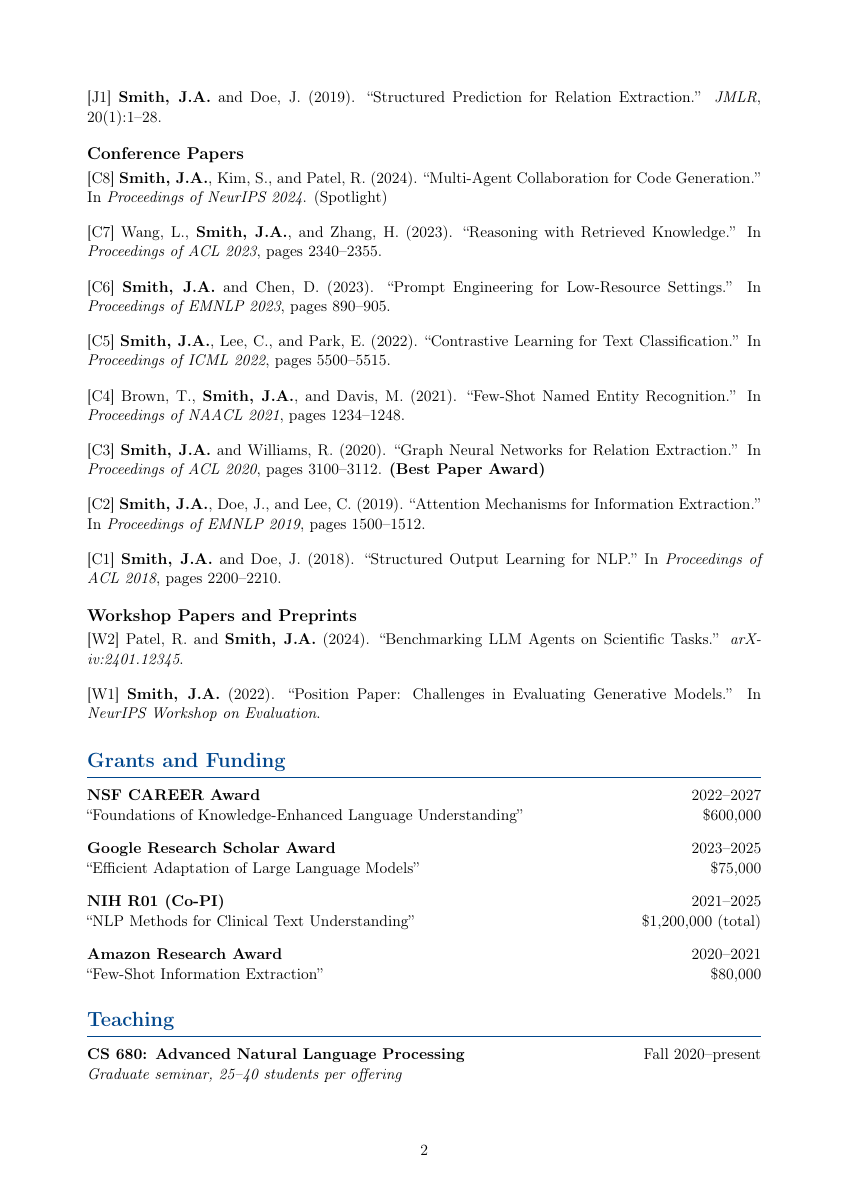 | 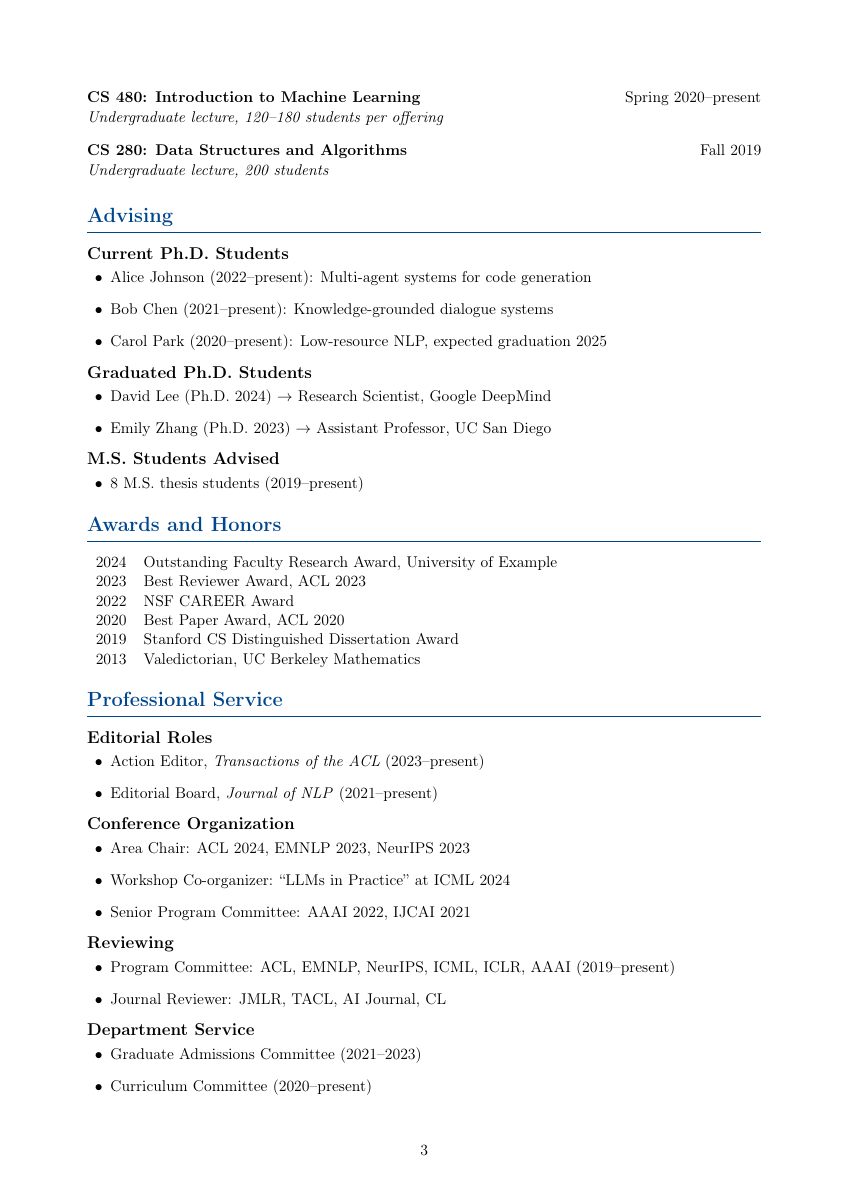 | 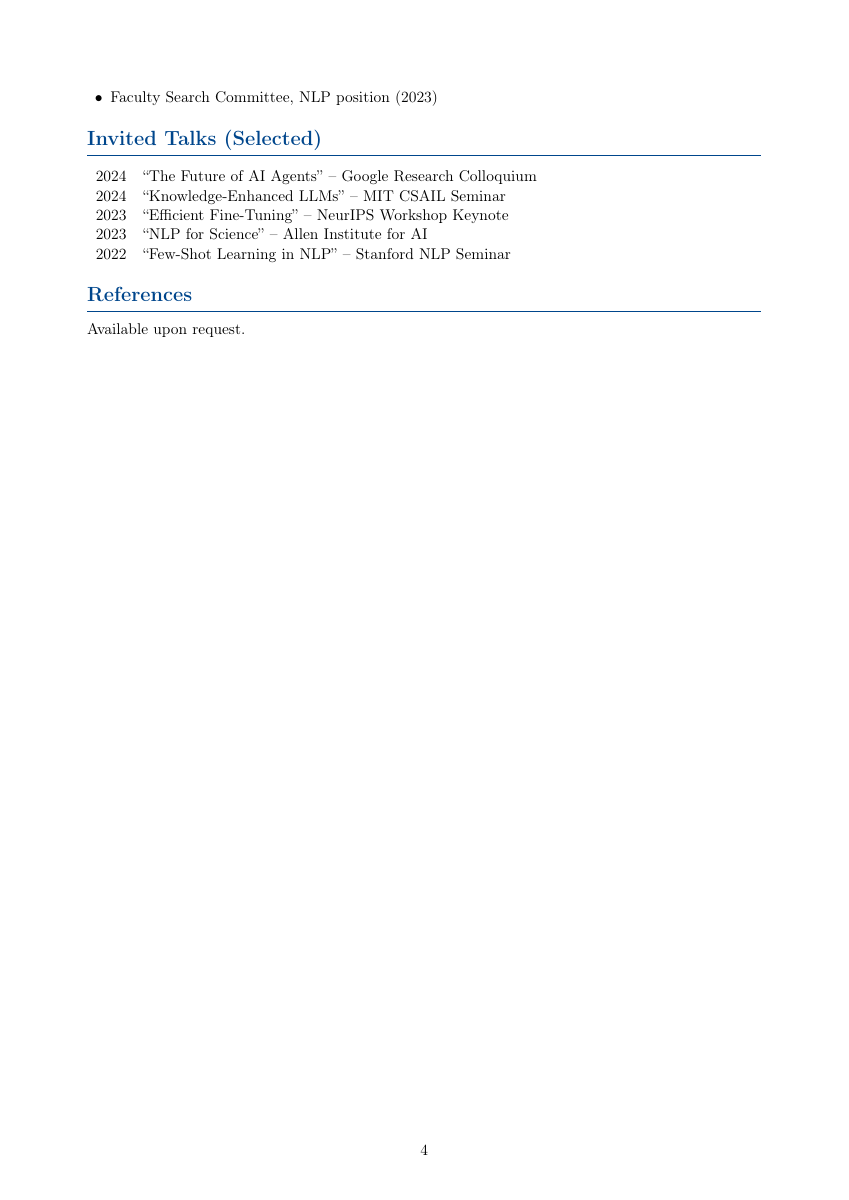 |
Custom problem/solution environments, code listings (Python, Java, C++, Matlab), honor code section. Toggle solutions globally with \showsolutionstrue/\showsolutionsfalse.
siunitx for uncertainties and SI units, pgfplots for data with error bars, structured sections: abstract -> theory -> procedure -> data -> analysis -> discussion -> conclusion.
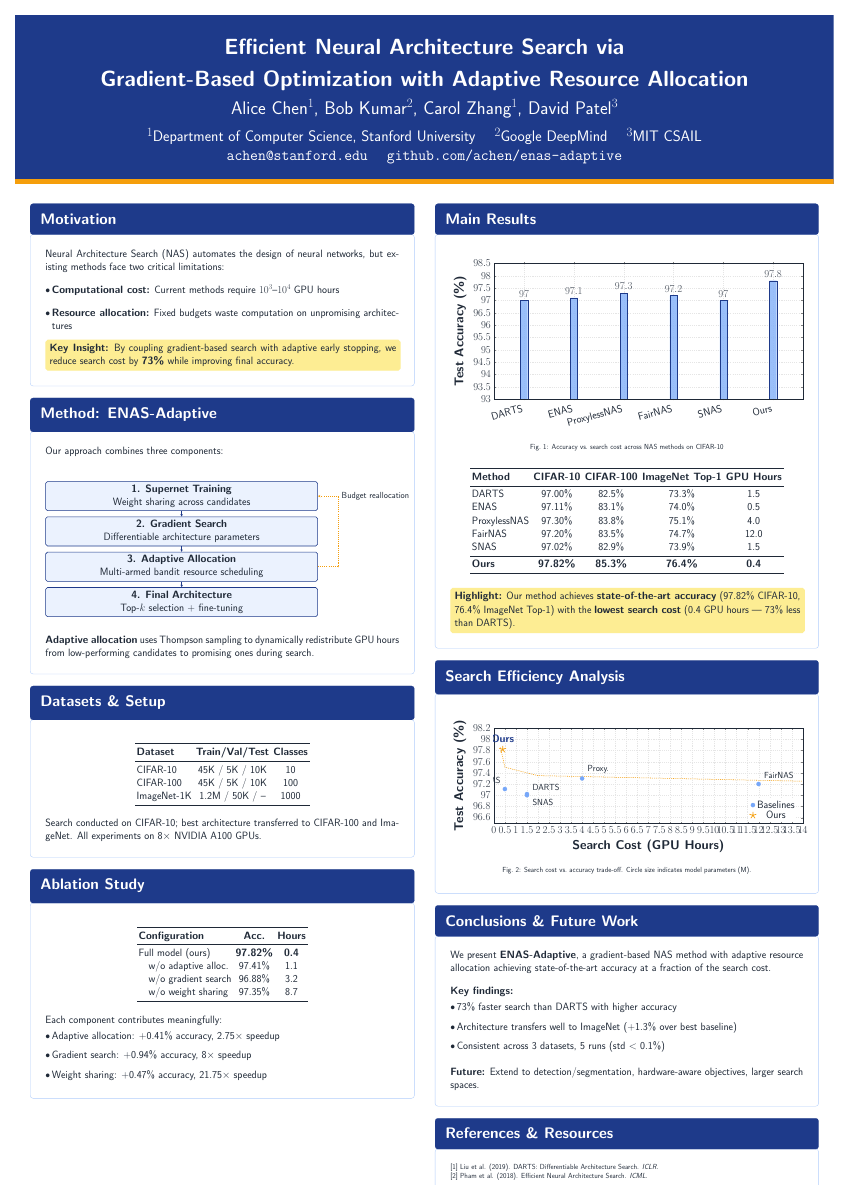
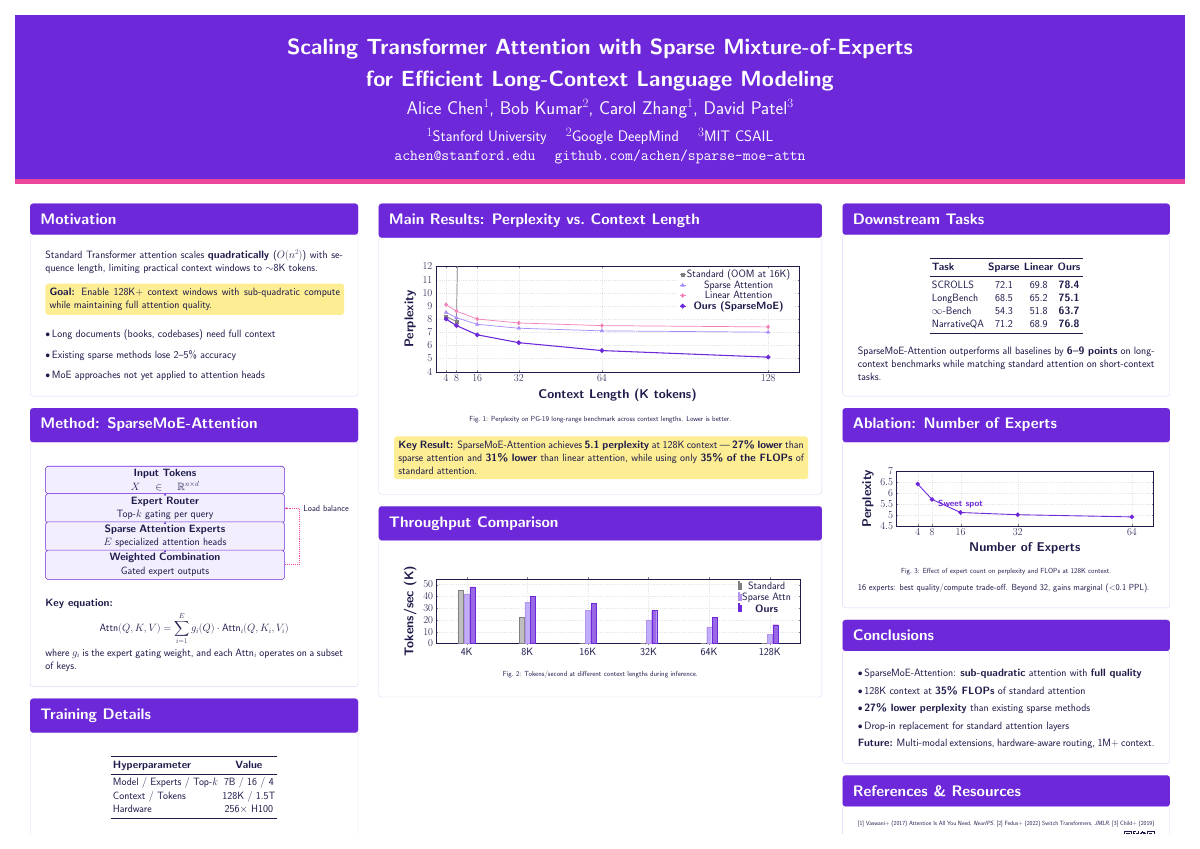
tikzposter classInteractive workflow asks: conference -> orientation -> layout -> color scheme.
| Layout | Usage | Description |
|---|---|---|
| Traditional Column | ~70% of posters | 2-column (portrait) or 3-column (landscape) |
| #BetterPoster | ~10% (growing) | Central billboard with ONE key finding at 60-80pt |
| Visual-Heavy | ~15% | Large central figure consuming 40-50% of space |
Conference presets: NeurIPS, ICML, CVPR, ICLR (main + workshop sizes).
| Portrait A0 | Landscape A0 |
|---|---|
 |  |
book class, 37+ pages. Palatino fonts, lettrine drop caps, imakeidx for indexing. Structure: half-title -> full title -> copyright page (ISBN slot) -> dedication -> preface -> acknowledgments -> TOC -> parts -> chapters with epigraphs -> appendices -> bibliography -> index -> colophon.
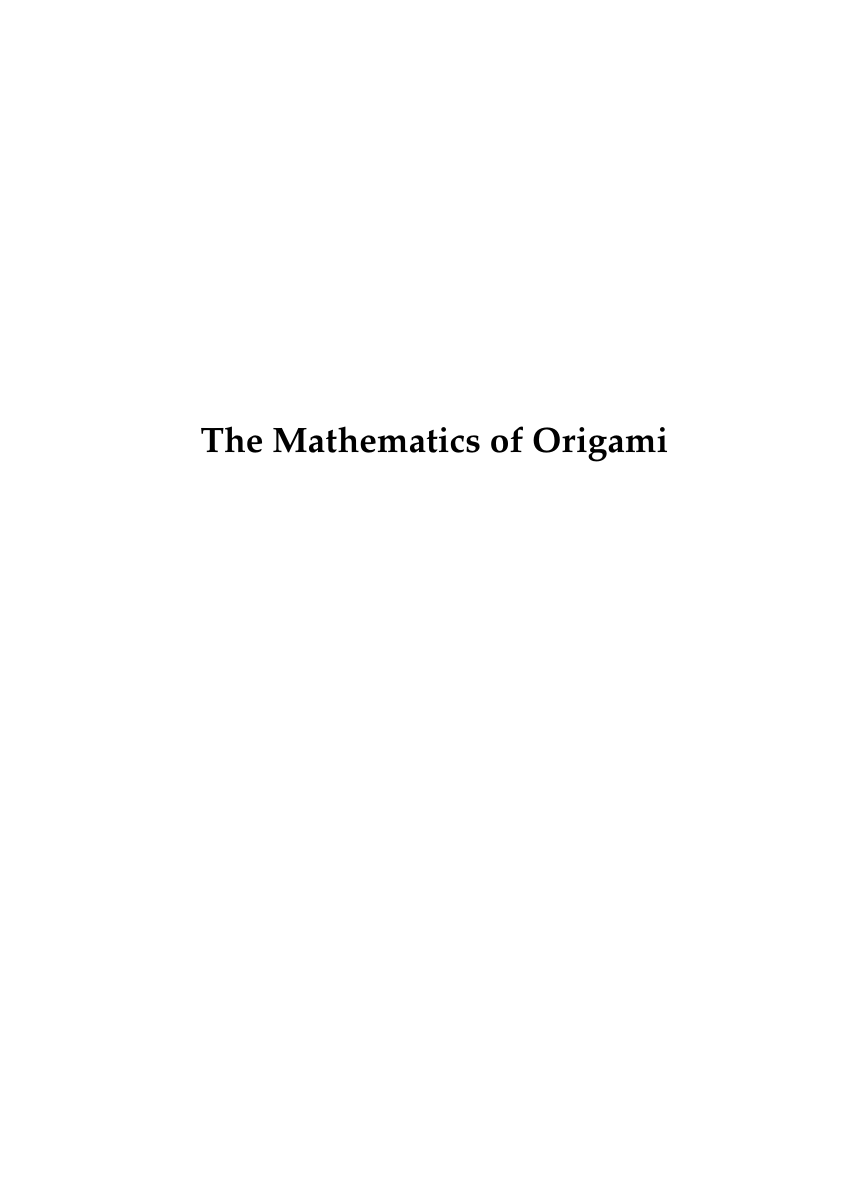 | 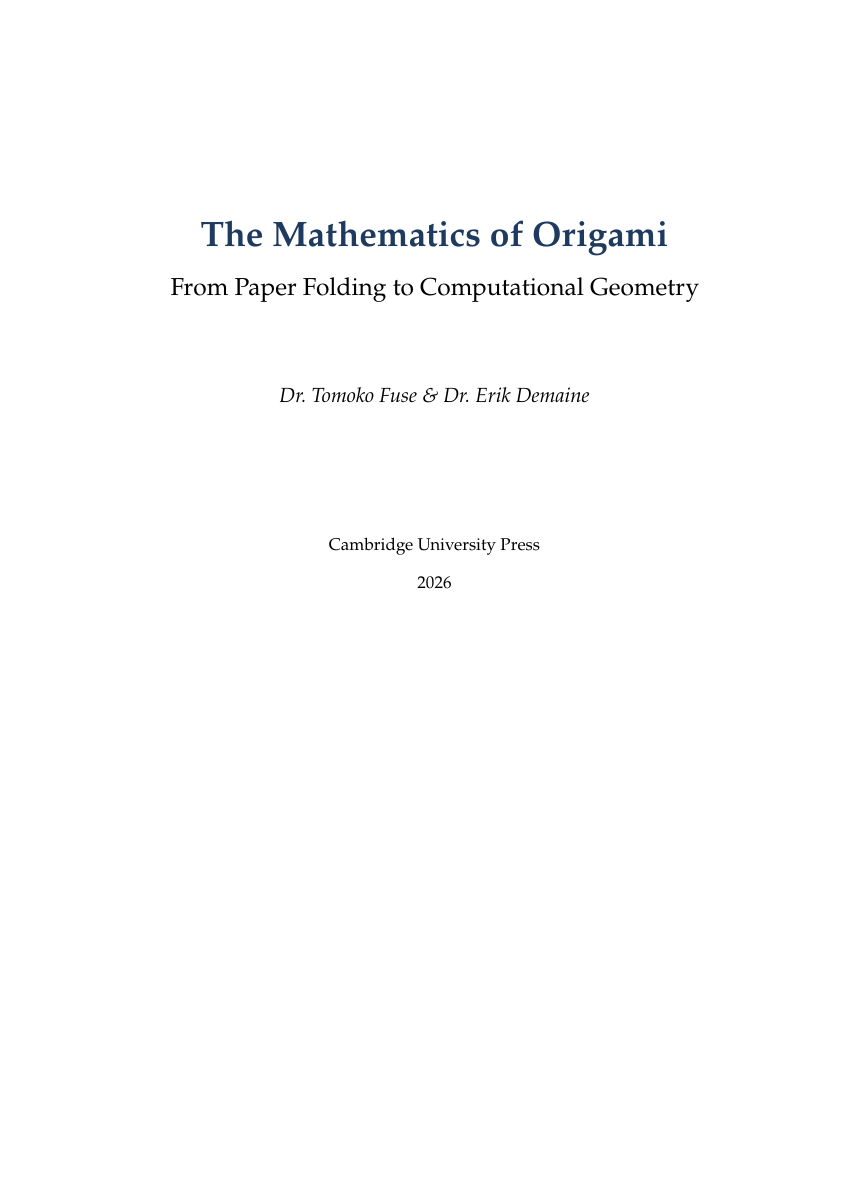 | 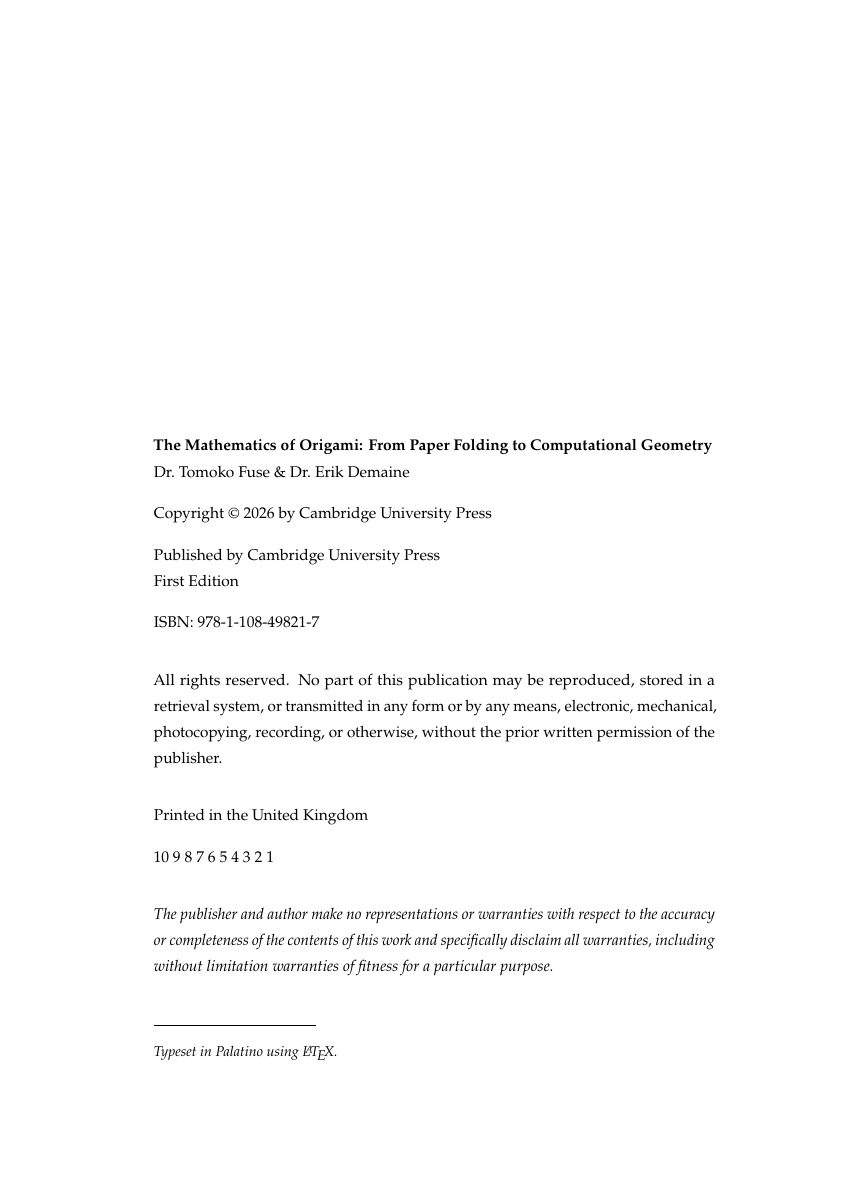 | 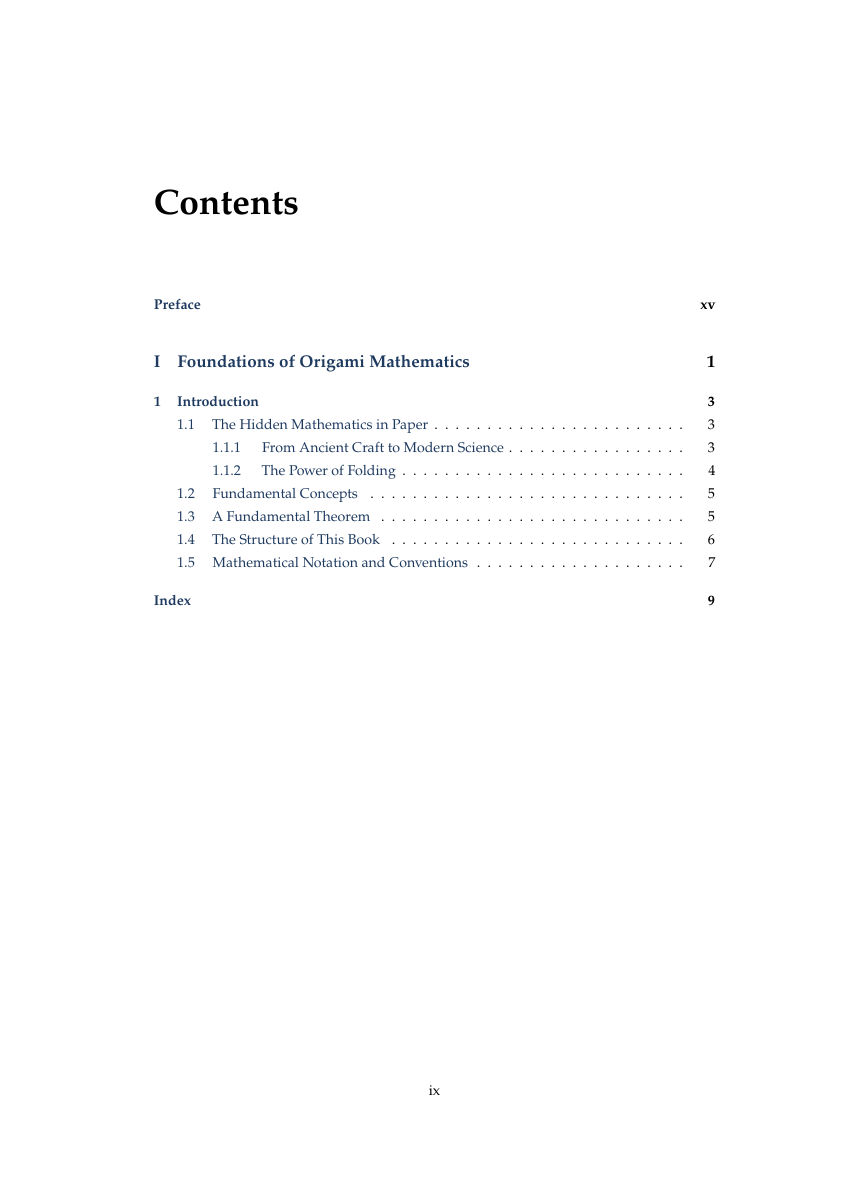 | 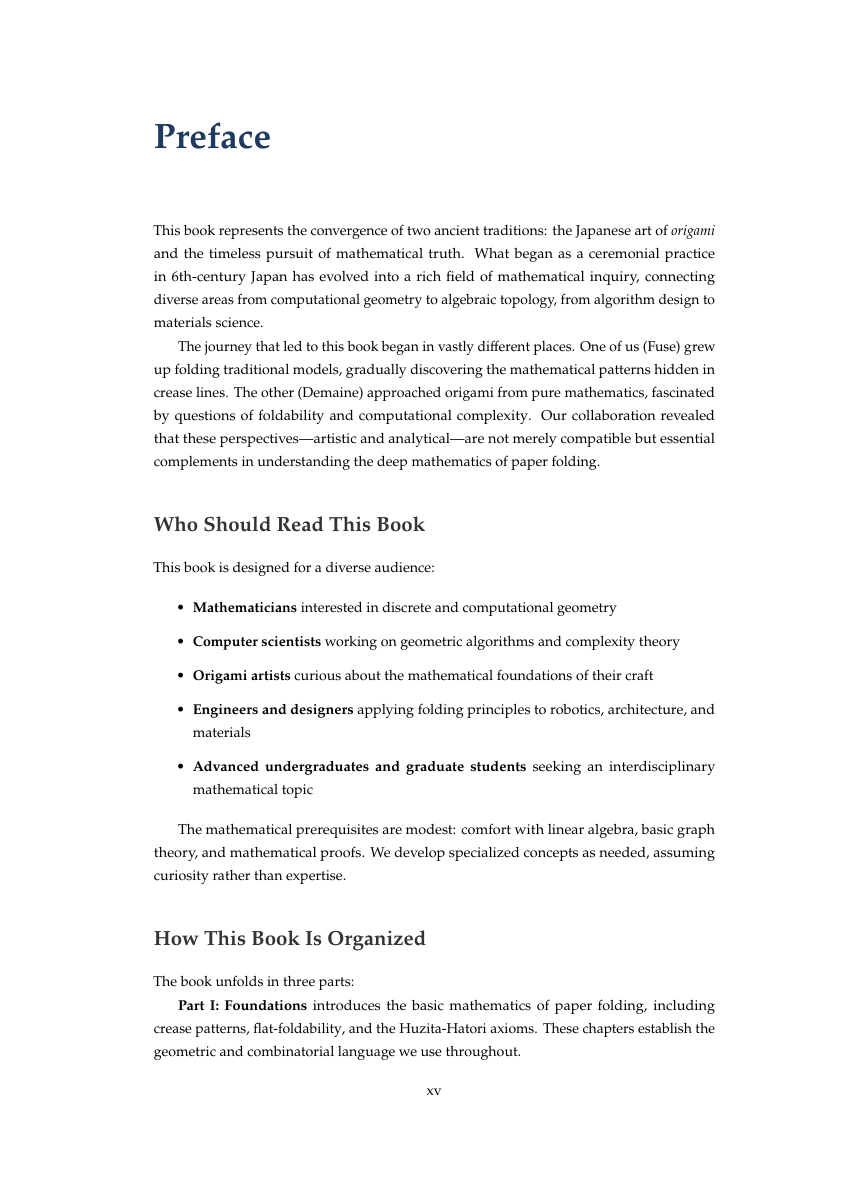 |
| Half Title | Full Title | Copyright | TOC | Preface |
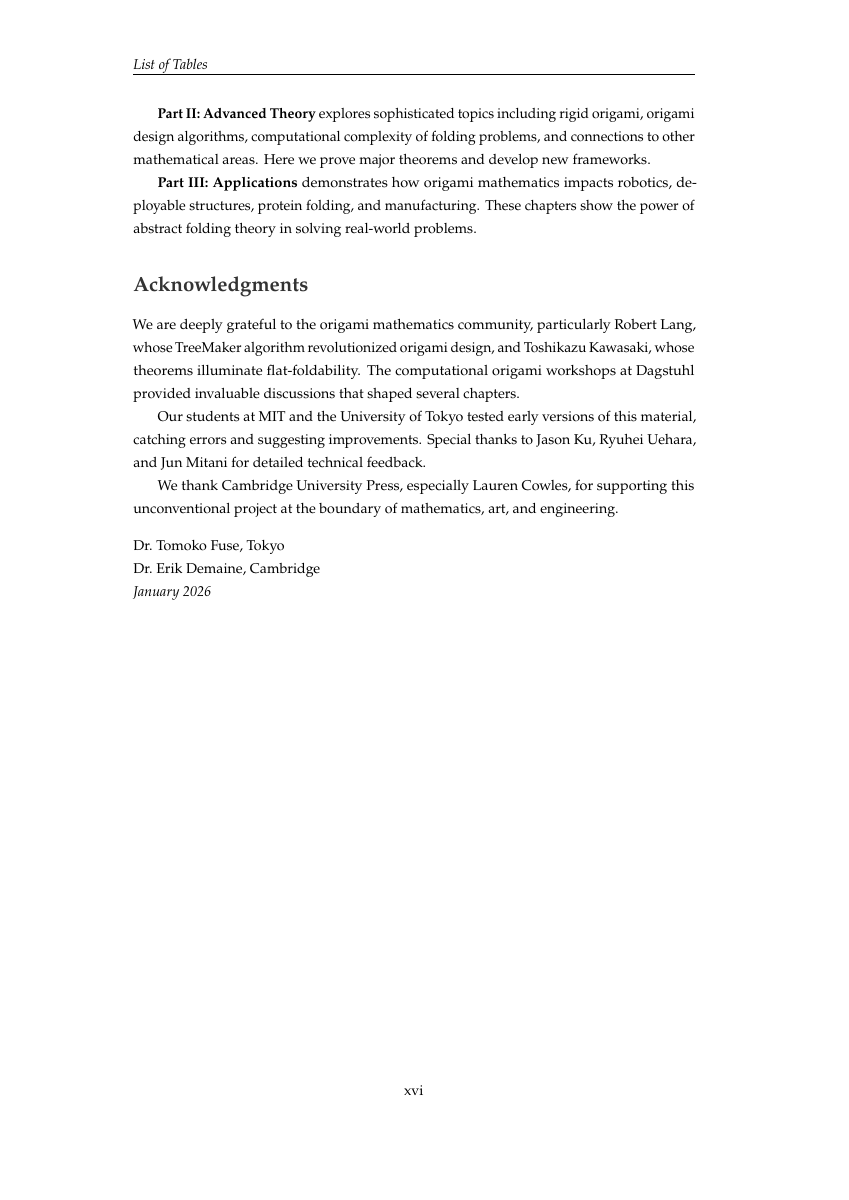 | 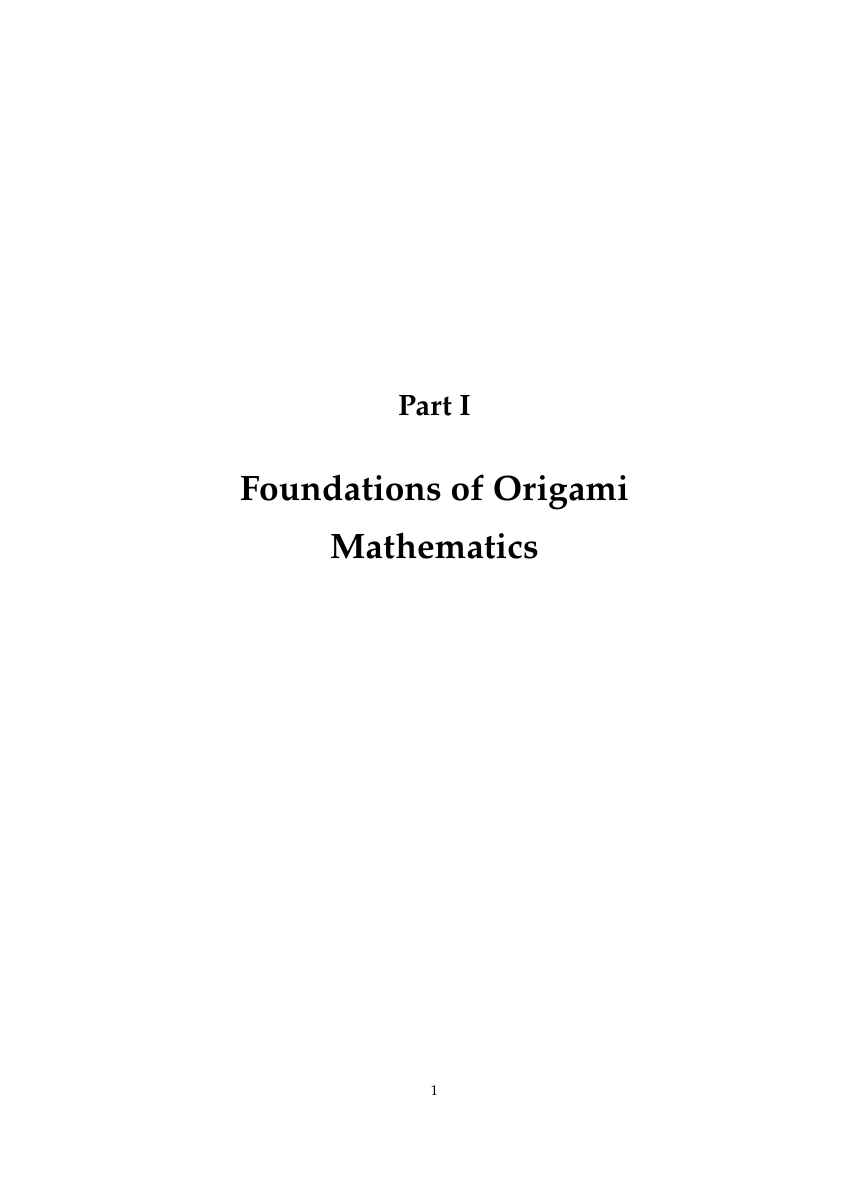 | 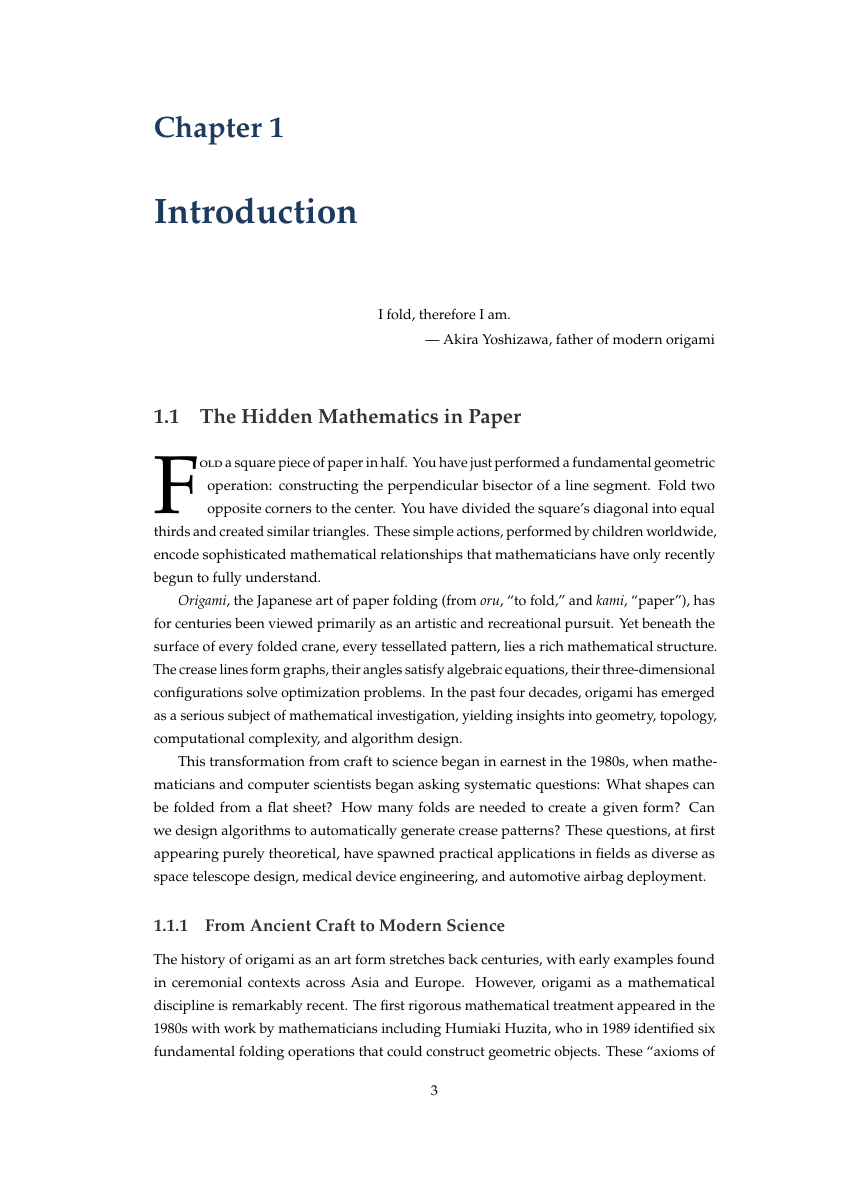 | 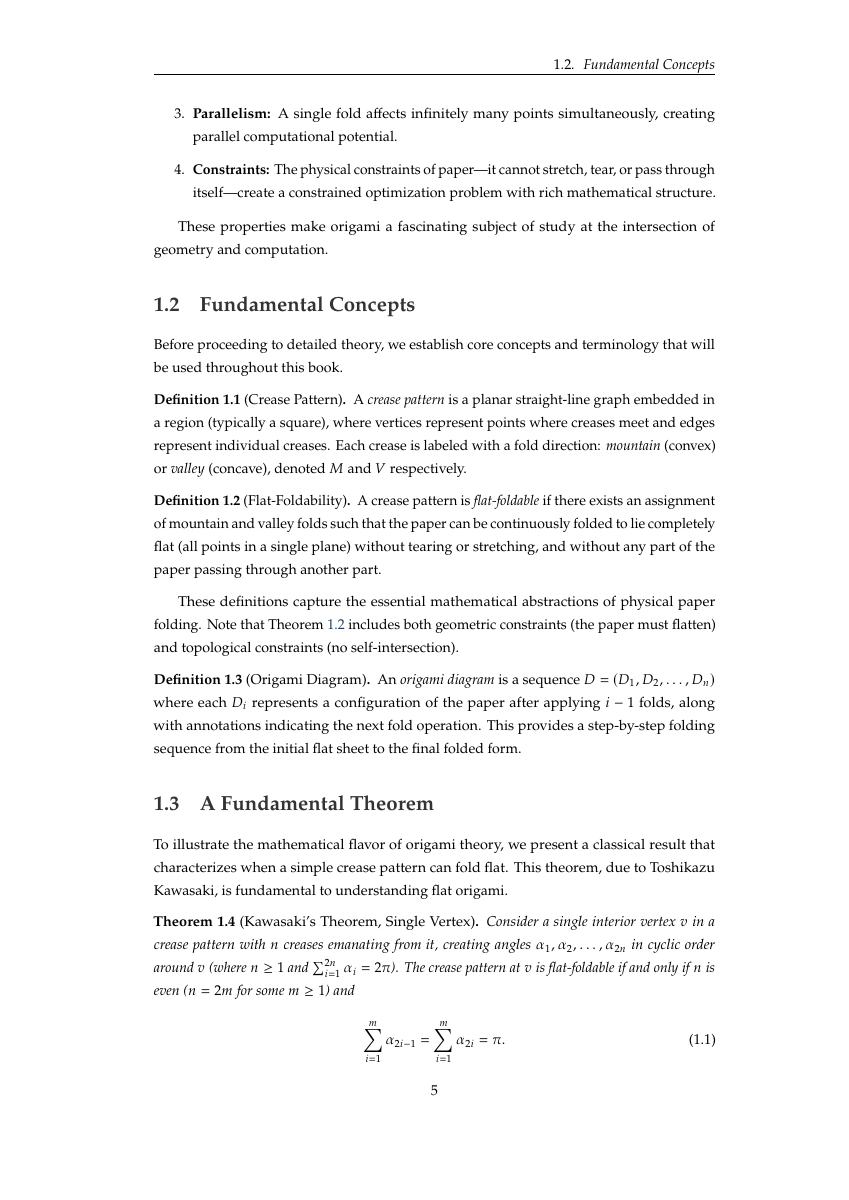 | 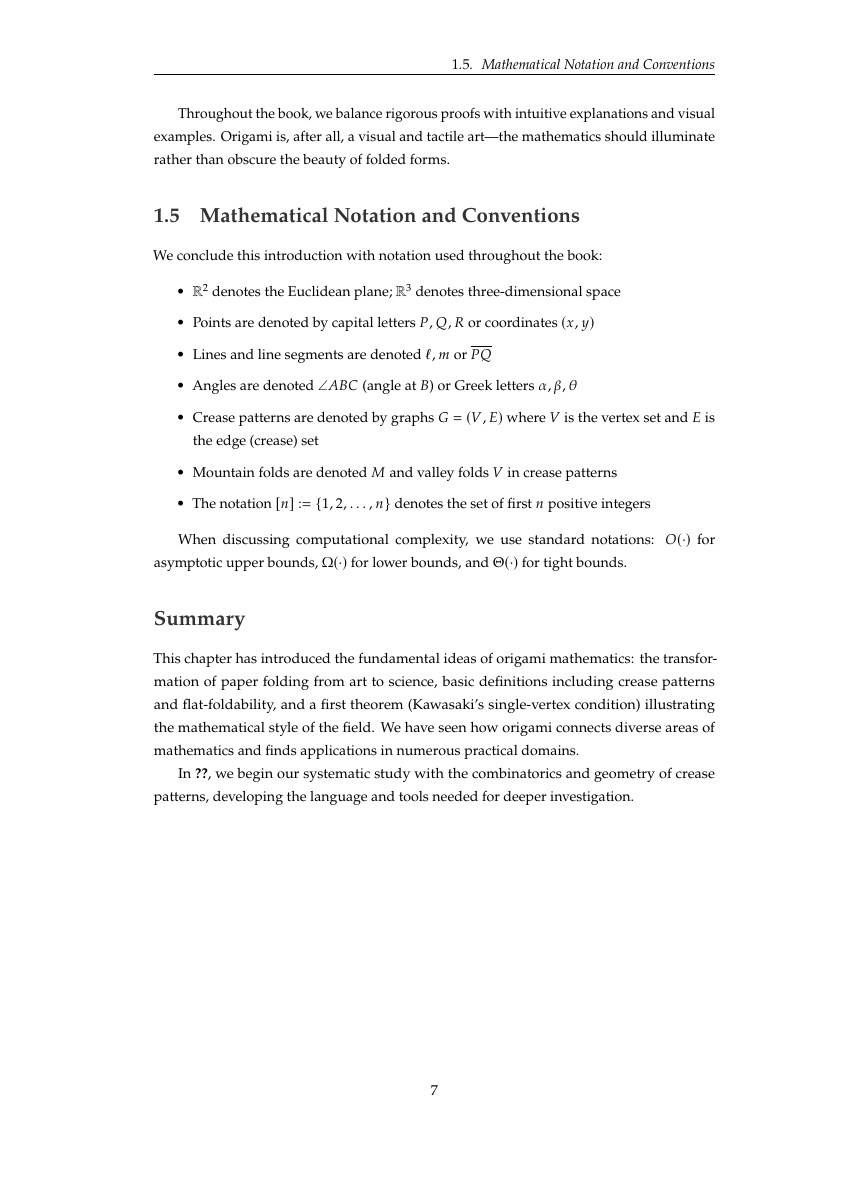 |
| Acknowledgments | Part I | Ch 1: Drop Caps | Definitions & Theorems | Notation & Summary |
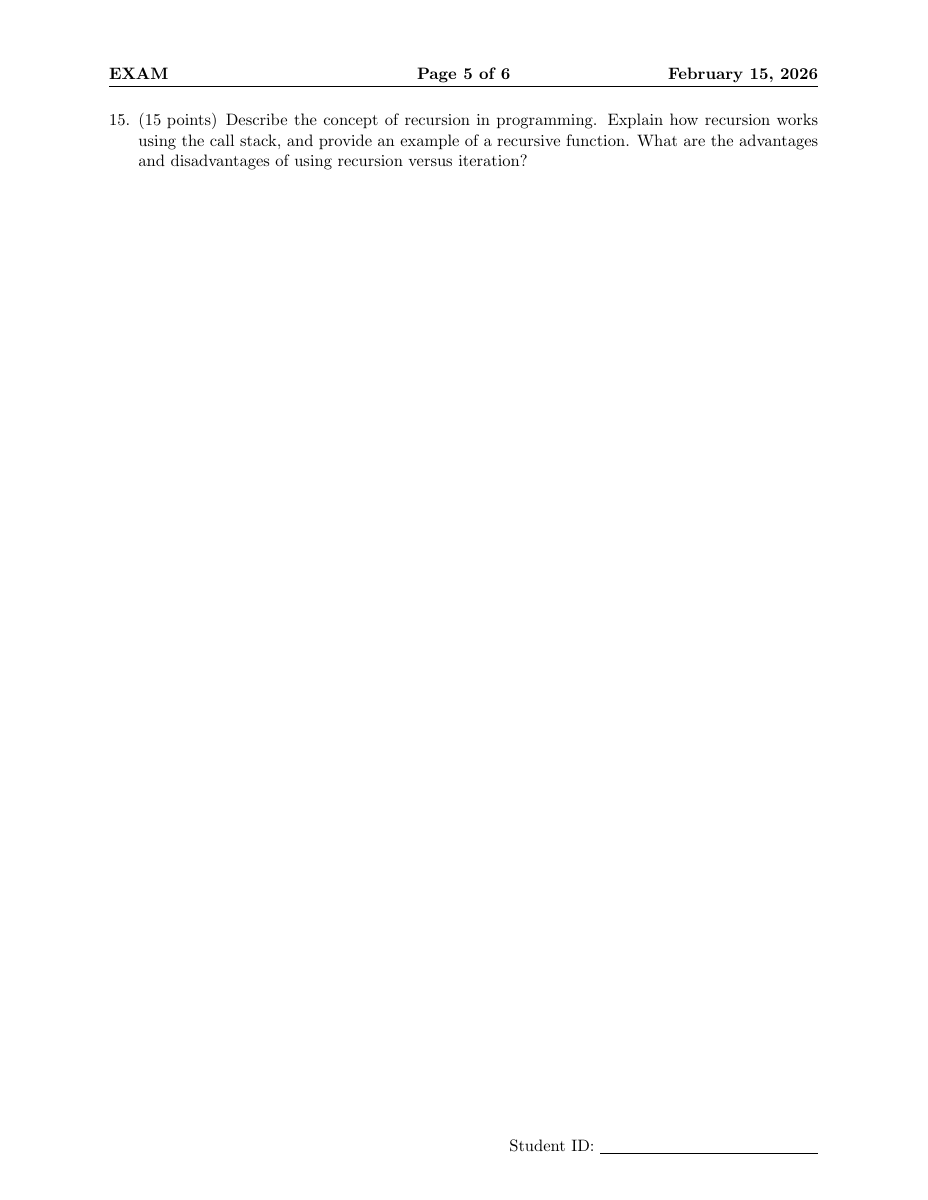
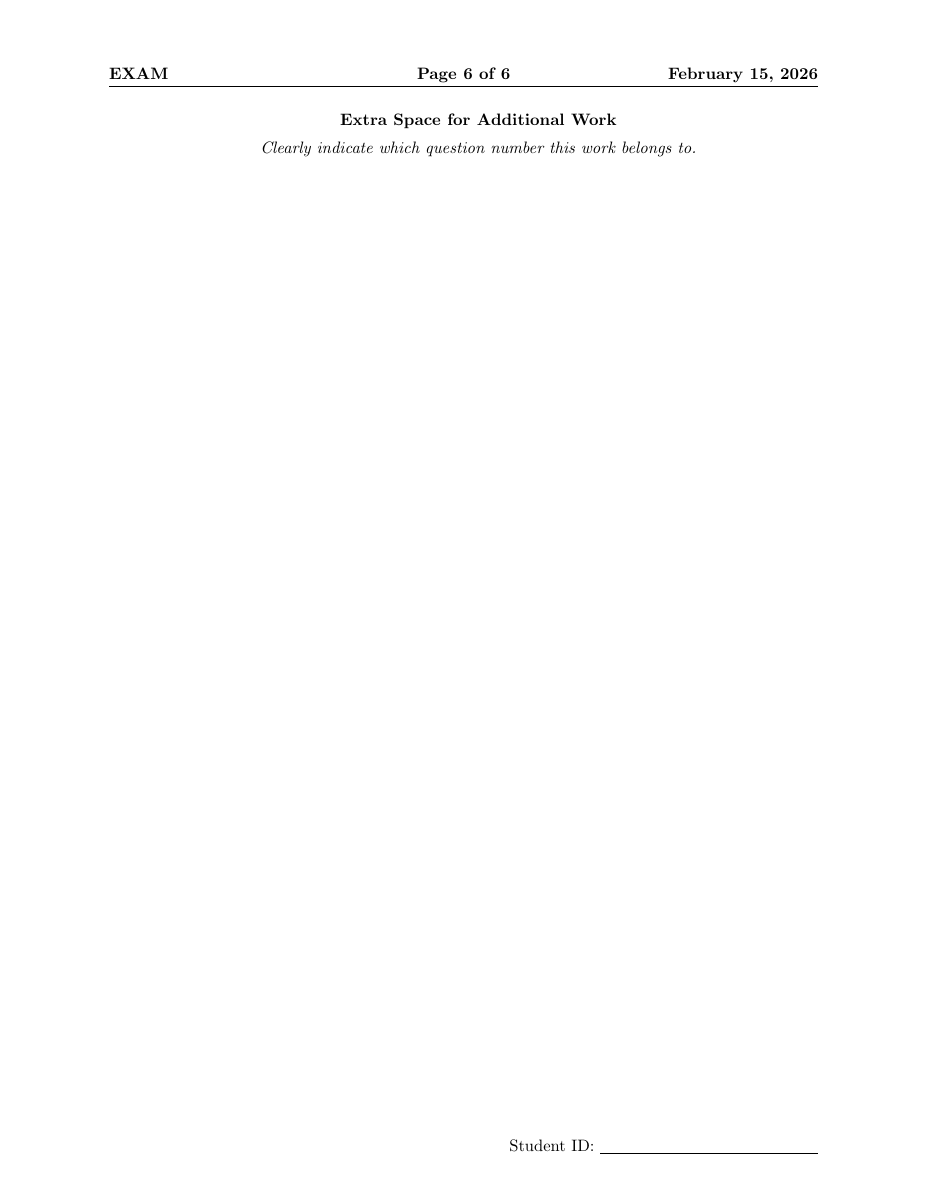
exam class6 question types (multiple choice, true/false, fill-in-blank, matching, short answer, essay). Point values per question, \gradetable[h][questions] for grading grid. \printanswers / \noprintanswers toggles solution visibility.
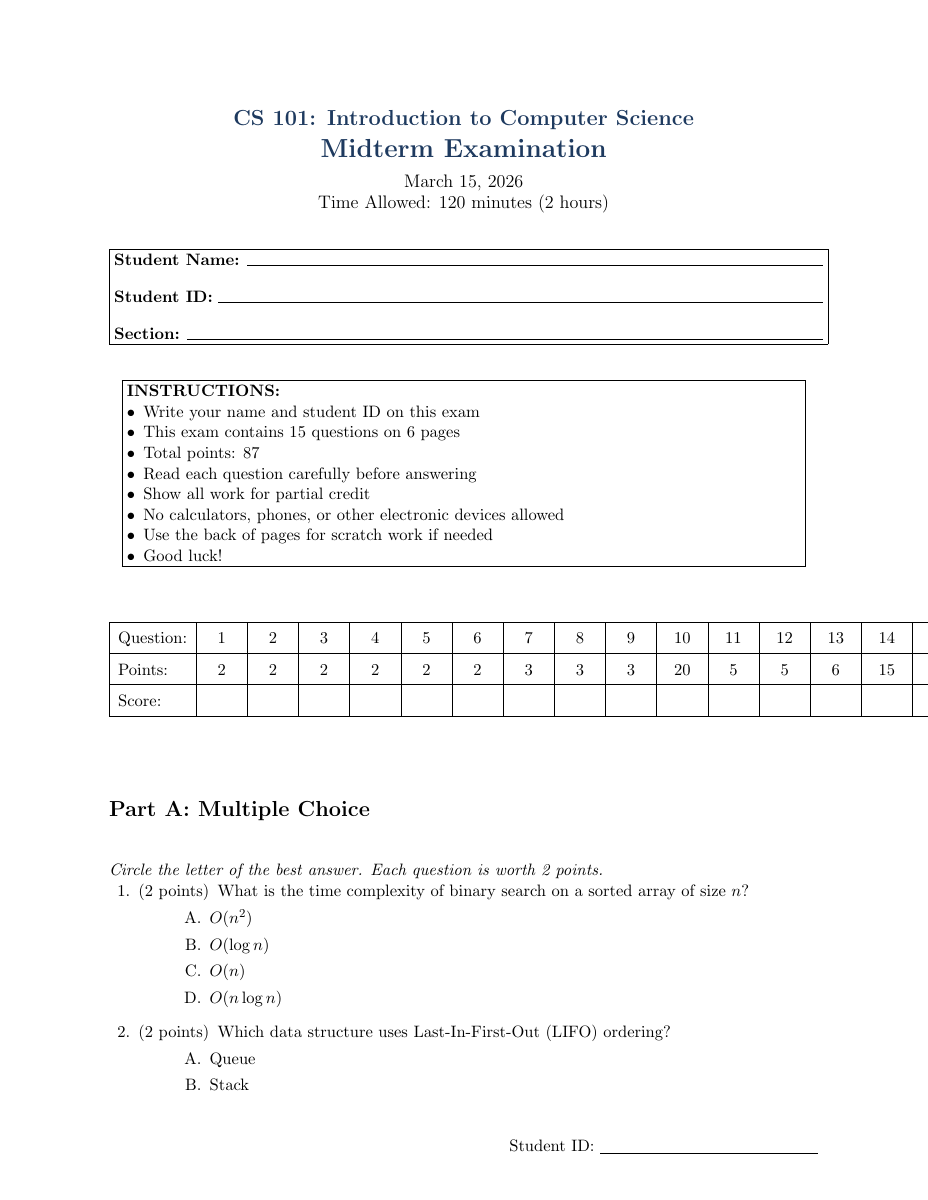 | 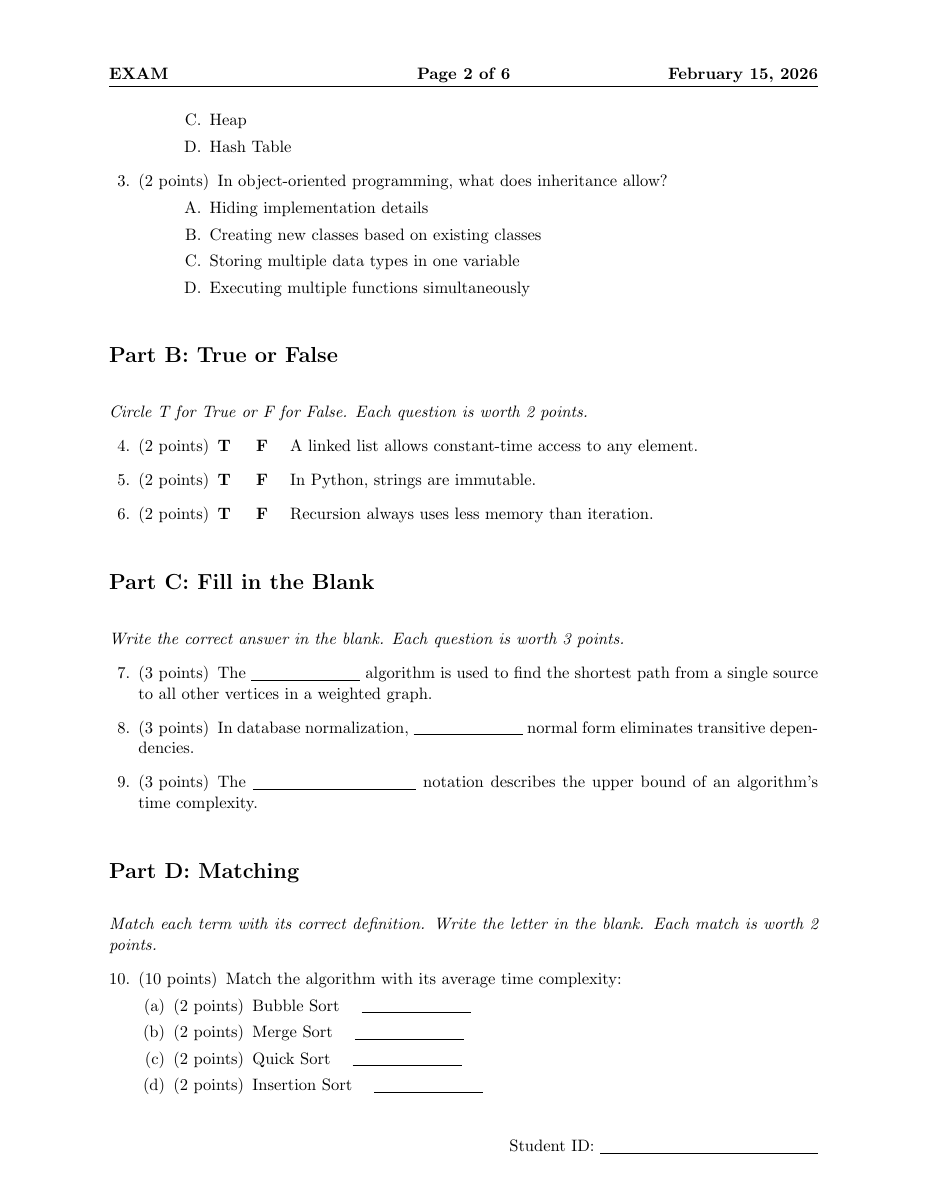 | 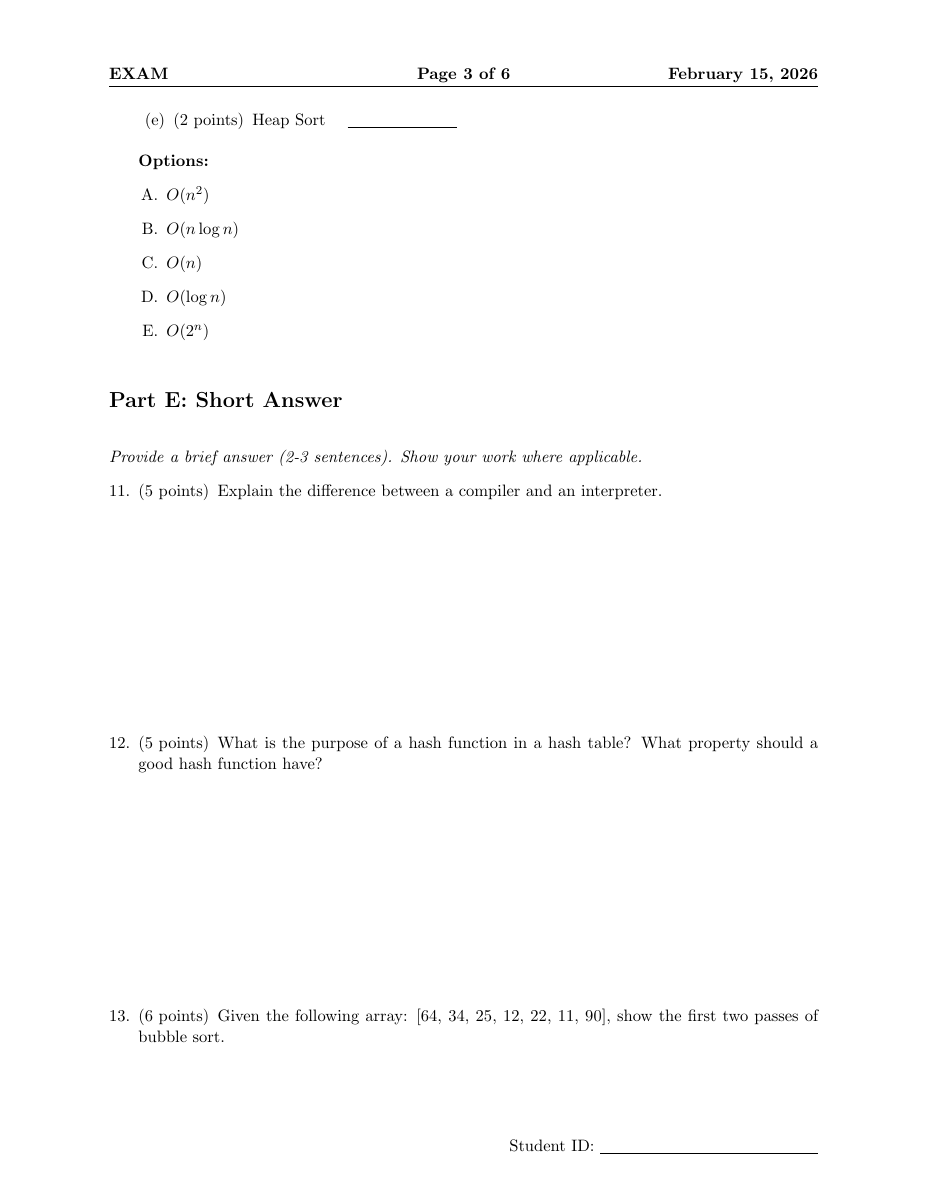 | 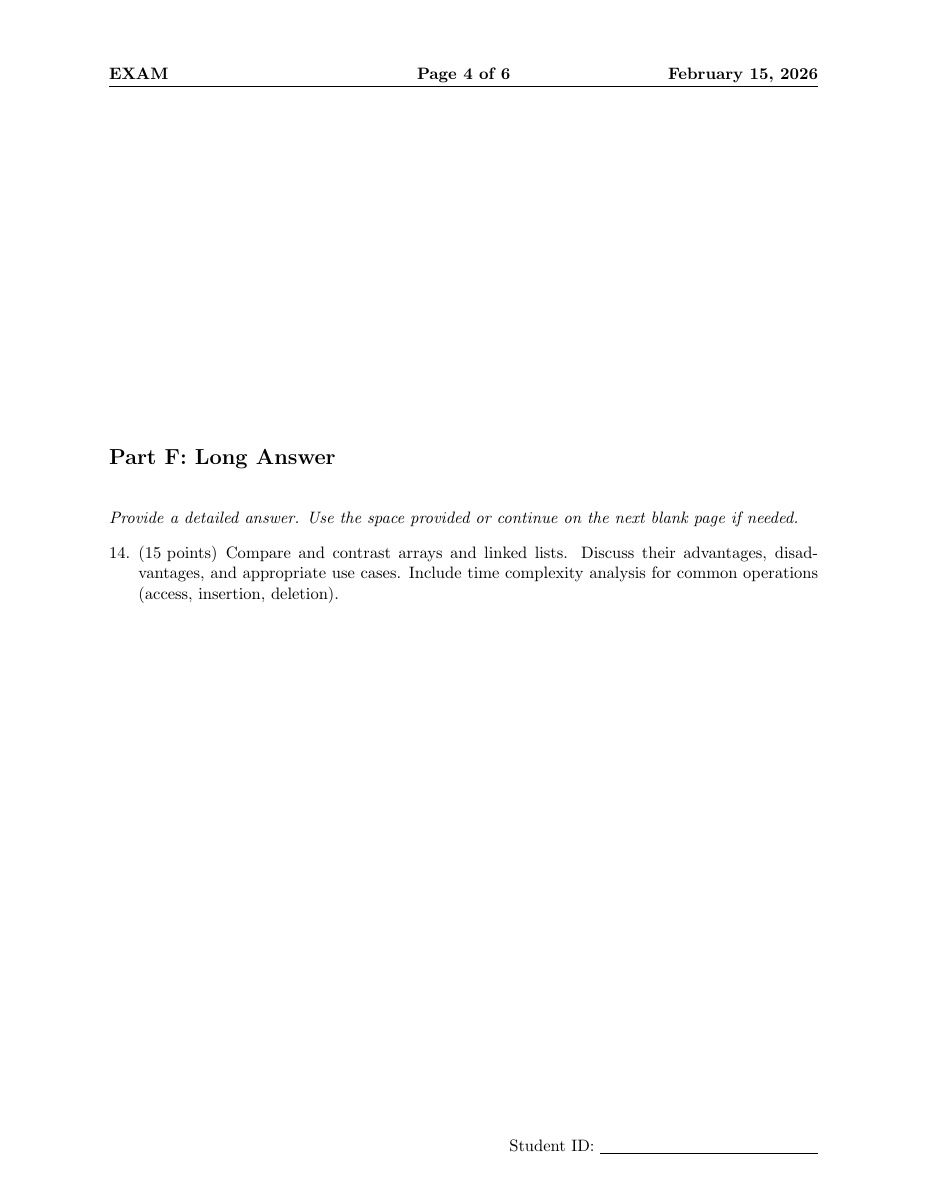 |  |  |
| Template | Columns | Font | Orientation |
|---|---|---|---|
cheatsheet.tex | 3 | 7pt | Landscape |
cheatsheet-exam.tex | 2 | 6pt | Portrait |
cheatsheet-code.tex | 4 | 7pt | Landscape |
Example: Algebraic Geometry (162 pages -> 2 pages)
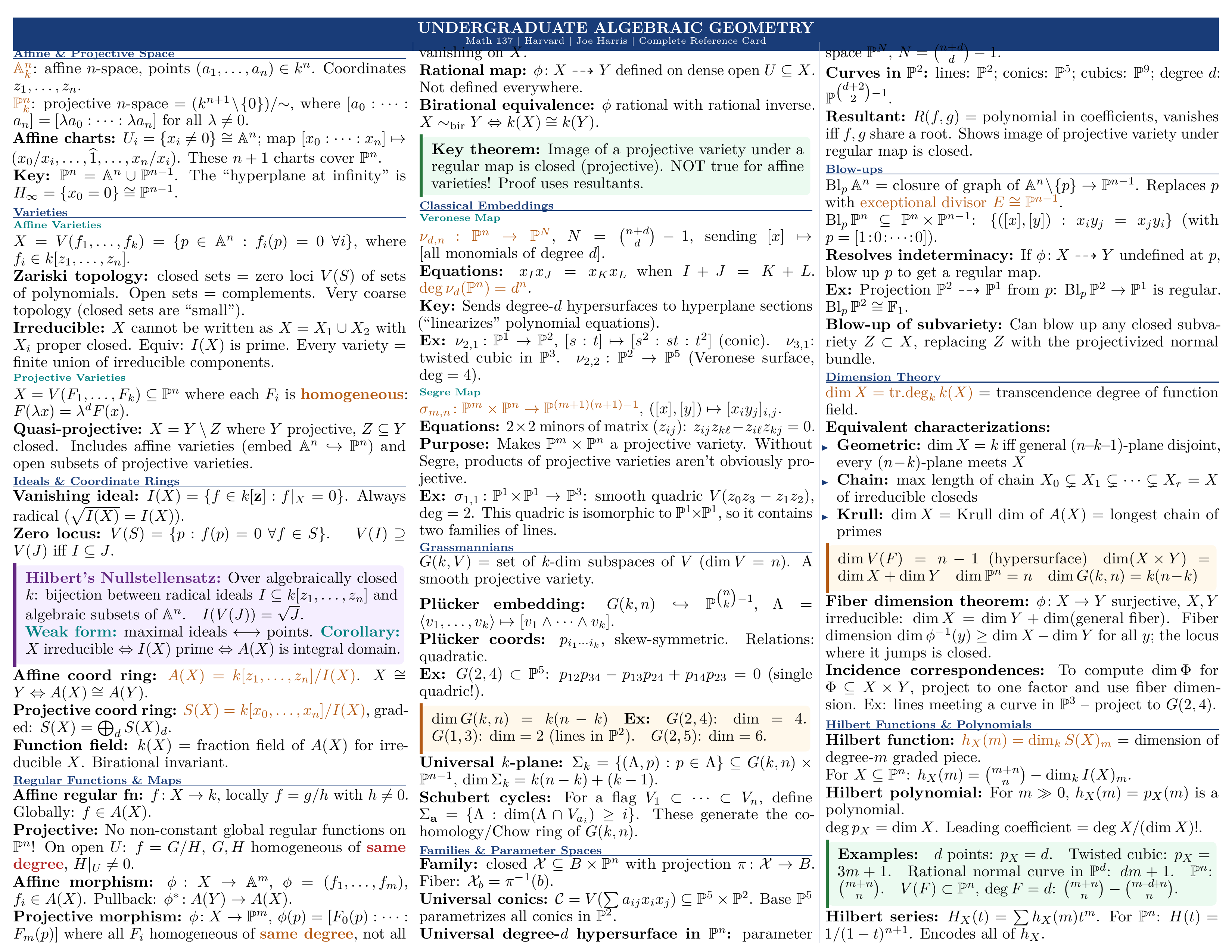 | 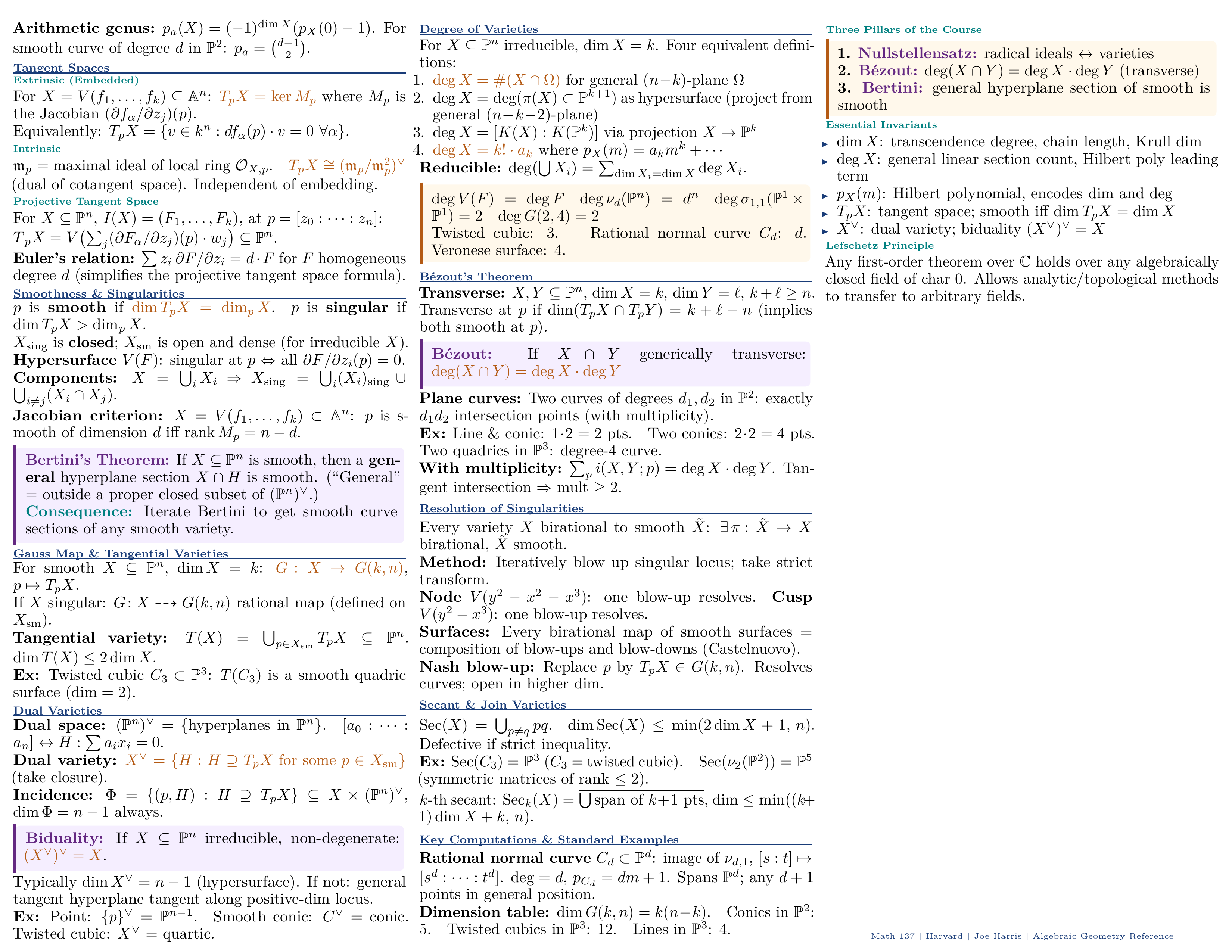 |
| Page 1 -- Affine/Projective Space, Varieties, Morphisms | Page 2 -- Sheaves, Schemes, Cohomology, Key Examples |
| Template | What It Does |
|---|---|
fillable-form.tex | PDF form fields: text inputs, checkboxes, radio buttons, dropdowns, push buttons (via hyperref) |
conditional-document.tex | 12 etoolbox toggles (showTOC, isDraft, isConfidential...), 3 visual profiles, CLI-overridable |
mail-merge-letter.tex | Template for mail_merge.py -- {{name}} placeholders |
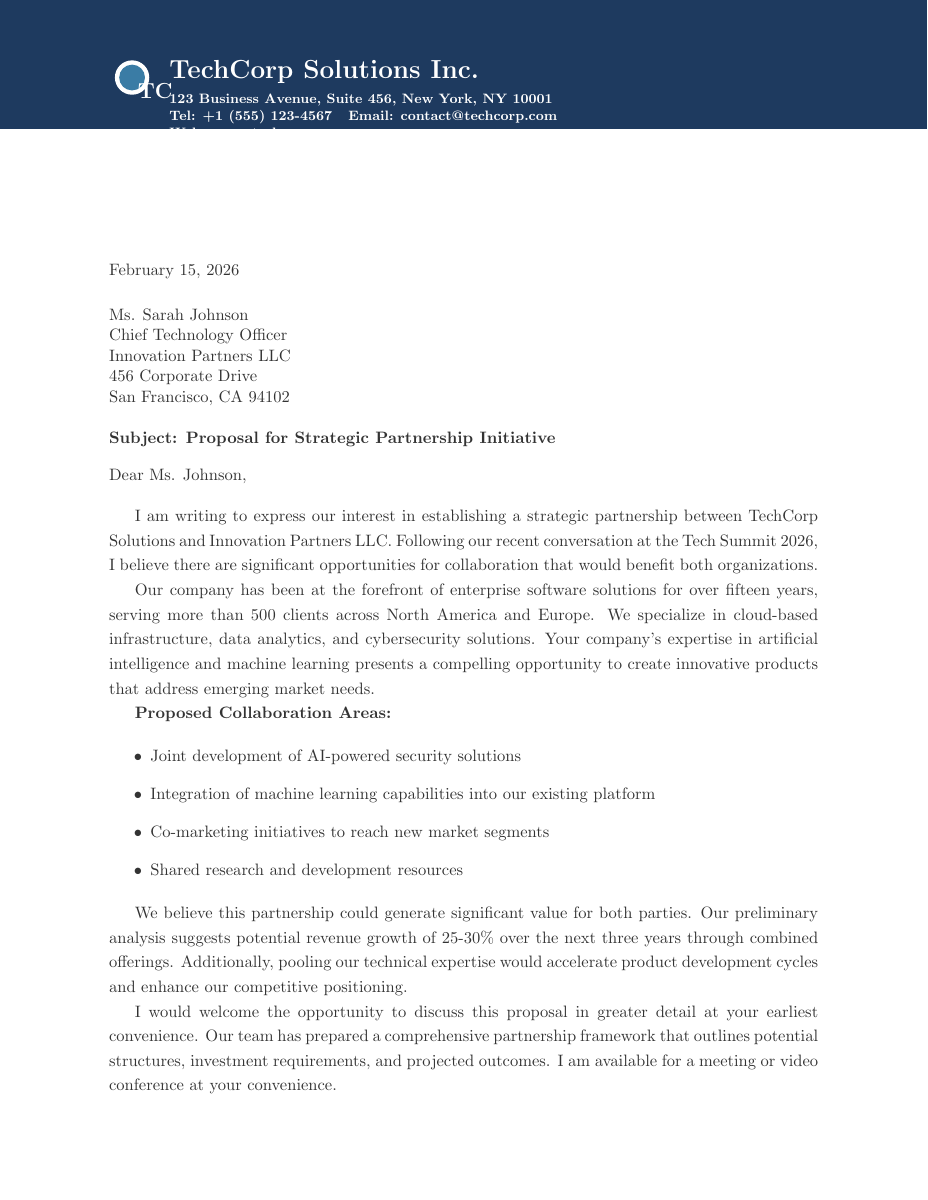 | 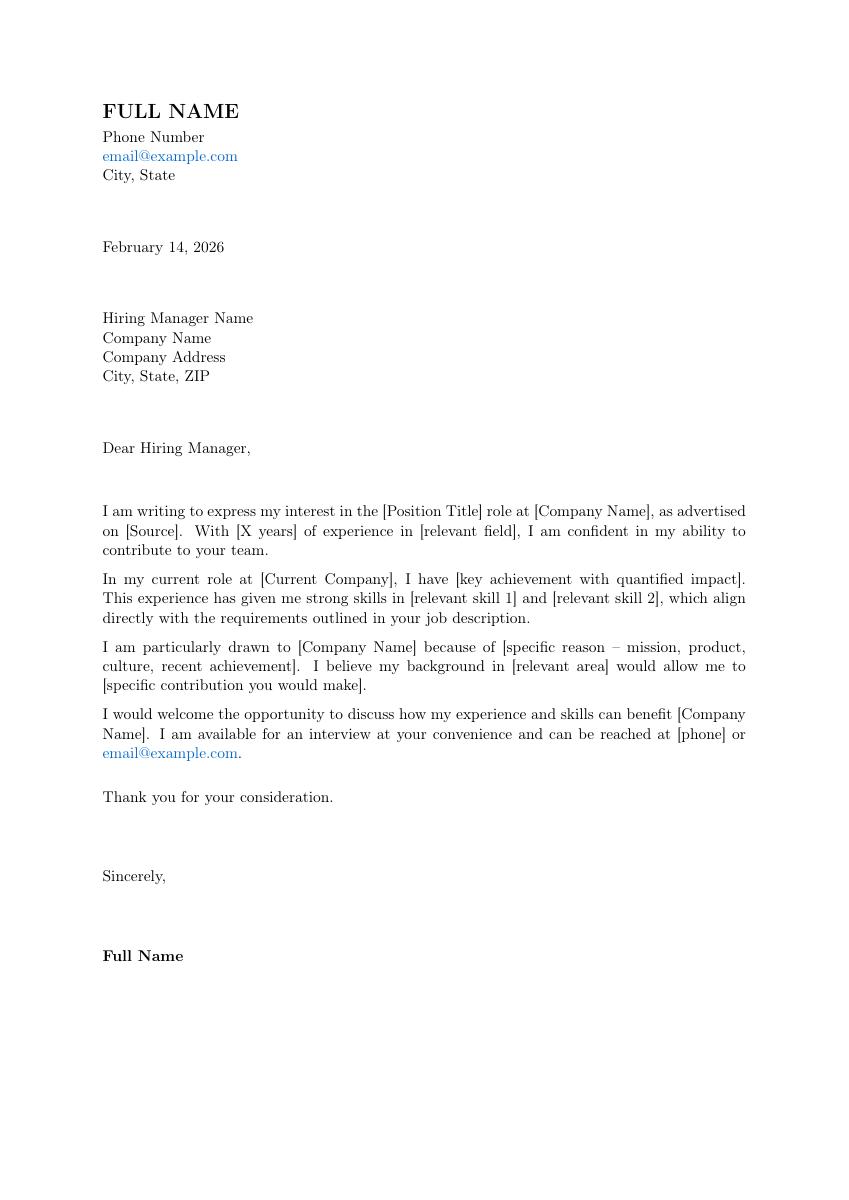 | 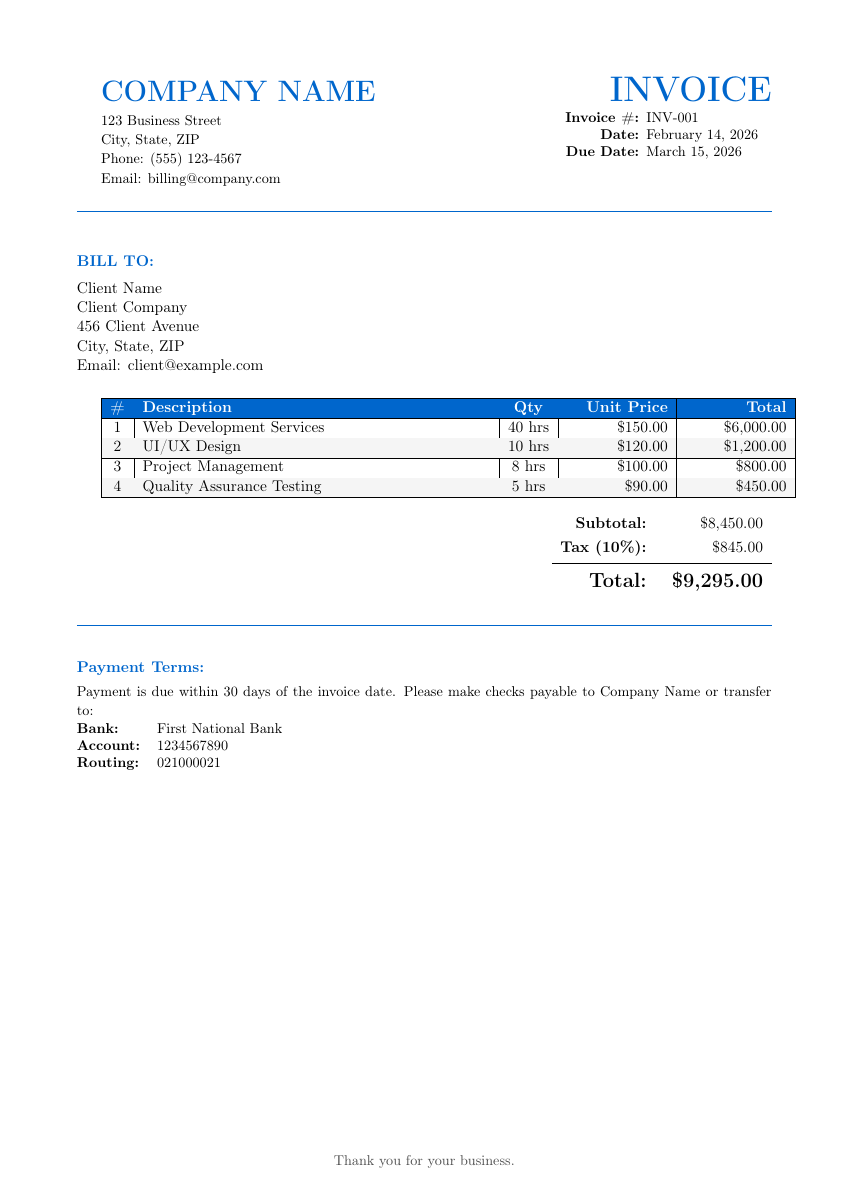 |
Stars on GitHub
Gives Claude Code access to the prompts.chat library, letting you search, retrieve and improve AI prompt templates, and find and install Agent Skills from its registry.
@gh-fA Claude Code skill for generating editable PPTX presentations and slides from a workflow, with reusable brand, style, layout, and deck workspaces, native charts, speaker notes, and template filling.
 @hugohe3
Gives AI agents control over Word, Excel and PowerPoint files, with skills for building .docx reports, academic papers, Excel dashboards and Morph-style animated slides.
 @iofficeai
A skill that builds animation-rich HTML presentations from scratch or converts PowerPoint files to web slides. Useful for anyone turning a deck into a web presentation.
 @zarazhangrui
Install it with the command on its page. It includes latex-document-skill. Its skills do not fire on their own yet. Free and open source.
Is this plugin yours?
Claim it with GitHubSubmit a pluginPromote it