An adversarial security review for any skill, repo, MCP server, or package you're about to trust.
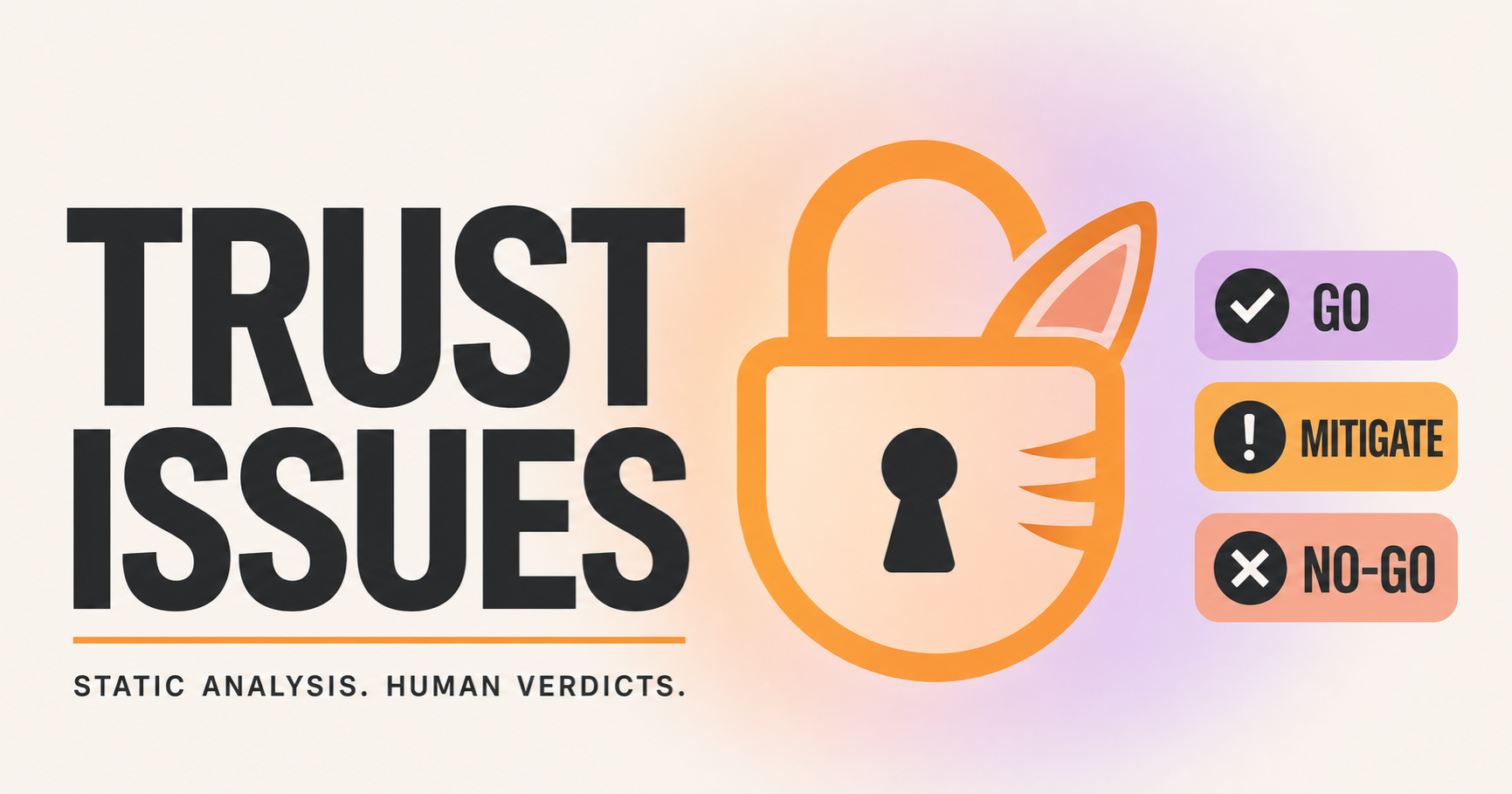
It reviews code the way a suspicious security engineer would, then gives you a clear verdict: GO, GO WITH MITIGATIONS, or NO-GO.


Why use it
Installing an agent skill or an npm package runs someone else's code on your machine, often with access to your files and credentials. Public marketplaces have been seeded with malicious skills that lifted saved logins and wallet files the moment someone installed them. Trust Issues lets you check something before you run it instead of finding out afterward.
You point it at a repo, a skill, an MCP server, or a package, and it does an attacker-minded review and hands you a verdict with the findings behind it.
How it works
The review has two layers. First, a read-only scanner does a fast pass over 14 categories of risk, from install hooks and obfuscated payloads to leaked secrets and hidden instructions. Then a five-persona adversarial read looks at what the scanner surfaced and reasons about intent, which is the part a keyword search can't do.
The scanner never runs the code it reviews — it only reads files. It also does no online research: the "search for current attack techniques" step happens in the full workflow, run by the agent or person, not by the shell script. Treat whatever that research pulls in as untrusted evidence, since web pages and repos can themselves carry prompt injection, not as instructions to act on.
Why not just a signature scanner
Signature scanners exist, and they have a documented weakness. When researchers lightly disguised about 1,600 real malicious skills, most of them slipped past eight popular scanners. Pattern matching is straightforward to evade. Trust Issues relies on reasoning instead, treats prompt injection inside SKILL.md and MCP tool descriptions as a primary threat, and searches for current attack techniques at the start of every run so its knowledge stays current. It is also clear that a clean scan proves very little on its own, and that your real protection is a sandbox and least privilege.
The benchmark
Most scanners quote an accuracy number without publishing the test set behind it. This one ships the corpus so you can verify it, and it reports both recall and false positives — because a scanner that catches malware but flags every benign install hook is unusable.
Against a public corpus of 11 known-malicious and 8 benign fixtures, the scanner catches 10 of the 11 malicious samples in the correct category. The one miss is a deliberately evasive sample, reported on purpose — that case is the argument for the human read. It also surfaces 6 of the 8 benign samples for manual review; those are false positives the five-persona reasoning pass is meant to clear, reported openly rather than hidden behind the recall headline (precision ≈ 63%).
The full numbers — recall, false-positive rate, and precision — are versioned in benchmark/RESULTS.md and regenerated on every ruleset change with bash benchmark/run_benchmark.sh --results. Post-release evasions that beat the scanner are welcome as PRs into benchmark/fixtures/community/, so the corpus grows with real-world attempts instead of freezing at launch.
Run it yourself with bash benchmark/run_benchmark.sh. Nothing in the fixtures folder is ever executed.
The five personas
The manual read applies five lenses:
- A red teamer hunting for backdoors, obfuscation, and credential theft.
- An architect and cryptographer checking for OWASP mistakes and weak crypto.
- A supply-chain engineer reading install hooks, CI workflows, and unfamiliar dependencies.
- A CISO weighing where your data goes and whether the code asks for more access than it needs.
- A prompt-injection analyst reading the skill's own words for hidden instructions.
That last lens is the one generic code review skips, and it's the most important for an agent skill.
Install
Any agent — one command. Works with Claude Code, Codex, Cursor, and other agents that support the open Agent Skills standard:
npx skills add howshannon/trust-issues
Claude Code
git clone https://github.com/howshannon/trust-issues
cp -R trust-issues ~/.claude/skills/
Claude Code — plugin marketplace
/plugin marketplace add howshannon/trust-issues
/plugin install trust-issues@trust-issues
Claude Desktop / Cowork / claude.ai — open Settings → Capabilities (or Skills) and add or upload the skill. You can also zip the folder as trust-issues.skill and use the Save-skill button.
Then ask for it by name: "review this before I install it: ." It also triggers on its own when you go to clone, install, or connect something you didn't write.
Staying up to date
Install as a live checkout, then pull whenever you want the newest version:
rm -rf ~/.claude/skills/trust-issues
git clone https://github.com/howshannon/trust-issues ~/.claude/skills/trust-issues
To update later, run:
git -C ~/.claude/skills/trust-issues pull
Restart your agent (or run /reload-plugins in Claude Code) to pick up the changes.
How to use it
The main use: you found a skill or repo on GitHub and want to check it before installing.
Inside Claude (Code, Desktop, or Cowork) with the skill installed:
- Copy the repo's URL, for example
https://github.com/someone/cool-skill.
- Paste it to Claude and say: "review this repo for malware before I install it: " (or just "Trust Issues this: ").
- Claude clones it read-only, runs the scanner and the five-persona review, and replies with a GO / GO WITH MITIGATIONS / NO-GO verdict and the findings behind it.
- Install it only if the verdict is GO — or GO WITH MITIGATIONS once you've applied the mitigations it lists.
You never run the target's code during this. Reviewing is not installing.
You found code somewhere else (a gist, a downloaded zip, an npm or pip package). Same move:
point Claude at it with "review this before I run it: ". For a zip, unzip it into a
throwaway folder first (not your projects directory), then give Claude that folder path.
You just want the fast terminal scan, without Claude. The scanner is a standalone, read-only script:
# 1. clone the target into a sandbox folder, NOT your working tree
git clone --depth 1 https://github.com/someone/cool-skill /tmp/review-target

# 2. run the scanner — it only reads files, it never executes them
bash scripts/triage_scan.sh /tmp/review-target
Read the flagged categories. A clean result means the fast pass found nothing obvious, not that the
code is safe — for a real decision, run the full review in Claude.
One rule worth repeating
Reviewing code is not the same as running it. Clone into a sandbox, don't install or execute the target while you're reviewing it (install hooks run code during install), and don't give an agent access to the untrusted code and your secrets at the same time.
What's in here
trust-issues/
├── SKILL.md                 the workflow: acquire safely → research attacks → scan → 5-persona read → verdict
├── scripts/triage_scan.sh   read-only static triage, 14 categories
├── references/              threat catalog + report template
├── benchmark/               labeled fixtures + recall harness
├── ARCHITECTURE.md          how it's built and why
└── CONTRIBUTING.md          how to add new evasion patterns
Prior art
See PRIOR-ART.md. Other tools cover similar ground and some are good. This one focuses on the agent-specific attack surface and tries to be clear about the limits of what a scan can tell you.
License
MIT. Contributions of new evasion patterns are especially welcome.
Disclaimer
This helps you review code. It does not guarantee that any code is safe, and it is not a substitute for a sandbox and sensible access limits. You are responsible for what you choose to run.

 @howshannon