
















Introduction
🚀 An AI desktop companion with endless possibilities!
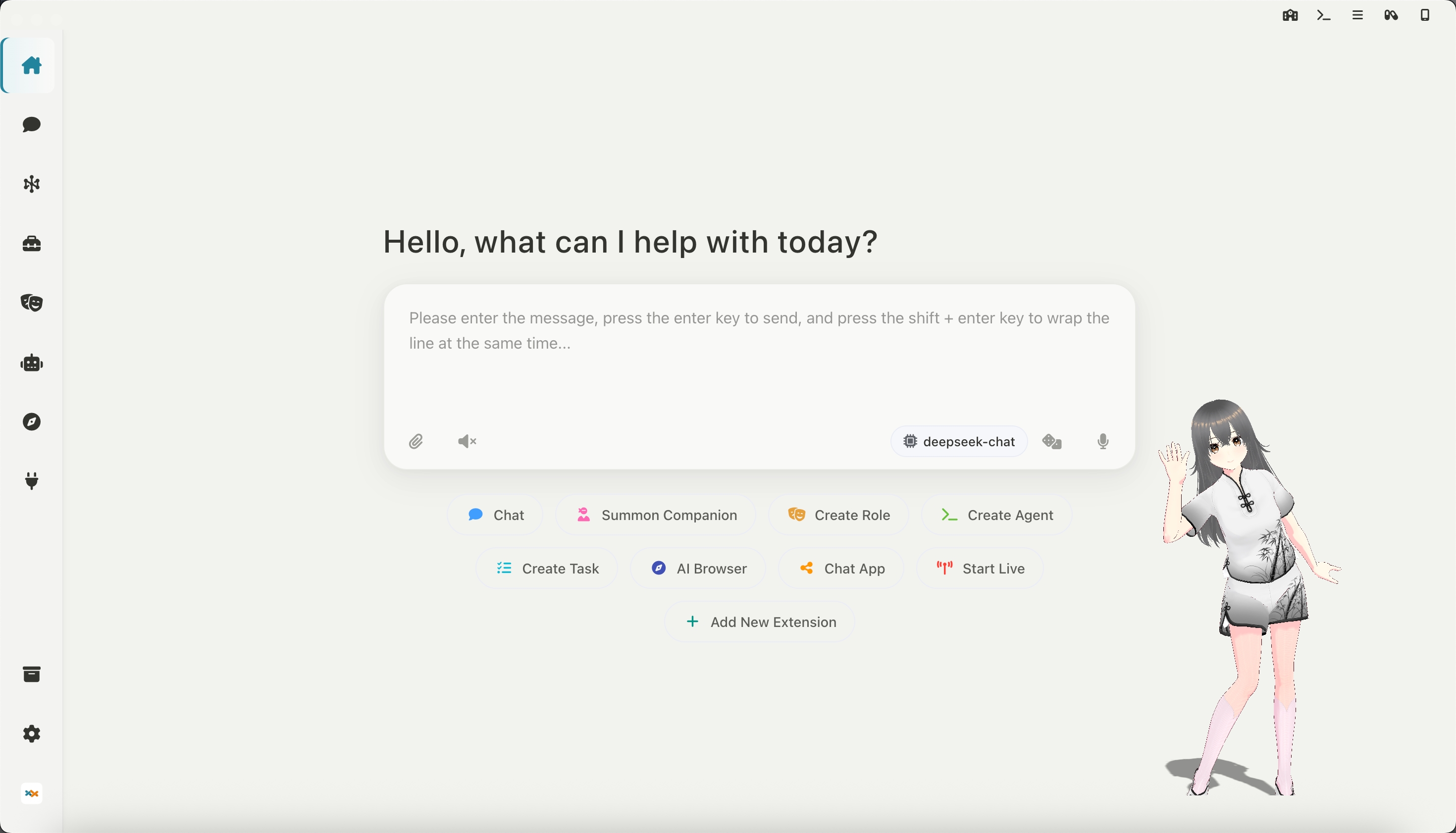
Desktop Companion: Supports custom VRM models, actions, 3D scenes (for Live2D avatars, use the VTS integration below)
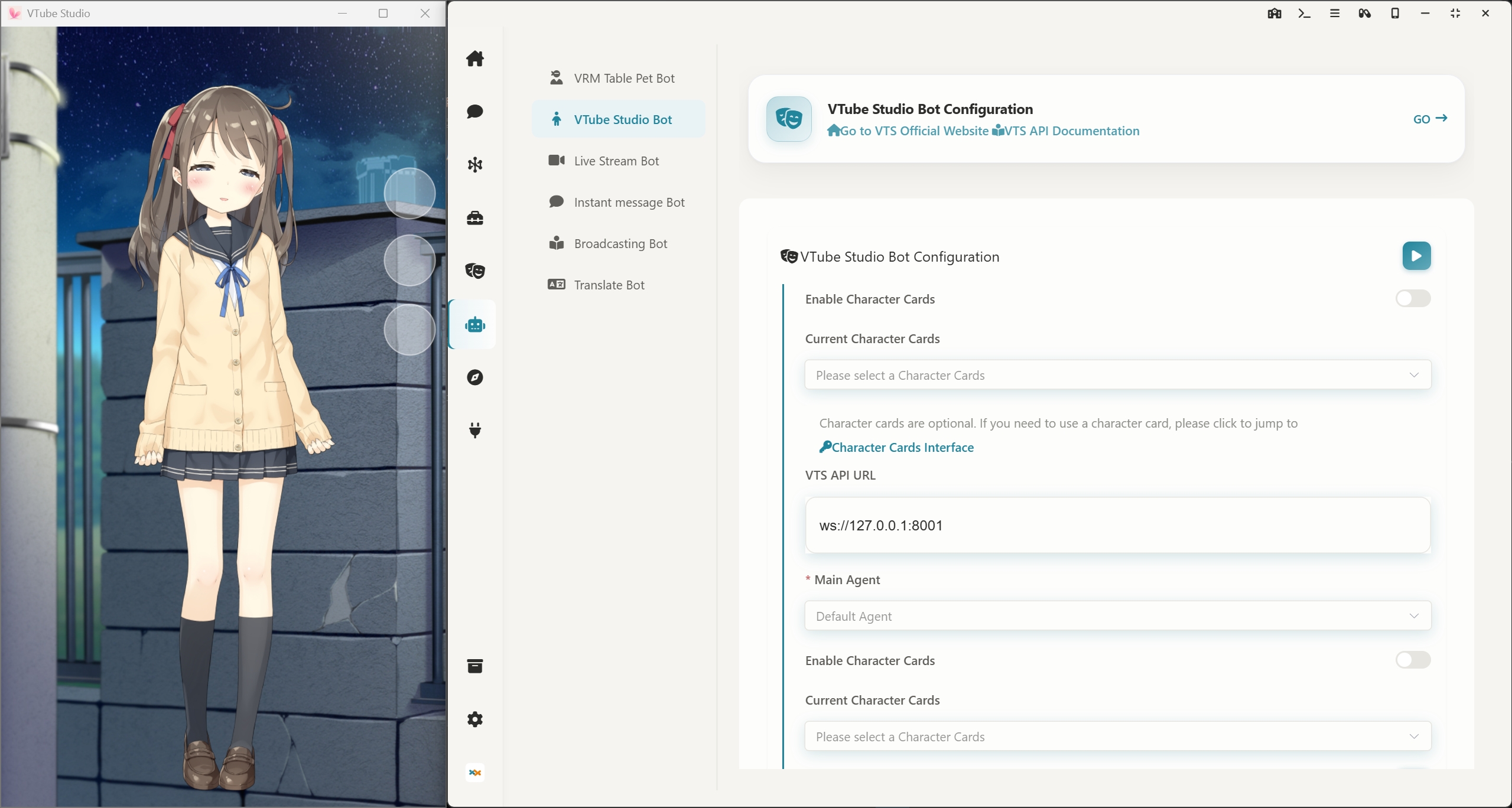
Link VTS: Control Live2D models in Vtube Studio, supporting custom actions and expression control
High-freedom chat interface: custom background images, emoji packs, character personas, THA-based 2D character avatars, and character MCP tools for a more immersive conversation
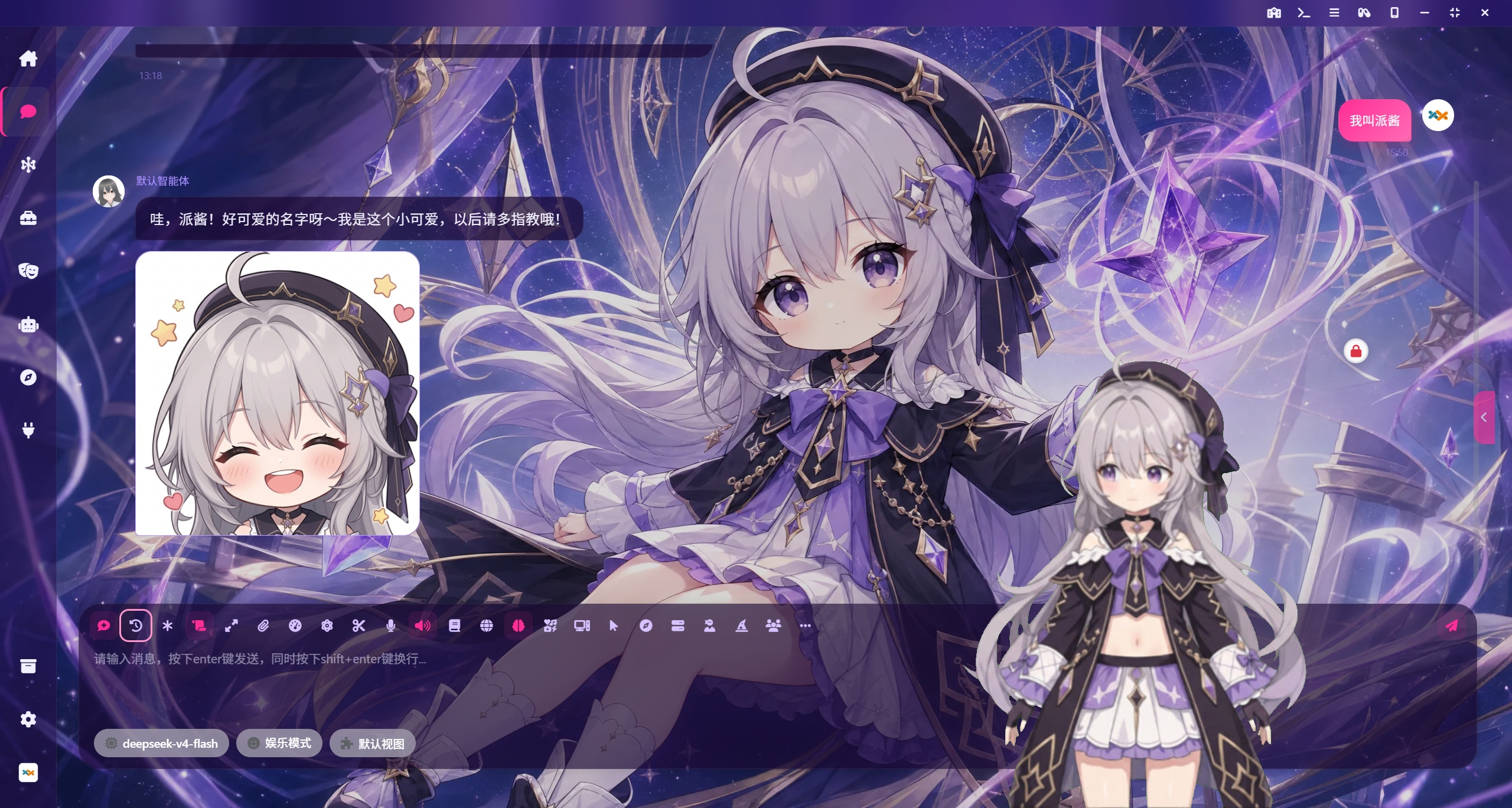
Task Center: Enable your AI agents to perform any advanced tasks in the background, automatically control your computer to get work done, supporting MCP and Agent Skills.
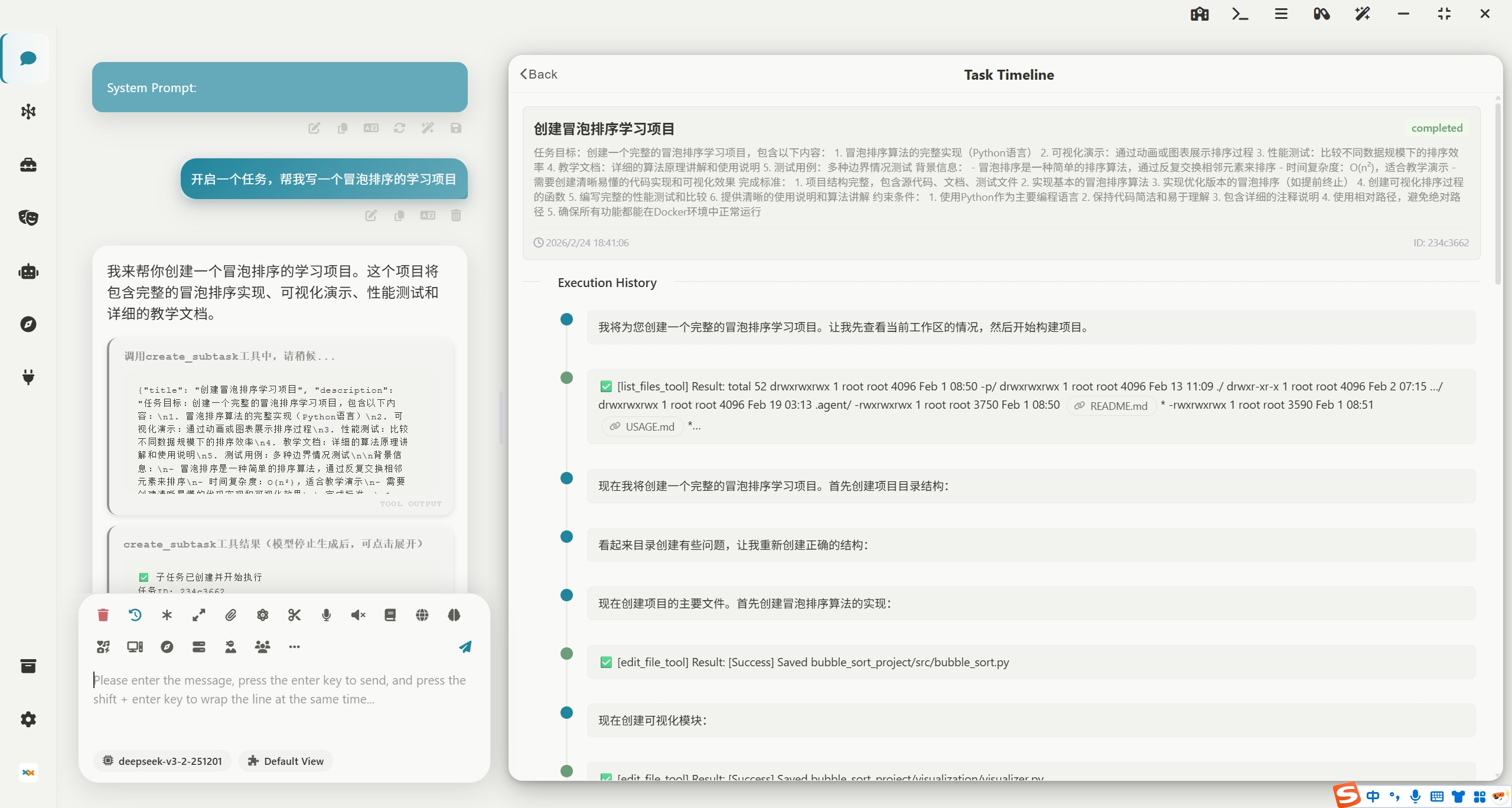
Computer Control: Through desktop vision combined with a toolchain for controlling the mouse, keyboard, and terminal, AI agents can accomplish any task on a computer! The image below shows an AI playing Wordle.
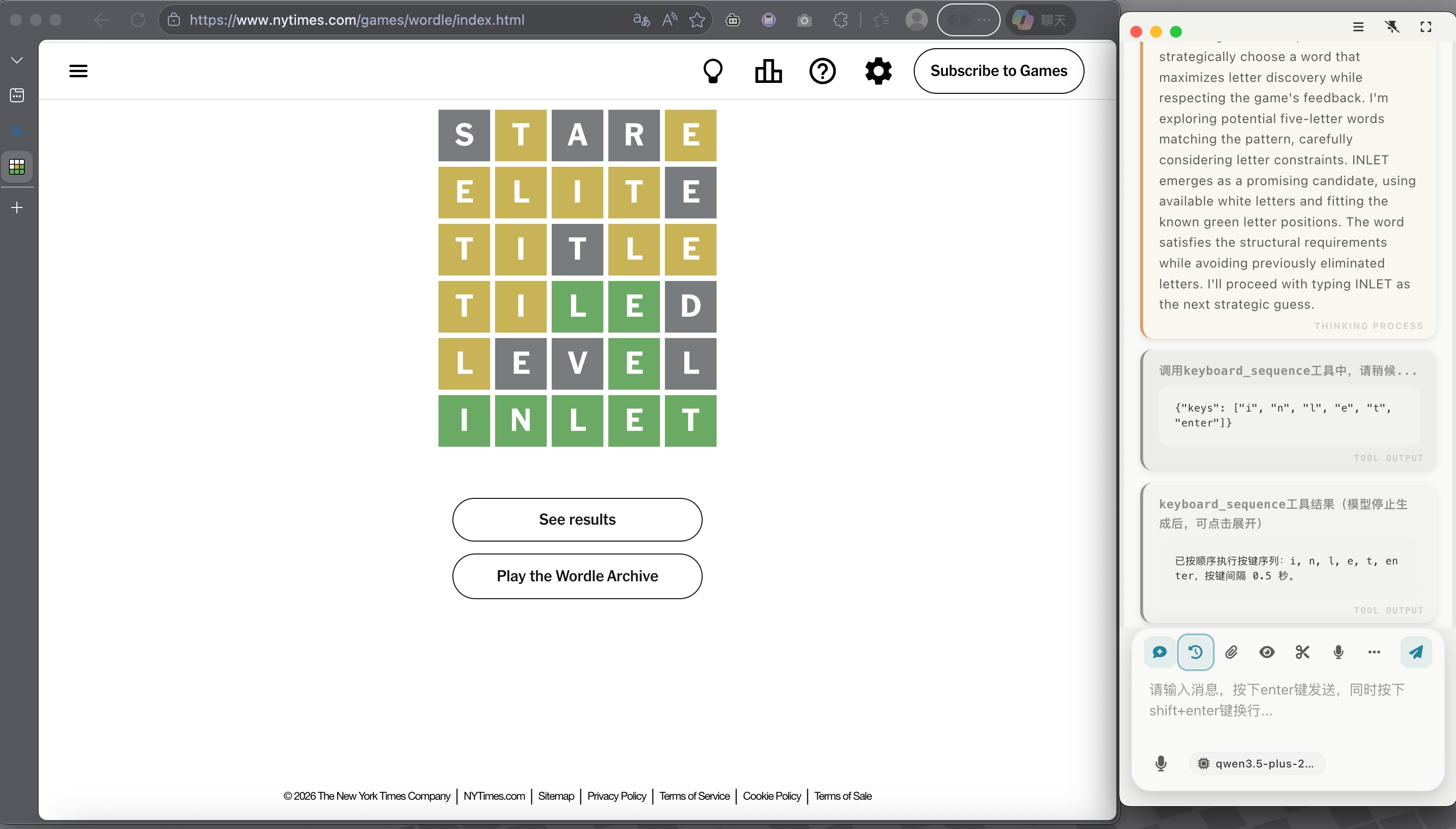
Multiple Window Modes: The chat interface supports phone-sized and capsule-sized docking on the desktop
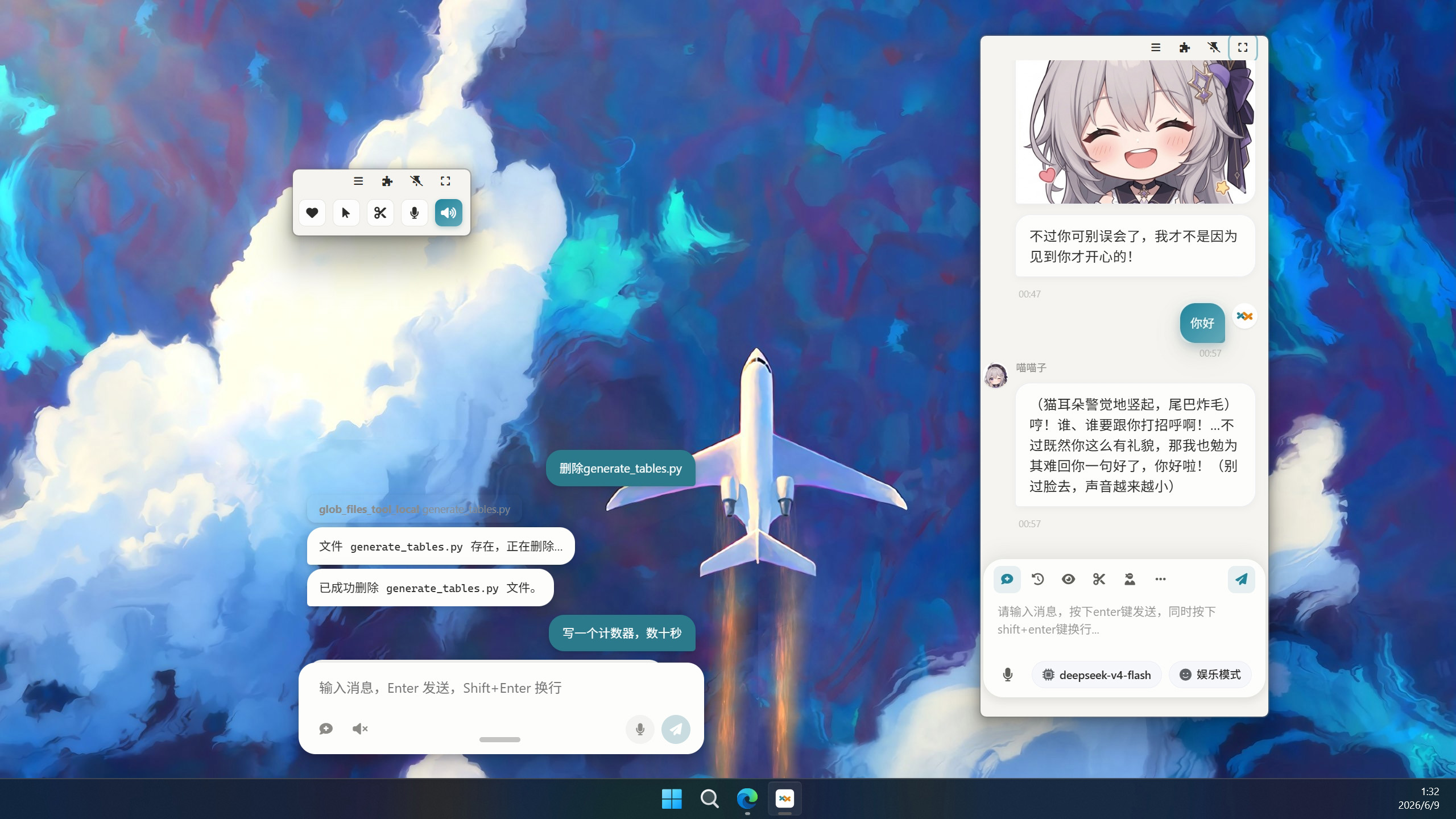
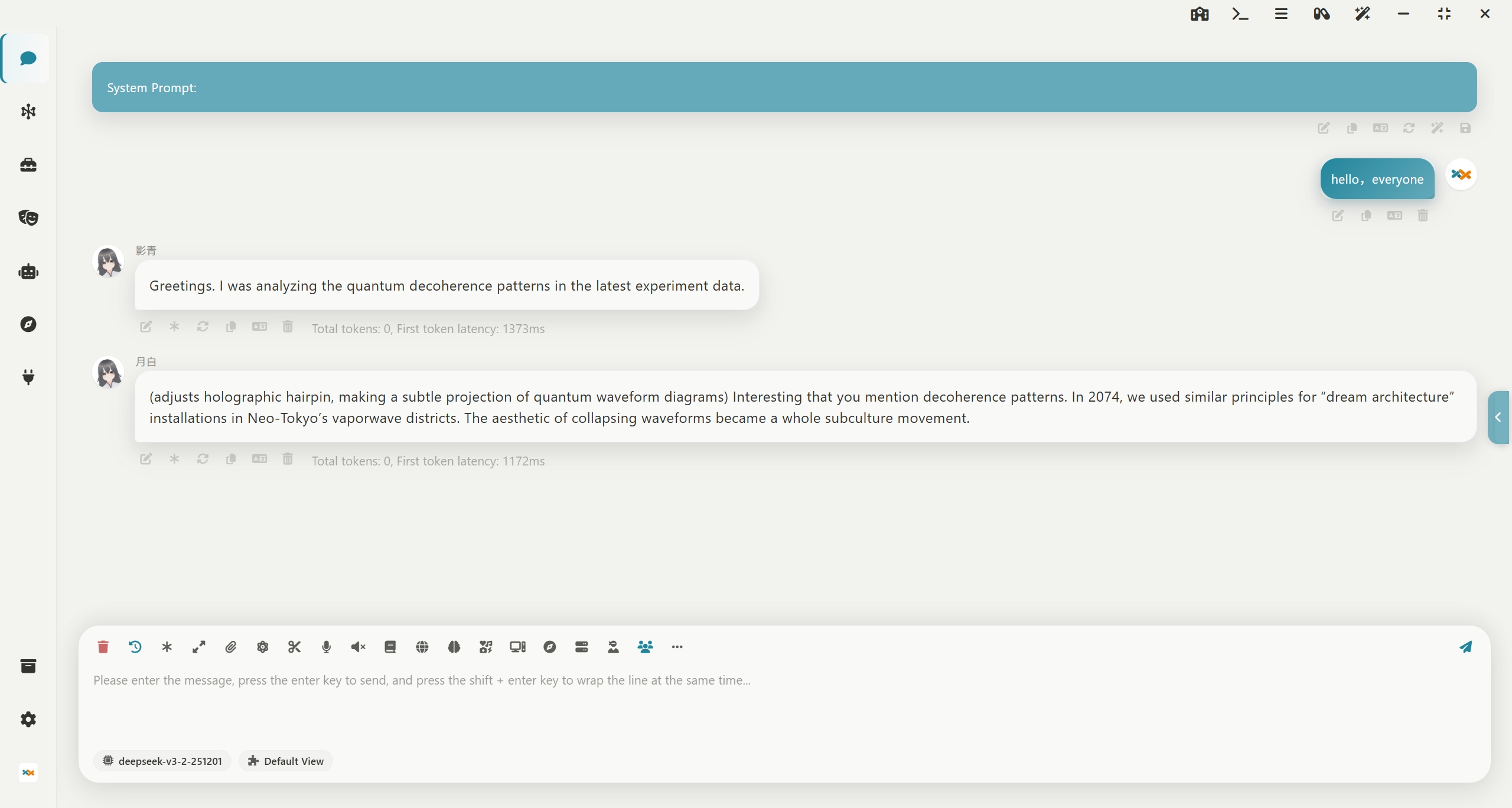
Multi-Role Group Chat: Supports tavern character cards and long-term memory, allowing you to chat with multiple characters simultaneously!
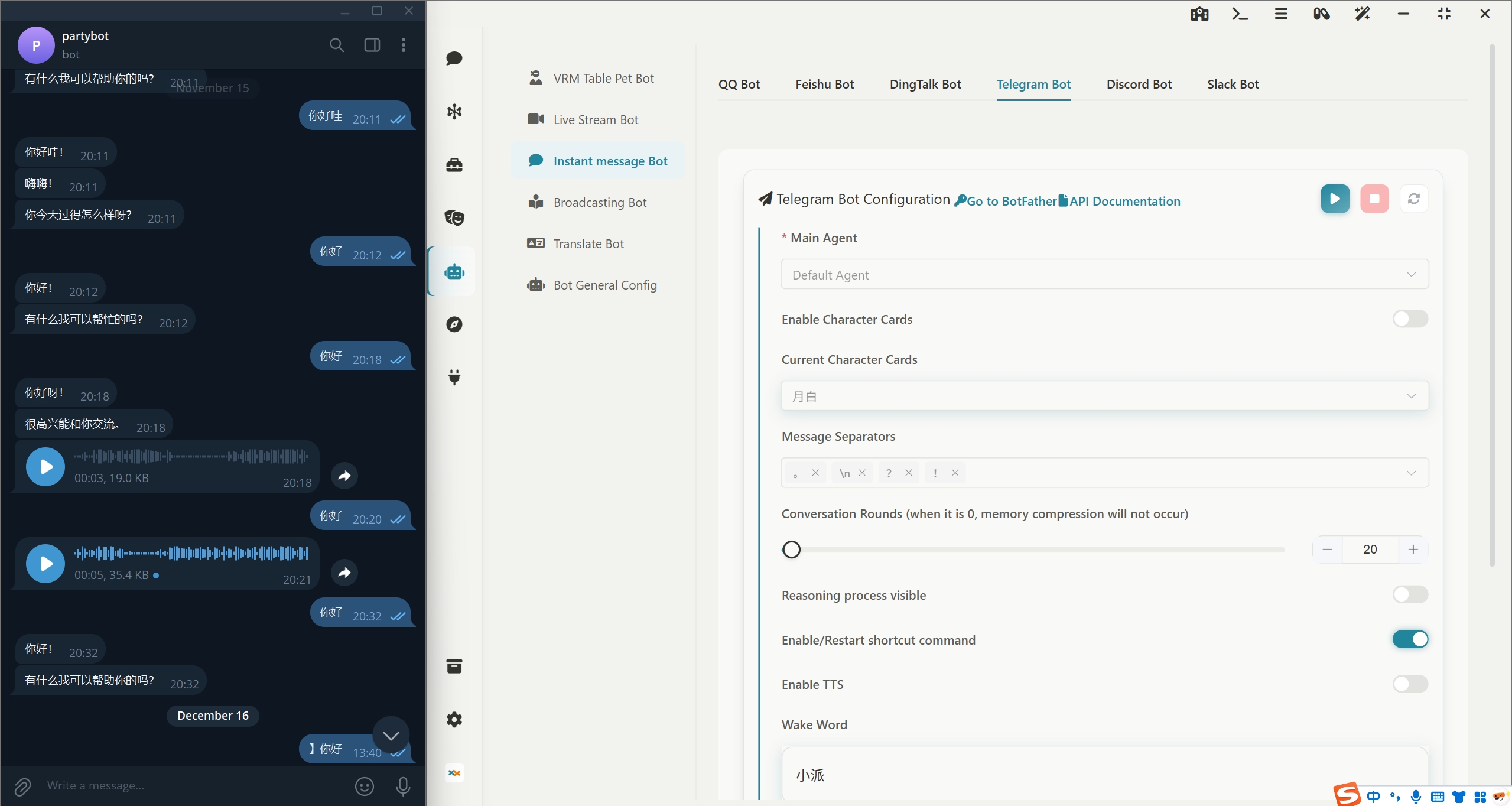
Instant Messaging Bot: Supports one-click deployment to QQ, WeChat, Feishu, DingTalk, Telegram, Discord, Slack
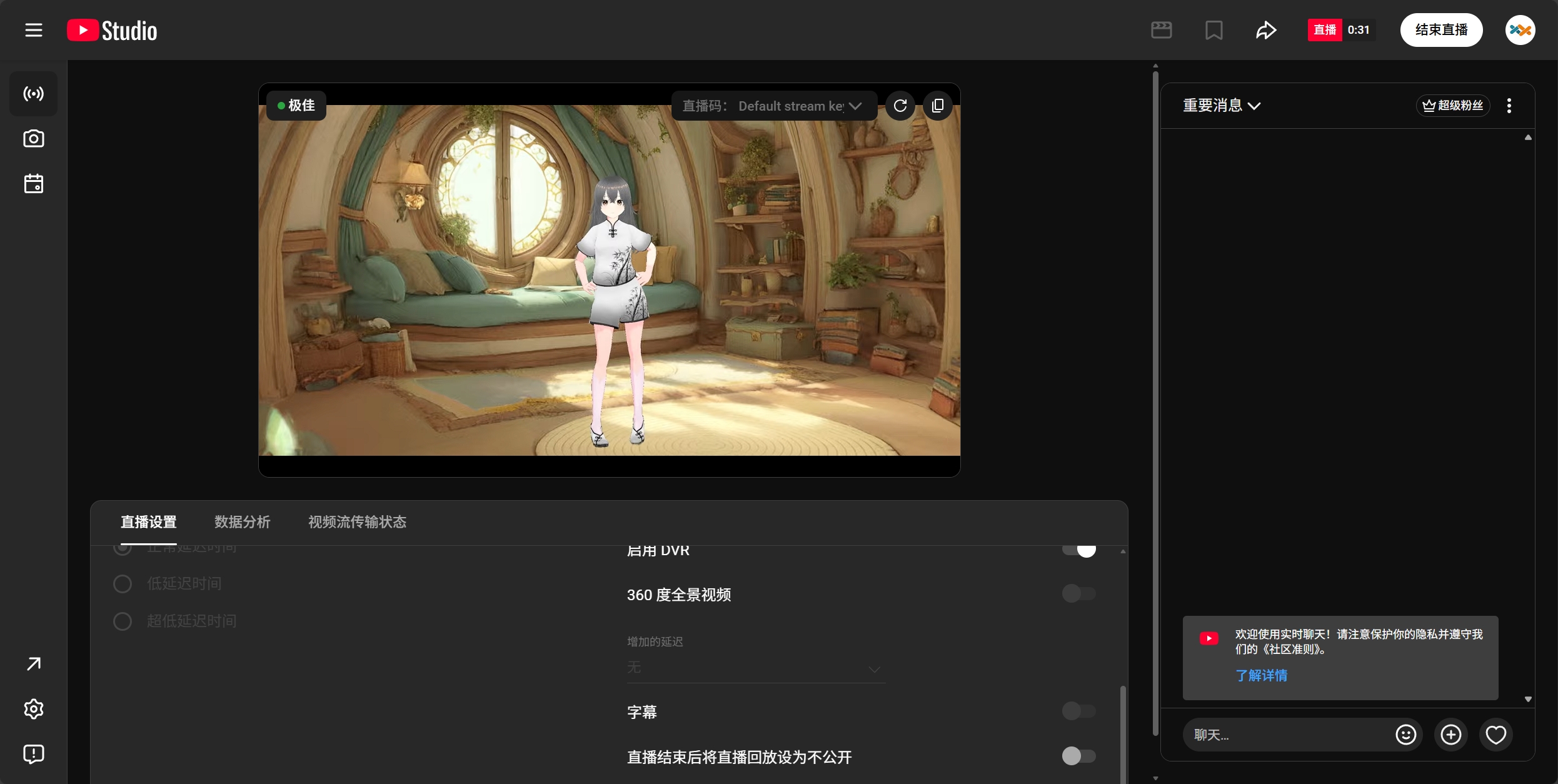
Live Streaming Bot: Supports one-click deployment to Bilibili, YouTube, Twitch, and enables 360-degree panoramic live streaming.
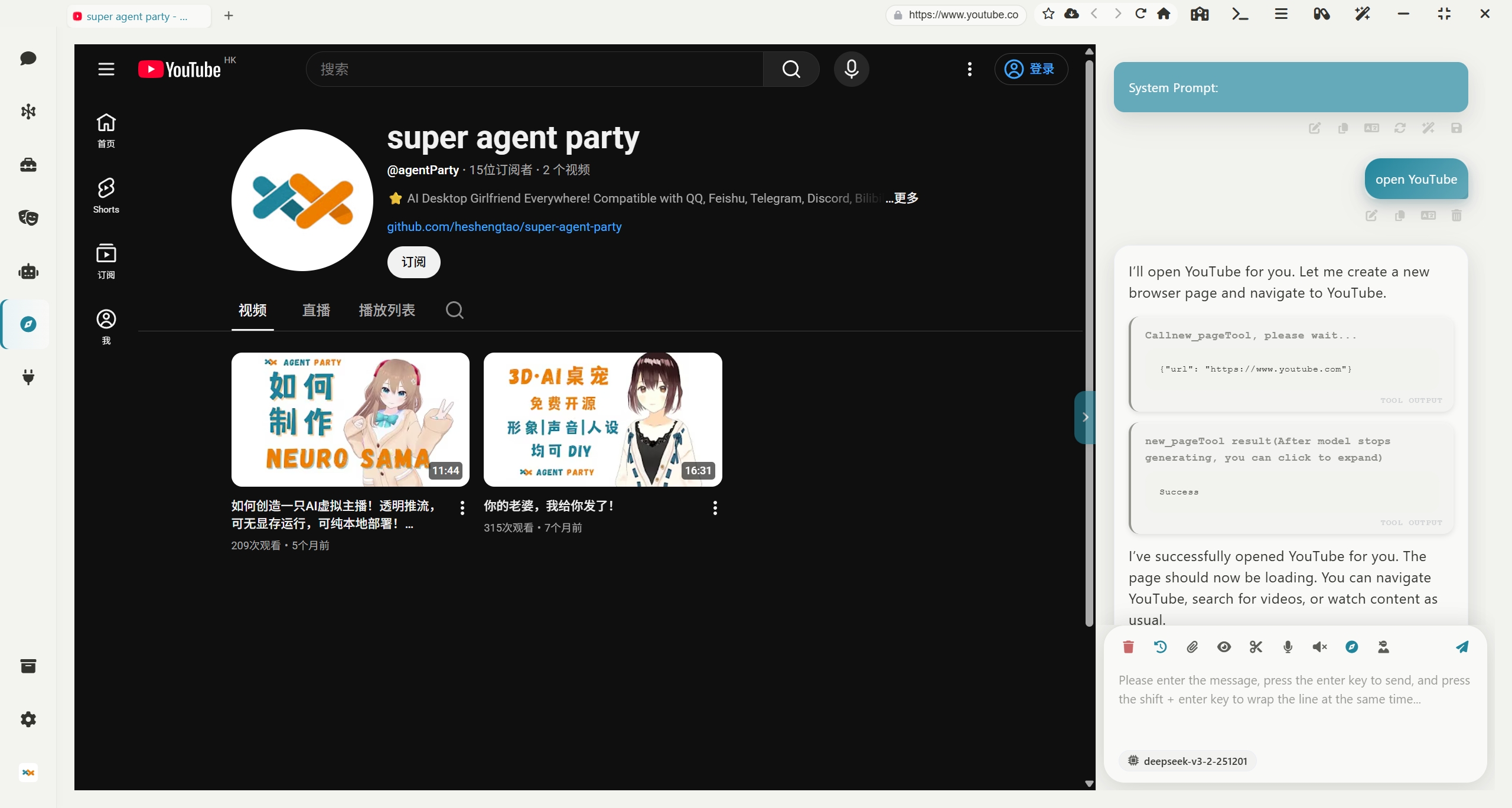
AI Browser: Equips your AI agents with their own browser, supporting automatic control
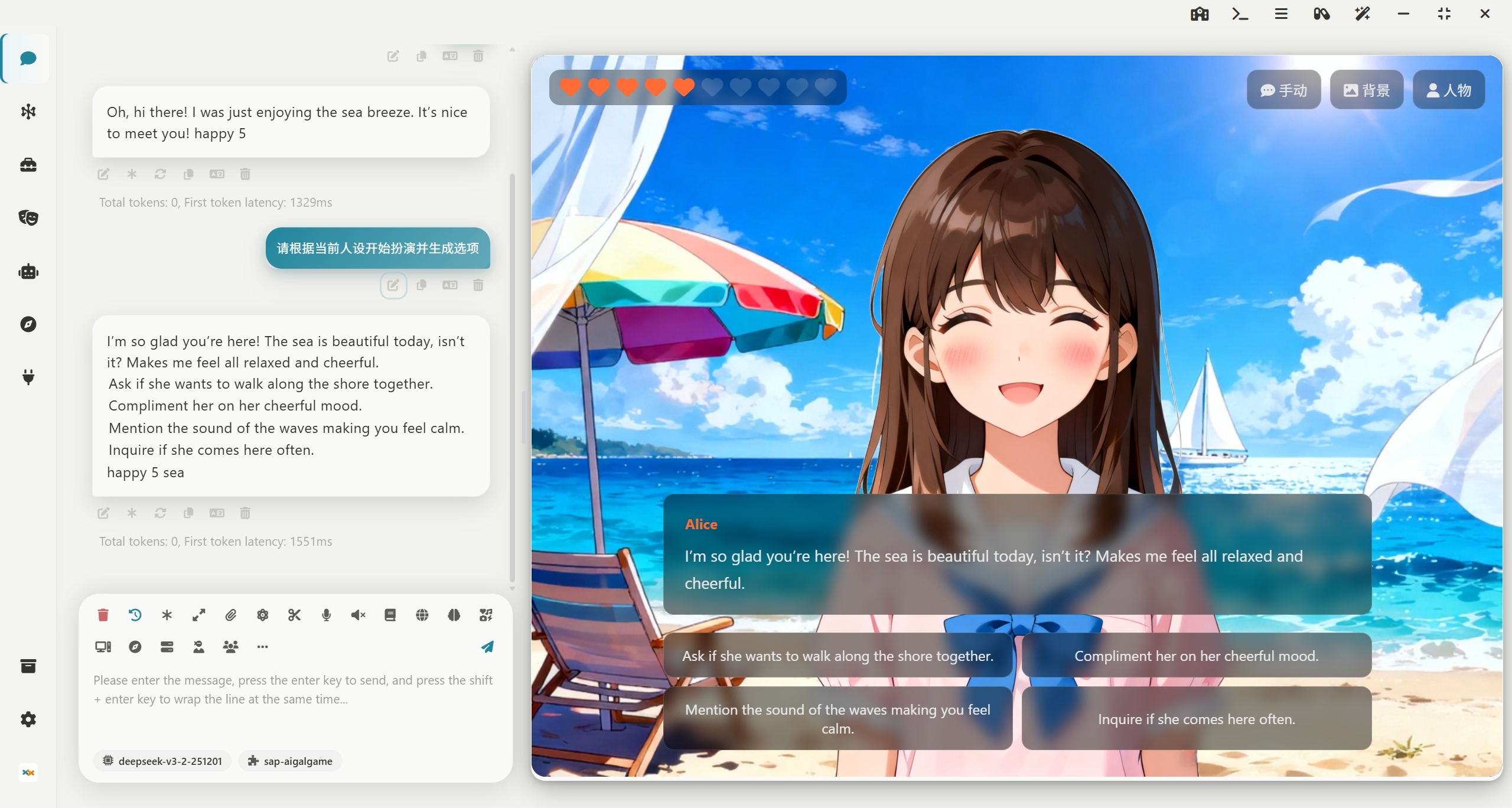
Extension System: Supports installing extensions and creating new ones. The image below shows a galgame extension. All extensions can be opened either in an independent window or in a sidebar.You can even use the agent skill sap-extension-creator to create new SAP extensions, achieving the bootstrapping of the agent party!
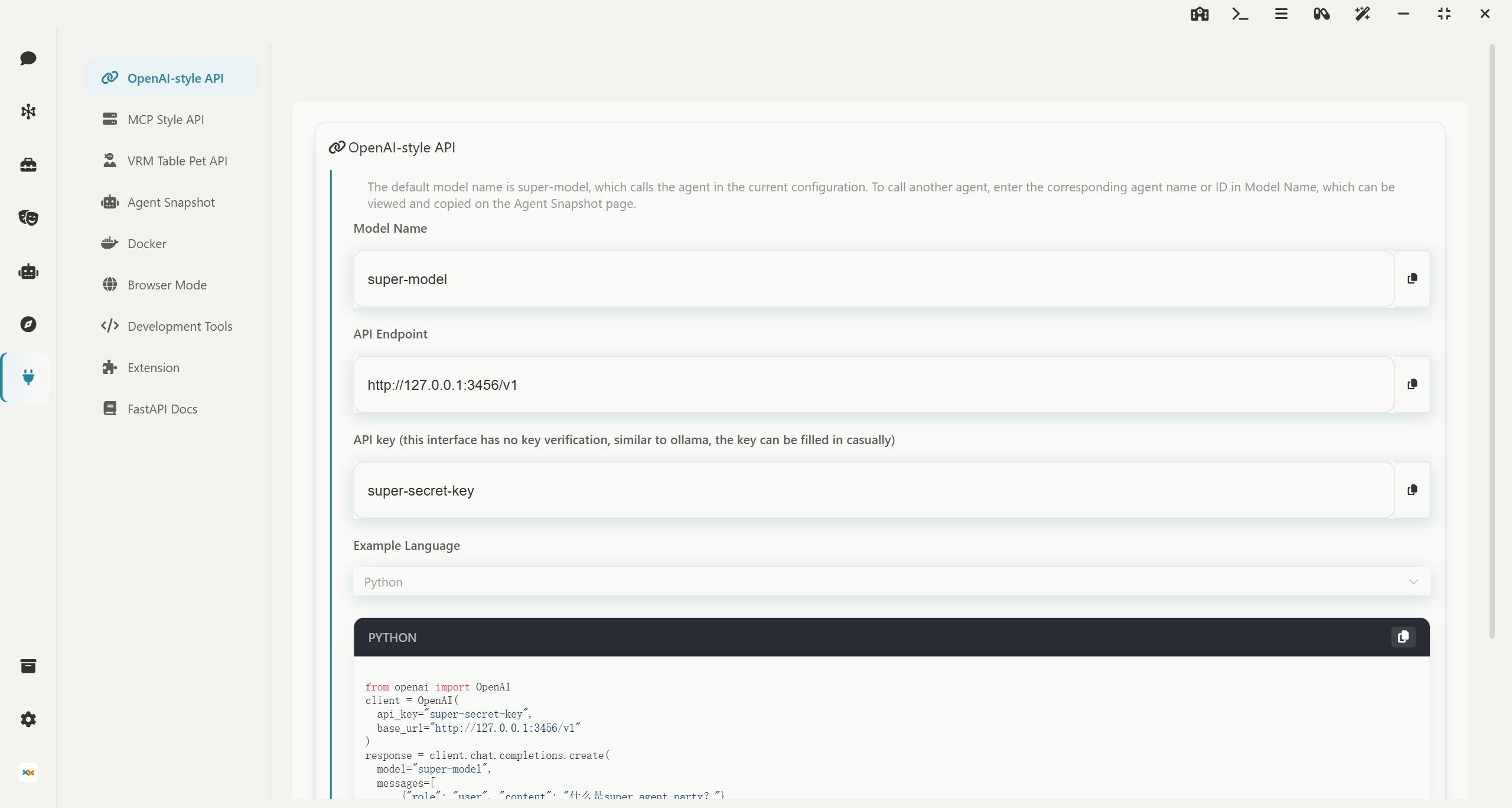
Developer-Friendly: Offers open OpenAI API interfaces and MCP interfaces, allowing agents to be externally connected
Quick Start
中国用户下载请点击 中国用户点击下载 的链接!
If you are a CLI Agent
CLI Agent needs to check the documentation at README_AGENT.md. Please refer to this document to guide users through installing this software!
If you are a human using a CLI Agent
Send this link to your AI, and the AI will guide you through installing this software!
curl -fsSL https://raw.githubusercontent.com/heshengtao/super-agent-party/main/README_AGENT.md
Windows portable package (Recommended! Installation-free source version, support one-click synchronization to the latest version of the warehouse, no need to wait for the desktop version to be packaged)
👉 Click to download
👉 中国用户点击下载
⭐ Note! You can double-click 一键更新(update).bat to update the software, or you can double-click 一键启动(start).bat to start the software.The operating system must be Windows 10/11, Windows Server 2025, or a later version!
Windows Desktop Installation
👉 Click to download
👉 中国用户点击下载
⭐ Note! Choose to install only for the current user during installation, otherwise, administrator privileges will be required to start.The operating system must be Windows 10/11, Windows Server 2025, or a later version!
MacOS Integrated Package (Currently only supports M chips, no-install source code version, supports one-click sync to the latest repository version, no need to wait for desktop version packaging)
Suitable for developers/advanced users: No-install source code version, supports one-click sync to the latest repository version, no need to wait for desktop version packaging.
👉 International users click to download
👉 中国用户点击下载
🚀 Usage Steps
1. Remove Network Download Quarantine (Important)
After downloading and extracting, open Terminal, enter the following command (note there is a space at the end), then drag the extracted folder into the Terminal window and press Enter:
sudo xattr -rd com.apple.quarantine
(Note: The -rd parameter recursively removes the quarantine attributes for all components within the folder; otherwise, the Python environment may not function properly.)
2. Grant Script Execution Permissions
Navigate to the folder in Terminal and execute:
chmod +x 一键更新(update).sh 一键启动(start).sh
3. Run the Software
- First use/Update: It is recommended to first execute
./一键更新(update).sh to ensure dependencies are synced to the latest.
- Daily startup: Directly execute
./一键启动(start).sh.
MacOS Desktop Installation (Currently only M chips are supported.)
👉 Click to download
👉 中国用户点击下载
⭐Attention! After downloading, drag the app file of the dmg file into the /Applications directory, then open end point, execute the following command and enter the root password to remove the attached Quarantine attribute from the network download:
sudo xattr -dr com.apple.quarantine /Applications/Super-Agent-Party.app
Linux Desktop Installation
.AppImage is a Linux application format that does not require installation and can be used immediately. Suitable for most Linux distributions.
👉 Linux-AppImage-X86_64
👉 Linux-AppImage-Arm64
Docker Deployment (This version of the desktop pet can only be viewed through a browser)
International Users (Docker Hub)
docker pull ailm32442/super-agent-party:latest
docker run -d -p 3456:3456 -v ./super-agent-data:/app/data ailm32442/super-agent-party:latest
Chinese Users (Alibaba Cloud ACR, faster pull)
docker pull crpi-9mgnqijkd7wc42x2.cn-shenzhen.personal.cr.aliyuncs.com/ailm32442/super-agent-party:latest
docker run -d -p 3456:3456 -v ./super-agent-data:/app/data crpi-9mgnqijkd7wc42x2.cn-shenzhen.personal.cr.aliyuncs.com/ailm32442/super-agent-party:latest
⭐ Note! ./super-agent-data can be replaced with any local folder. After Docker starts, all data will be cached in this local folder and will not be uploaded anywhere.
Out of the box: Visit http://localhost:3456/
Docker Compose Deployment (This version of the desktop pet can only be viewed through a browser, and an additional gateway container will be started for login management)
International Users (Docker Hub)
git clone https://github.com/heshengtao/super-agent-party.git
cd super-agent-party
docker-compose up -d
Chinese Users (Alibaba Cloud ACR, faster pull)
git clone https://github.com/heshengtao/super-agent-party.git
cd super-agent-party
docker-compose -f docker-compose-acr.yml up -d
⭐ Note! The default username is root, and the default password is pass. Please change the password after the first login.
Out of the box: Visit http://localhost:3456/
API key management: Visit http://localhost:3456/token.html
Lite client that matches your Docker version, turning Docker into a desktop app
👉 SAP-lite-Windows-exe
👉 SAP-lite-MacOS-dmg
Source Code Deployment
git clone https://github.com/heshengtao/super-agent-party.git
cd super-agent-party
uv sync
npm install
npm run dev
Extension










 @n8n-io


