
md2wechat-lite
1 skill88
 @geekjourneyx
Claude Code
$ npx -y skills add geekjourneyx/readme-generator --agent claude-code
Codex
$ npx skills add geekjourneyx/readme-generator -a codex
Cursor
$ npx skills add geekjourneyx/readme-generator -a cursor
Gemini CLI
$ npx skills add geekjourneyx/readme-generator -a gemini-cli
GitHub Copilot
$ npx skills add geekjourneyx/readme-generator -a github-copilot
OpenCode
$ npx skills add geekjourneyx/readme-generator -a opencode
Windsurf
$ npx skills add geekjourneyx/readme-generator -a windsurf
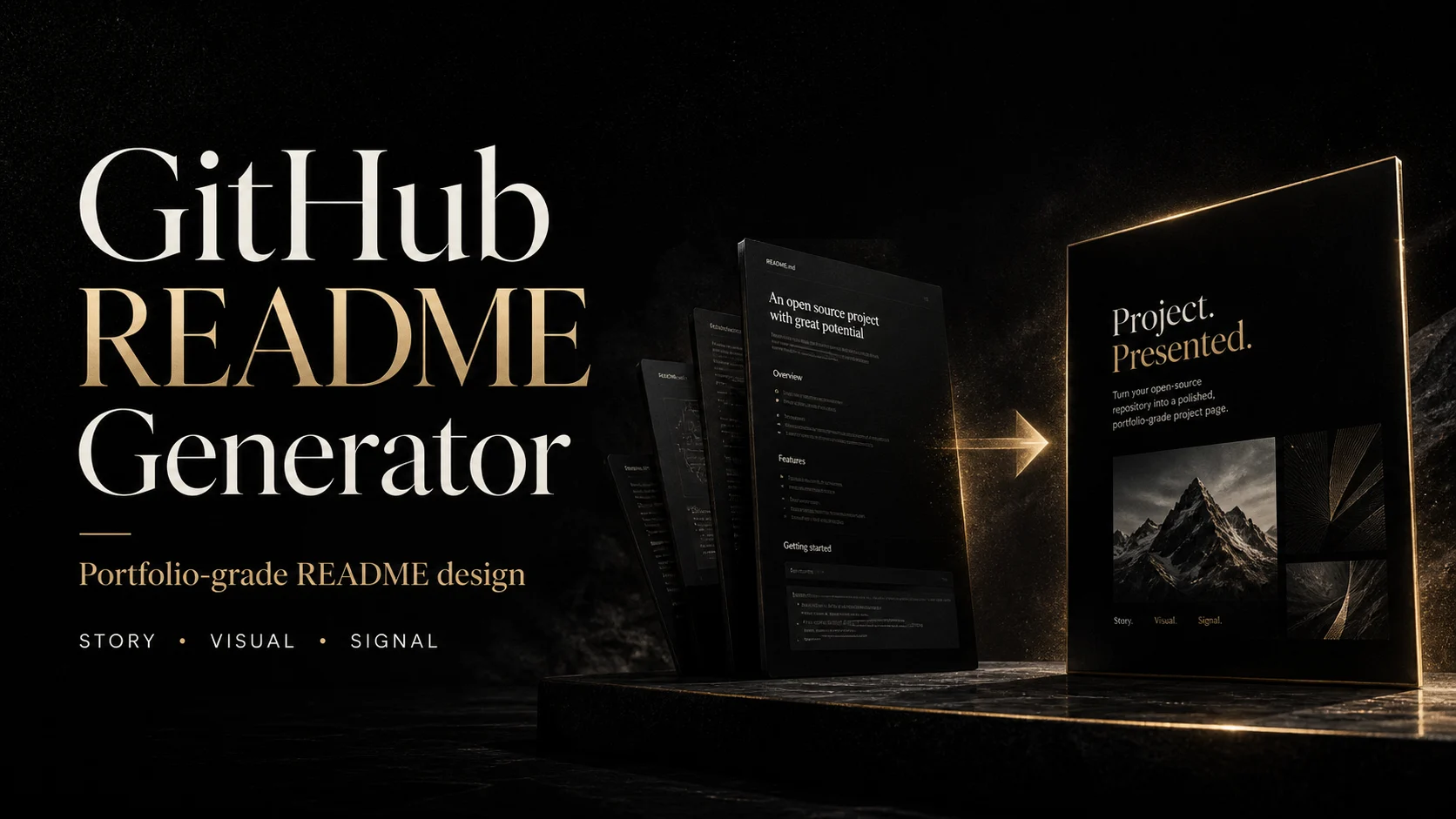

把项目 README 做成一份可以展示的作品。



GitHub README Generator 是一个 Agent Skill,用来把普通项目 README 升级成作品集级项目首页。
它不会只替你填模板,而是先阅读项目,提炼背景、价值和使用路径,再生成克制的文案、作品级视觉资产和 GitHub 元信息建议。
GitHub 项目就是开发者的作品集。README 是读者、招聘者、用户和 AI 搜索首先看到的页面。
很多项目明明有价值,却被冗长说明、小字截图、过度装饰和模板化功能列表削弱了第一印象。这个 Skill 的目标是反过来做:少说废话,放大重点,让项目自己的故事站出来。
它先阅读项目,判断 README 应该是偏作品展示还是偏清晰文档;再提炼项目故事,生成正文、两张以内的视觉资产和 GitHub 元信息建议。
安装后,在 Codex 中打开你的项目目录,然后直接说:
帮我把这个项目的 README 做成作品集级项目首页
也可以指定视觉方式:
用 Codex Image Gen 生成 README 封面,其余保持清晰信息图
生成一个极简文档型 README,不要重视觉
npx skills add https://github.com/geekjourneyx/readme-generator
如果需要使用 HTML 模板截图生成图片,请确认本地有 Node.js 和 Playwright:
node -v
npm install
npx playwright install chromium
| 模式 | 适合项目 | 图片策略 |
|---|---|---|
portfolio | 默认推荐,多数开源项目 | 封面可用 Codex Image Gen,说明图用大字海报 |
clean-doc | SDK、库、后端工具 | 少图,优先快速开始和示例 |
visual-story | AI 工具、设计工具、独立产品 | 更强视觉叙事和封面表现 |
structured | 需要流程、能力、对比图 | HTML/CSS 模板截图,保证文字准确 |
project/
├── README.md
├── LICENSE
└── assets/
    ├── banner.webp
    └── features.webp
图片可以来自两条路线:
这个 Skill 按 100 分 README 标准工作:
| 维度 | 分值 |
|---|---|
| 15 秒理解项目价值 | 25 |
| 讲清项目故事 | 20 |
| 视觉像作品而不是说明书 | 20 |
| 快速开始足够直接 | 15 |
| 有可信产物展示 | 10 |
| 克制、少噪音、不过度设计 | 10 |
| 个人主页 | geekjourney.dev |
| GitHub | geekjourneyx |
| @seekjourney | |
| 公众号 | 微信搜「极客杰尼」 |
Stars on GitHub
View @geekjourneyx’s profile@geekjourneyxFetches AI news from the smol.ai RSS feed and produces a structured markdown digest with summaries and categories. It can also generate a shareable HTML page with an Apple-style theme.
@geekjourneyxCreates designed travel guidebook PDFs from trip itineraries, covering destination research through PDF export. It uses icons and inline graphics instead of AI-generated images.
@geekjourneyxFetches up-to-date documentation and code examples for libraries, frameworks, SDKs, CLI tools and cloud services, so an AI agent can answer API questions and generate code against current references.
 @upstash
Gives Claude Code skills and agents for writing React documentation on react.dev, covering MDX components, voice and style rules, blog post structure, and interactive Sandpack code examples.
 @reactjs
An agent skill that turns complex terminal output into styled HTML pages you actually want to read. Ask your agent to explain a system architecture, review a diff, or compare requirements against a plan.
 @nicobailon
A WYSIWYG markdown editor so you can edit markdown files like a Google Doc or Notion page, with a desktop app and web UI for navigation, search, and wiki-style linking. It also ships skills for working in codebase wiki, personal CRM, and knowledge base projects.
 @inkeep
readme-generator is indexed on Flowy in the Documentation category. Install it with the command on its page. It includes readme-generator. Its skills do not fire on their own yet. Free and open source.
Is this plugin yours?
Claim it with GitHubSubmit a pluginPromote it