

promptschat
Gives Claude Code access to the prompts.chat library, letting you search, retrieve and improve AI prompt templates, and find and install Agent Skills from its registry.
2 skills2 agents2 commands1 MCP+3+2+2+2+1+1+1+1177k
 @gh-f
An agent skill that turns a topic into a designed, print-ready PDF book, with researched outline, per-chapter writing, illustrations, typesetting, and a fact-check pass.
Claude Code
$ npx -y skills add chesley-veko/book_skill --agent claude-code
Codex
$ npx skills add chesley-veko/book_skill -a codex
Cursor
$ npx skills add chesley-veko/book_skill -a cursor
Gemini CLI
$ npx skills add chesley-veko/book_skill -a gemini-cli
GitHub Copilot
$ npx skills add chesley-veko/book_skill -a github-copilot
OpenCode
$ npx skills add chesley-veko/book_skill -a opencode
Windsurf
$ npx skills add chesley-veko/book_skill -a windsurf
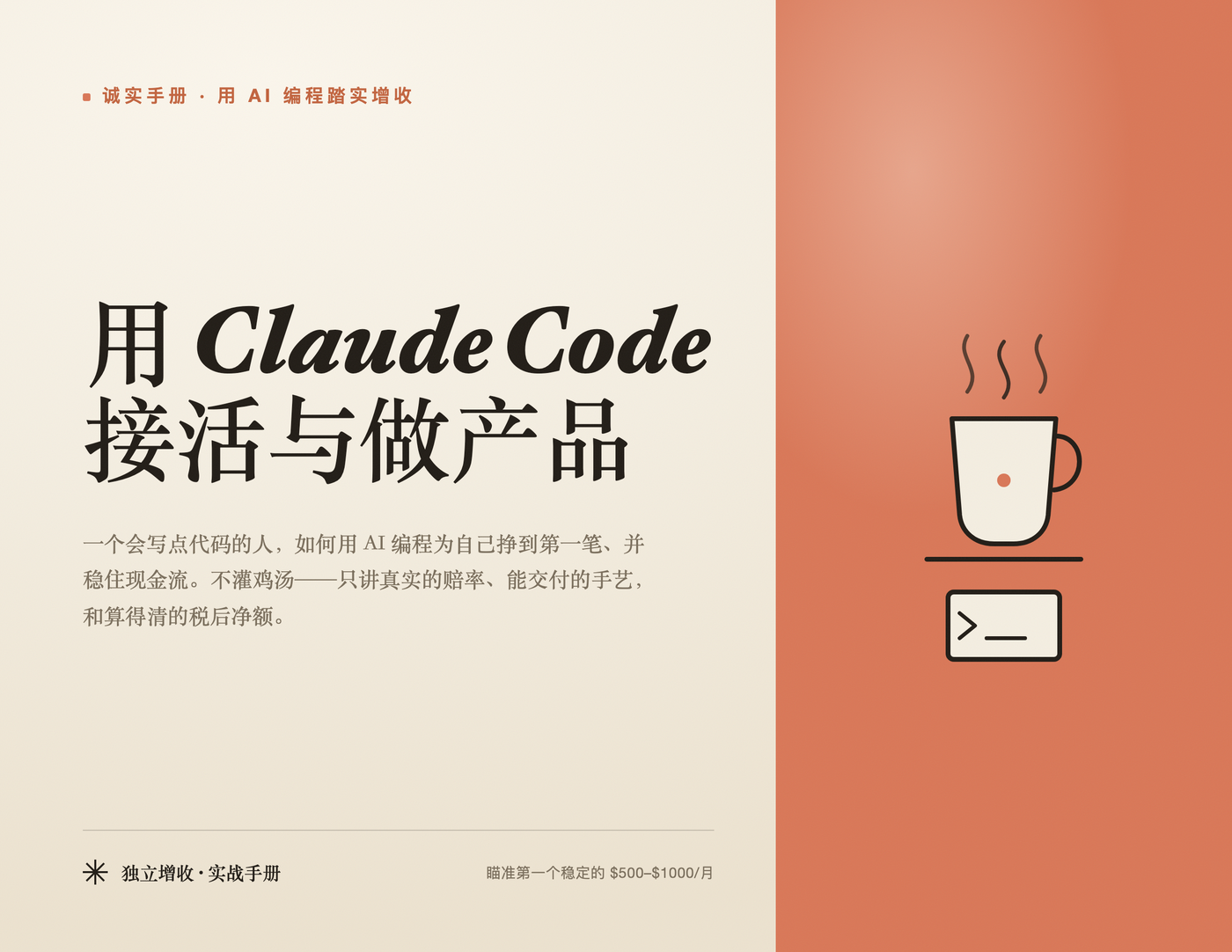
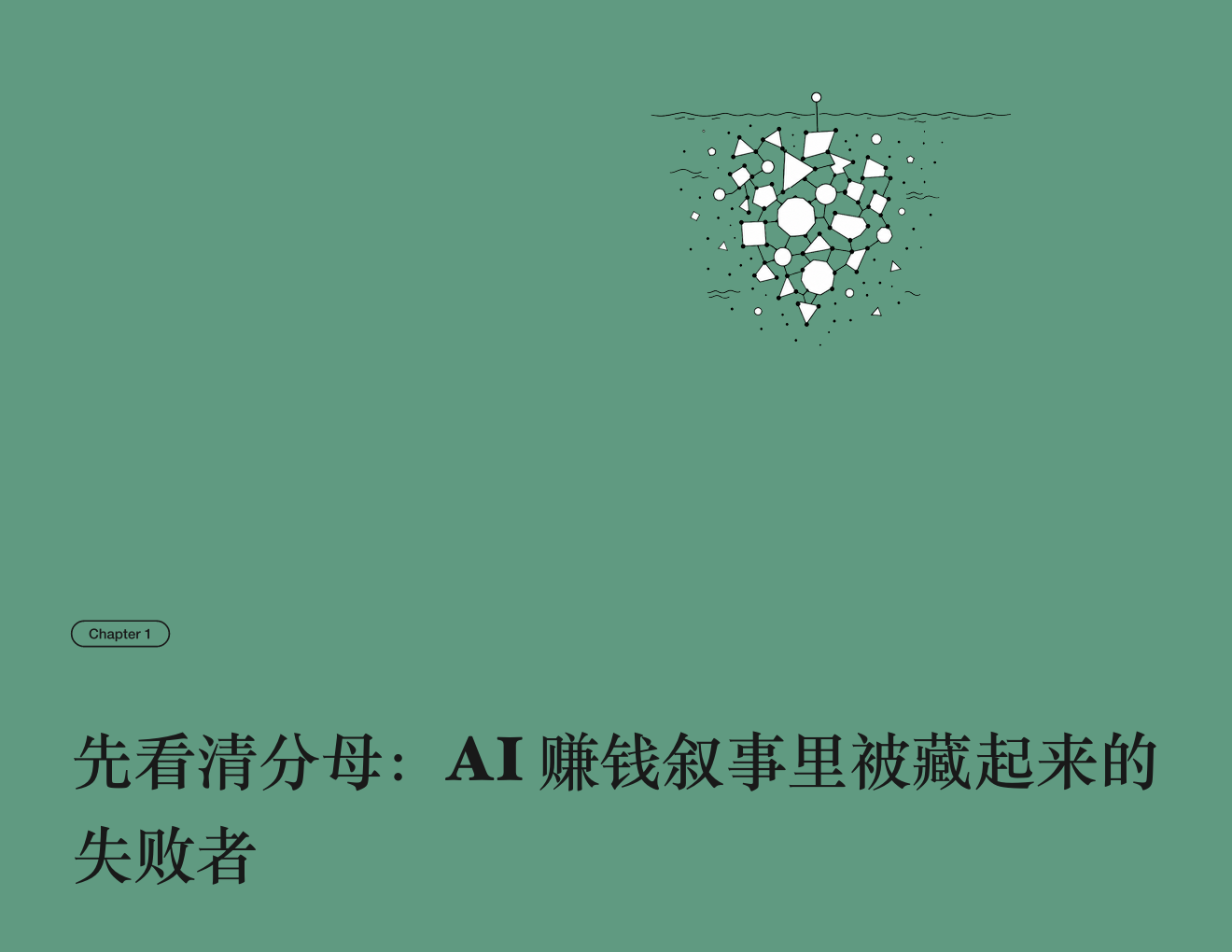
An agent skill that turns a topic into a fully-designed, print-ready PDF book — researched outline, per-chapter writing, cover, table of contents, per-chapter illustrations, polished typesetting, and a fact-check pass. Works with any coding-agent environment (Claude Code, Codex, …).
把一个主题,经「广泛调研定目录 → 逐章并行写作 → 配封面与插画 → Typst 精排 → 事实核查与统稿」,做成一本封面、目录、插画、排版俱全、可直接出片的 PDF 书。
这是一个 agent skill:把它放进你的编码 agent 的 skills 目录,对它说「用 book skill 写一本《XX》」即可。它与具体工具无关——Claude Code、Codex 等都能用(用谁的子代理/并行机制都行,不支持并行就顺序做)。
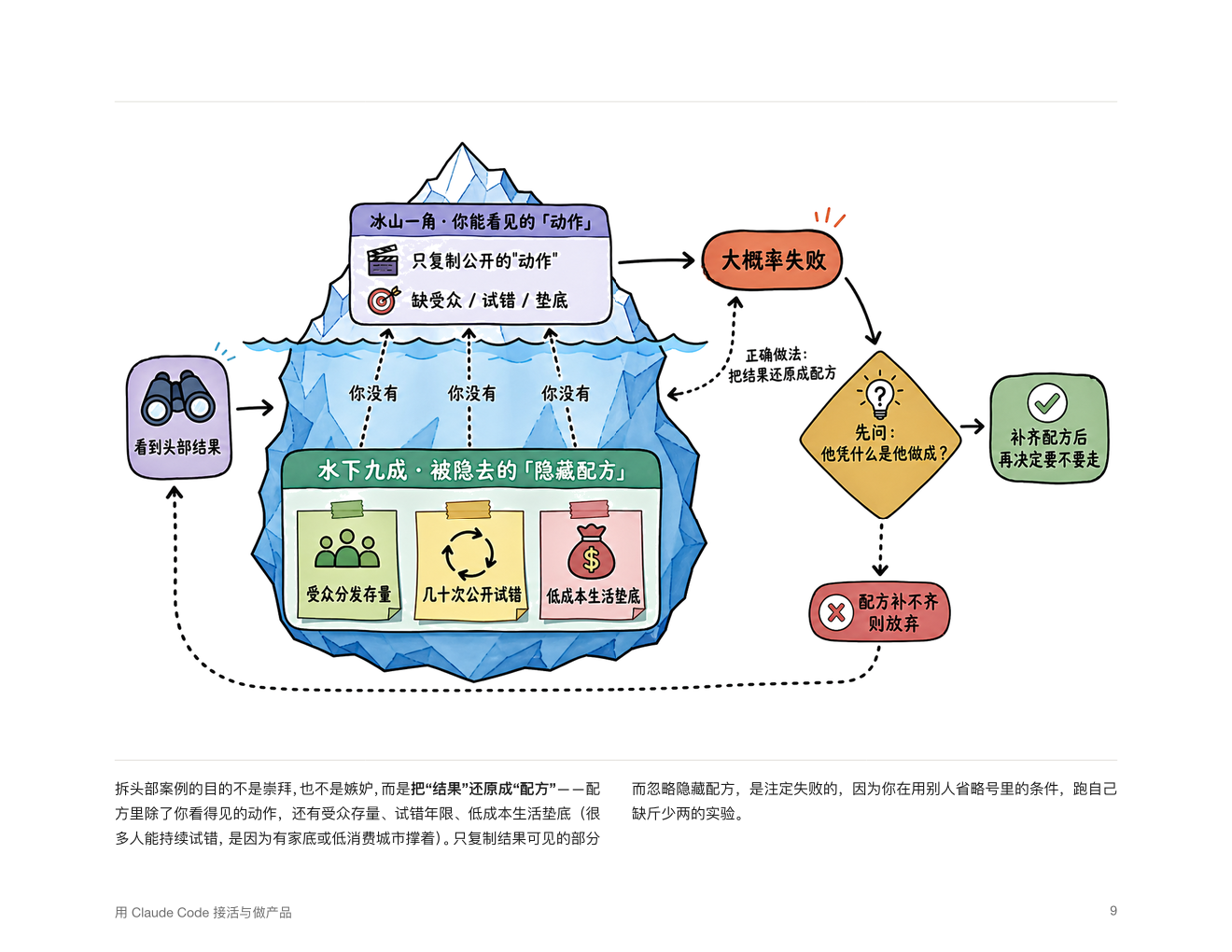
以下为用本 skill 生成的一本示例书的真实页面。
| 封面 | 章节扉页(黑白连线插画 + 衬线大标题) |
|---|---|
每章一张彩色手绘信息图(手账 / sketchnote 风,纯白底,中文标签准确,各章不同):
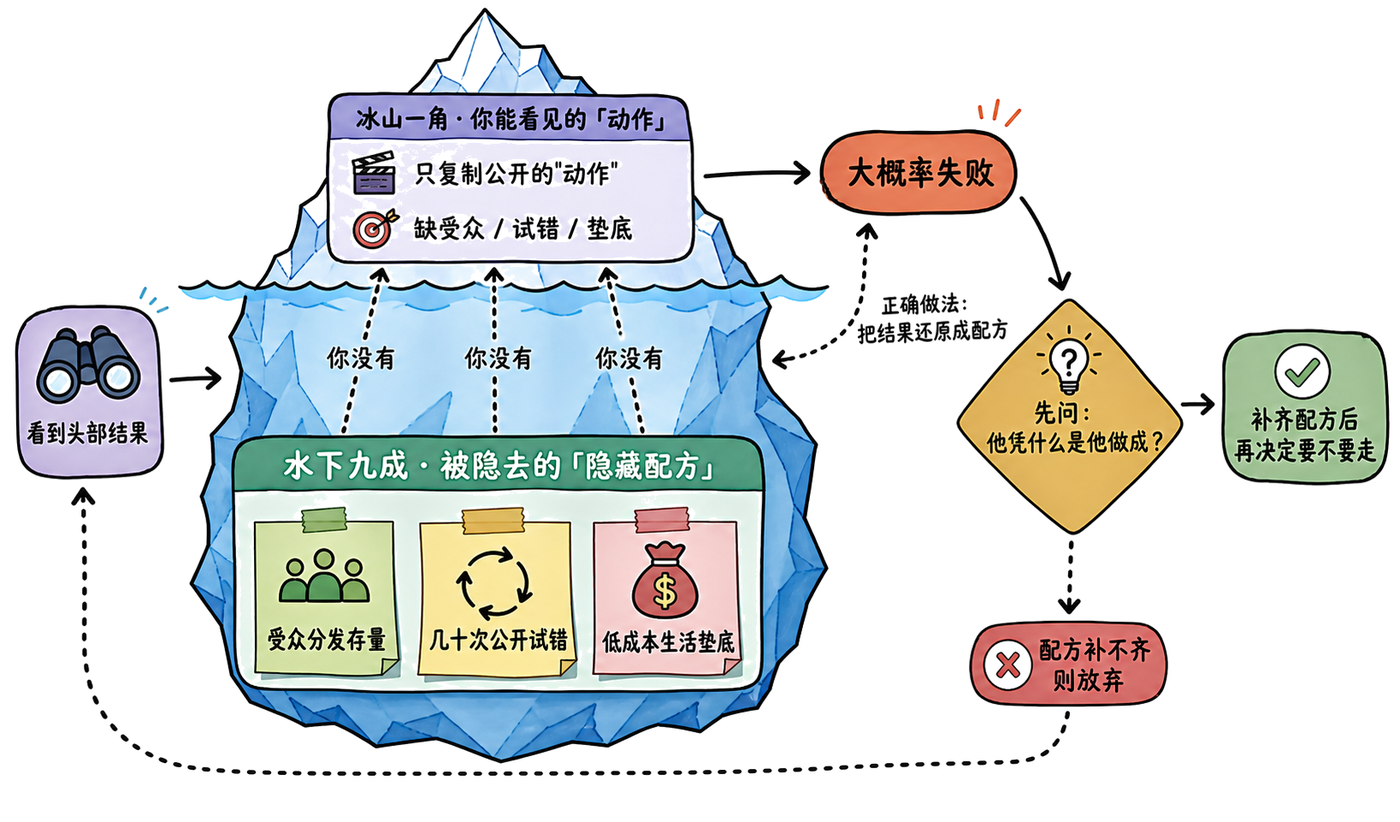
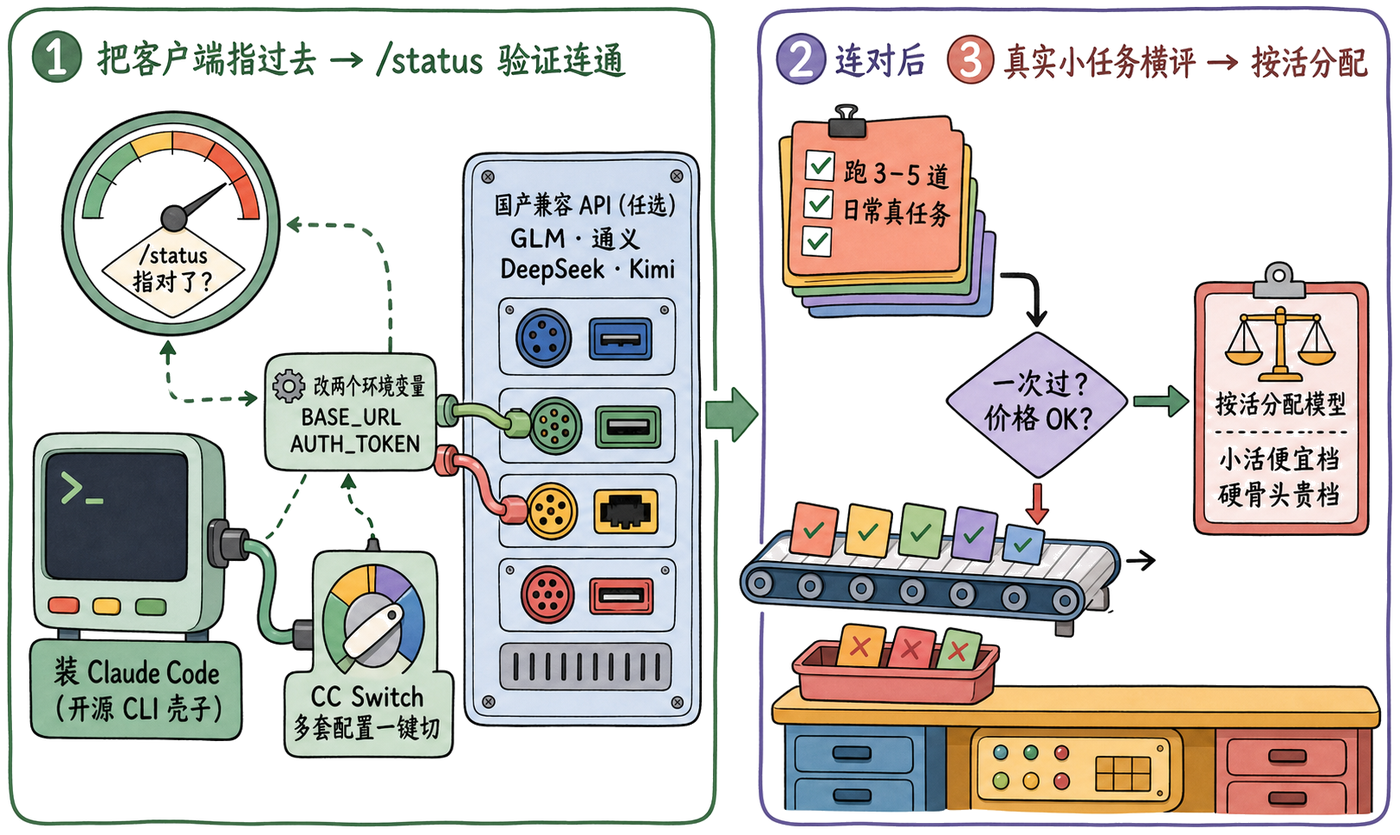
排版正文页(横版、双栏正文、跨页嵌入彩色信息图):
0 立项   → 和你对齐主题/读者/风格/是否插画
1 调研   → 多路并行调研一手来源 → 合成结构化目录(TOC),给你过目
2 写章   → 每章一个子任务:写 Typst 正文 + 自编译自修复到零错误
3 配图   → 章节扉页走极简线条插画;封面/精美图走升级路径
4 拼装   → build_book.py 拼出 book.typ → typst 编译 → 逐页抽查
5 核查   → 事实核查 + 统稿,多轮重编
详见 references/pipeline.md。
#diagram("name"))| 路线 | 何时用 | 怎么实现 |
|---|---|---|
#flow(...) | 线性三五步 | template 自带,极简 |
| Mermaid | 精确技术流程/状态机 | mmdc 渲染成 PNG |
| 插画信息图 | 要有趣/精致/比喻感(面向人的书首选) | 图像生成能力(如 codex)生成手绘彩色 sketchnote |
详见 references/diagrams.md、styles/<style>/infographic-prompt.md。
# 1) 放进你的 agent 的 skills 目录(Claude Code 为例)
git clone https://github.com/songhuichen7-jpg/book_skill ~/.claude/skills/book
# Codex 可放到 ~/.codex/skills/book

# 2) (可选,仅用 Mermaid 功能图时)装 mermaid-cli
cd ~/.claude/skills/book/tools && npm install @mermaid-js/mermaid-cli
然后在 agent 里:「用 book skill 写一本《主题》」。
typst — 排版编译(必需)。brew install typstcodex CLI(codex exec),也可换任意可用的图像生成 CLI/能力mmdc(mermaid-cli,可选)— 仅当用 Mermaid 功能图时;cd tools && npm install(会带一个 chromium)anthropic 风格默认用常见系统衬线/无衬线字体;缺字就在 styles/anthropic/template.typ 顶部换等价字体book/
├── SKILL.md # 入口:何时用、流程速查、配图决策
├── references/
│ ├── pipeline.md # 6 阶段流水线(主干,必读)
│ ├── template-api.md # 每章正文的写作契约 + 可用组件
│ ├── illustrations.md # 扉页插画:生图 → 色键抠透明
│ └── diagrams.md # 内文图三条路(flow / Mermaid / 插画信息图)
├── scripts/
│ ├── build_book.py # 从 toc.json 拼出 book.typ
│ ├── gen_illustrations.py # 逐章生图 + 抠透明(扉页线条插画)
│ ├── gen_infographics.py # 逐张生成彩色插画信息图(自动漂白底 + 失败重试)
│ ├── render_mermaid.py # Mermaid → PNG
│ └── chroma_key.py # 色键抠透明工具
├── styles/
│ ├── README.md # 风格契约 + 如何加新风格
│ └── anthropic/ # 内置风格:暖纸纯白 + 单一赤陶橙 + 衬线/无衬线
│ ├── template.typ # 风格契约的 Typst 实现(导出全部组件)
│ ├── style.md
│ ├── illustration-prompt.md # 扉页线条插画 art-direction
│ ├── infographic-prompt.md # 彩色插画信息图 art-direction
│ ├── mermaid-template.mmd / mermaid.css
└── tools/ # mermaid-cli(不入库,自行 npm install)
每本书选一个风格(styles/<name>/),决定全部视觉与排版口味。内置 anthropic。加新风格只需照 styles/README.md 的组件契约新建一套 template.typ + style.md + illustration-prompt.md,正文/流水线/脚本一字不用改。
whiten() 强制纯白;② 复杂长 prompt 会让生图超时/不出图 → prompt 精简 + 失败自动重试 + 只取本次新增图。MIT
Stars on GitHub
Gives Claude Code access to the prompts.chat library, letting you search, retrieve and improve AI prompt templates, and find and install Agent Skills from its registry.
@gh-fA Claude Code skill for generating editable PPTX presentations and slides from a workflow, with reusable brand, style, layout, and deck workspaces, native charts, speaker notes, and template filling.
 @hugohe3
Gives AI agents control over Word, Excel and PowerPoint files, with skills for building .docx reports, academic papers, Excel dashboards and Morph-style animated slides.
 @iofficeai
A skill that builds animation-rich HTML presentations from scratch or converts PowerPoint files to web slides. Useful for anyone turning a deck into a web presentation.
 @zarazhangrui
An agent skill that turns a topic into a designed, print-ready PDF book, with researched outline, per-chapter writing, illustrations, typesetting, and a fact-check pass. Install it with the command on its page. It includes book_skill. Its skills do not fire on their own yet. Free and open source.
Is this plugin yours?
Claim it with GitHubSubmit a pluginPromote it