


prompts.chat
MCPShips with promptschat: f.k.a. Awesome ChatGPT Prompts. Share, discover, and collect prompts from the community. Free and open…
 @gh-fInstall MCP
Ships with banana-claude: AI image generation skill for Claude Code - Creative Director powered by Gemini
Claude Code
> /plugin marketplace add AgriciDaniel/banana-claude> /plugin install banana-claude@banana-claude-marketplace
Codex
$ git clone https://github.com/AgriciDaniel/banana-claude
Clone the repository
Cursor
$ git clone https://github.com/AgriciDaniel/banana-claude
Clone the repository
Gemini CLI
$ git clone https://github.com/AgriciDaniel/banana-claude
Clone the repository
GitHub Copilot
$ git clone https://github.com/AgriciDaniel/banana-claude
Clone the repository
OpenCode
$ git clone https://github.com/AgriciDaniel/banana-claude
Clone the repository
Windsurf
$ git clone https://github.com/AgriciDaniel/banana-claude
Clone the repository
Security report
Not enough data
Known flaws
Not published
Signed build
Not published
Maintained
Nov 6, 2026
Last push
Licence
MIT
Runs as
Local process
On your machine
Deprecated
Not published
Signals from public registries, not an audit. Checked Nov 11, 2026.
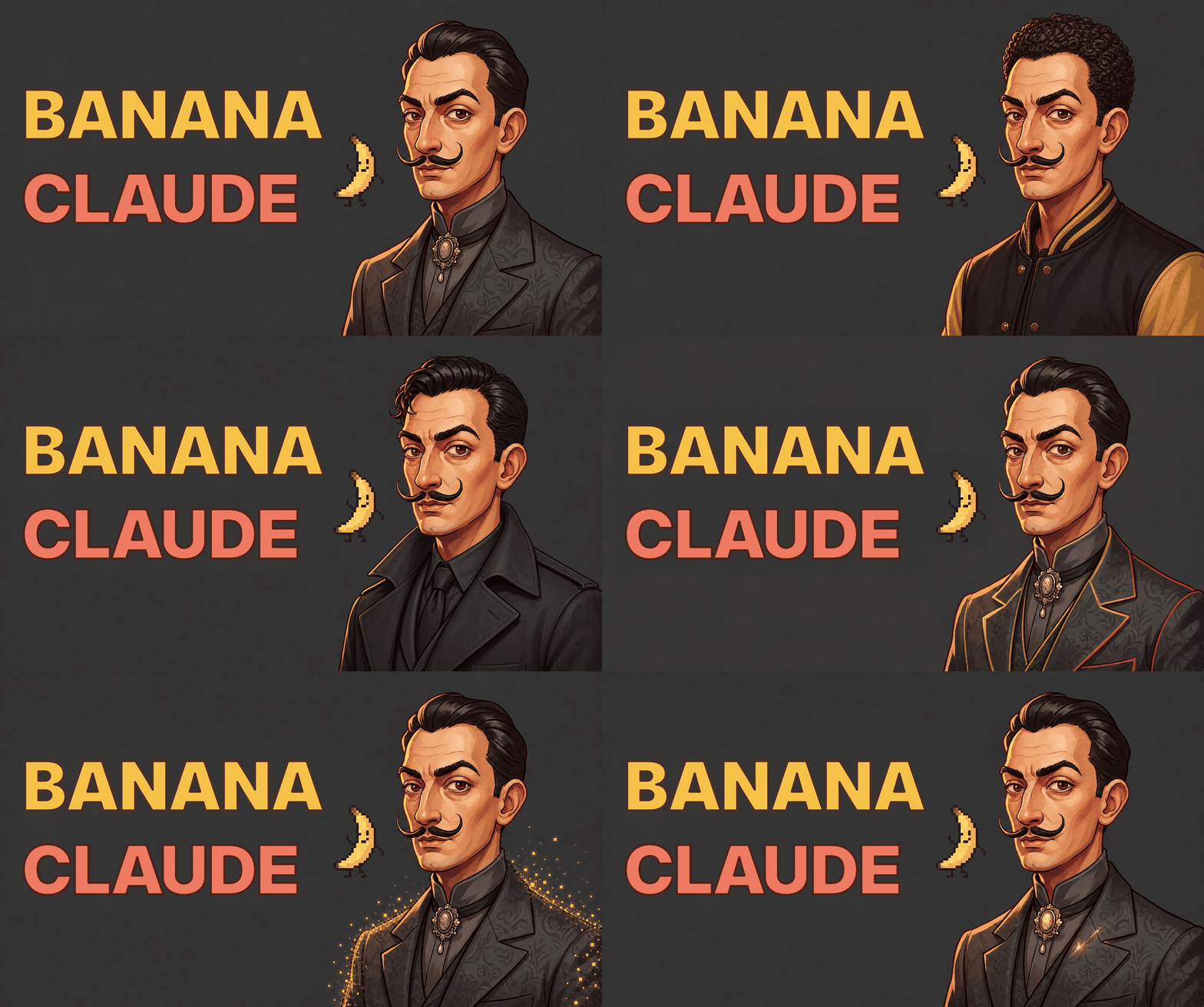
Create, edit, compare, and review Gemini images from Claude Code.

Banana Claude turns a plain-language creative request into a planned and reviewable Gemini image workflow. It shows the prompt, model, data settings, output destination, and nominal estimate before any paid request.
Requirements: Claude Code 2.1.199 or newer, Python 3.11 or newer with python3
on PATH, and a Gemini API key for a billing-enabled Google AI project.
Image generation and editing run on Linux and macOS. Native Windows is not yet
supported because output publication needs an atomic no-replace rename that the
client does not implement there; planning fails with
output_exclusive_rename_unavailable before any provider call. Use WSL on
Windows.
/plugin marketplace add AgriciDaniel/banana-claude
/plugin install banana-claude@banana-claude-marketplace
/plugin enable banana-claude@banana-claude-marketplace
/reload-plugins
Then ask for the image you want:
/banana-claude:banana generate an urban 16:9 GitHub hero with clean left-side copy space
Banana Claude plans offline first. Review the exact plan, then approve the paid request when it matches your intent.
Banana Claude routes across Google's current Nano Banana 2.1 (the default), Nano Banana 2 Lite, and Nano Banana Pro models, and keeps the deprecated Nano Banana 2 route only for 512 drafts. See the dated Gemini model reference for current capabilities and pricing.
Gemini output is probabilistic. Banana Claude cannot guarantee consistency, spelling, geometry, policy acceptance, rights clearance, or a final invoice. Those remain review conditions, not marketing claims.
Read Security and privacy before production use.
Contributions are welcome. Read CONTRIBUTING.md before opening a pull request. For help or a reproducible bug, open an issue without keys, private media, or full environment dumps.
MIT License, see LICENSE.
Built by Agrici Daniel, AI Workflow Architect.
Blog · AI Marketing Hub · YouTube · More open-source projects

Stars on GitHub
Ships with promptschat: f.k.a. Awesome ChatGPT Prompts. Share, discover, and collect prompts from the community. Free and open…
@gh-fInstall MCPShips with emdash: A full-stack TypeScript CMS built on Astro. EmDash takes the ideas that made WordPress dominant --…
 @emdash-cmsInstall MCP

