
Automation
Plugin
taisly-agent-kit
Free AI-first social media posting for short-form video.

Plugin Signal66/100Solid
maintained97
capable14
documented100
adopted50
Install
$ npx -y skills add taisly/agent --agent claude-code
Stats
221
Stars
4
Forks
Active
Maintenance
JavaScript
Language
MIT
License
5d ago
Last commit
4mo ago
Created
8d ago
Added
What's inside
Badges


README
Taisly Agent Kit
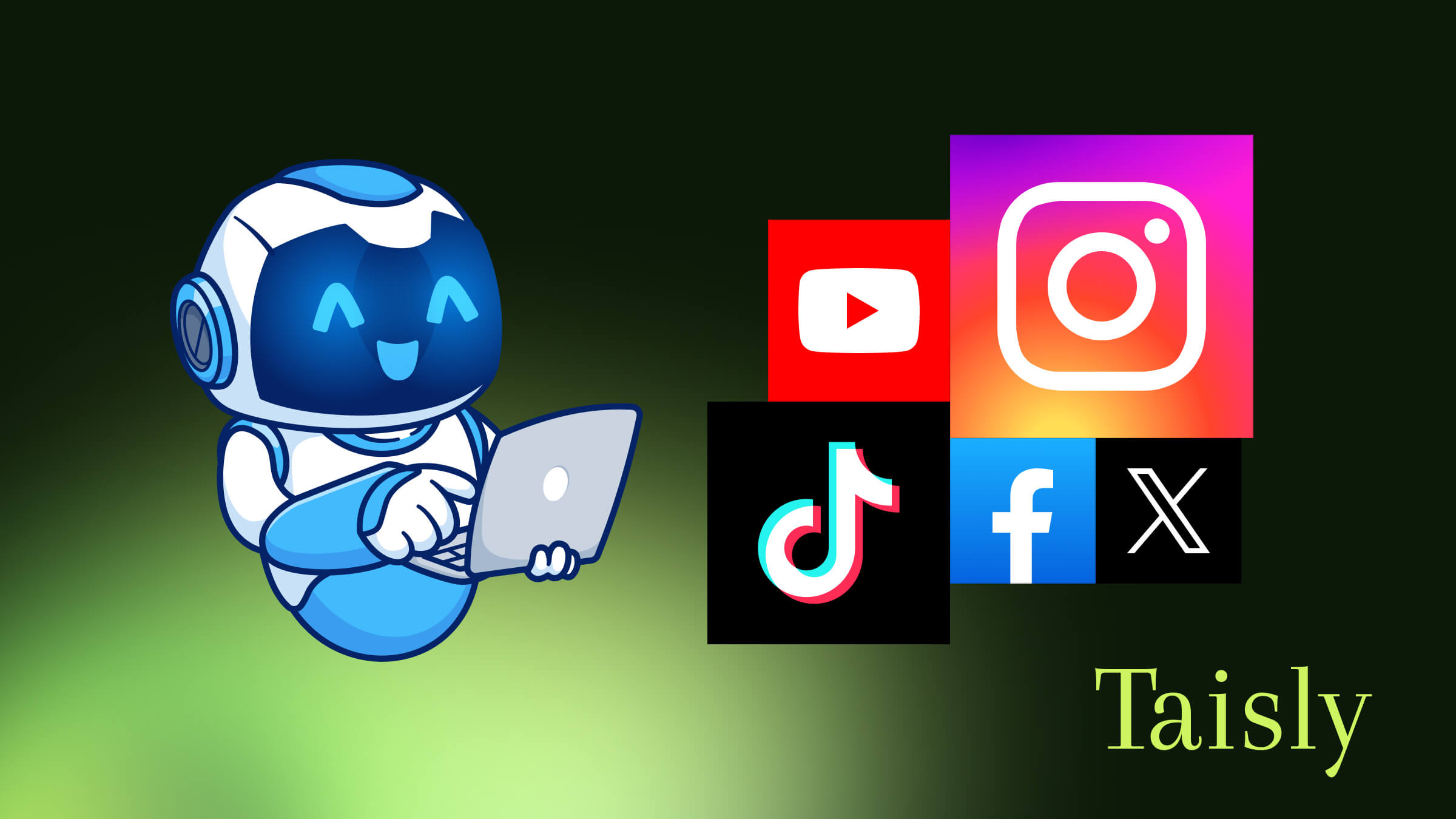
Free AI-first social media posting for short-form video. Taisly Agent Kit is a JSON-first SDK, CLI, Agent Skill, and MCP server that lets AI agents, developer tools, and automation workflows publish videos to TikTok, Instagram Reels, YouTube Shorts, X, Facebook, and other connected social platforms through Taisly.
Use it when your agent can create content, write captions, or prepare a campaign, but still needs a reliable video publishing API to put that content online. The package is free to install and designed to get an agent from idea to published video without building every platform integration yourself.
Website | Agent Kit | API Docs | npm | GitHub | MCP Registry | Glama | Guide
Languages
Read this guide in: English, Español, Deutsch, Français, Português, ไทย, 中文, Bahasa Indonesia, Русский, Nederlands, 한국어, 日本語, العربية, Türkçe, Polski.
Why developers use it
- Build AI agent social media posting into Codex, Claude Code, Cursor, OpenClaw, and custom automation tools.
- Automate video publishing from one local file to multiple connected social accounts.
- Give agents a safe JSON workflow: discover accounts, validate payloads, create posts, and check status.
- Add TikTok API posting automation, Instagram Reels automation, YouTube Shorts publishing, and cross-platform social media automation without building every platform integration yourself.
- Start free, then upgrade only when the publishing workflow grows.
Taisly handles the connected accounts and posting execution. Your agent handles planning, caption writing, campaign logic, or workflow orchestration.
Optional local workflows
- Install the package for free.
- Create or connect a Taisly account from your AI agent.
- Let the agent authenticate, connect social accounts, validate videos, and publish through a JSON-first workflow.
- Upgrade later when you need higher-volume publishing, larger account sets, or automatic repost workflows.
No credit card is required to get started. Paid plans are for teams and workflows that need more scale.
Agent Skill
This package includes the Taisly Social Media Posting Skill in SKILL.md. Use it with Claude Code, Codex, Cursor, OpenClaw, and other agents when you want the agent to understand the safe posting workflow before it touches live social accounts.
Recommended skill workflow:
auth -> platforms -> validate -> confirm -> create -> status
The skill tells agents to discover connected accounts, validate the post, ask for explicit user confirmation, create the post, and save the returned historyId for status checks.
Codex plugin
This package includes a Codex plugin manifest in .codex-plugin/plugin.json. The plugin points Codex to the canonical SKILL.md file and the official remote MCP server:
https://app.taisly.com/mcp
Use the plugin when you want Codex to discover both the posting workflow instructions and the Taisly MCP tools from one package. The root SKILL.md is the single source of truth for the agent workflow.
Connect an AI agent through remote MCP
Remote MCP is the default AI-agent connection. If Taisly tools are already available, call taisly_auth_status and taisly_platforms_list directly. OAuth provides access; do not install this package or ask for an API key for that connection.
Help me connect Taisly to this agent using the setup guide. Check access and list my connected social accounts. Do not publish anything during setup.

Full documentation: https://docs.taisly.com/docs/mcp
The remote server URL is https://app.taisly.com/mcp. Add it through your client's remote MCP and OAuth settings if needed. Human authorization or administrator approval may be required. On expiry, reconnect through OAuth rather than switching to the CLI.
Optional local package installation
Use the following package instructions for explicit SDK, CLI or local-file workflows. They are not remote MCP setup requirements.
npm install -g @taisly/agent
Or run it without a global install:
npx @taisly/agent help
Start the stdio MCP server:
npx @taisly/agent mcp
For local development inside this repository:
node packages/agent/src/cli.js help
Local package authentication
For the local package, browser setup can store a local credential without manually copying an API key. Use any short agent slug, for example claude-code, codex, cursor, windsurf, openclaw, hermes-agent, cline, or aider.
Help me set up Taisly Agent Kit.

1. Install the CLI: npm i -g @taisly/agent
2. Run taisly setup --agent <agent-slug> and send me the login URL so I can finish authentication.
3. Wait for me to finish login in the browser.
4. Run taisly checkin --agent <agent-slug>.
5. Tell me if Taisly is connected and ready. If not, tell me what failed.

If you cannot install or run the Taisly CLI in this environment, stop and tell me to open Taisly Settings instead.
The setup command stores a local Taisly agent credential, so later CLI and MCP commands can run without manually copying an API key.
Manual fallback: create an API key in Taisly Settings, then set:
export TAISLY_API_KEY="taisly_..."
Advanced: by default, the browser setup stores the local credential in ~/.taisly/config.json. Most users should not change this. Set TAISLY_CONFIG_HOME=/path/to/dir only for CI, tests, or isolated agent profiles that need a separate credential store.
Quick start
List the connected social accounts available to the API key:
taisly auth:status
taisly platforms:list
Connect a social account from an AI-agent flow:
taisly platforms:connect:start --platform instagram
# Open the returned connectUrl and finish authorization in the browser.
taisly platforms:connect:check --platform instagram
taisly platforms:list
Supported connect slugs: instagram, tiktok, youtube, x, facebook.
Validate a local video before publishing:
taisly posts:validate \
  --video ./launch.mp4 \
  --platforms platform_id_1,platform_id_2 \
  --description "Launch day"
Publish now:
taisly posts:create \
  --video ./launch.mp4 \
  --platforms platform_id_1,platform_id_2 \
  --description "Launch day"
Schedule for later:
taisly posts:create \
  --video ./launch.mp4 \
  --platforms platform_id_1,platform_id_2 \
  --description "Launch day" \
  --scheduled "2026-06-14T09:00:00+07:00"
Check the returned post:
taisly posts:status --id <historyId>
Posting settings
Discover supported options and accepted values for each destination platform:
taisly platforms:schema --platform TikTok
taisly platforms:schema --platform YouTube
Group options by platform name in settings. For example:
taisly posts:create \
  --video ./launch.mp4 \
  --platforms your_tiktok_platform_id,your_youtube_platform_id \
  --description "Product walkthrough" \
  --settings '{"TikTok":{"status":"PUBLIC_TO_EVERYONE"},"YouTube":{"title":"Product walkthrough","status":"unlisted"}}'
With --json, put the same object in the input file's settings property. SDK
calls accept settings as an object. For remote or local MCP, discover options
with taisly_platform_schema and pass settings to both taisly_posts_validate
and taisly_posts_create. The HTTP API accepts a JSON-encoded settings form field.
| Platform | Settings | Meaning |
|---|---|---|
| TikTok | status | PUBLIC_TO_EVERYONE, MUTUAL_FOLLOW_FRIENDS, FOLLOWER_OF_CREATOR, or SELF_ONLY, subject to the account's available visibility options. |
| TikTok | comment_disabled, duet_disabled, stitch_disabled | Boolean switches; true disables the interaction. |
| TikTok | brand_content_toggle | Boolean; discloses a paid partnership promoting a third-party business. Cannot be combined with SELF_ONLY. |
| TikTok | brand_organic_toggle | Boolean; discloses promotion of the creator's own business. Both brand switches may be enabled together. |
| TikTok | is_aigc | Boolean; true enables the native AI-generated content label. Omit to keep existing behavior, or explicitly pass false. |
| YouTube | title | Optional video title, up to 100 characters. Omit to use the post caption. |
| YouTube | status | public, private, or unlisted. |
For example, a public TikTok post promoting your own business and an unlisted YouTube post with its own title can share one request:
{
  "settings": {
    "TikTok": {
      "status": "PUBLIC_TO_EVERYONE",
      "brand_organic_toggle": true,
      "comment_disabled": false
    },
    "YouTube": {
      "title": "Product walkthrough",
      "status": "unlisted"
    }
  }
}
These settings work with --settings, --json, SDK calls, and both MCP servers,
for immediate and scheduled posts. They apply to all selected accounts on the
corresponding platform. Omitted fields keep the usual posting behavior. These
options apply only to the requested post. TikTok account restrictions still apply.
Every command prints JSON so agents can parse results without scraping terminal text.
MCP server
Taisly is published in the official MCP Registry as:
io.github.taisly/agent
Display name: Taisly Social Media Posting
Remote MCP endpoint:
https://app.taisly.com/mcp
The remote MCP server uses streamable HTTP and OAuth. Remote MCP tools can publish only from public videoUrl values because they cannot read local files from your machine.
Codex remote MCP setup:
codex mcp add taisly --url https://app.taisly.com/mcp
codex mcp login taisly
Claude Code remote MCP setup:
claude mcp add --transport http taisly https://app.taisly.com/mcp
Then ask Claude Code to verify the connection. If OAuth is needed, Claude Code can guide the browser login from the session. You can also authenticate explicitly with claude mcp login taisly if you want to complete the OAuth flow from the shell before using tools.
Taisly Agent Kit also includes a local stdio MCP server in the same package. Use local MCP when your agent needs to read local video files:
{
  "mcpServers": {
    "taisly": {
      "command": "npx",
      "args": ["@taisly/agent", "mcp"]
    }
  }
}
If you already use a manual API key, you can still pass TAISLY_API_KEY in the MCP server env block.
Codex local MCP setup:
codex mcp add taisly -- npx @taisly/agent mcp
Claude Code local MCP setup:
claude mcp add taisly -- npx @taisly/agent mcp
Then ask the agent:
File tree
FAQ
taisly-agent-kit is a Claude Code plugin with 1 hand-picked skill, indexed on Flowy in the Automation category. Install it with the command on its page. It includes agent. Its skills do not fire on their own yet. Request auto-invocation to have Flowy route them as you prompt. Free and open source.
- What is taisly-agent-kit?
- Free AI-first social media posting for short-form video. Taisly Agent Kit is a JSON-first SDK, CLI, Agent Skill, and MCP server that lets AI agents, developer tools, and automation workflows publish videos to TikTok, Instagram Reels, YouTube Shorts, X,
- How do I install taisly-agent-kit?
- Run these in Claude Code: npx -y skills add taisly/agent --agent claude-code. Then prompt normally.
- Does taisly-agent-kit auto-invoke its skills?
- Not yet. It is indexed on Flowy as a plain plugin. Request auto-invocation on its page and Flowy will route its skills for you as you prompt.
- Is taisly-agent-kit free?
- Yes. Flowy is free and open source, with nothing gated. You can read every skill in full before you install.
Is this plugin yours?
Claim it with GitHubSubmit a pluginPromote it