
Productivity
Plugin
inbox-zero
The world's best AI personal assistant for email. Open source app to help you reach inbox zero fast.

Plugin Signal89/100Strong
maintained100
capable69
documented100
adopted87
Install
$ npx -y skills add elie222/inbox-zero --agent claude-code
Stats
12,401
Stars
1,559
Forks
Active
Maintenance
TypeScript
Language
4h ago
Last commit
3y ago
Created
2m ago
Added
Repo: elie222/inbox-zero
What's inside
Skill(25 skills)
Agent(2 agents)
reviewerUse when implementation is complete and PR-ready to review the current diff for security, DRY opportunities, simplicity, and abstraction quality.inbox-zero-api-cliInspect or update Inbox Zero rules and analytics through the public API CLI. Use when tasks involve rules, stats, or API-driven automation.
README
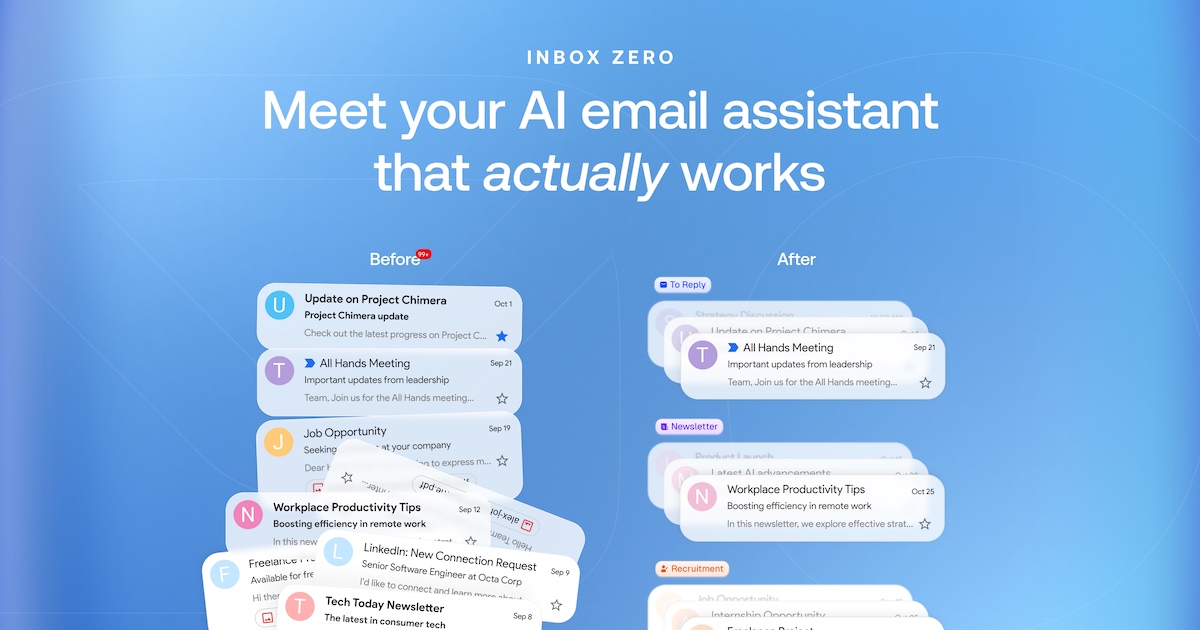




Mission
To help you spend less time in your inbox, so you can focus on what matters most.
Features
- AI Personal Assistant: Organizes your inbox and pre-drafts replies in your tone and style.
- AI Rules for email: Explain in plain English how your AI should handle your inbox.
- Reply Zero: Track emails to reply to and those awaiting responses.
- Bulk Unsubscriber: One-click unsubscribe and archive emails you never read.
- Bulk Archiver: Clean up your inbox by bulk archiving old emails.
- Cold Email Blocker: Auto‑block cold emails.
- Email Analytics: Track your activity and trends over time.
- Meeting Briefs: Get personalized briefings before every meeting, pulling context from your email and calendar.
- Smart Filing: Automatically save email attachments to Google Drive or OneDrive.
- Slack & Telegram Integration: Chat with your AI assistant from Slack or Telegram to manage your inbox without leaving the apps you already use.
Learn more in our docs.
Feature Screenshots
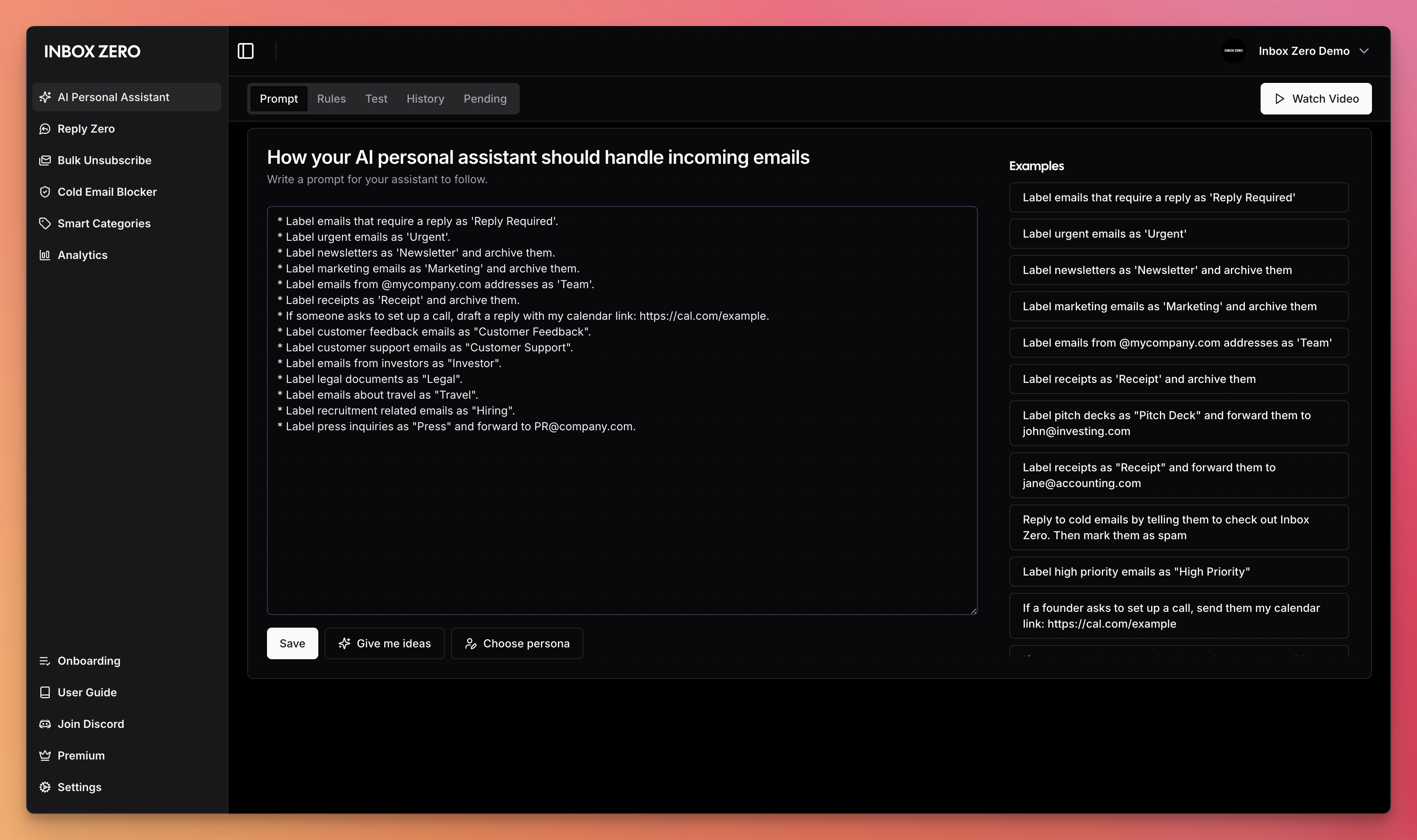 | 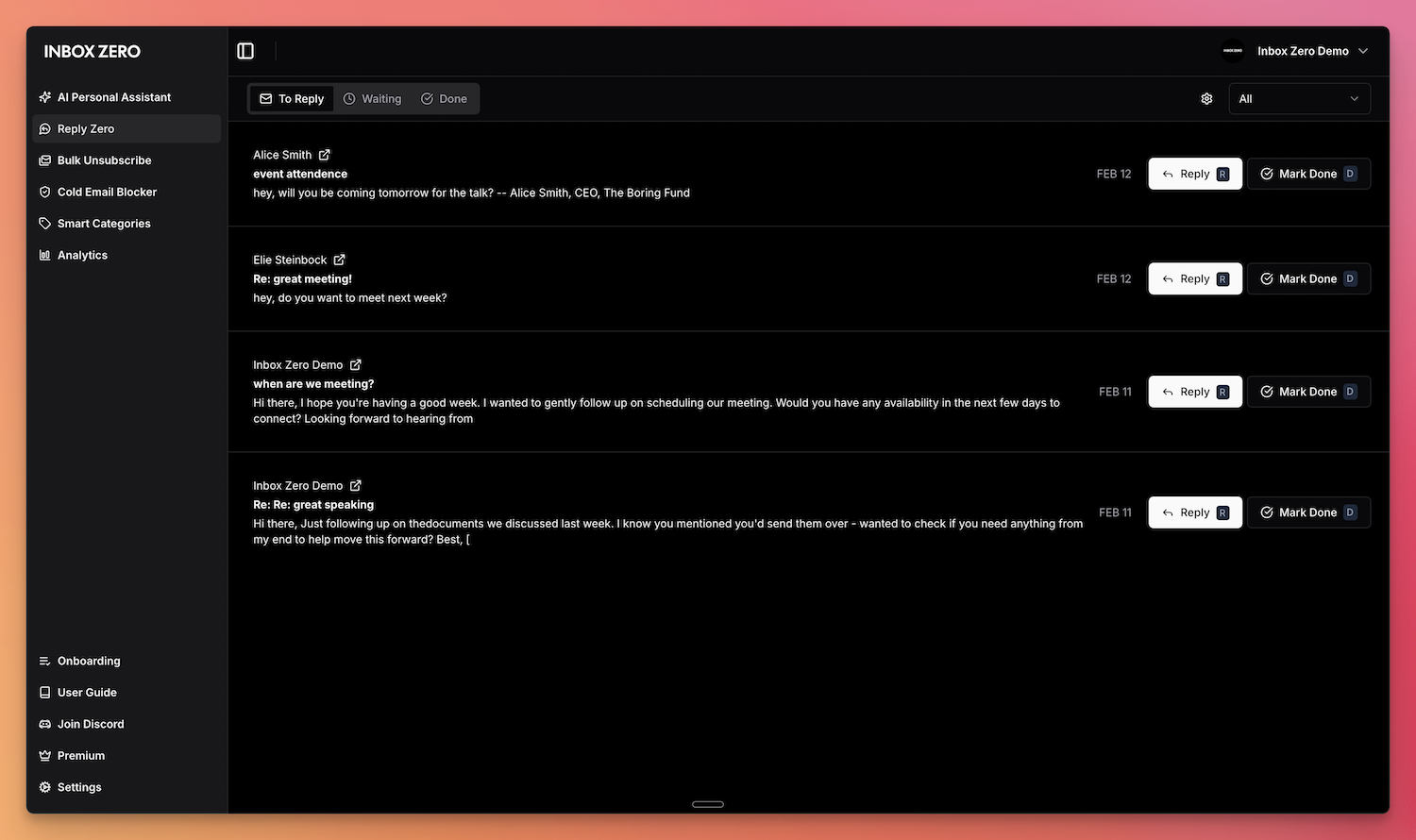 |
|---|---|
| AI Assistant | Reply Zero |
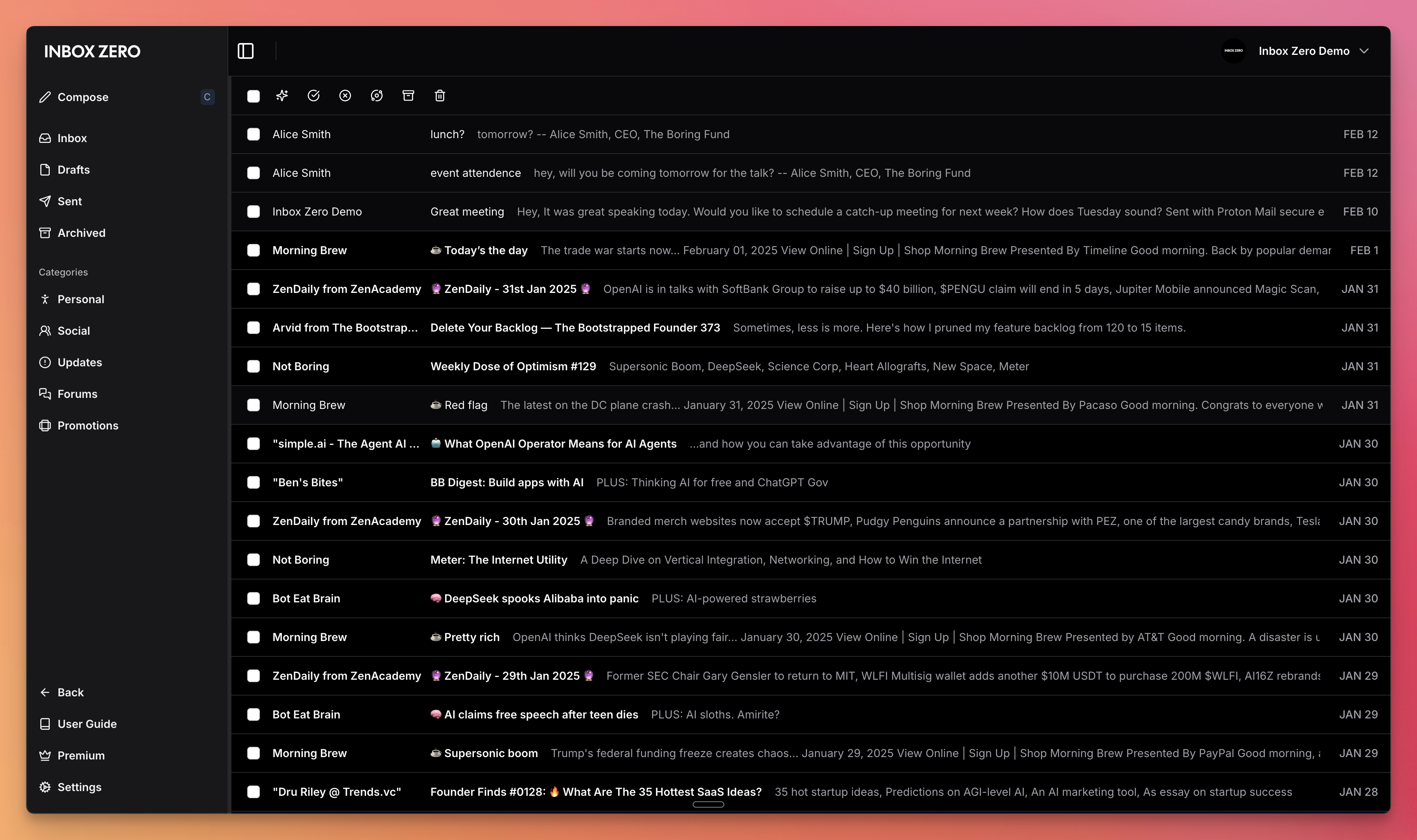 | 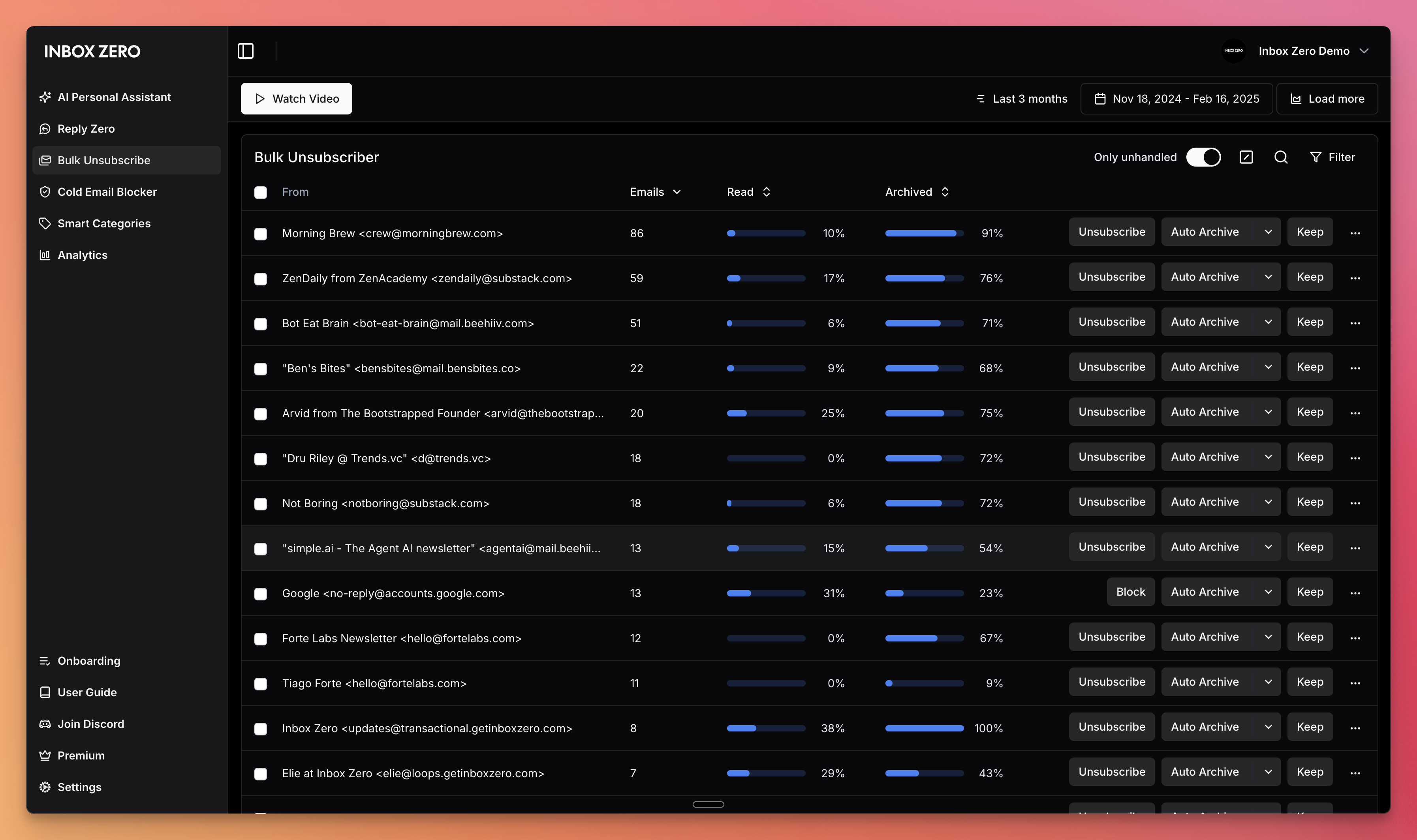 |
| Gmail client | Bulk Unsubscriber |
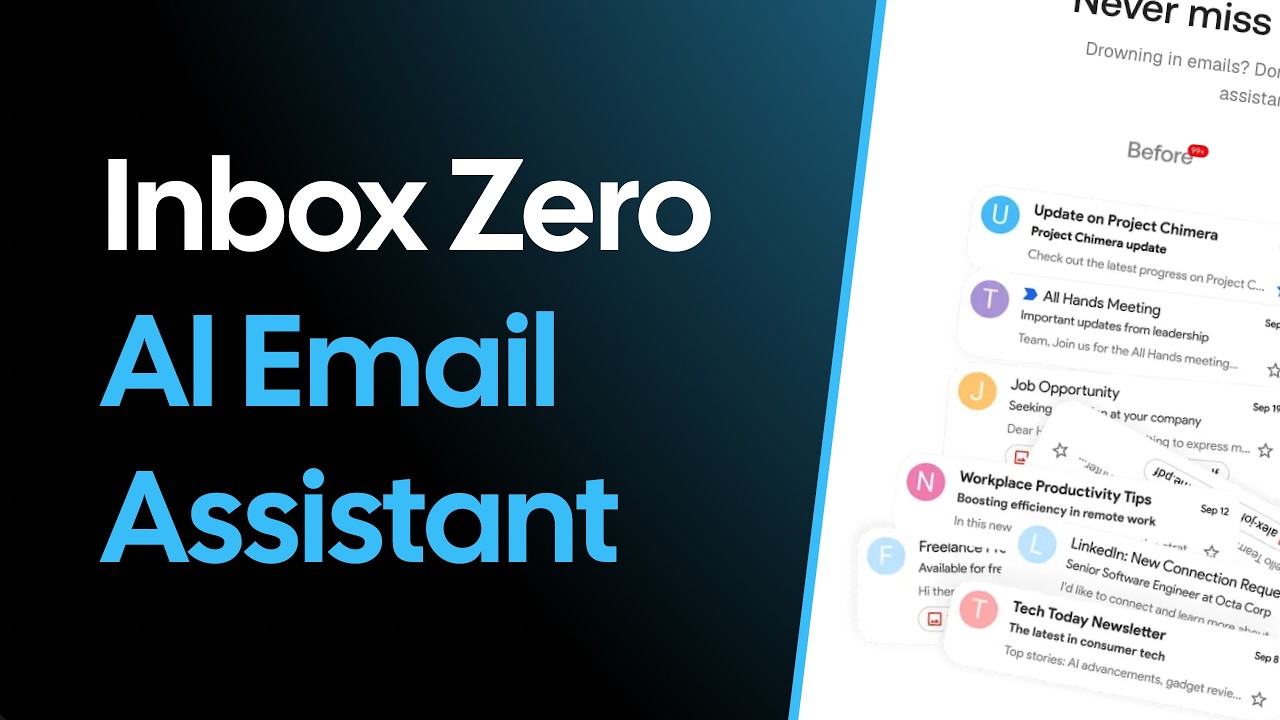
Demo Video
Built with
Star History
Feature Requests
To request a feature open a GitHub issue, or join our Discord.
Getting Started
We offer a hosted version of Inbox Zero at getinboxzero.com.
Self-Hosting
The fastest way to self-host Inbox Zero is with the CLI:
npx @inbox-zero/cli setup      # One-time setup wizard
npx @inbox-zero/cli start      # Start containers
Open http://localhost:3000
For complete self-hosting instructions, production deployment, OAuth setup, and configuration options, see our Self-Hosting Docs.
Local Development
git clone https://github.com/elie222/inbox-zero.git
cd inbox-zero
docker compose -f docker-compose.dev.yml up -d   # Postgres + Redis
pnpm install
npm run setup                                     # Interactive env setup
cd apps/web && pnpm prisma migrate dev && cd ../..
pnpm dev
Open http://localhost:3000
After pnpm install, if you want to use the local Google emulator, start it with:
docker compose -f docker-compose.dev.yml --profile google-emulator up -d
Then point apps/web/.env at it with:
GOOGLE_BASE_URL=http://localhost:4002
GOOGLE_CLIENT_ID=emulate-google-client.apps.googleusercontent.com
GOOGLE_CLIENT_SECRET=emulate-google-secret
If you want to use the local Microsoft emulator, start it with:
docker compose -f docker-compose.dev.yml --profile microsoft-emulator up -d
Then point apps/web/.env at it with:
MICROSOFT_BASE_URL=http://localhost:4003
MICROSOFT_CLIENT_ID=emulate-microsoft-client-id
MICROSOFT_CLIENT_SECRET=emulate-microsoft-secret
See the Contributing Guide for more details including devcontainer setup.
Contributing
View open tasks in GitHub Issues and join our Discord to discuss what's being worked on.
Docker images are automatically built on every push to main and tagged with the commit SHA (e.g., elie222/inbox-zero:abc1234). The latest tag always points to the most recent main build. Formal releases use version tags (e.g., v2.26.0).
File tree
Showing a partial view of a very large repo.
FAQ
inbox-zero is a Claude Code plugin with 25 hand-picked skills for productivity work, indexed on Flowy. Install it with the command on its page. It includes agent-browser, changelog, cloud-dev-environment. Its skills do not fire on their own yet. Request auto-invocation to have Flowy route them as you prompt. Free and open source.
- What is inbox-zero?
- The world's best AI personal assistant for email. Open source app to help you reach inbox zero fast.
- How do I install inbox-zero?
- Run these in Claude Code: npx -y skills add elie222/inbox-zero --agent claude-code. Then prompt normally.
- Does inbox-zero auto-invoke its skills?
- Not yet. It is indexed on Flowy as a plain plugin. Request auto-invocation on its page and Flowy will route its skills for you as you prompt.
- Is inbox-zero free?
- Yes. Flowy is free and open source, with nothing gated. You can read every skill in full before you install.
Is this plugin yours?
Claim it with GitHubSubmit a pluginPromote it