
Finance
Plugin
alpha-vantage-mcp
alpha-vantage-mcp is a Claude Code plugin with 1 hand-picked skill, indexed on Flowy in the Finance category.

Plugin Signal63/100Solid
maintained88
capable14
documented100
adopted50
Install
$ npx -y skills add alphavantage/alpha_vantage_mcp --agent claude-code
What's inside
README
Alpha Vantage MCP Server
The official Alpha Vantage API MCP server enables LLMs and agentic workflows to seamlessly interact with real-time and historical stock market data through the Model Context Protocol (MCP). Add this server to your favorite apps such as Claude, Claude Code, Cursor, VS Code, and many more to give them access to comprehensive financial data.
Quickstart
To use the server, get your free Alpha Vantage API key, copy it to your clipboard, then follow the instructions below for the agentic tool/platform of your interest.
The Alpha Vantage functions are exposed directly as MCP tools. MCP clients discover the available tools with tools/list and invoke them with tools/call.
⭐ View MCP source code on Github
👉 Any questions? Please contact support@alphavantage.co
Connection Examples
Remote Server Connection (Recommended, OAuth):
https://mcp.alphavantage.co/mcp
When you connect, an authentication page opens where you enter and authorize your Alpha Vantage API key. If you would like to update/rotate the API key in the future, simple disconnect then reconnect the MCP server and enter the new key in the authentication page.
Remote Server Connection (Legacy, API key in URL, deprecated):
https://mcp.alphavantage.co/mcp?apikey=YOUR_API_KEY
Local Server Connection:
uvx marketdata-mcp-server YOUR_API_KEY
Setup Instructions by Platform
💬📊 Chatbots
Requirements:
- Any free or paid Claude account
📺 Watch the setup tutorial. (Click image below.)

Claude Remote Server Connection (Recommended, OAuth)
The Alpha Vantage MCP Server is already listed in Claude's official Connectors directory. Getting started is easy:
- Go to https://claude.ai/new#settings/customize-connectors (Web) or Settings → Connectors (Desktop)
- Click the "Add" button in the upper-right corner and choose "Browse connectors" in the dropdown menu
- Search for "Alpha Vantage" in the search box
- Click on the "Alpha Vantage MCP Server" tile returned by the search result
- Click "Connect" near the top-right of the page
- Enter your Alpha Vantage API key in the pop-up authentication page
- Click "Authorize Access"
If you would like to update/rotate the API key in the future, simply disconnect then reconnect to the MCP server and follow steps #6 and #7 again. This brief video shows the key rotation process:
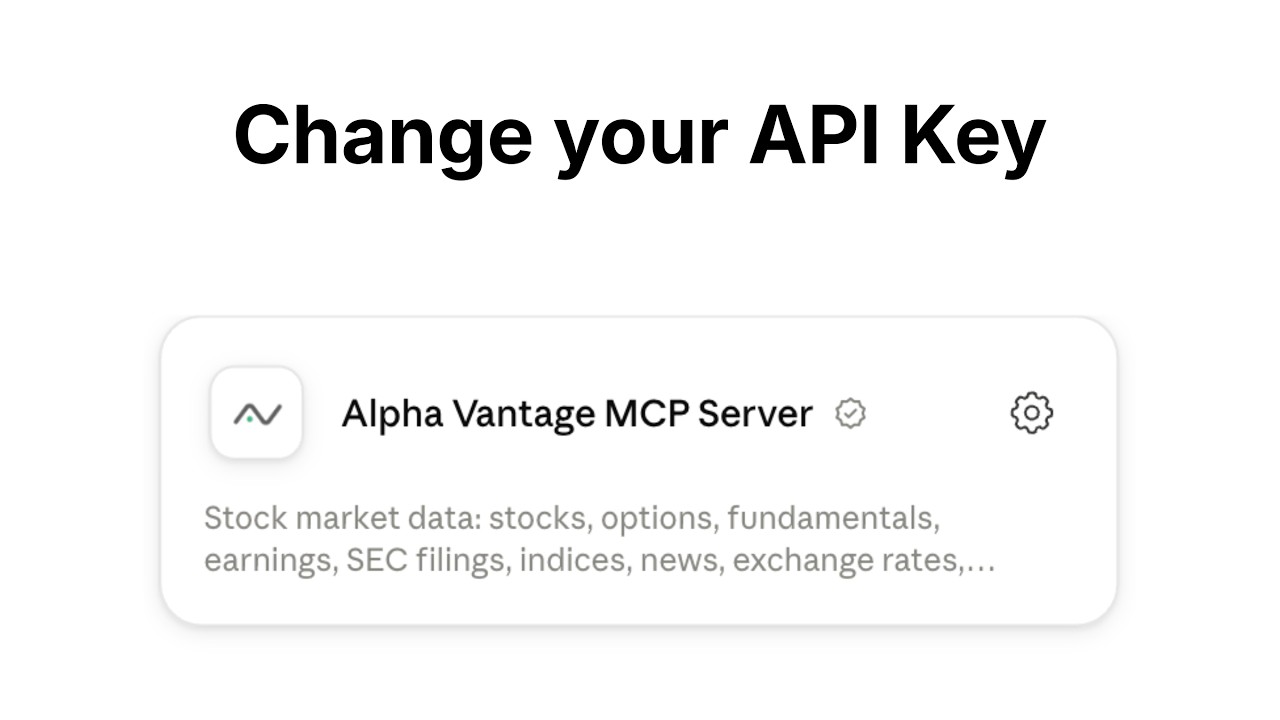
Claude Local Server Connection
See Claude Desktop MCP docs for more info.
Install uv (a modern Python package and project manager):
curl -LsSf https://astral.sh/uv/install.sh | sh
Open Claude Desktop developer settings and edit your claude_desktop_config.json file to add the following configuration:
{
  "mcpServers": {
    "alphavantage": {
      "command": "uvx",
      "args": ["marketdata-mcp-server", "YOUR_API_KEY"]
    }
  }
}
Replace YOUR_API_KEY with your actual Alpha Vantage API key.
Requirements:
- Any free or paid ChatGPT account
📺 Watch the setup tutorial. (Click image below.)
ChatGPT Remote Server Connection (Recommended, OAuth)
The Alpha Vantage MCP Server is already listed in ChatGPT's official app directory. Getting started is easy:
- In ChatGPT, click Plugins
- Type "Alpha Vantage" into the Search plugins bar
- Click the + (or Install) button on the Alpha Vantage result.
- Enter your Alpha Vantage API key in the pop-up authentication page
- Click "Authorize Access"
If you would like to update/rotate the API key in the future, simply disconnect then reconnect the MCP server and follow steps #4 and #5 again.
Test your connection with a sample query:
Give me last week's OHLCV data for IBM
📺 Below are a few examples of ChatGPT performing various stock analysis & charting tasks:
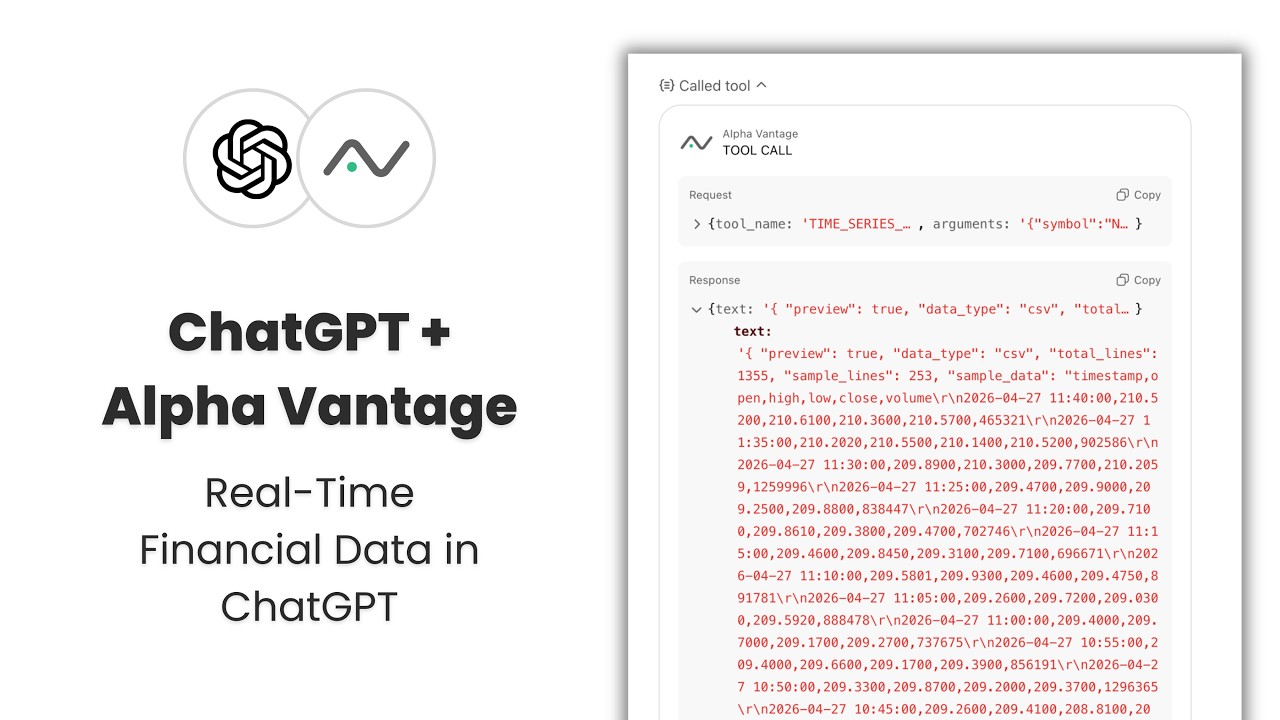
Requirements:
- SuperGrok (or higher tier)
Setup:
- Click the
+button → Connectors → Add connector → Custom - Name: Alpha Vantage MCP Server (or whatever you prefer)
- Server URL:
https://mcp.alphavantage.co/mcp?apikey=YOUR_API_KEY(replaceYOUR_API_KEYwith your actual Alpha Vantage API key). - Click Add Connector
🤖📈 Agentic systems
Requirements:
- Azure subscription with access to Azure AI Foundry
📺 Watch the setup tutorial. (Click image below.)

Microsoft Azure AI Foundry — Agent Service Connection
To connect a Foundry agent to this MCP server:
- Open your agent (or Create Agent from Home Dashboard) in Azure AI Foundry's Agent playground or Agent designer.
- In the Tools section of the agent configuration, click Add → Browse All Tools. Select the Catalog tab, then search for Alpha Vantage MCP Server or filter by Finance under the Category filter. Click Create.
- Configure the connection with the following settings:
- Name: Accept the default generated name, or enter your own
- (read-only) Remote MCP Server endpoint:
https://mcp.alphavantage.co/mcp - (read-only) Authentication: Key-based
- Credential — apikey: Enter your Alpha Vantage API key
- Click Connect.
Recommended Agent Instructions:
Add the following to your agent's system prompt to optimize performance:
You are a helpful financial agent with access to market data through Alpha Vantage MCP Server.
The Alpha Vantage functions (TIME_SERIES_DAILY, RSI, COMPANY_OVERVIEW, etc.) are exposed
directly as MCP tools. Call them by name with their parameters, e.g.
TIME_SERIES_DAILY(symbol="IBM", outputsize="compact").
Always use Alpha Vantage MCP Server for market data queries. Do not answer from prior knowledge or web search.
Requirements:
- Hermes Agent installed with the
hermesCLI available
Hermes Remote Server Connection (Recommended, OAuth)
Add the server and start the authorization flow:
File tree
FAQ
alpha-vantage-mcp is a Claude Code plugin with 1 hand-picked skill, indexed on Flowy in the Finance category. Install it with the command on its page. It includes global-stock-analysis. Its skills do not fire on their own yet. Request auto-invocation to have Flowy route them as you prompt. Free and open source.
- What is alpha-vantage-mcp?
- The official Alpha Vantage API MCP server enables LLMs and agentic workflows to seamlessly interact with real-time and historical stock market data through the Model Context Protocol (MCP).
- How do I install alpha-vantage-mcp?
- Run these in Claude Code: npx -y skills add alphavantage/alpha_vantage_mcp --agent claude-code. Then prompt normally.
- Does alpha-vantage-mcp auto-invoke its skills?
- Not yet. It is indexed on Flowy as a plain plugin. Request auto-invocation on its page and Flowy will route its skills for you as you prompt.
- Is alpha-vantage-mcp free?
- Yes. Flowy is free and open source, with nothing gated. You can read every skill in full before you install.
Is this plugin yours?
Claim it with GitHubSubmit a pluginPromote it